← All flows
Photo / Video

Adobe Express onboarding flow

20 screens · Screen Recording · recorded Nov 2026
Photo / VideoFreemiumpaywall: contextual blockedgoal settingminimal fast trackannual default with trialfeature list

Adobe Express pricing and paywall terms

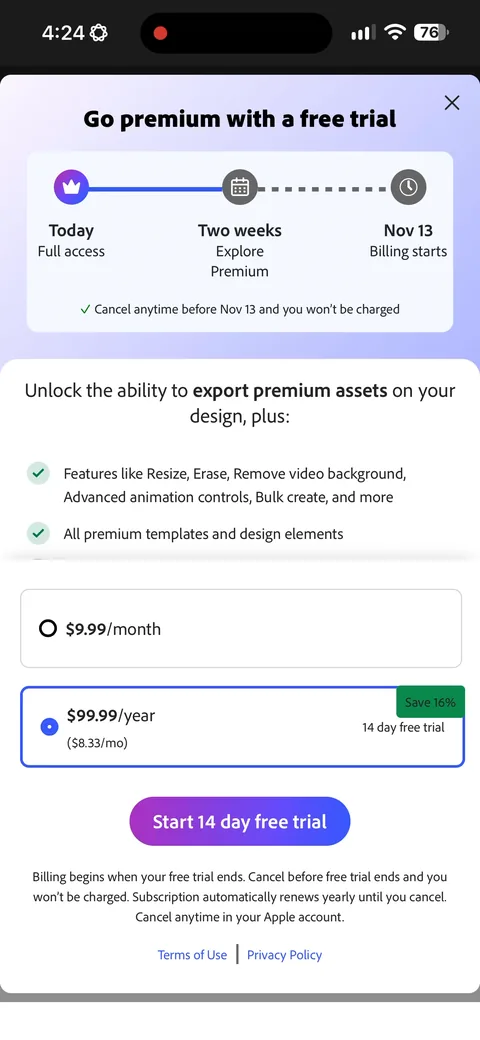
Yearly $99.99 ($8.33/mo) vs Monthly $9.99, 14-day free trial, annual preselected

Adobe Express onboarding screen 22
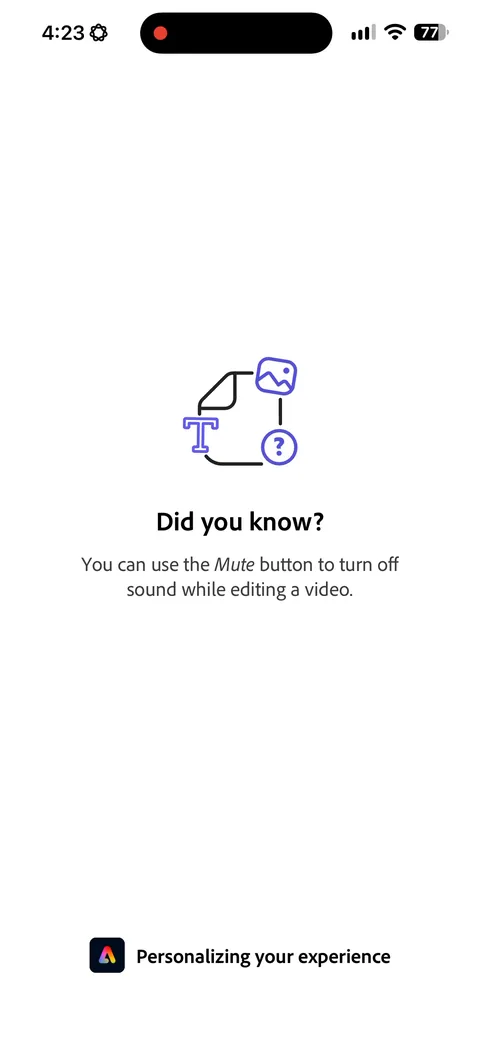
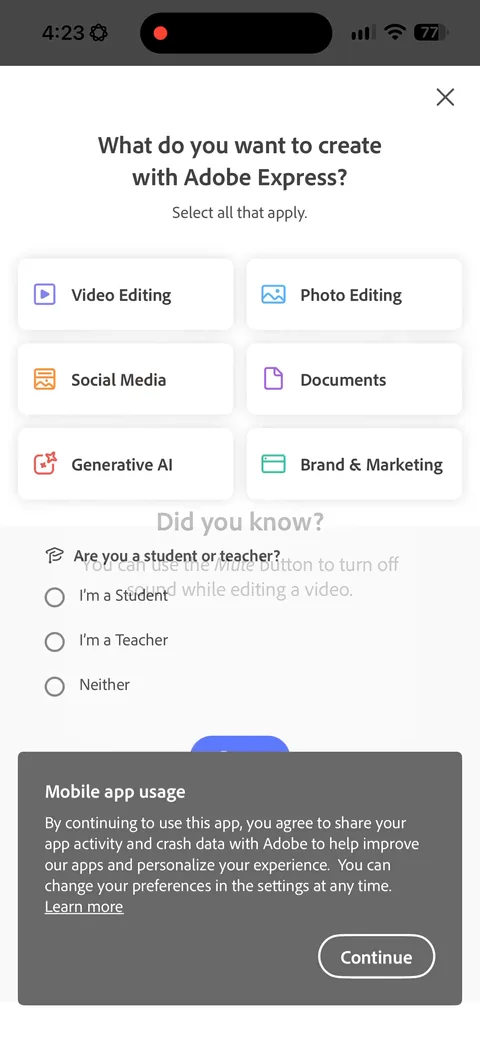
Adobe Express onboarding screen 3: A product tip while the personalization spinner runs3
A product tip while the personalization spinner runs. Dead time is cheap real estate, and teaching one small feature beats a blank loader. The tip is random though, not tied to anything you picked, so it's decoration rather than onboarding.
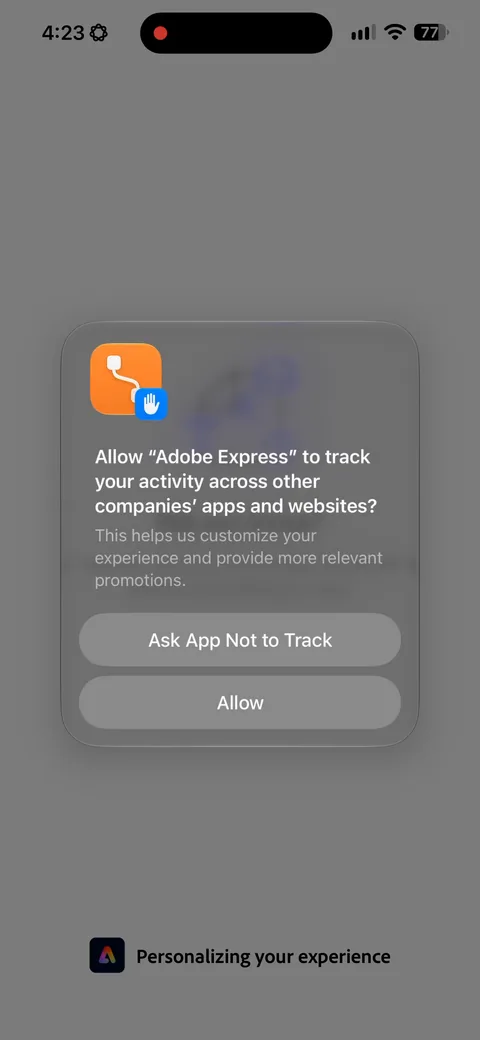
Adobe Express onboarding screen 4: The tracking prompt fires while the loading screen is still going, before you've done anything in the app4
The tracking prompt fires while the loading screen is still going, before you've done anything in the app. You'll get a better opt-in rate asking after someone has seen value, but Adobe wants the attribution signal early and is willing to pay for it.
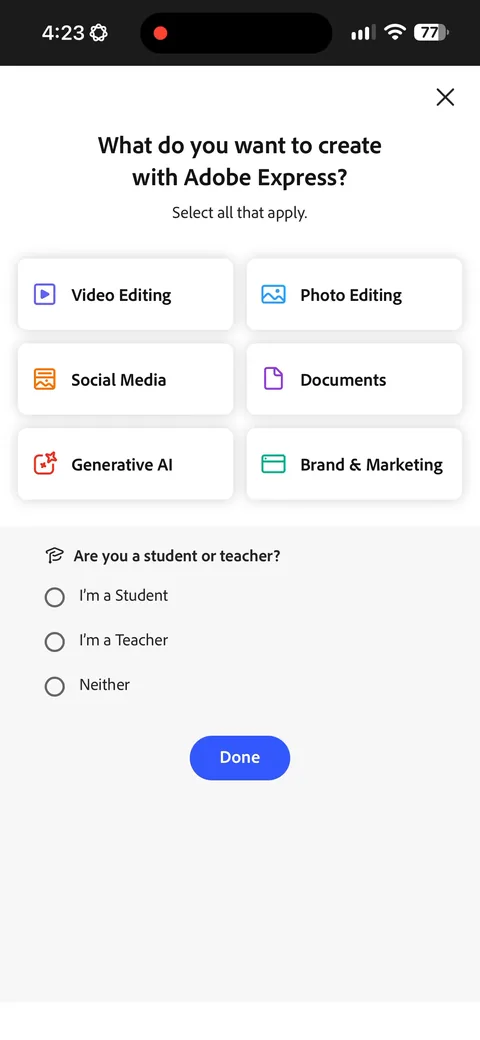
Adobe Express onboarding screen 5: Multi-select on what you want to create, which is right because most people do more than one of these5
Multi-select on what you want to create, which is right because most people do more than one of these. The student or teacher question underneath isn't personalization, it's pricing segmentation. Adobe has education pricing and they want to route you there before you ever see a number.
Adobe Express onboarding screen 66
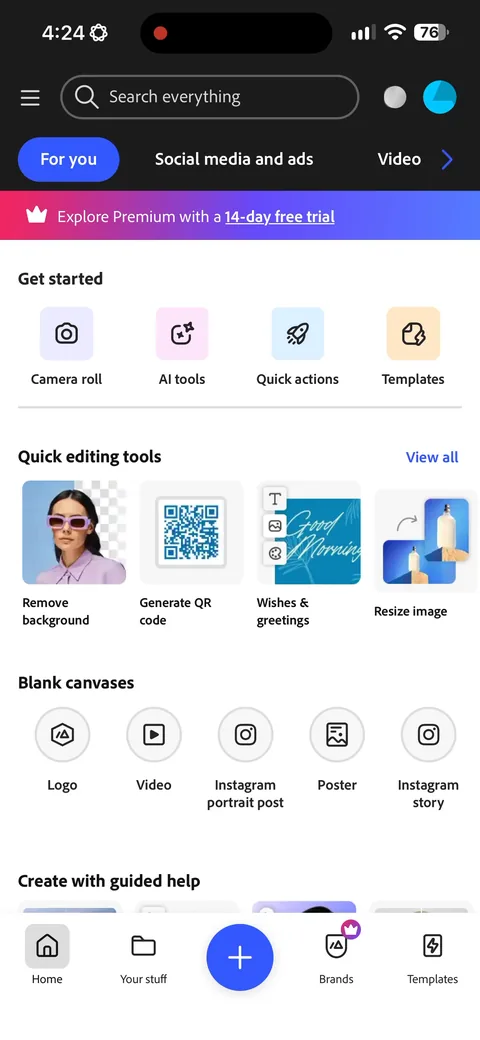
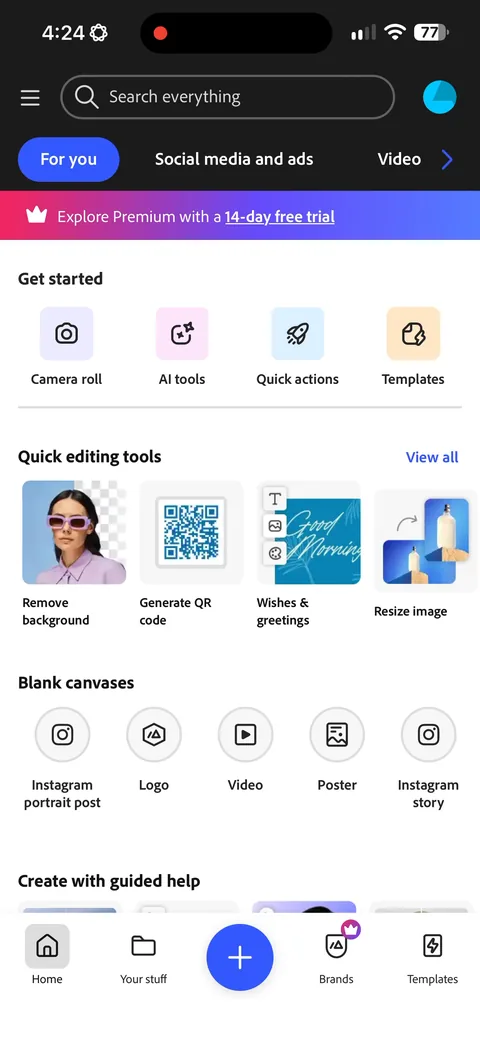
Adobe Express onboarding screen 7: No signup wall and no paywall7
No signup wall and no paywall. You land straight in the product with 'Explore Premium with a 14-day free trial' sitting in a banner. For a tool this broad that's the right call, because the paywall means nothing until you've tried to do something it blocks.
Adobe Express onboarding screen 88
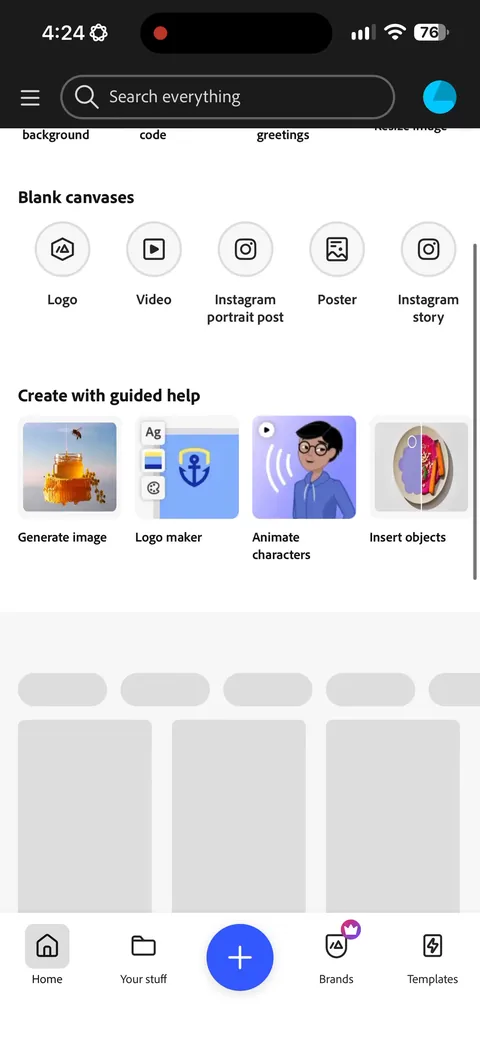
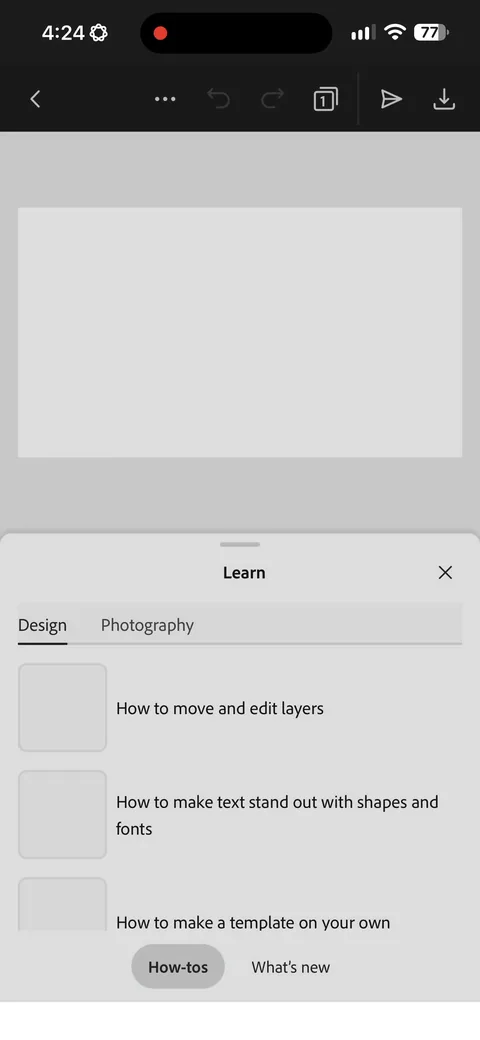
Adobe Express onboarding screen 9: A Learn sheet with how-tos the moment you land9
A Learn sheet with how-tos the moment you land. Express is a deep tool and the real risk is you open it and don't know what to make. This is activation guidance, but a dismissible sheet gets ignored by most people. I'd test dropping them into one guided template instead.
Adobe Express onboarding screen 1010
Adobe Express onboarding screen 1111
100% free
10 more screens

See the rest of this flow.

You are 10 screens into Adobe Express. Enter your email to unlock the remaining 10, plus every other teardown in the library.
100% free, just your email.
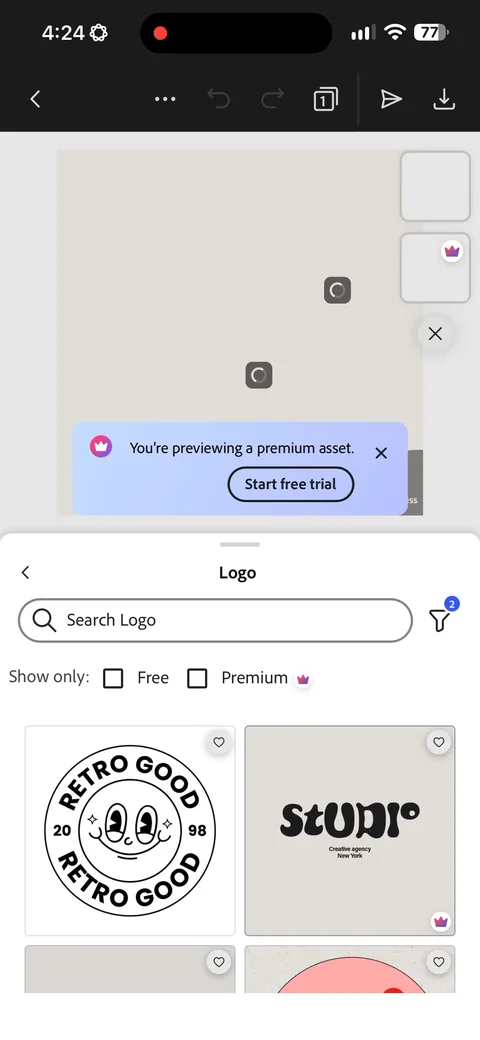
Adobe Express onboarding screen 12: 'You're previewing a premium asset' with a Start free trial button12
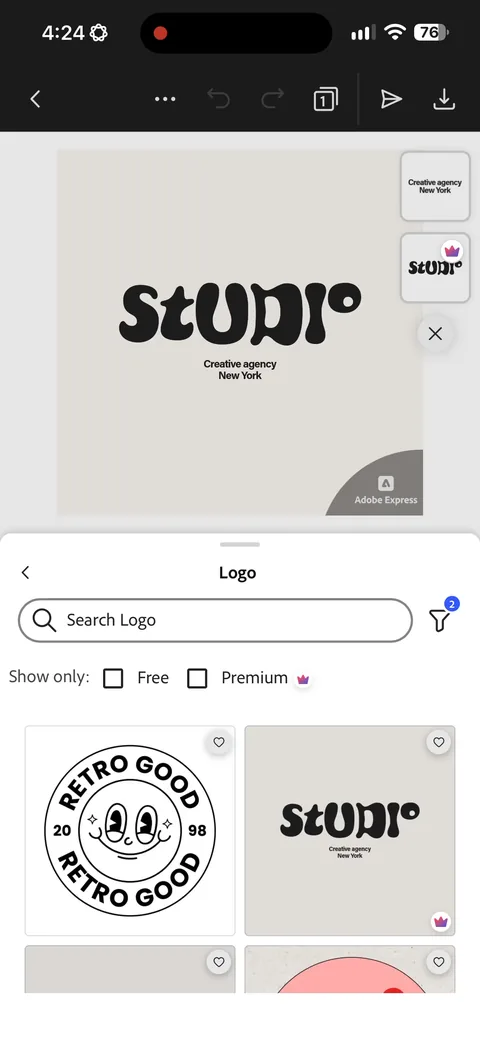
'You're previewing a premium asset' with a Start free trial button. The paywall trigger is tied to a specific thing you just reached for, so the ask arrives when you already want something. This converts better than a paywall on screen three because now there's a reason to pay.
Adobe Express paywall with pricing, onboarding screen 1313
Annual is preselected at $99.99/year ($8.33/mo) next to $9.99/month, so the year reads as pocket change per month. The Today / Two weeks / Nov 13 timeline spells out when billing starts, which takes the fear of forgetting off the table. 14 days is long for a tool you might only need once, and long trials leak revenue. I'd test 7 days against it.
Adobe Express onboarding screen 1515
Adobe Express onboarding screen 1616
Adobe Express onboarding screen 1717
Adobe Express onboarding screen 1818
Adobe Express onboarding screen 1919
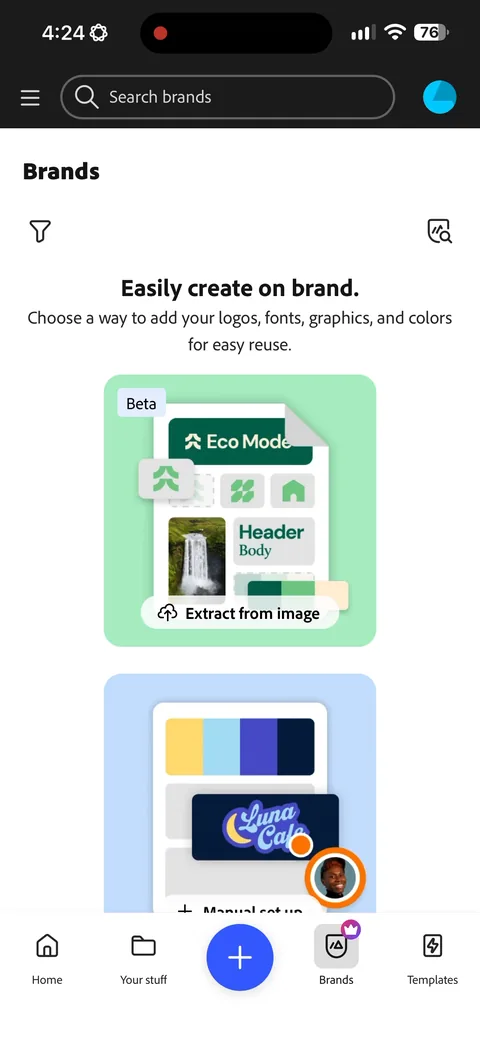
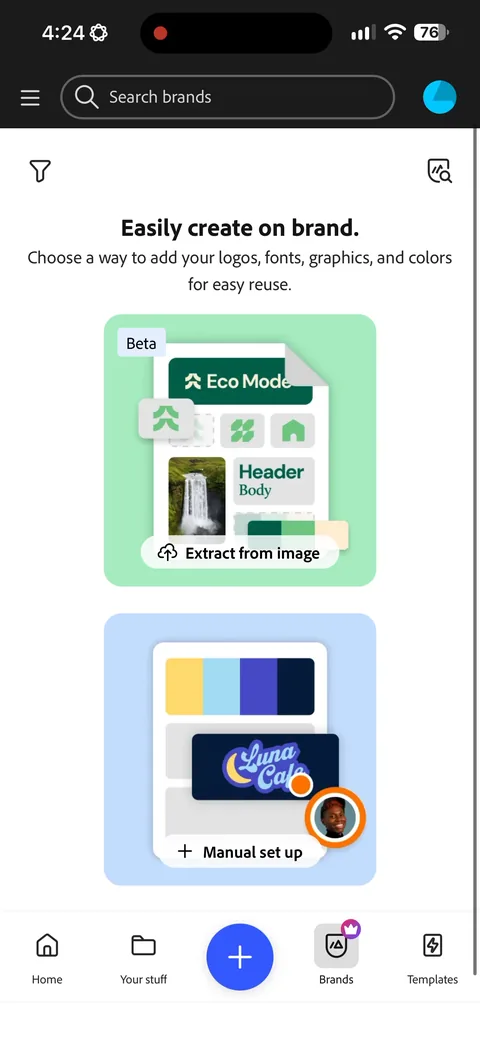
Adobe Express onboarding screen 20: 'Extract from image' pulls your logo, fonts and colors out of a picture20
'Extract from image' pulls your logo, fonts and colors out of a picture. That's a lot of perceived personalization for almost no work from the user, and it lands on the business segment they sorted for back on the first question.
Adobe Express onboarding screen 2121
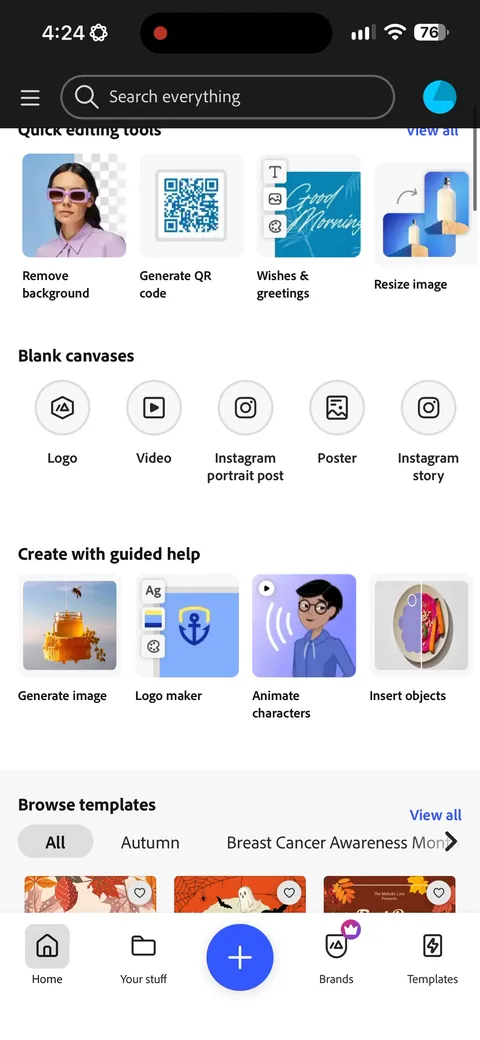
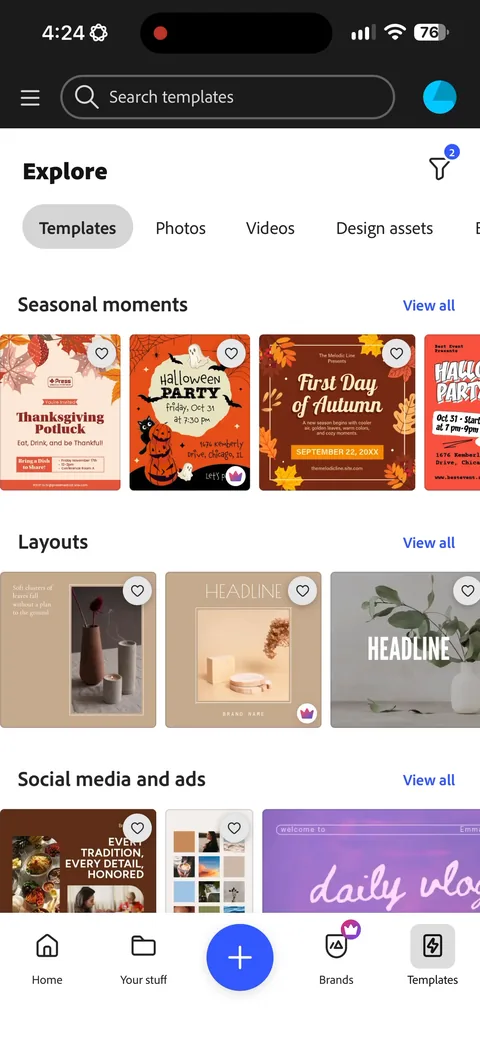
Adobe Express onboarding screen 22: Seasonal template rows (Black Friday, Thanksgiving) on the templates tab22
Seasonal template rows (Black Friday, Thanksgiving) on the templates tab. Timely content gives people a reason to open the app when they don't already have a project in mind, which is the hard part for a tool like this.