← All flows
Photo / Video

AI Home Decor (Interior Design) onboarding flow

46 screens · Screen Recording · recorded Nov 2026
Photo / VideoSoft paywall · trial optionalpaywall: pre signupvalue prop carouselpermissions firstone plan onlyfeature listdiscount countdown timerpricing anchor strikethrough

AI Home Decor (Interior Design) pricing and paywall terms

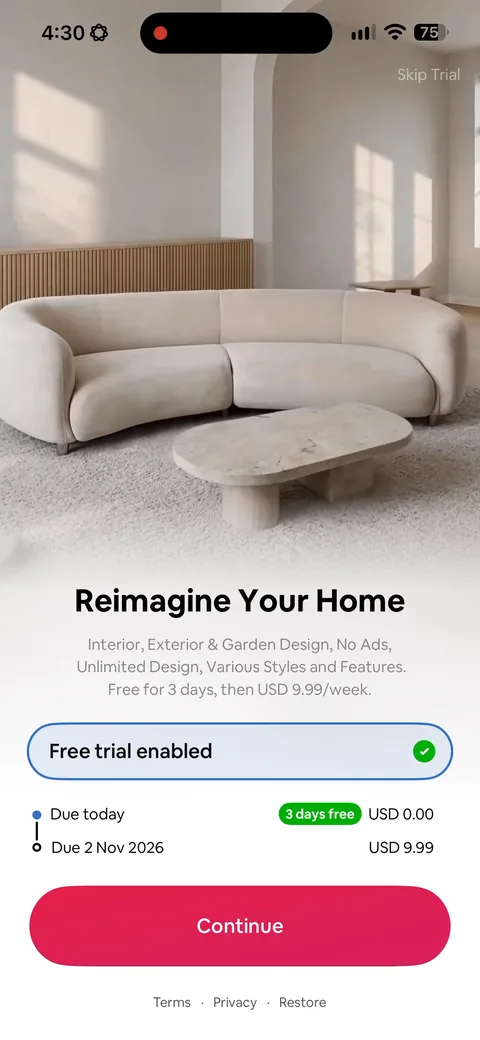
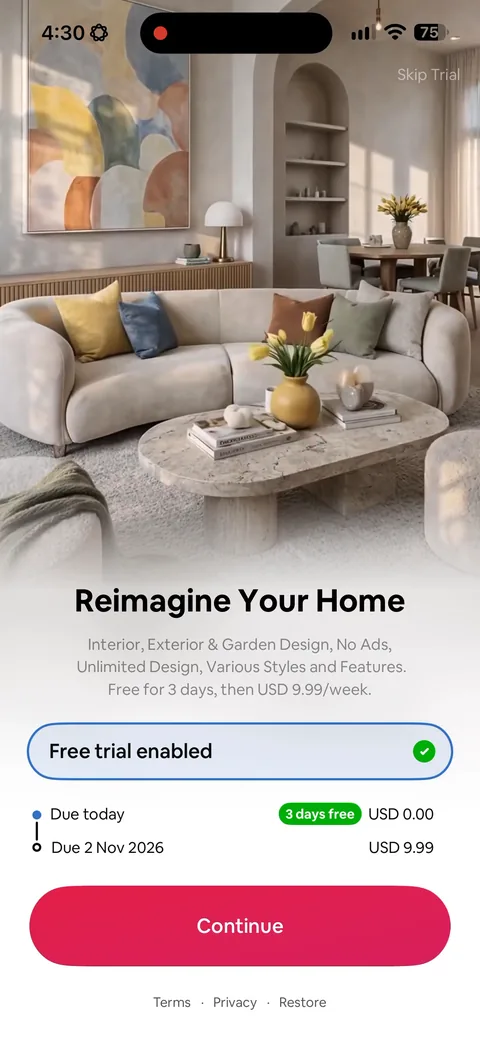
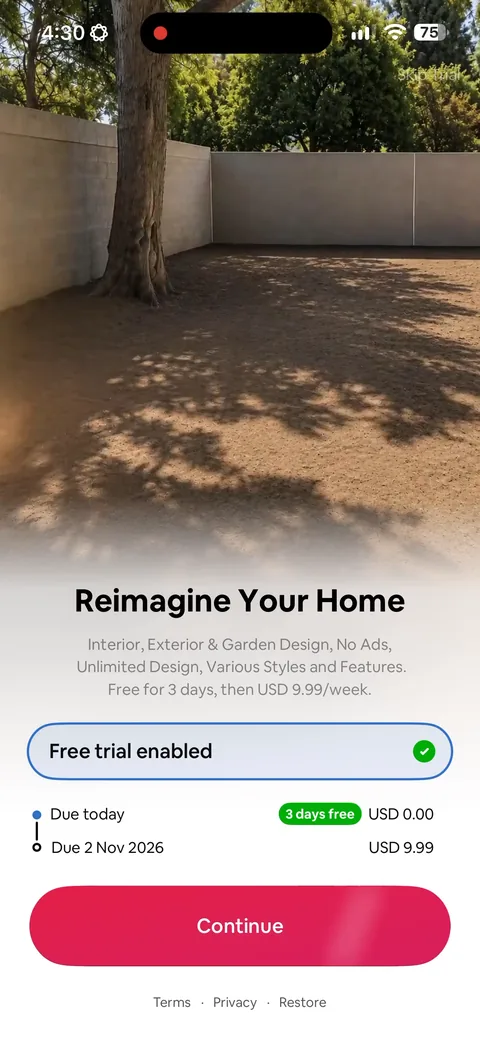
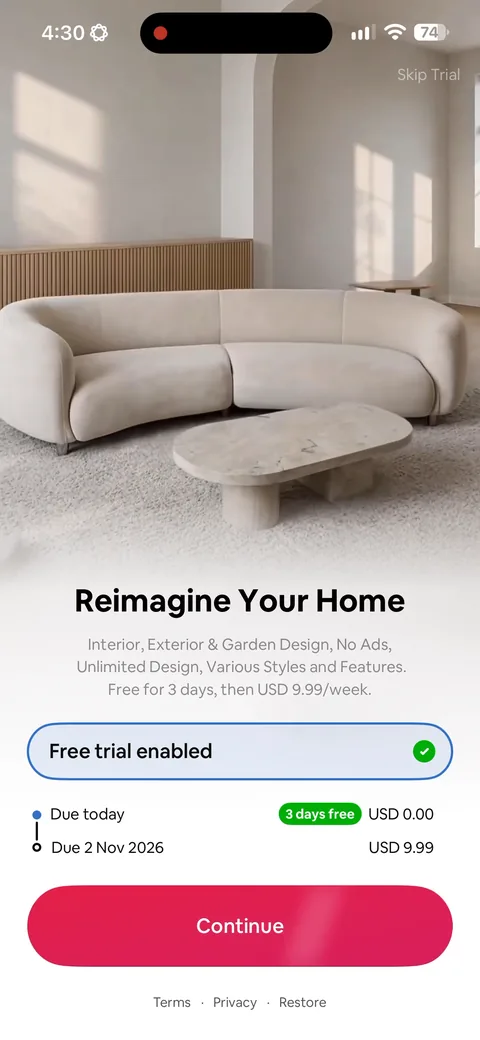
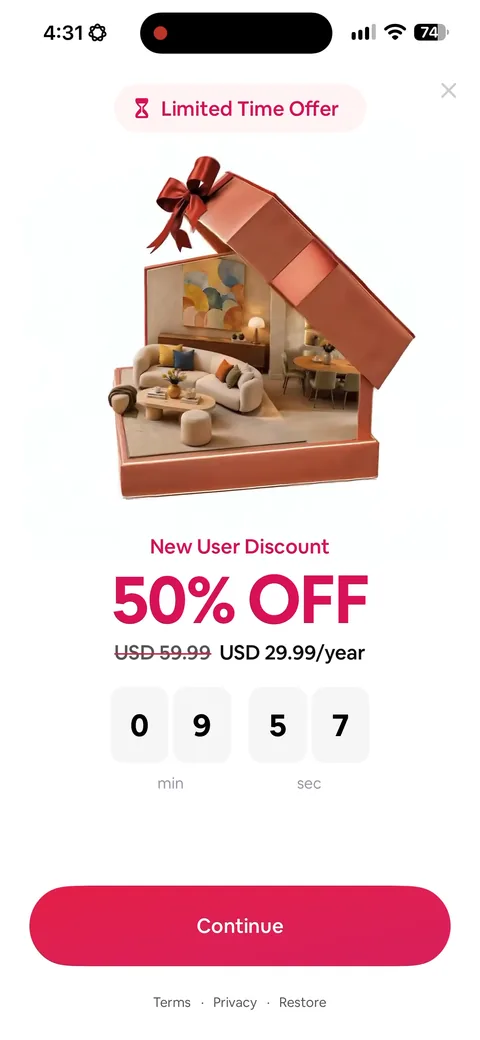
Main paywall: 3 days free then USD 9.99/week, trial toggle on. Exit-intent offer: 50% off, USD 59.99 struck through to USD 29.99/year, 10-minute countdown

AI Home Decor (Interior Design) onboarding screen 11
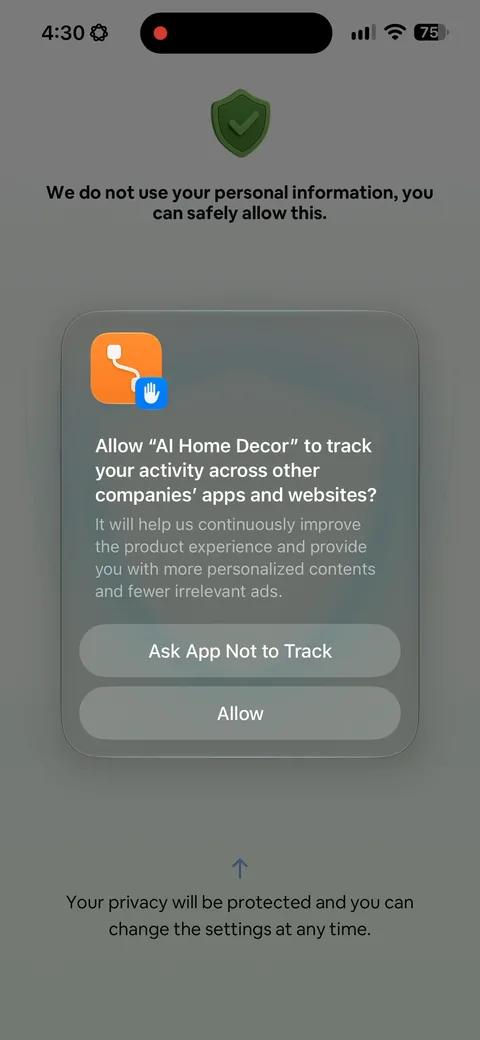
AI Home Decor (Interior Design) onboarding screen 2: They wrap the native tracking prompt in their own copy: 'We do not use your personal information, you can…2
They wrap the native tracking prompt in their own copy: 'We do not use your personal information, you can safely allow this' above it, and an arrow pointing up to the Allow button below. You can't restyle Apple's dialog, so they frame it instead. This screen does more work than almost anything else in the flow, because your whole paid acquisition measurement depends on that opt-in rate.
AI Home Decor (Interior Design) onboarding screen 33
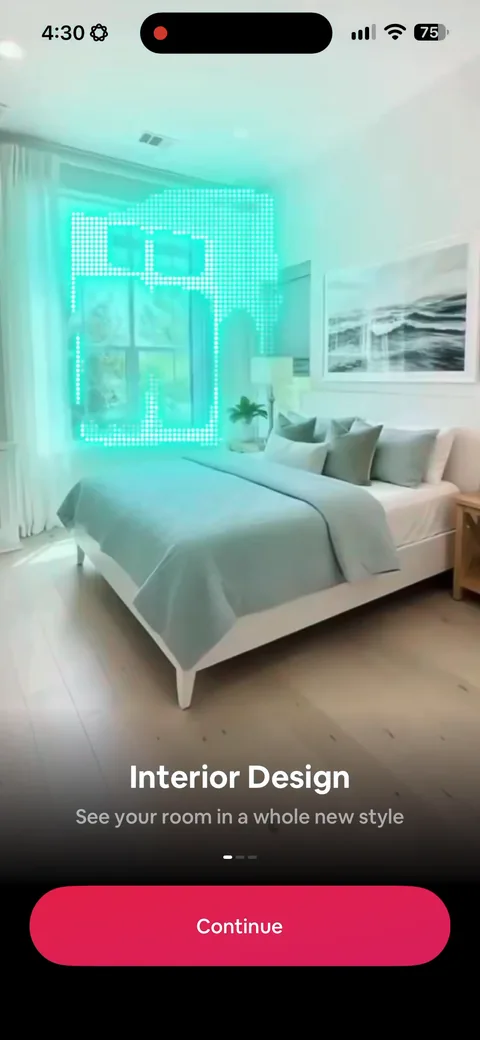
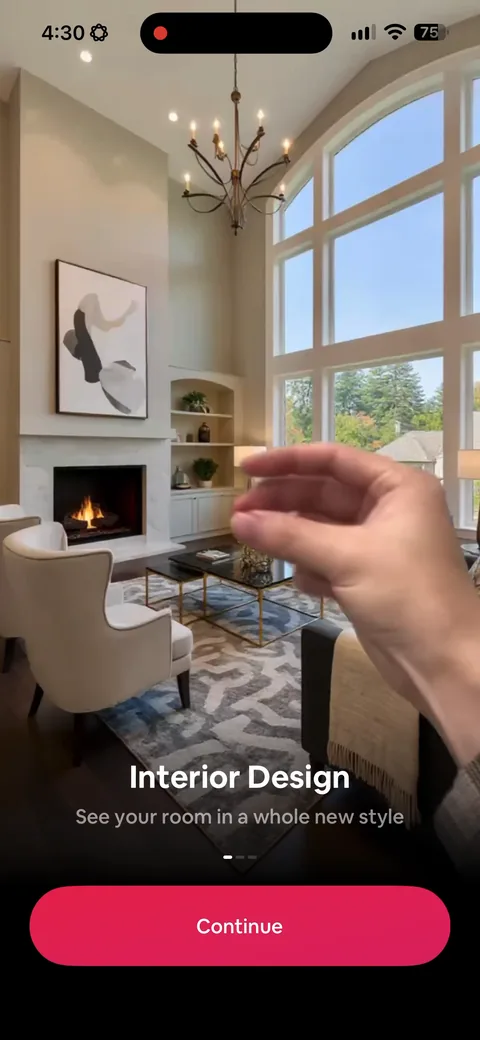
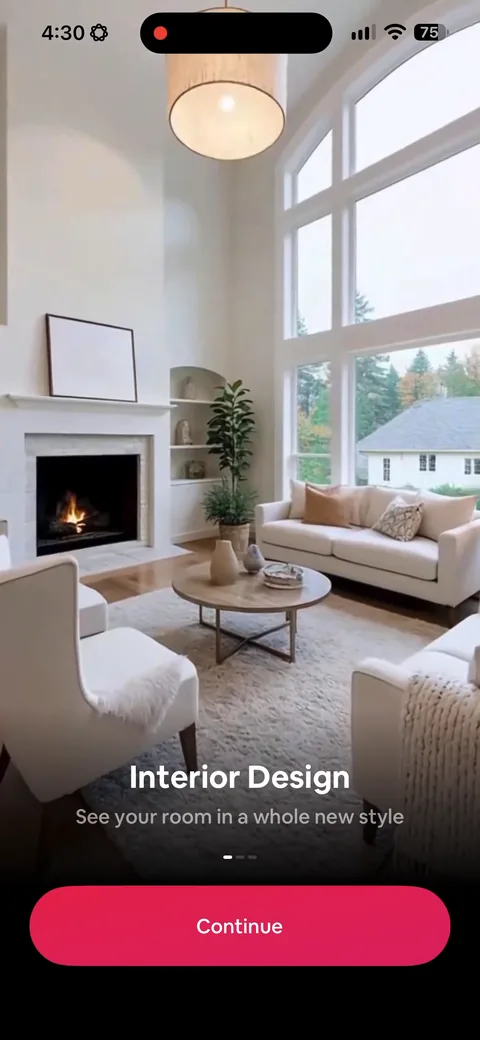
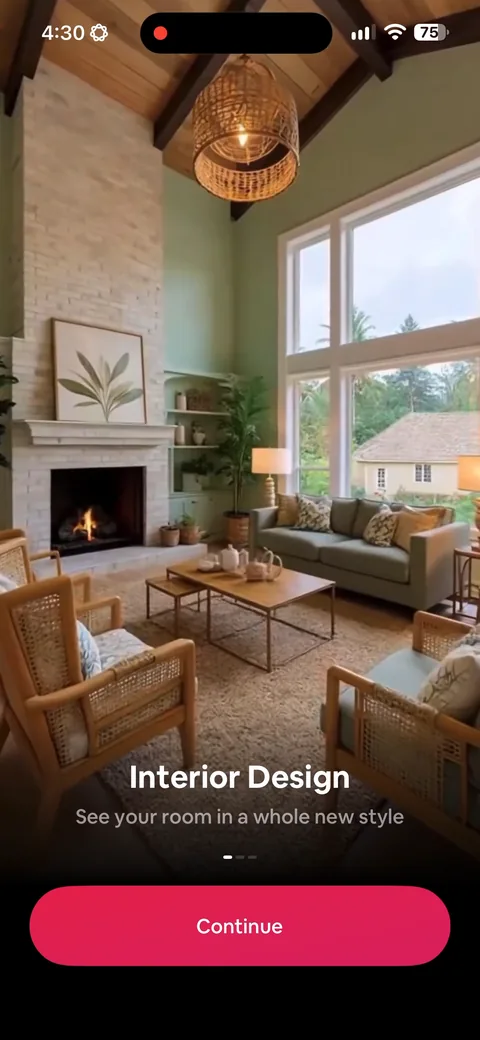
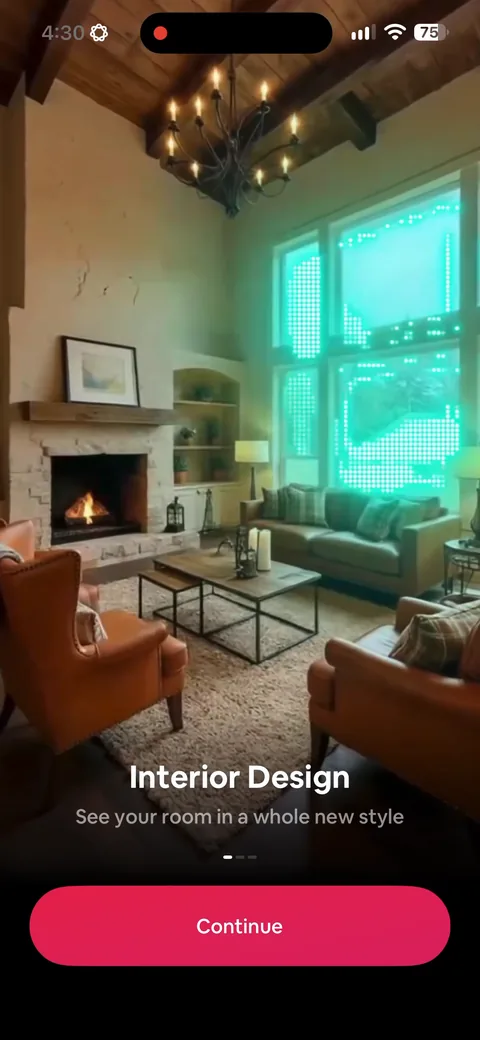
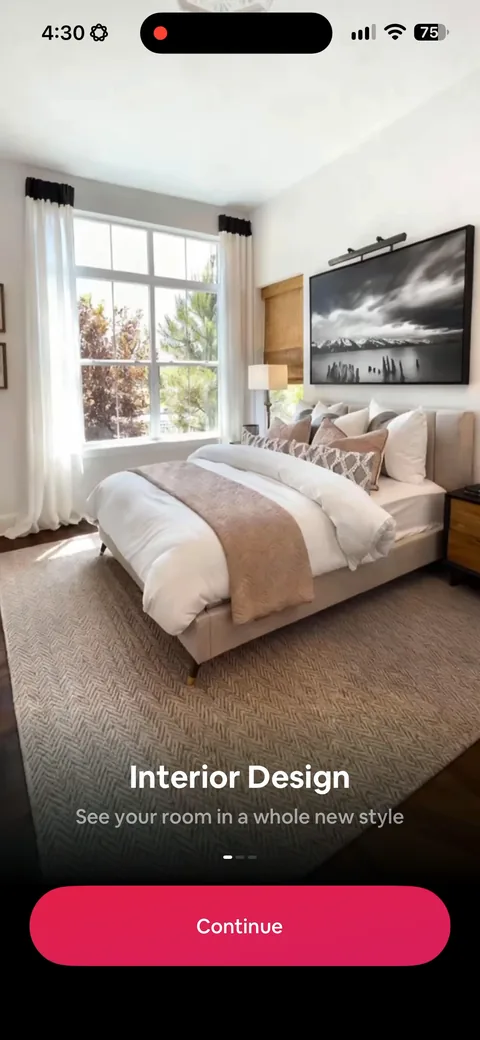
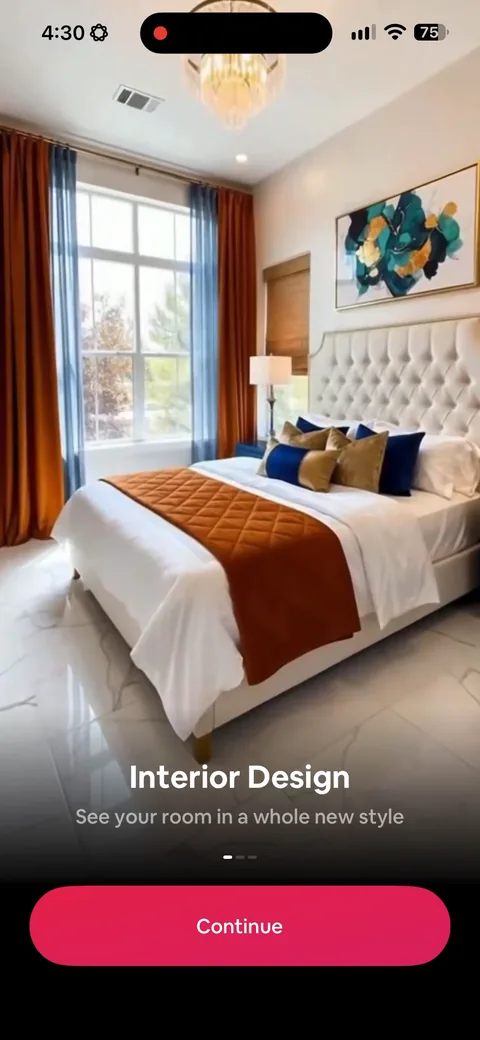
AI Home Decor (Interior Design) onboarding screen 4: 'See your room in a whole new style' over a real before and after4
'See your room in a whole new style' over a real before and after. Benefit-led and concrete. Compare this to the apps that open with a feature list, which is the same information with none of the pull.
AI Home Decor (Interior Design) onboarding screen 55
AI Home Decor (Interior Design) onboarding screen 66
AI Home Decor (Interior Design) onboarding screen 77
AI Home Decor (Interior Design) onboarding screen 88
AI Home Decor (Interior Design) onboarding screen 99
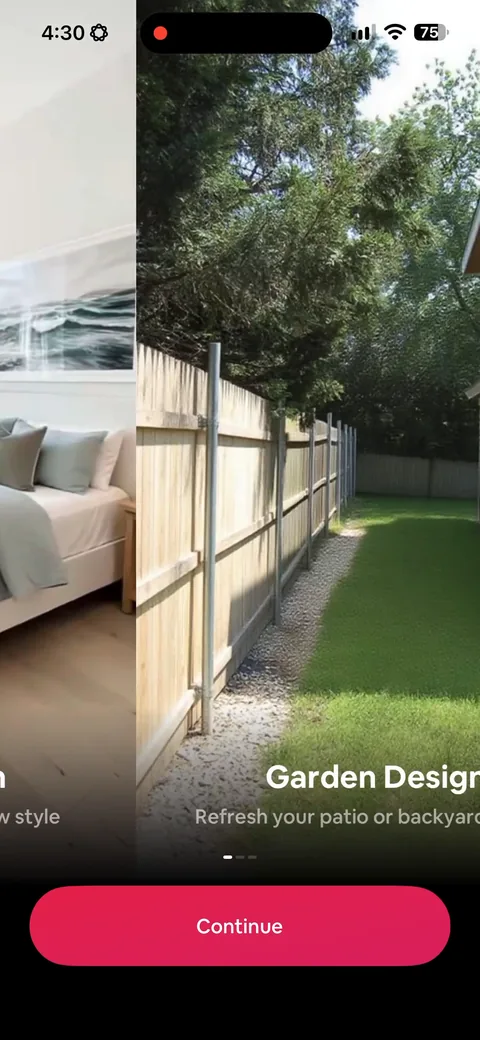
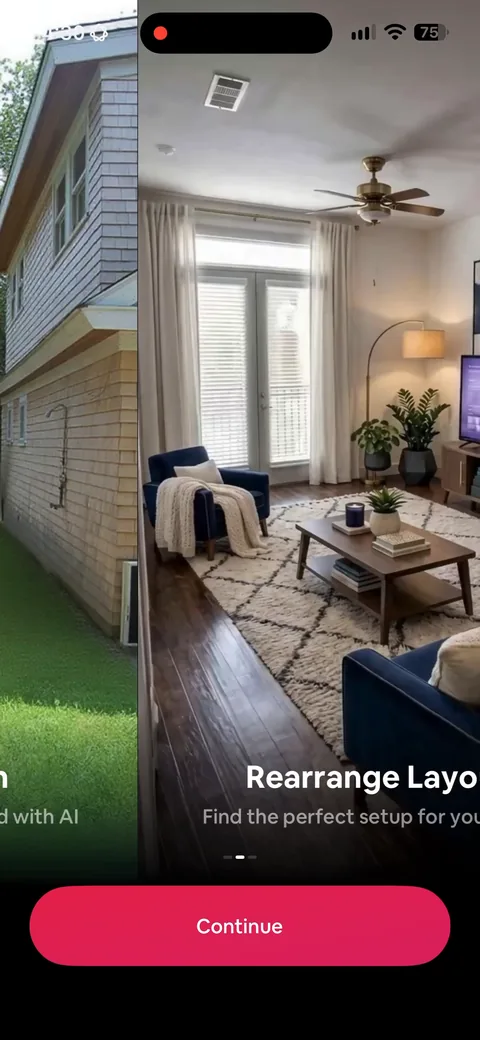
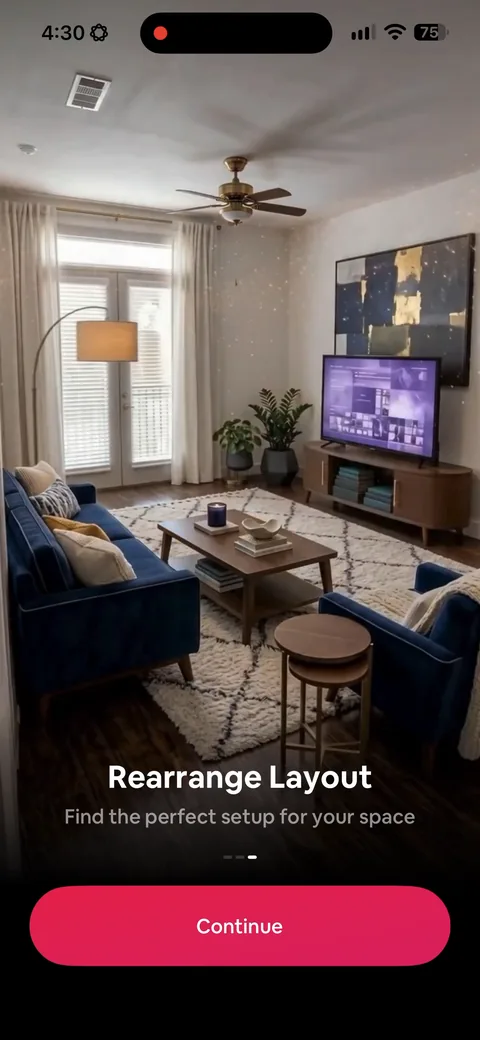
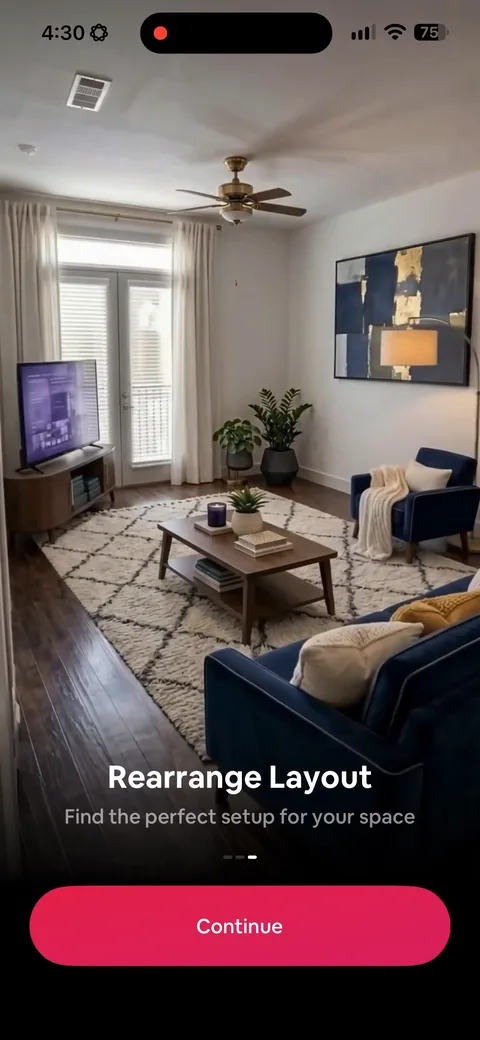
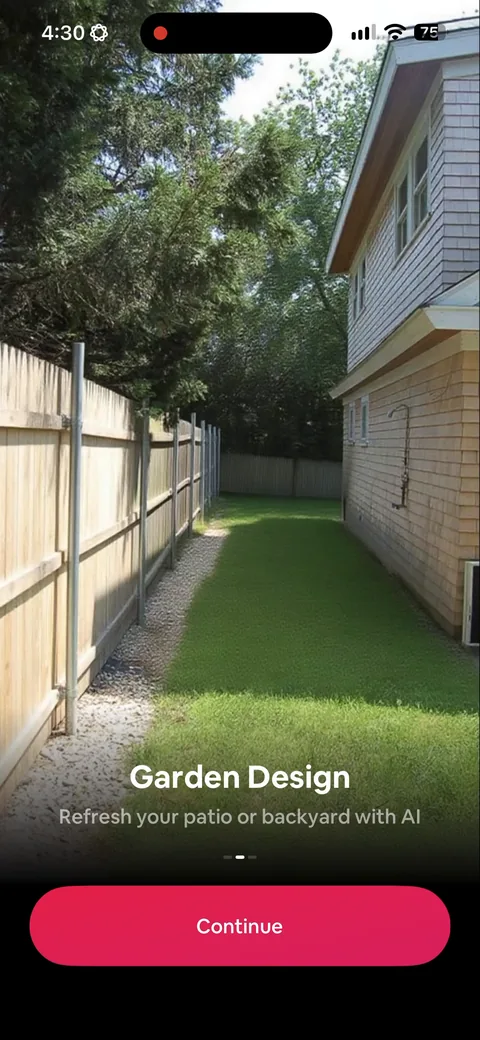
AI Home Decor (Interior Design) onboarding screen 10: Garden, then rearrange layout, as two more carousel screens10
Garden, then rearrange layout, as two more carousel screens. The value props are separate jobs rather than restatements of the same one, which earns them more than a single screen would. Still, I'd test cutting straight to an upload after the first.
100% free
36 more screens

See the rest of this flow.

You are 10 screens into AI Home Decor (Interior Design). Enter your email to unlock the remaining 36, plus every other teardown in the library.
100% free, just your email.
AI Home Decor (Interior Design) onboarding screen 1111
AI Home Decor (Interior Design) onboarding screen 1212
AI Home Decor (Interior Design) onboarding screen 1313
AI Home Decor (Interior Design) onboarding screen 1414
AI Home Decor (Interior Design) onboarding screen 1515
AI Home Decor (Interior Design) paywall with pricing, onboarding screen 1616
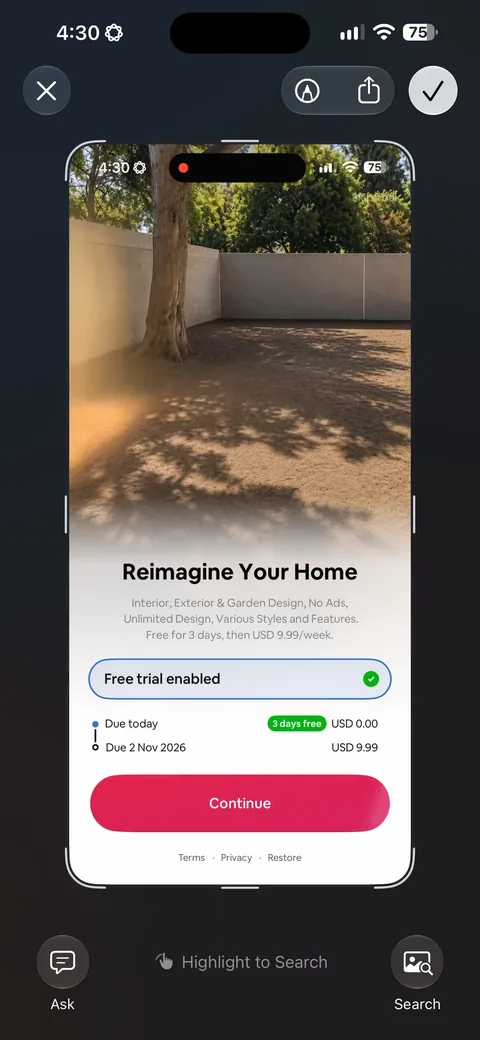
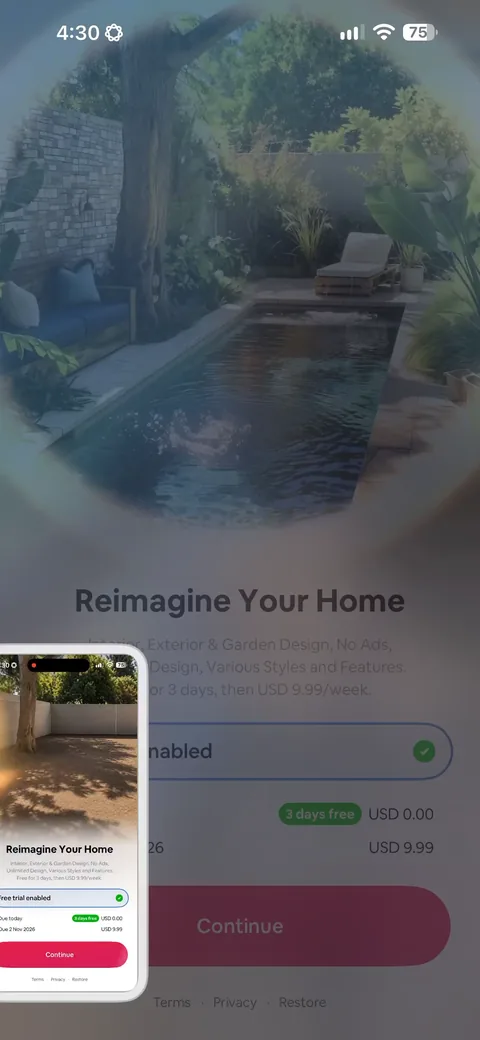
One plan, 3 days free then $9.99/week, with the trial toggle already on and 'Due today USD 0.00 / Due 2 Nov 2026 USD 9.99' spelled out underneath. Dating the charge is the honest version of a trial and it cuts the cancel-in-a-panic churn. Note 'Skip Trial' sits greyed out in the top corner, which is a dismissible paywall that doesn't advertise itself.
AI Home Decor (Interior Design) onboarding screen 1717
AI Home Decor (Interior Design) onboarding screen 1818
AI Home Decor (Interior Design) onboarding screen 1919
AI Home Decor (Interior Design) onboarding screen 2020
AI Home Decor (Interior Design) onboarding screen 2121
AI Home Decor (Interior Design) onboarding screen 22: Hit the X and you get a second offer: 50% off, $59.99 struck through to $29.99/year, with a ten minute…22
Hit the X and you get a second offer: 50% off, $59.99 struck through to $29.99/year, with a ten minute countdown. More than 90% of people don't convert on the first paywall, so a second ask is nearly free money. Notice they also switch the unit, weekly on the first screen and yearly here, so the comparison is hard to make and the annual number reads as the bargain.
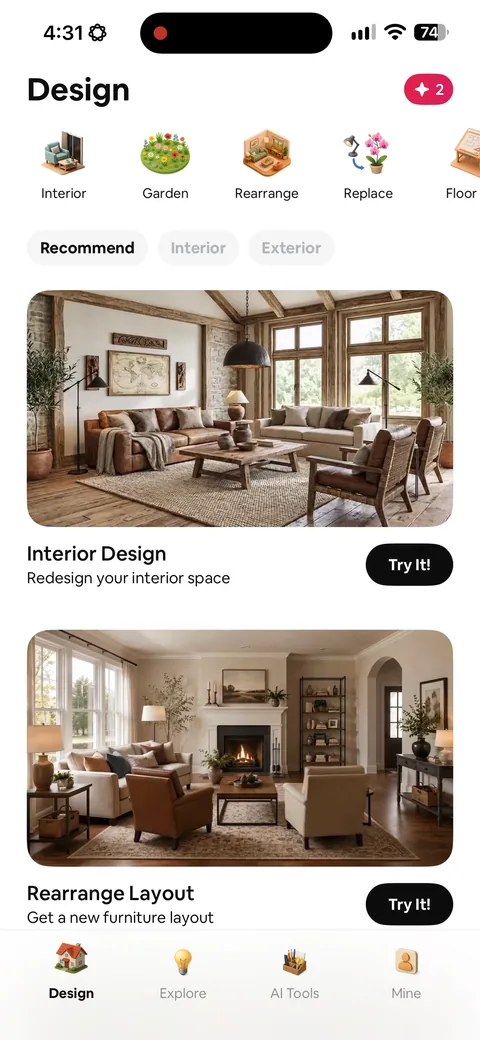
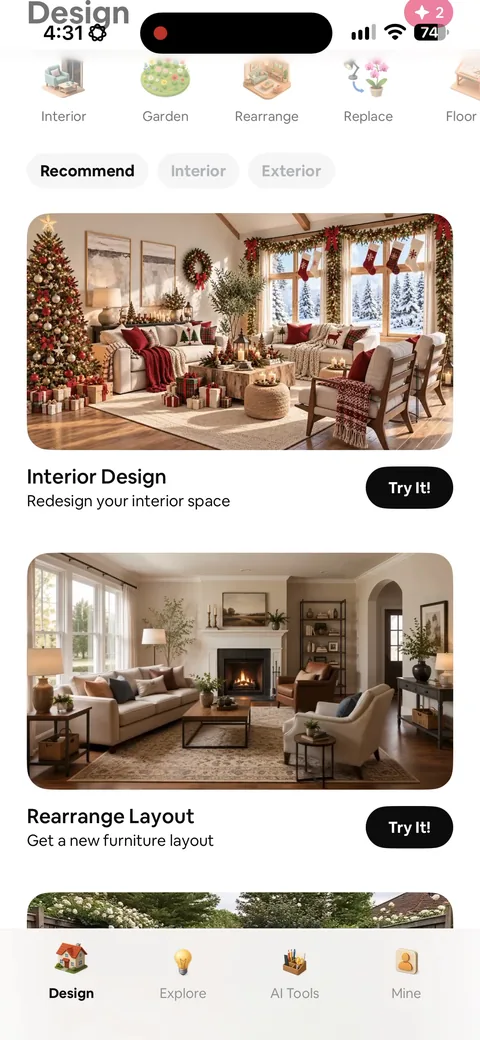
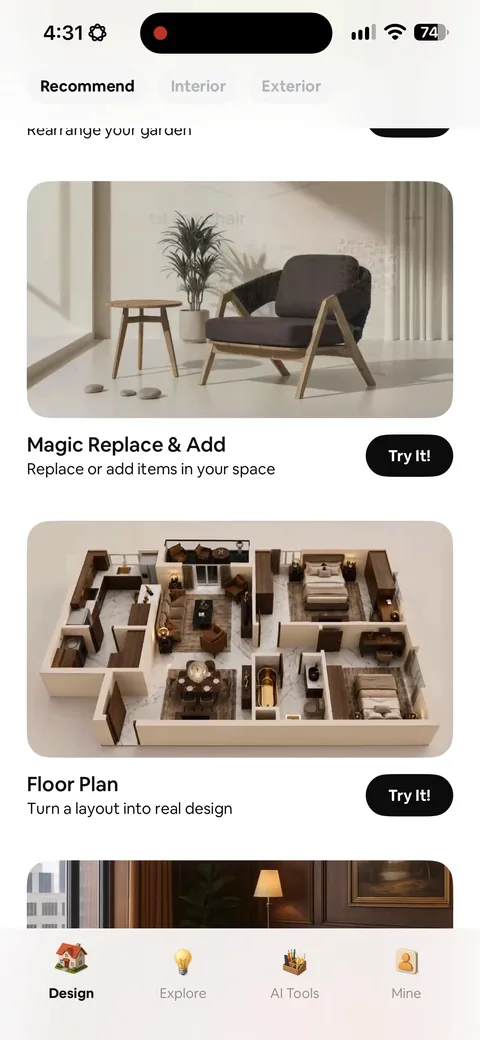
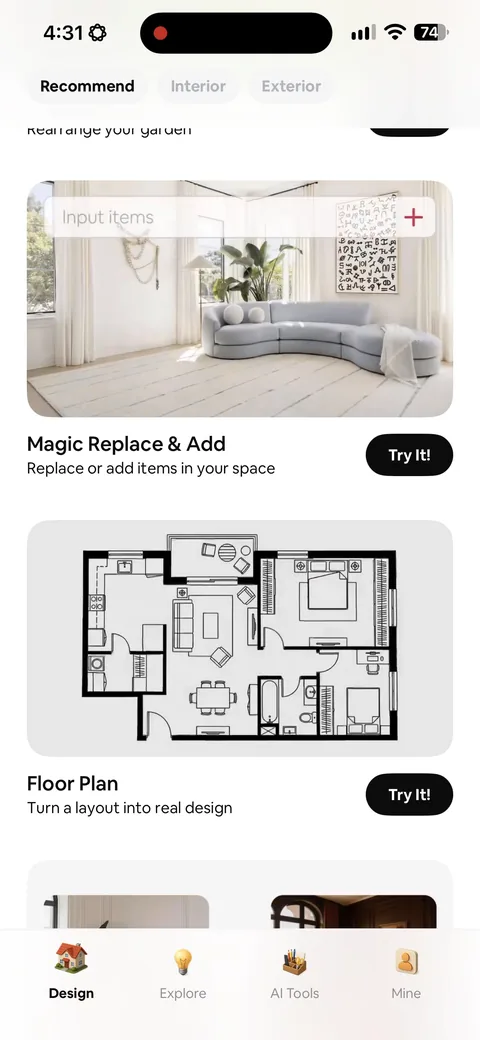
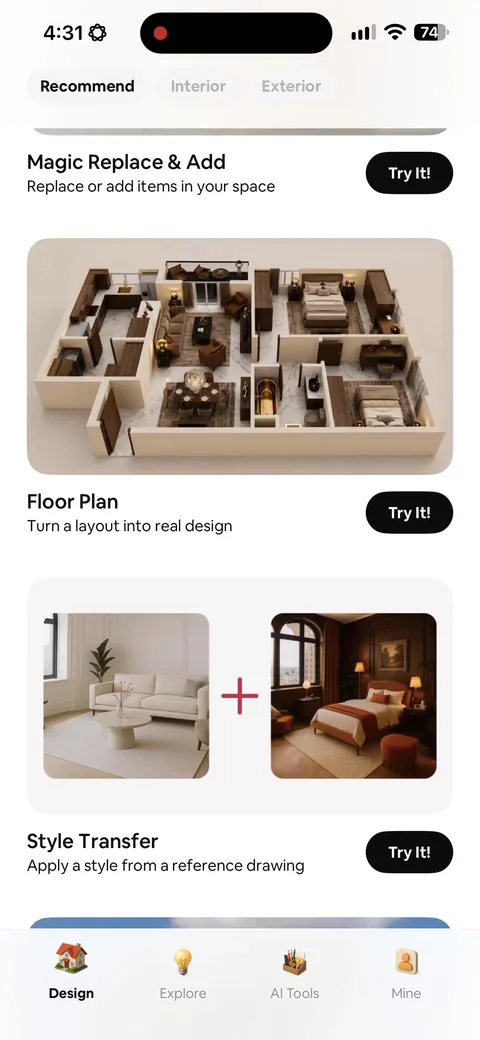
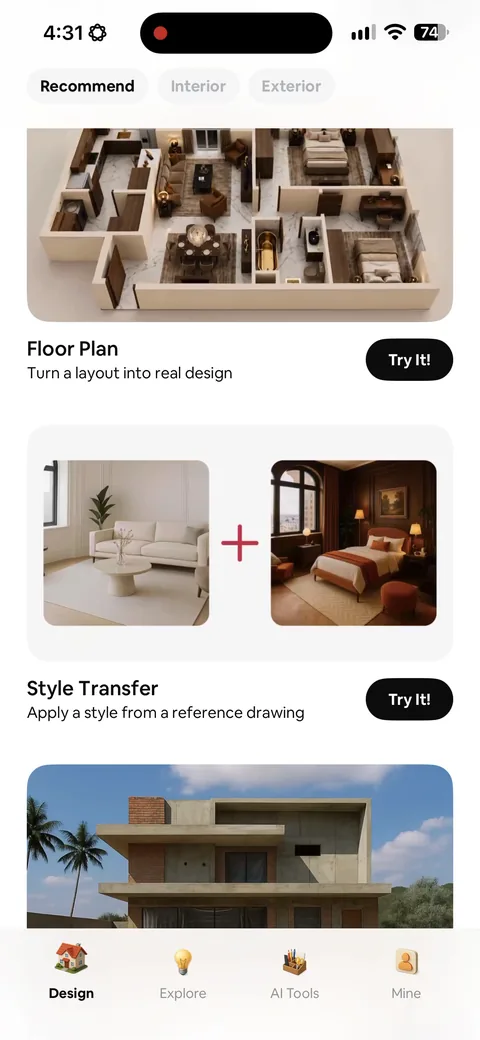
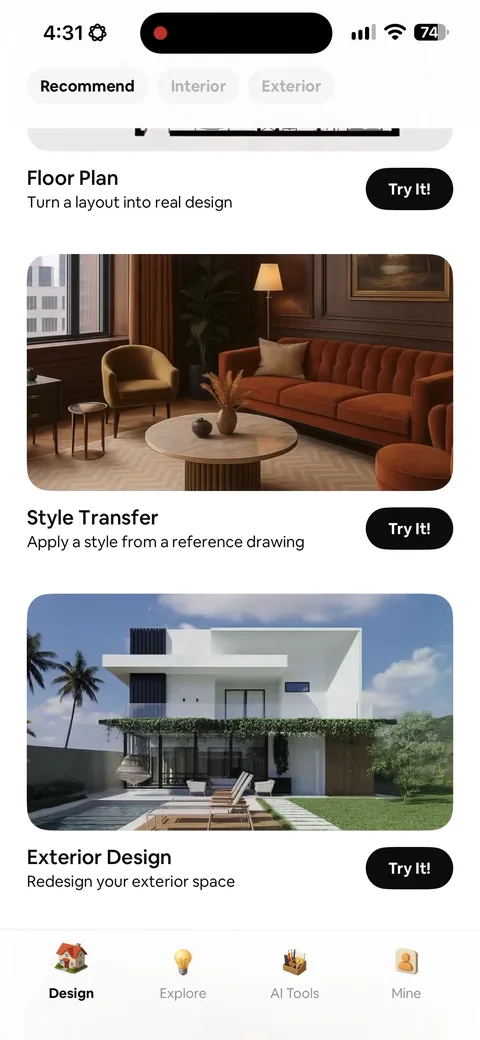
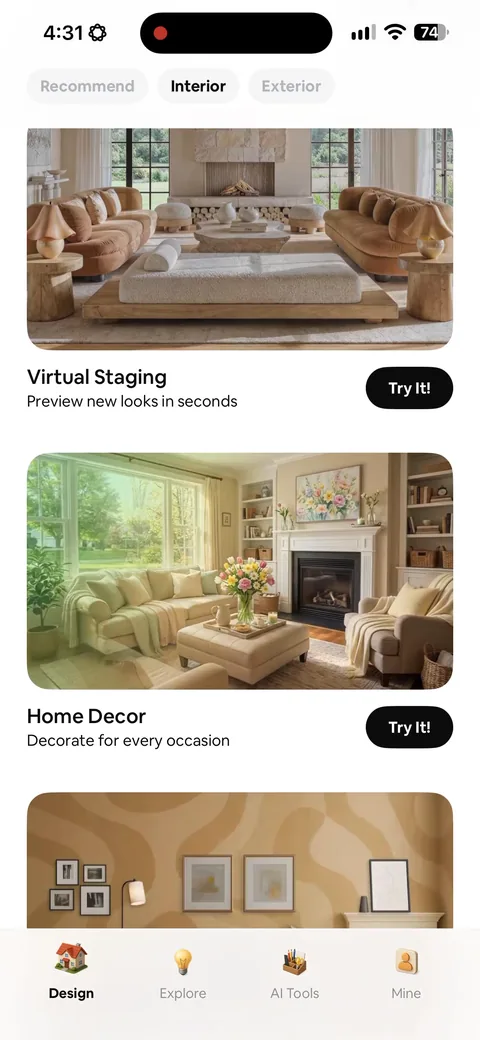
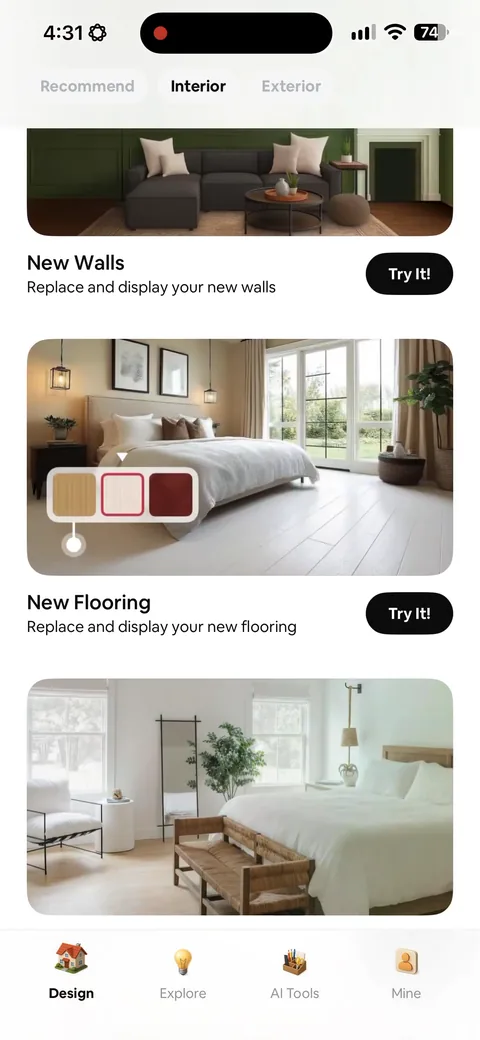
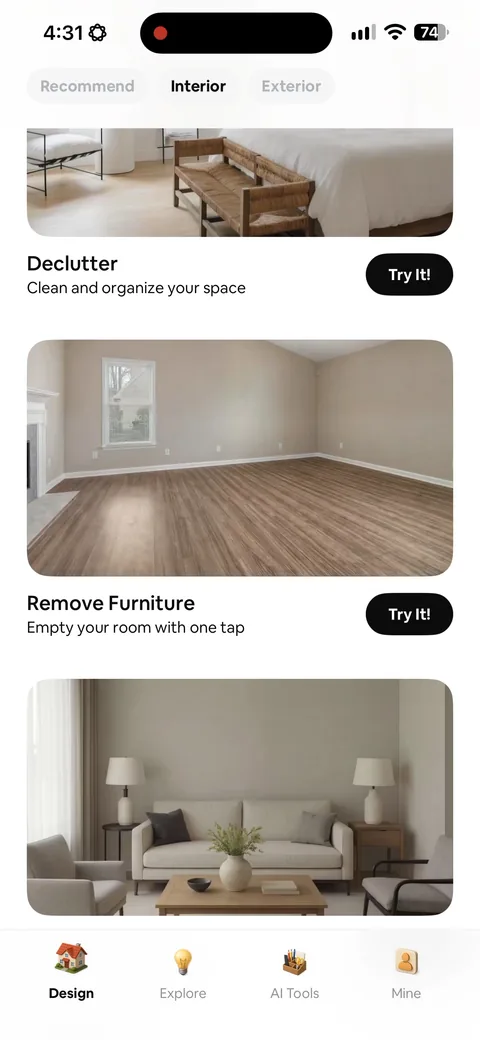
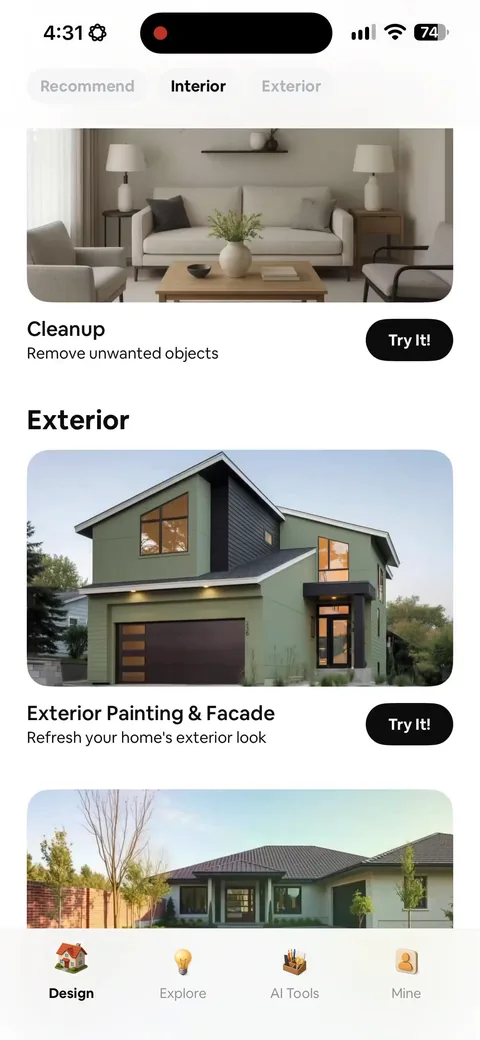
AI Home Decor (Interior Design) onboarding screen 23: Post-paywall you land on a grid of named jobs: interior design, rearrange layout, magic replace, floor plan…23
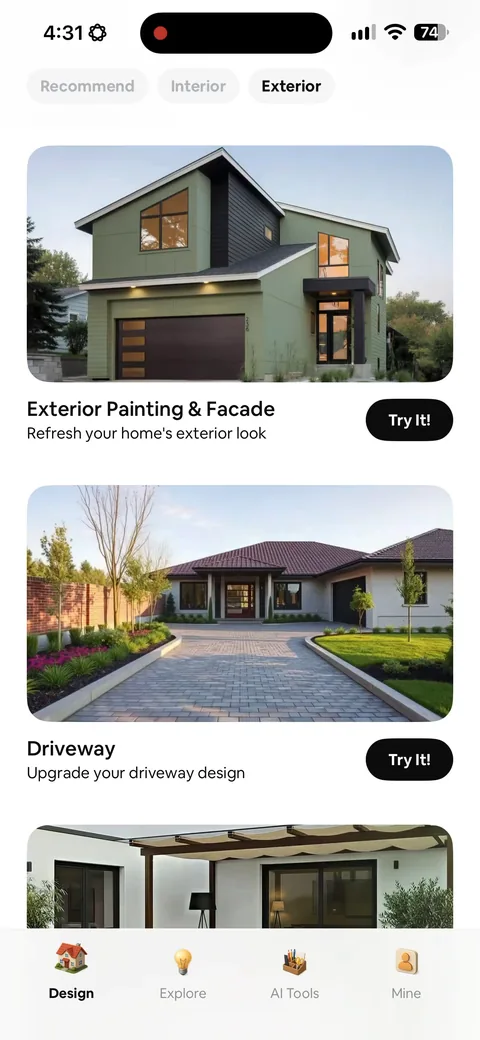
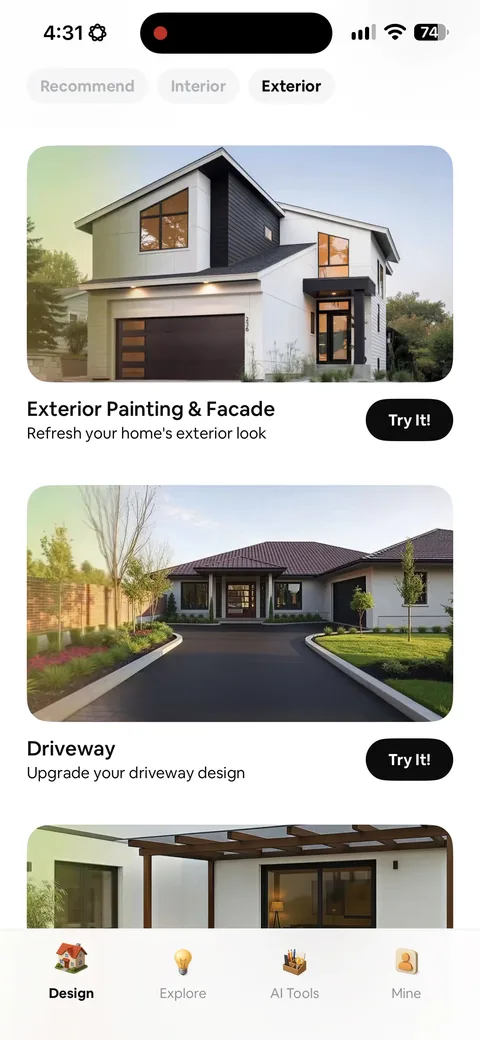
Post-paywall you land on a grid of named jobs: interior design, rearrange layout, magic replace, floor plan, style transfer, virtual staging. Each has a Try It button. Naming the job instead of the feature is what gets people to a first result, and a first result is the whole activation event for an AI app.
AI Home Decor (Interior Design) onboarding screen 2424
AI Home Decor (Interior Design) onboarding screen 2525
AI Home Decor (Interior Design) onboarding screen 2626
AI Home Decor (Interior Design) onboarding screen 2727
AI Home Decor (Interior Design) onboarding screen 2828
AI Home Decor (Interior Design) onboarding screen 2929
AI Home Decor (Interior Design) onboarding screen 3030
AI Home Decor (Interior Design) onboarding screen 3131
AI Home Decor (Interior Design) onboarding screen 3232
AI Home Decor (Interior Design) onboarding screen 3333
AI Home Decor (Interior Design) onboarding screen 3434
AI Home Decor (Interior Design) onboarding screen 3535
AI Home Decor (Interior Design) onboarding screen 3636
AI Home Decor (Interior Design) onboarding screen 3737
AI Home Decor (Interior Design) onboarding screen 3838
AI Home Decor (Interior Design) onboarding screen 3939
AI Home Decor (Interior Design) onboarding screen 4040
AI Home Decor (Interior Design) onboarding screen 4141
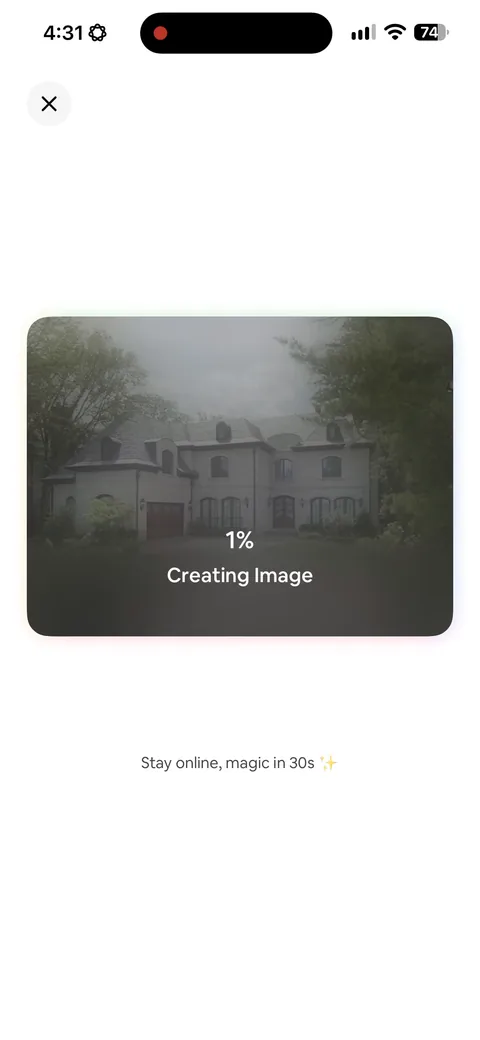
AI Home Decor (Interior Design) onboarding screen 42: 'Creating image42
'Creating image. Stay online, magic in 30s' while it renders. Putting a number on the wait sets the expectation and stops people backing out. The 'stay online' line is doing real work too, since leaving mid-render is how you lose the generation and the user.
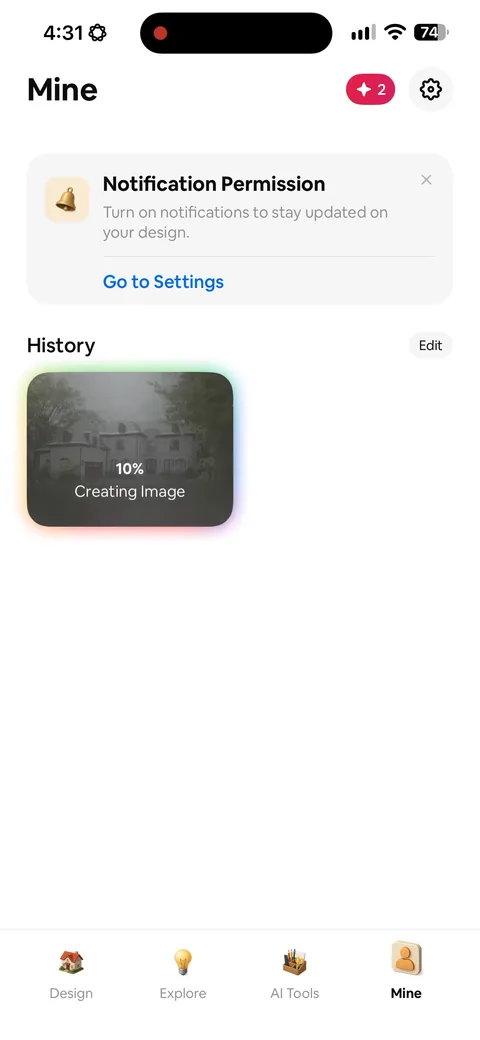
AI Home Decor (Interior Design) onboarding screen 43: Notification permission comes after the first generation, framed as 'stay updated on your design'43
Notification permission comes after the first generation, framed as 'stay updated on your design'. That's the right time and the right framing. You're asking once the user has something they care about, and the benefit is specific instead of 'enable notifications'.
AI Home Decor (Interior Design) onboarding screen 4444
AI Home Decor (Interior Design) onboarding screen 4545
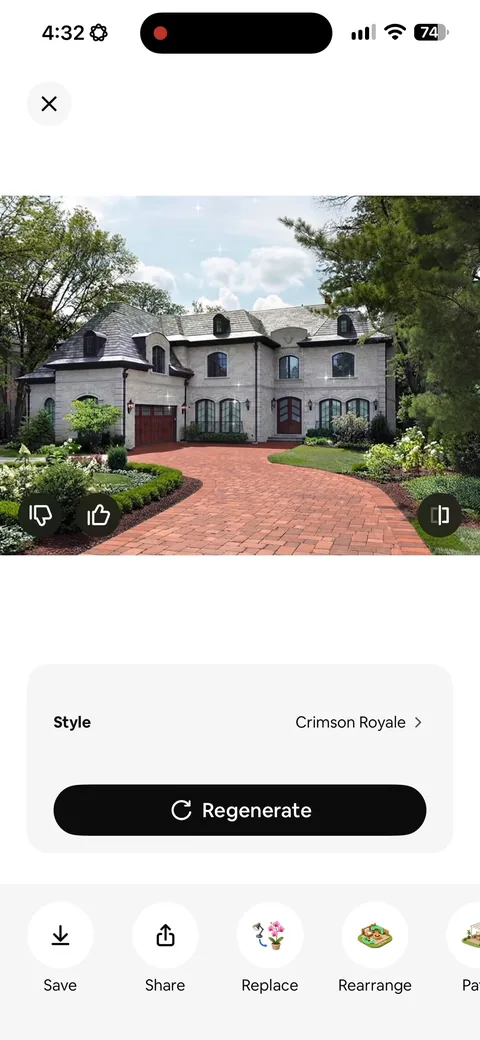
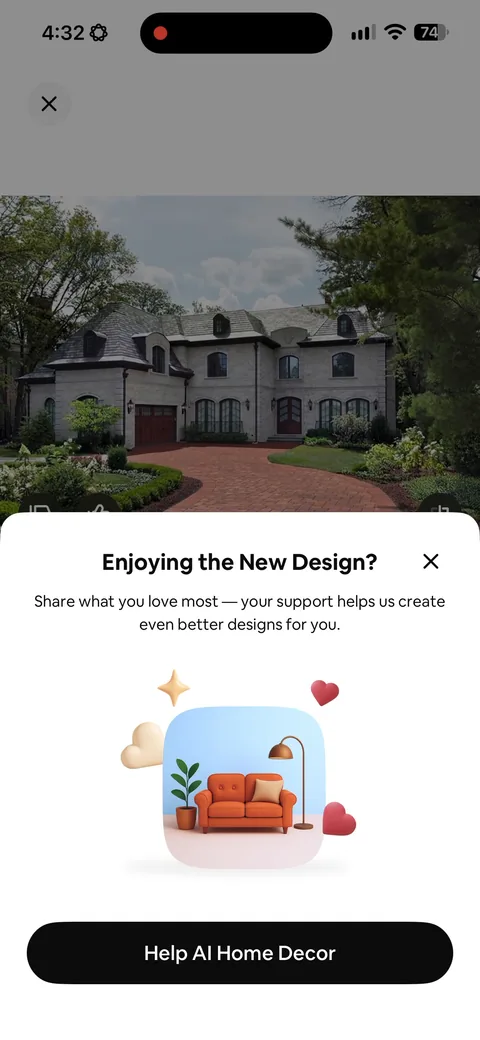
AI Home Decor (Interior Design) onboarding screen 46: 'Enjoying the new design46
'Enjoying the new design? Share what you love most' right after the render lands. Asking for sentiment at the peak moment is how you farm App Store ratings, and ratings are most of what sells a $9.99/week app in a category with twenty clones.