

← All flows
Photo / Video

Home AI (Interior Design) onboarding flow

35 screens · Screen Recording · recorded Nov 2026
Photo / VideoSoft paywall · trial optionalpaywall: pre signupvalue prop carouselsocial proof heavypermissions firstone plan onlyfeature list

Home AI (Interior Design) pricing and paywall terms

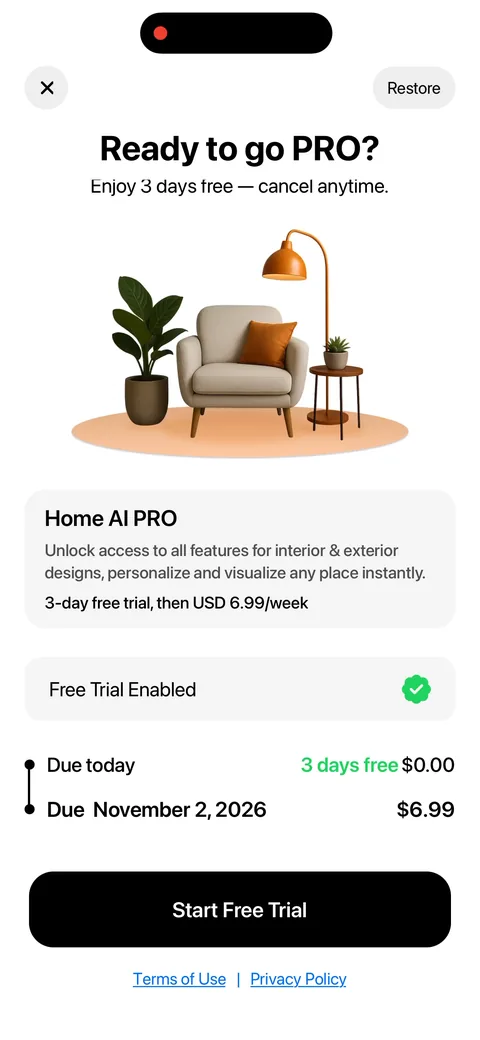
Single plan: 3-day free trial then USD 6.99/week, trial toggle on by default, no monthly or annual option

Home AI (Interior Design) onboarding screen 22
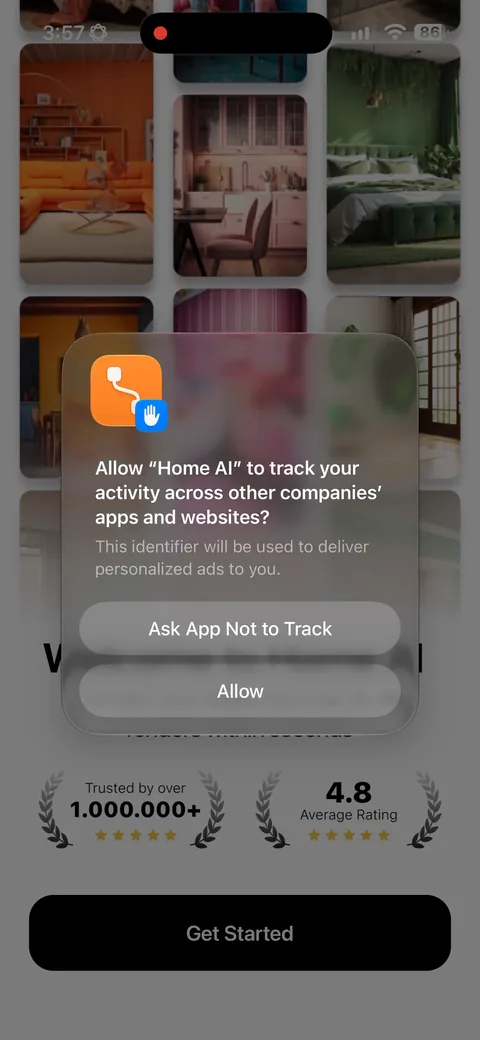
Home AI (Interior Design) onboarding screen 3: Social proof before anything else: 1,000,000+ users and a 4.8 rating sitting right above Get Started3
Social proof before anything else: 1,000,000+ users and a 4.8 rating sitting right above Get Started. In a category this crowded, where the App Store has twenty near-identical AI interior apps, that rating is most of what separates them. Cheap to show and it does real work here.
Home AI (Interior Design) onboarding screen 4: A full biometric consent wall on screen four, before you've seen a single feature4
A full biometric consent wall on screen four, before you've seen a single feature. They have to ask because they're processing facial and image-derived data, but leading with the scariest legal text you own costs you people at the exact moment they're least invested. Most apps ask this at the point of upload, when the user already wants the result.
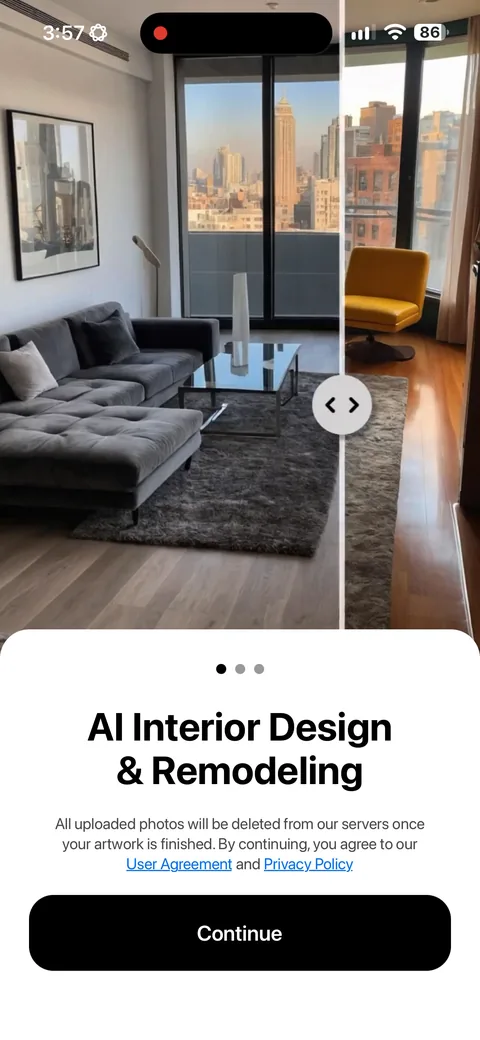
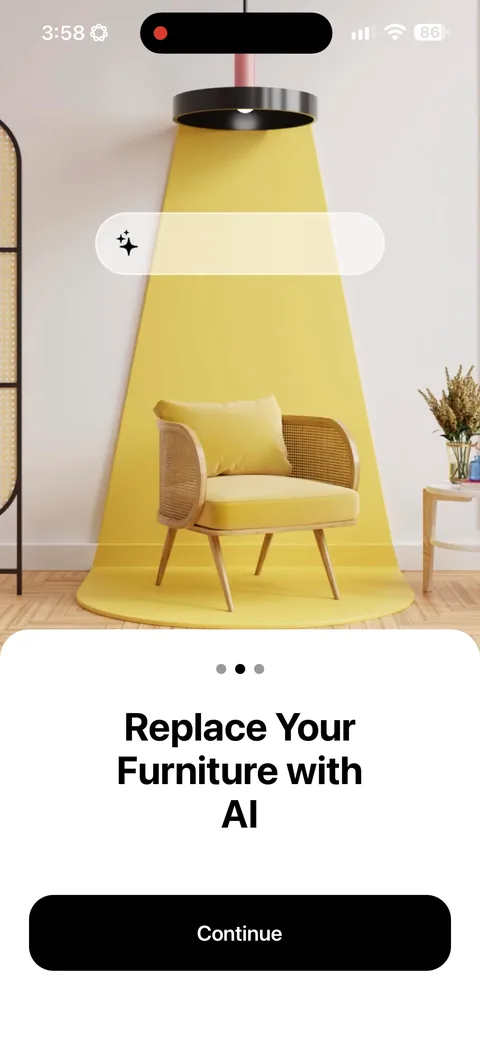
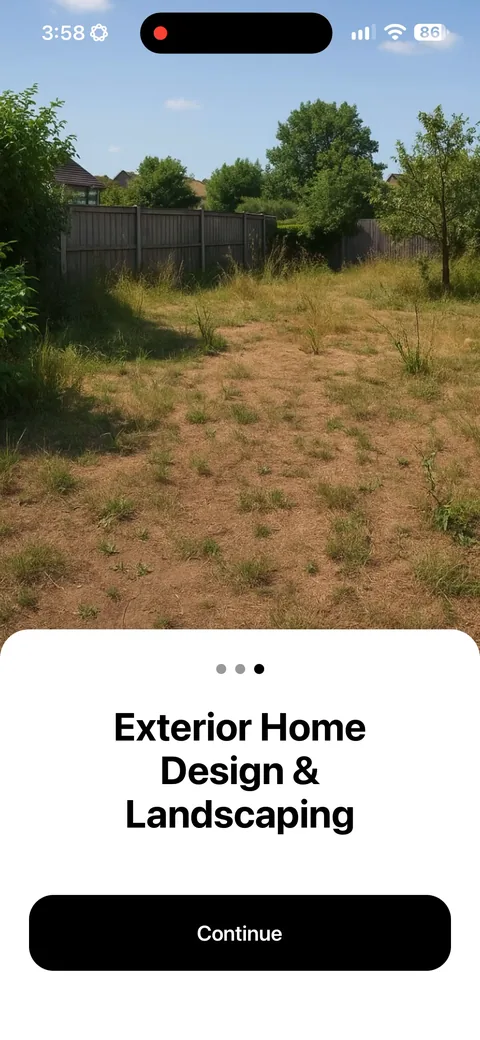
Home AI (Interior Design) onboarding screen 5: Three swipe screens (interior, furniture, exterior) before you can touch anything5
Three swipe screens (interior, furniture, exterior) before you can touch anything. For an AI app the demo is the product, so this is telling when it could be showing. I'd cut it to one screen and get people to an upload, because nobody believes the before and after until it's their own room.
Home AI (Interior Design) onboarding screen 66
Home AI (Interior Design) onboarding screen 77
Home AI (Interior Design) onboarding screen 8: 'Try 3 days For Free!' on its own screen right before the paywall8
'Try 3 days For Free!' on its own screen right before the paywall. It frames what's coming as free rather than paid, so fewer people bail when the price appears. Cheap screen, and it softens the next one.
Home AI (Interior Design) onboarding screen 99
Home AI (Interior Design) onboarding screen 1010
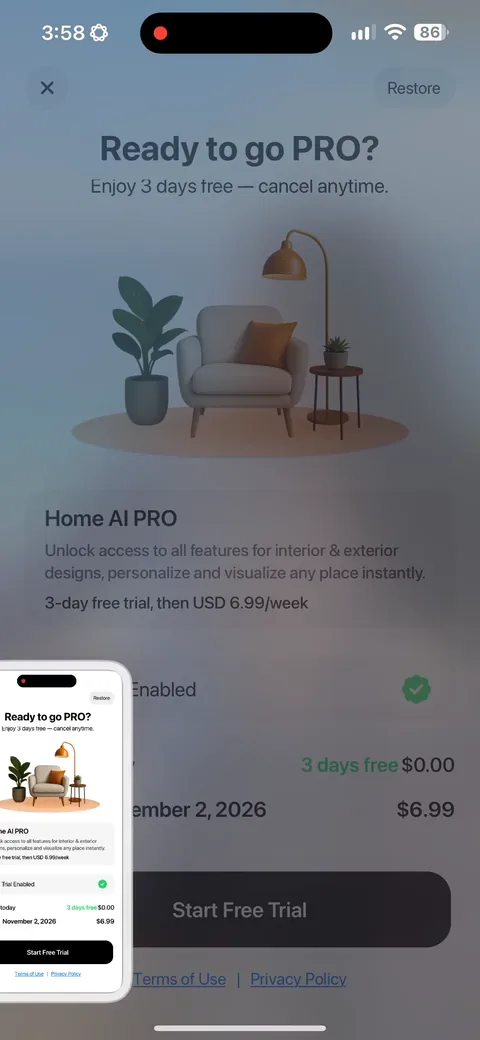
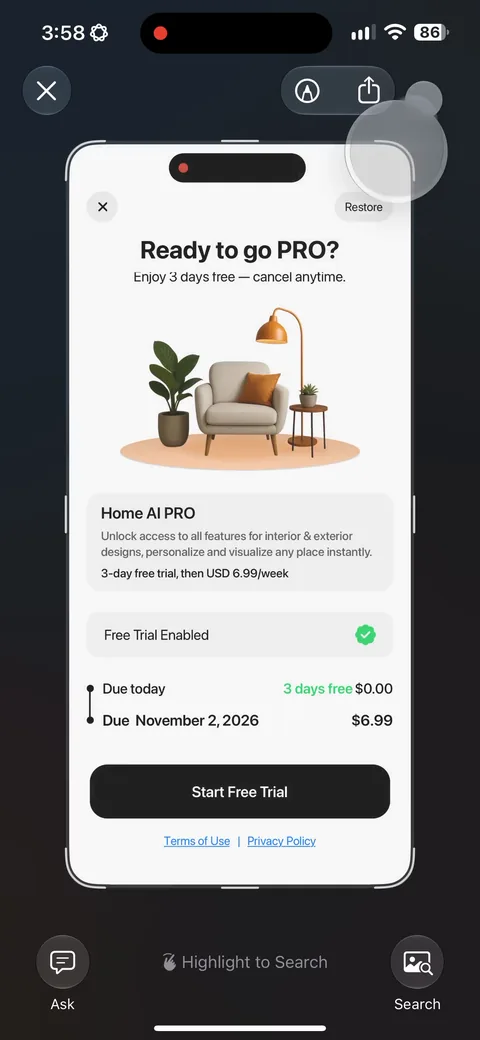
Home AI (Interior Design) paywall with pricing, onboarding screen 1111
One plan, 3-day trial then $6.99/week, with the trial toggle already on. Weekly is the right default for AI apps because people come for one job and leave, and a cheap entry beats a long trial that leaks revenue. 'Due today $0.00 / Due November 2, 2026 $6.99' with real dates is the clearest way to show a trial. There's no way to just buy without the trial, which leaves money on the table from the people who'd have paid outright.
100% free
25 more screens

See the rest of this flow.

You are 10 screens into Home AI (Interior Design). Enter your email to unlock the remaining 25, plus every other teardown in the library.
100% free, just your email.
Home AI (Interior Design) onboarding screen 1212
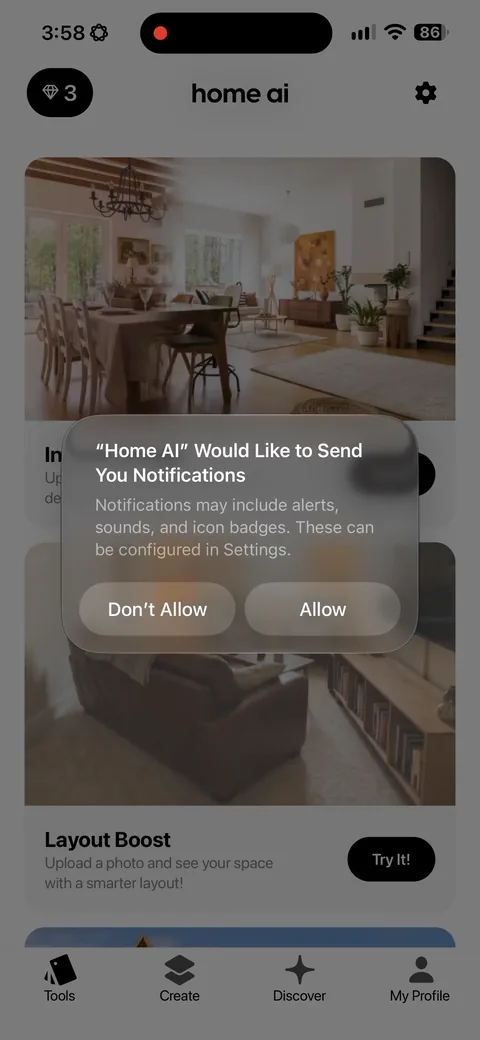
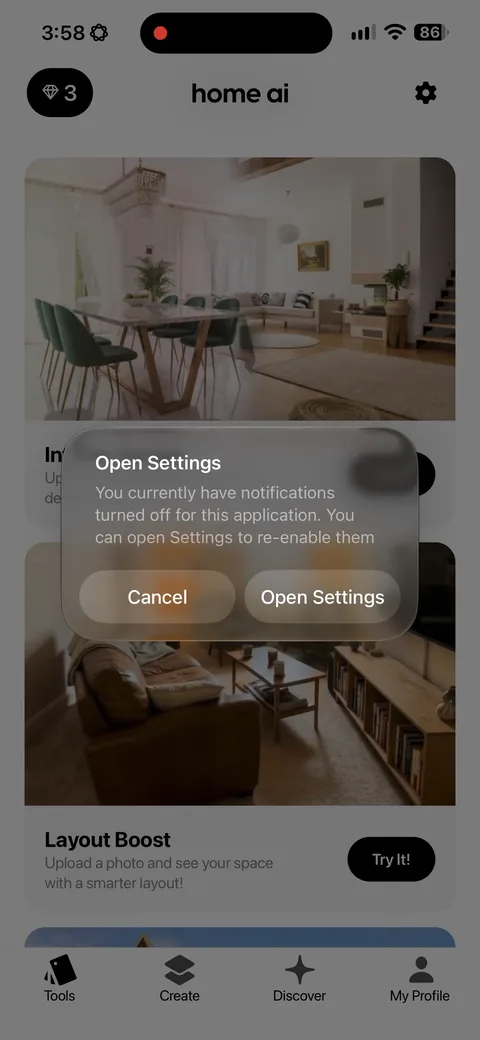
Home AI (Interior Design) onboarding screen 13: Notification permission fires after the paywall, not before13
Notification permission fires after the paywall, not before. Right order. Asking earlier would have spent attention they needed for the purchase decision, and the prompt lands better once you're already in the product.
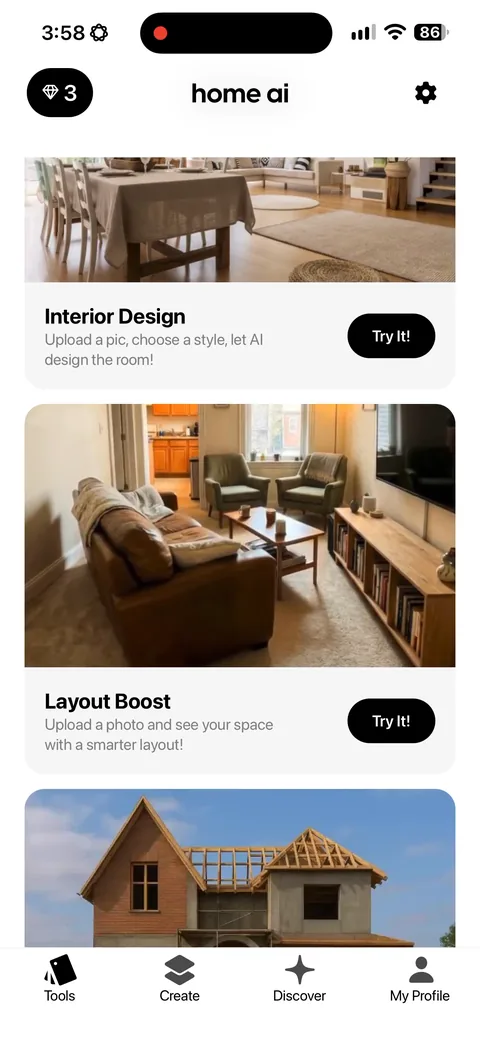
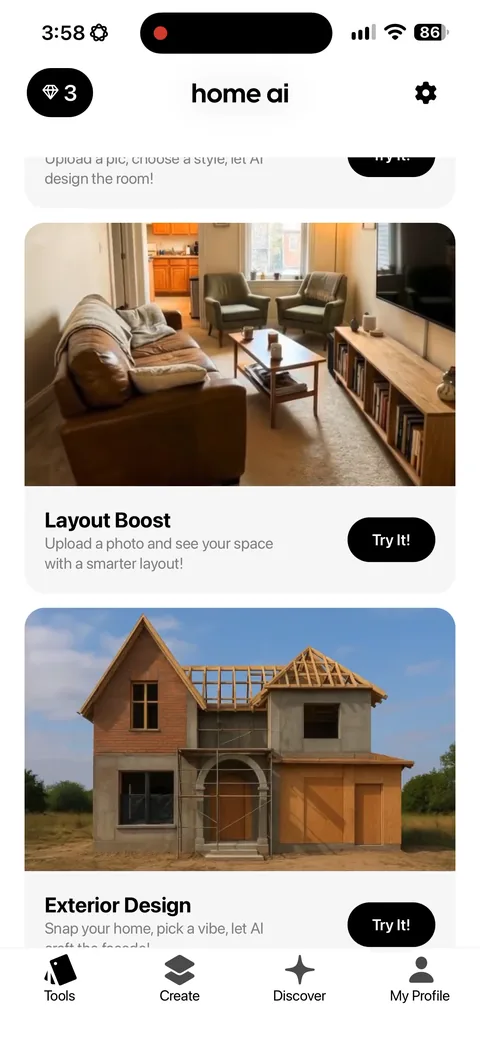
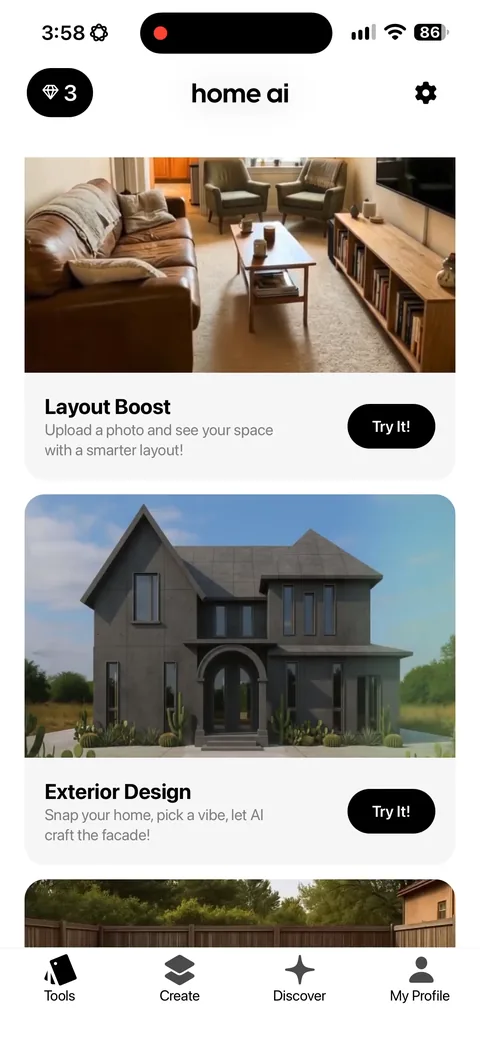
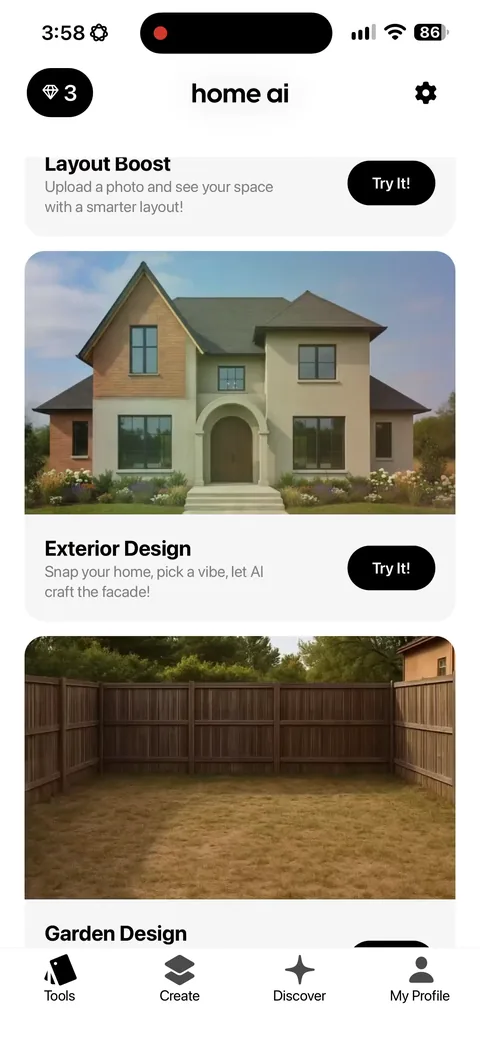
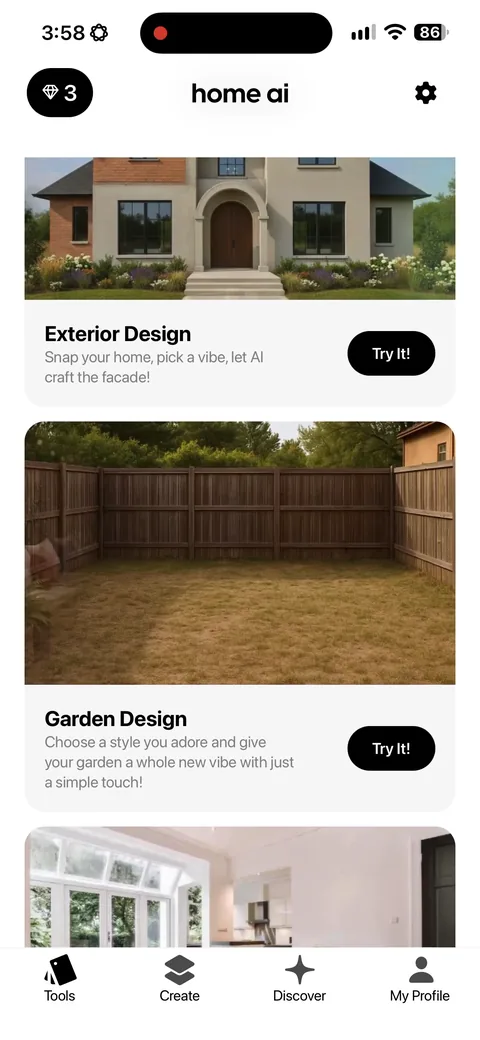
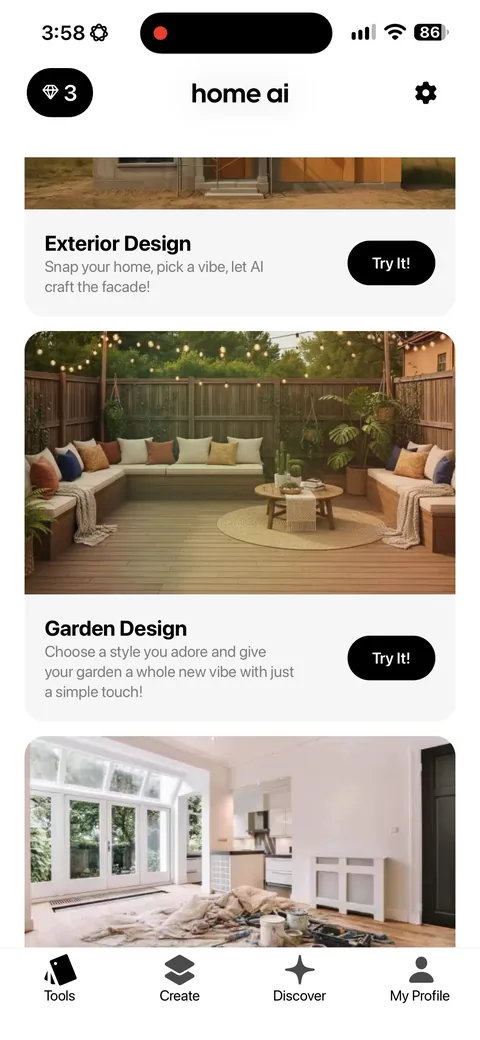
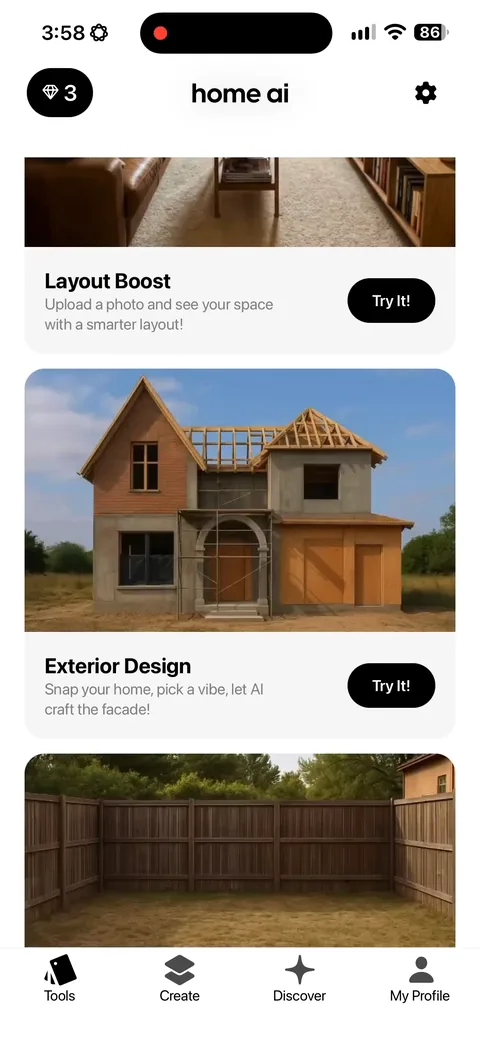
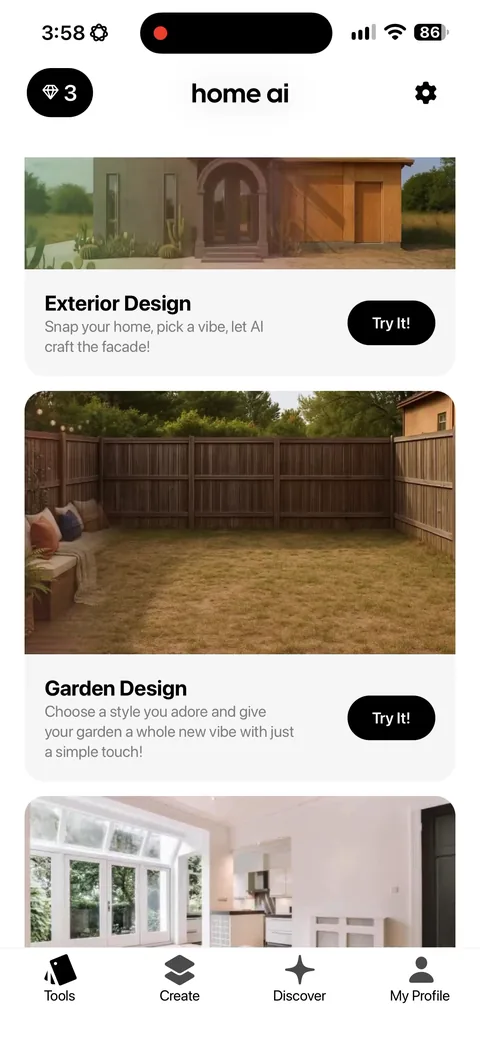
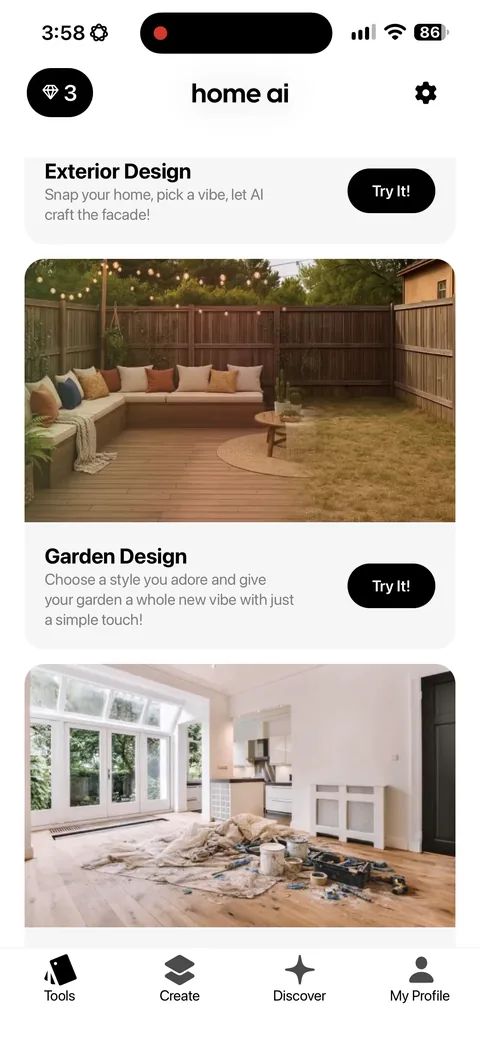
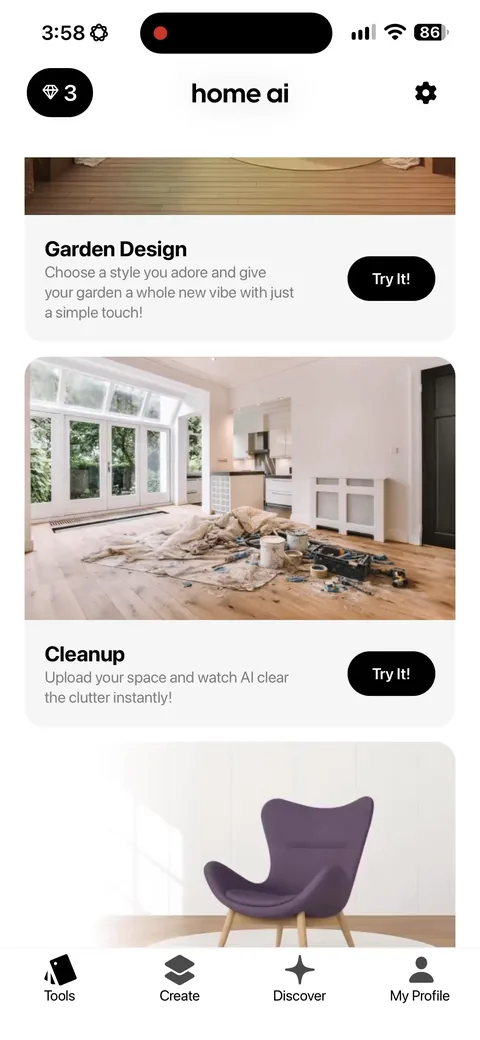
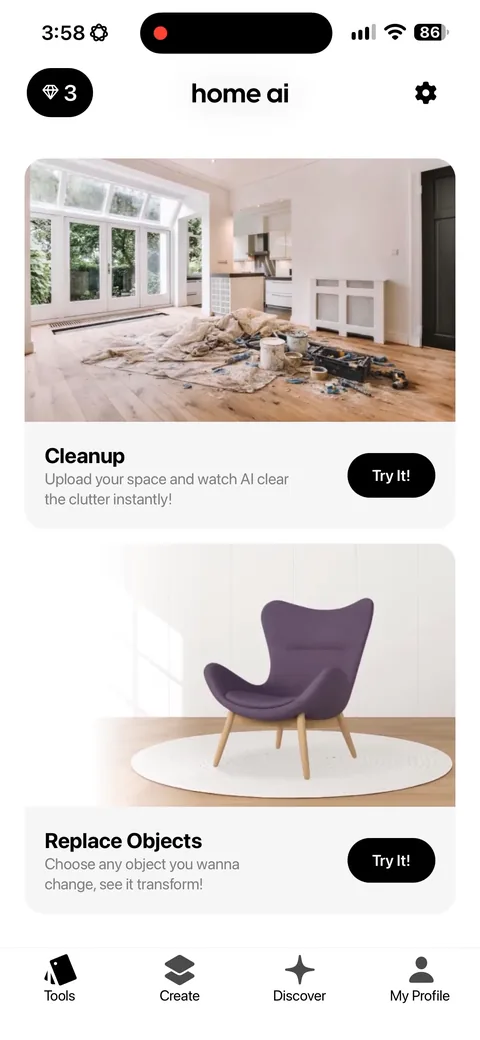
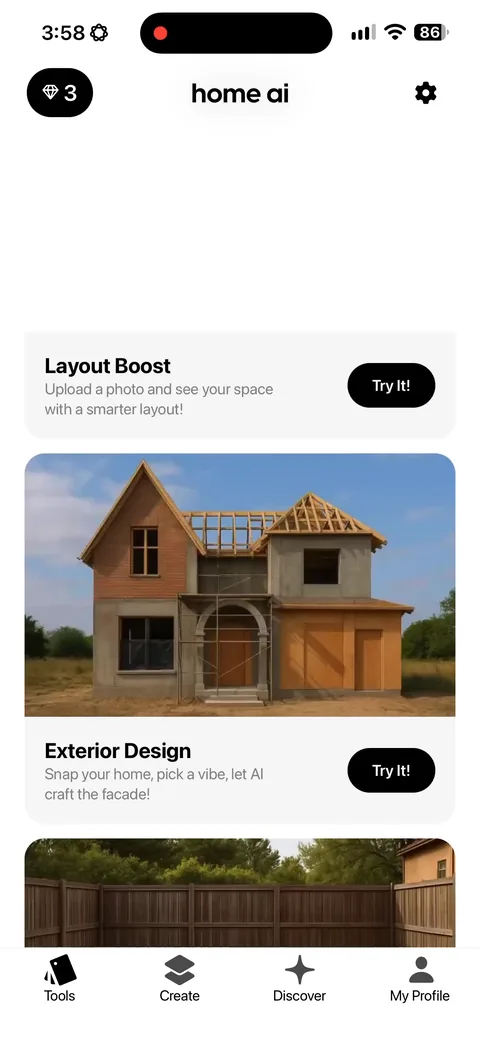
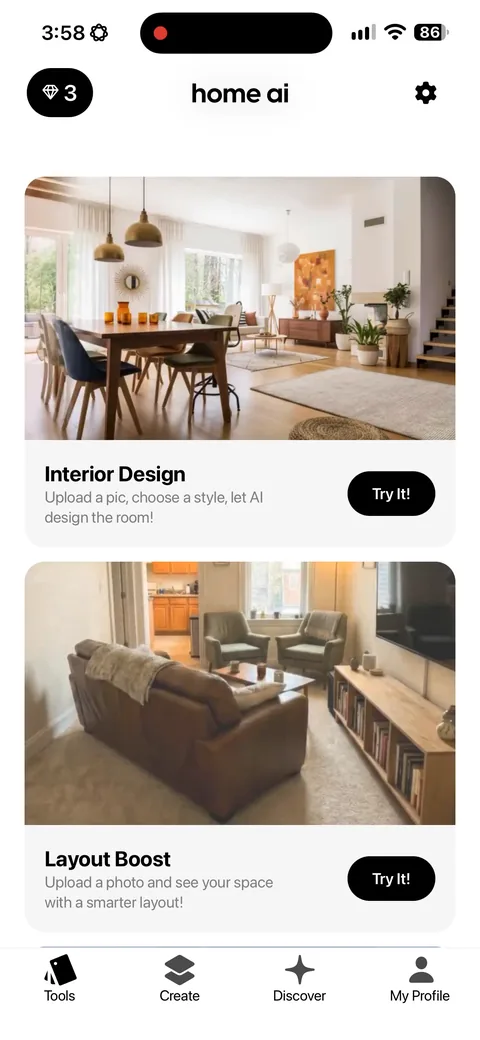
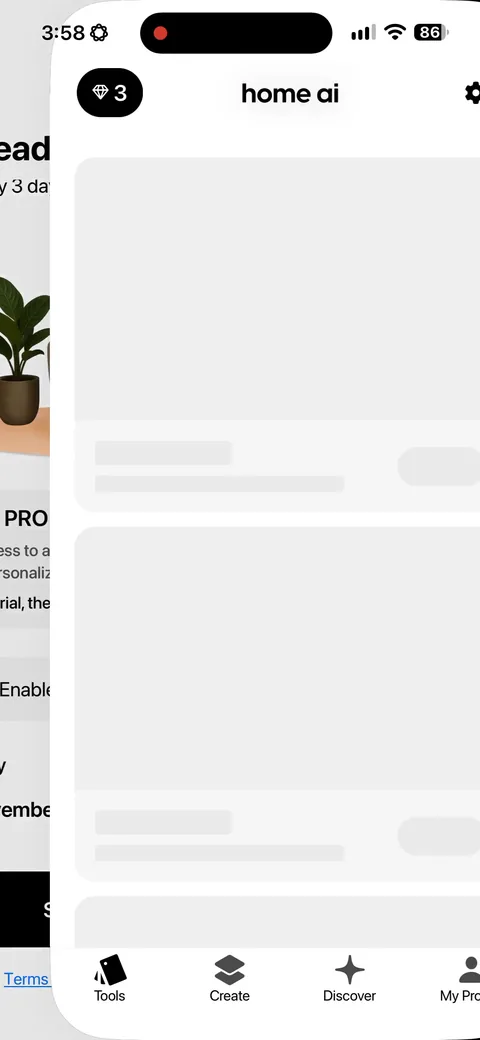
Home AI (Interior Design) onboarding screen 14: You land on a feed of feature cards (Interior Design, Layout Boost, Exterior Design, Garden Design) each with…14
You land on a feed of feature cards (Interior Design, Layout Boost, Exterior Design, Garden Design) each with a Try It button, plus 3 credits in the corner. This is a decent activation screen. The credits give the free tier a shape, and every card is a one-tap path to the aha moment.
Home AI (Interior Design) onboarding screen 1515
Home AI (Interior Design) onboarding screen 1616
Home AI (Interior Design) onboarding screen 1717
Home AI (Interior Design) onboarding screen 1818
Home AI (Interior Design) onboarding screen 1919
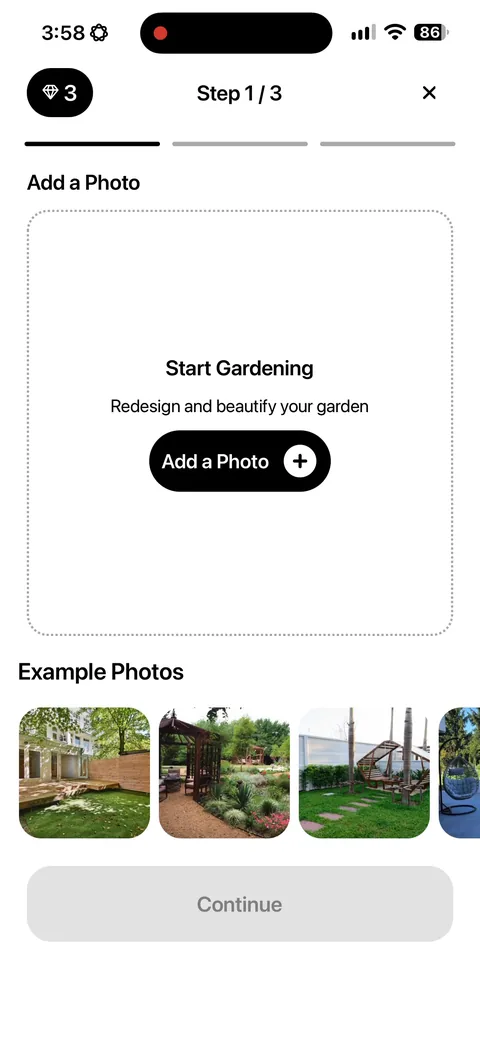
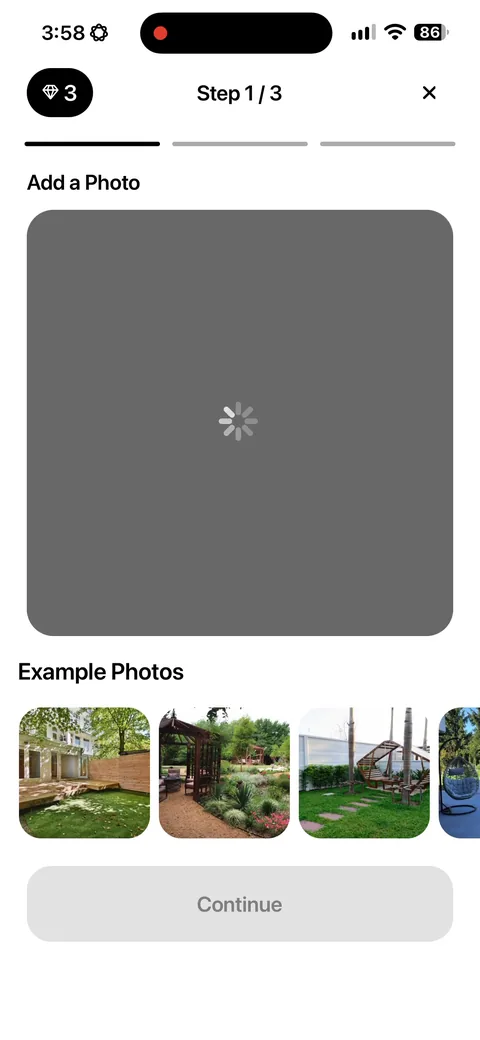
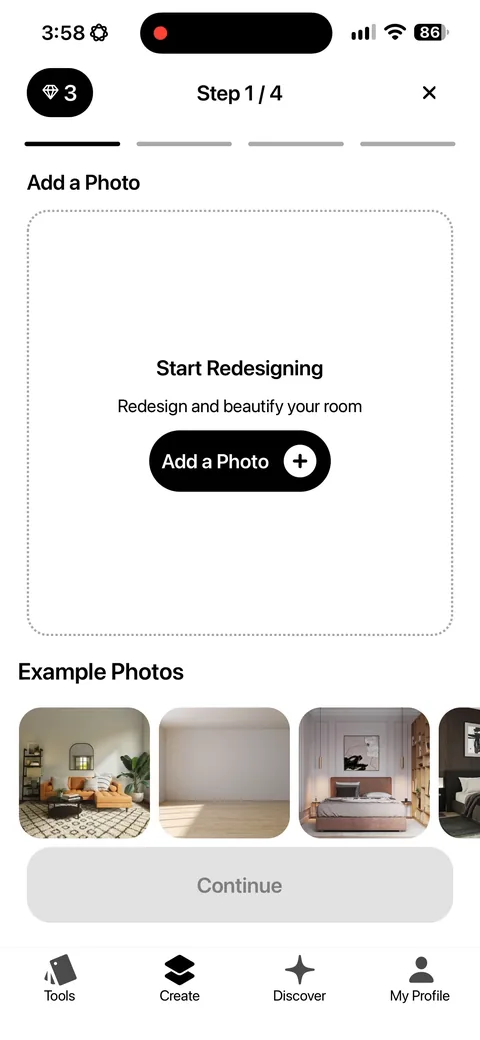
Home AI (Interior Design) onboarding screen 20: Step 1 of 3 with a progress counter on an upload20
Step 1 of 3 with a progress counter on an upload. Breaking one upload into a numbered three-step flow uses the goal gradient: once you're on step 1 of 3 you're much more likely to finish than if it were one screen with three inputs.
Home AI (Interior Design) onboarding screen 2121
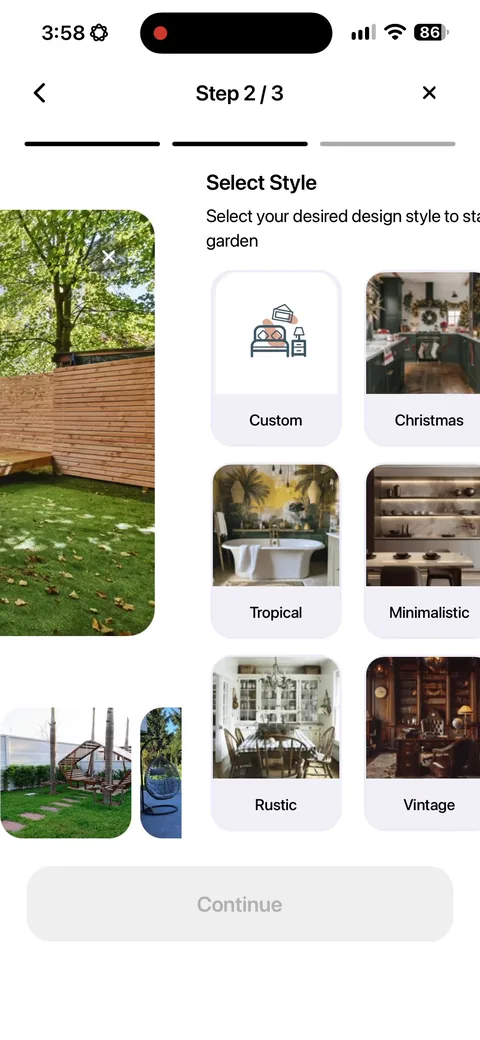
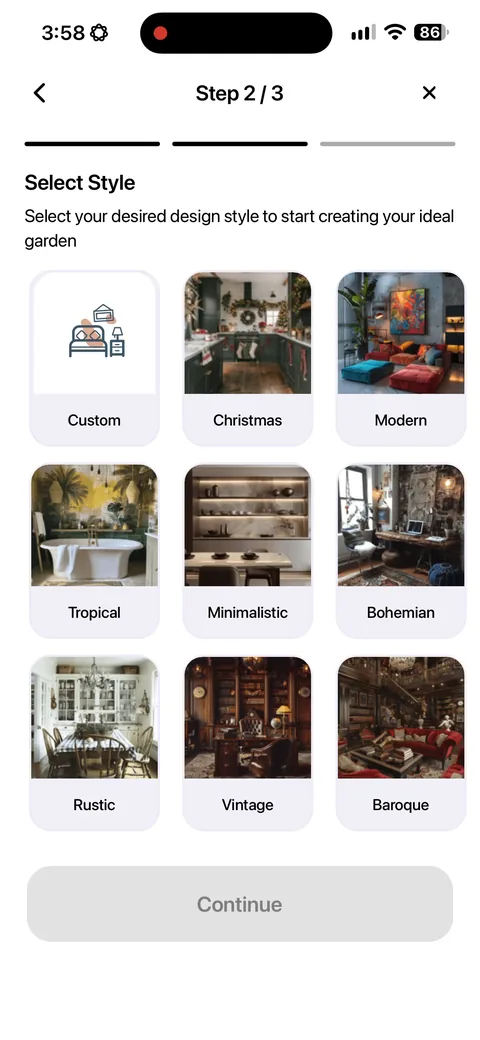
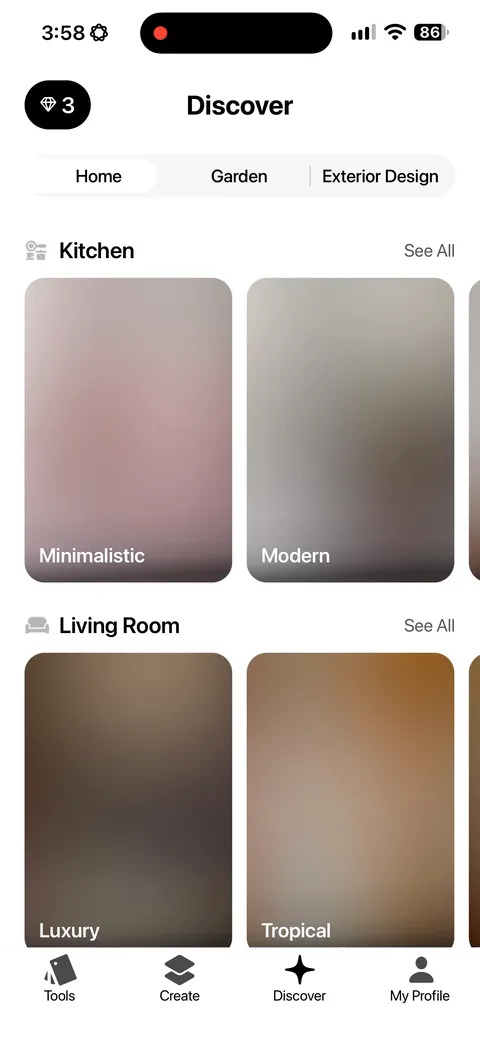
Home AI (Interior Design) onboarding screen 22: Style picker with named options (Christmas, Tropical, Minimalistic, Rustic, Bohemian, Baroque)22
Style picker with named options (Christmas, Tropical, Minimalistic, Rustic, Bohemian, Baroque). Naming styles instead of showing unlabeled thumbnails helps people who don't have design vocabulary pick something, and seasonal entries like Christmas give a reason to come back.
Home AI (Interior Design) onboarding screen 2323
Home AI (Interior Design) onboarding screen 2424
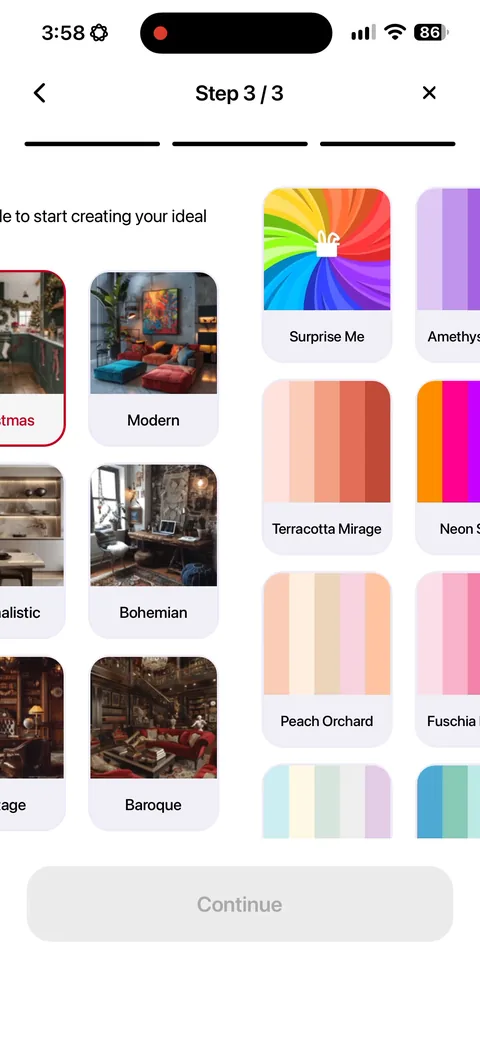
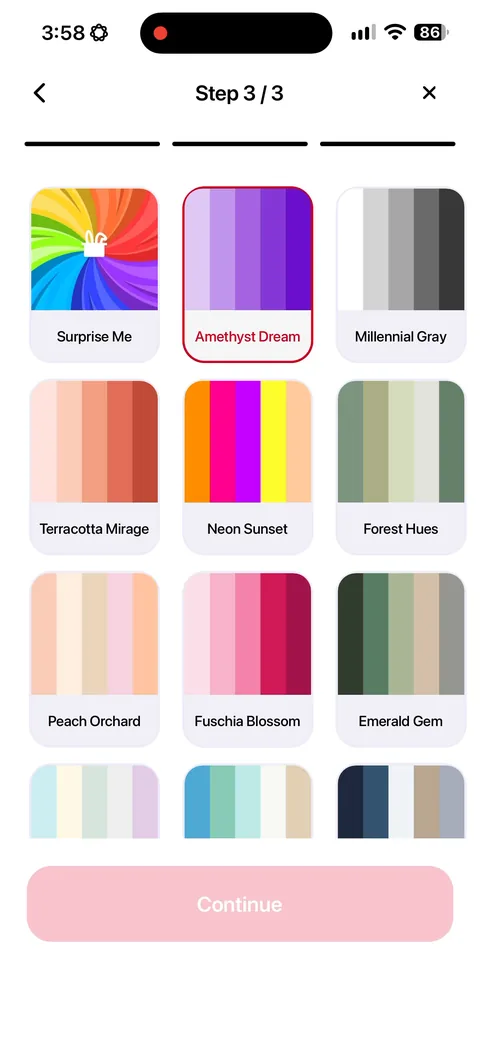
Home AI (Interior Design) onboarding screen 25: A second picker for color palette with names like 'Amethyst Dream' and 'Terracotta Mirage'25
A second picker for color palette with names like 'Amethyst Dream' and 'Terracotta Mirage'. Attention to detail in naming makes the output feel bespoke before any work happens. Also a 'Surprise me' option, which is the right escape hatch for people who don't want to decide.
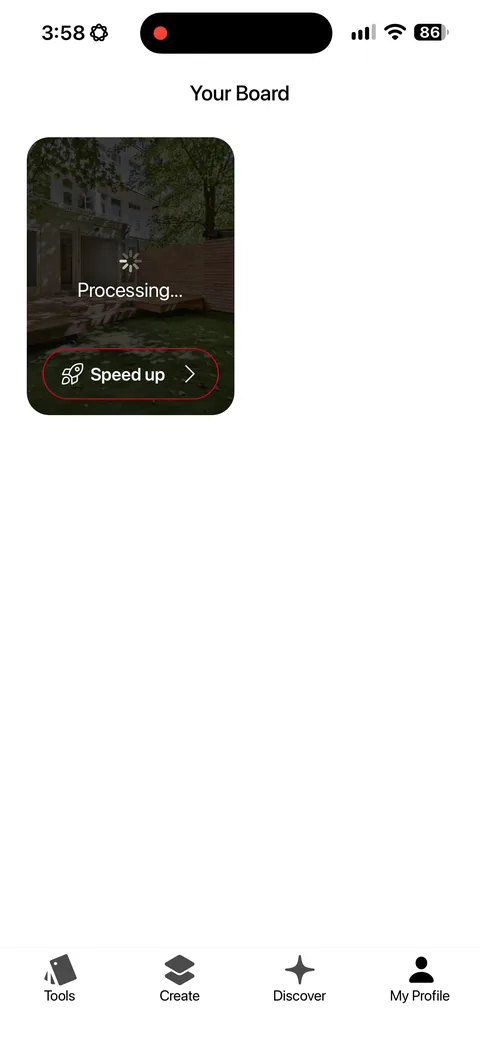
Home AI (Interior Design) onboarding screen 26: Processing screen with a 'Speed up' button26
Processing screen with a 'Speed up' button. Showing the work and then selling a skip is a clean way to monetize impatience, and it reinforces that something real is being computed for you.
Home AI (Interior Design) onboarding screen 2727
Home AI (Interior Design) onboarding screen 2828
Home AI (Interior Design) onboarding screen 2929
Home AI (Interior Design) onboarding screen 3030
Home AI (Interior Design) onboarding screen 3131
Home AI (Interior Design) onboarding screen 3232
Home AI (Interior Design) onboarding screen 3333
Home AI (Interior Design) onboarding screen 3434
Home AI (Interior Design) onboarding screen 3535
Home AI (Interior Design) onboarding screen 3636