
← All flows
Photo / Video

Remove Objects (AI Photo Editor) onboarding flow

41 screens · Screen Recording · recorded Nov 2026
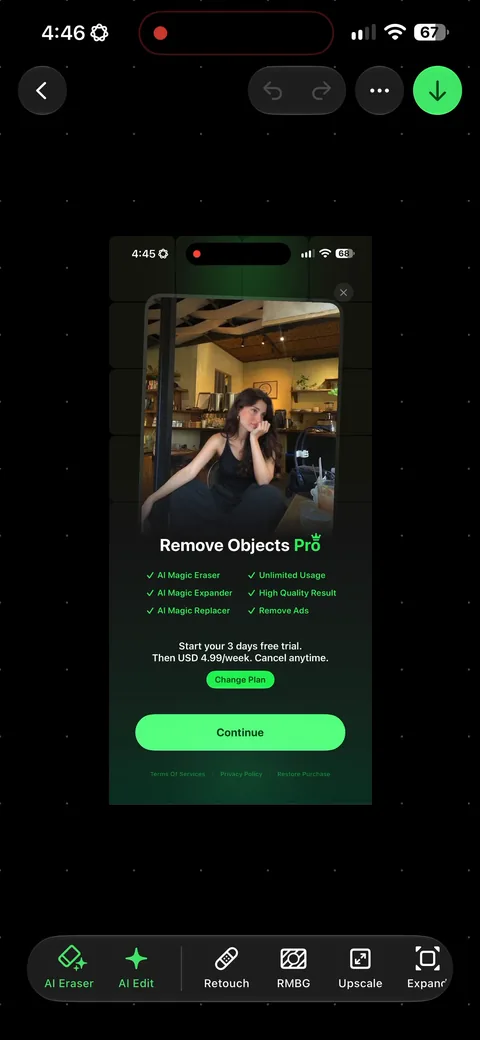
Photo / VideoSoft paywall · trial optionalpaywall: pre signupvalue prop carouselpermissions firstone plan onlyfeature list

Remove Objects (AI Photo Editor) pricing and paywall terms

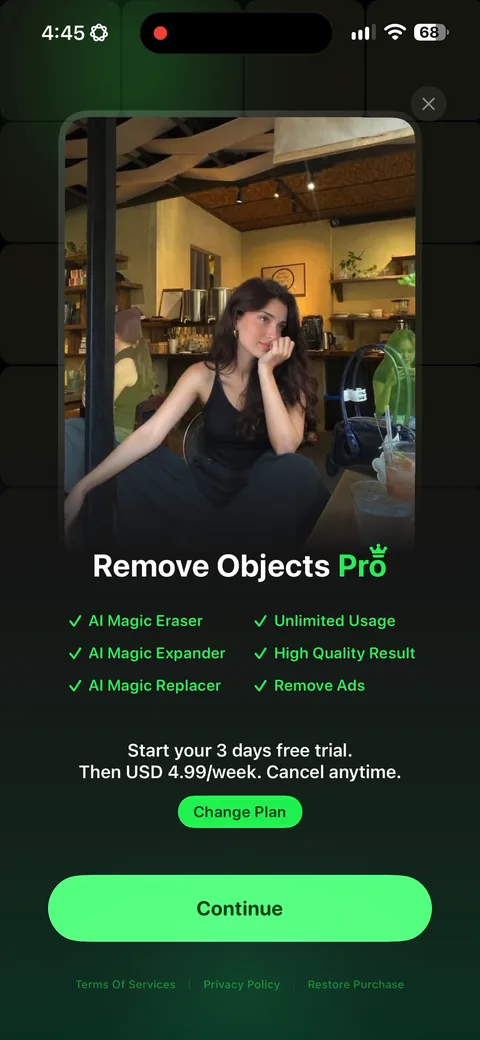
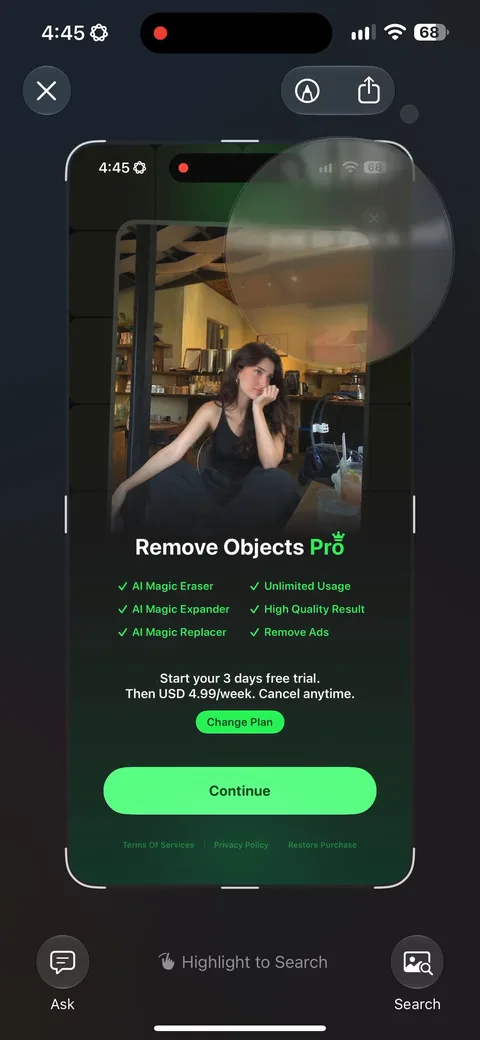
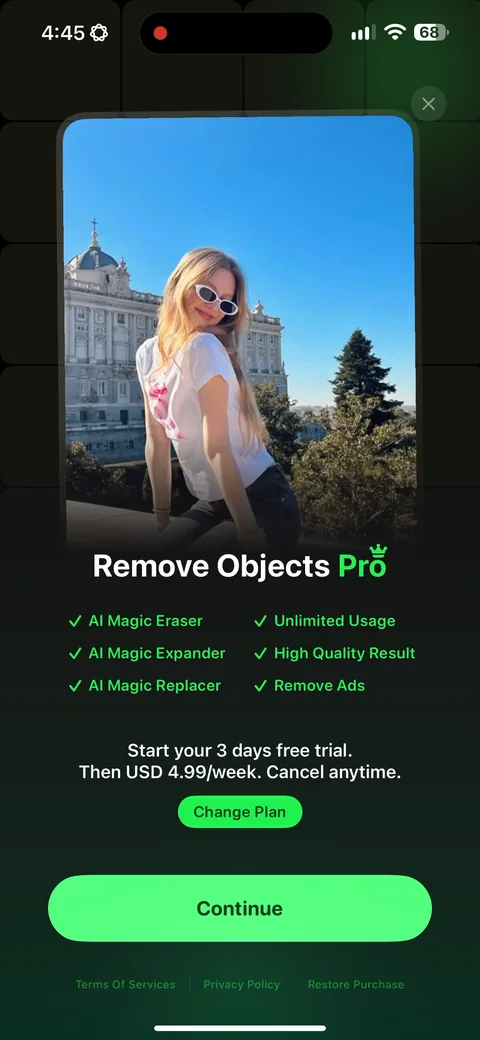
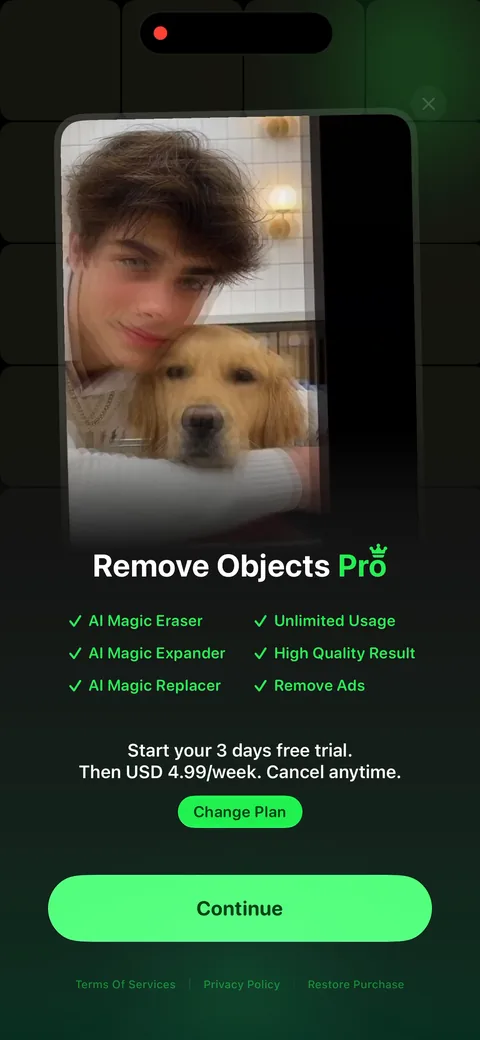
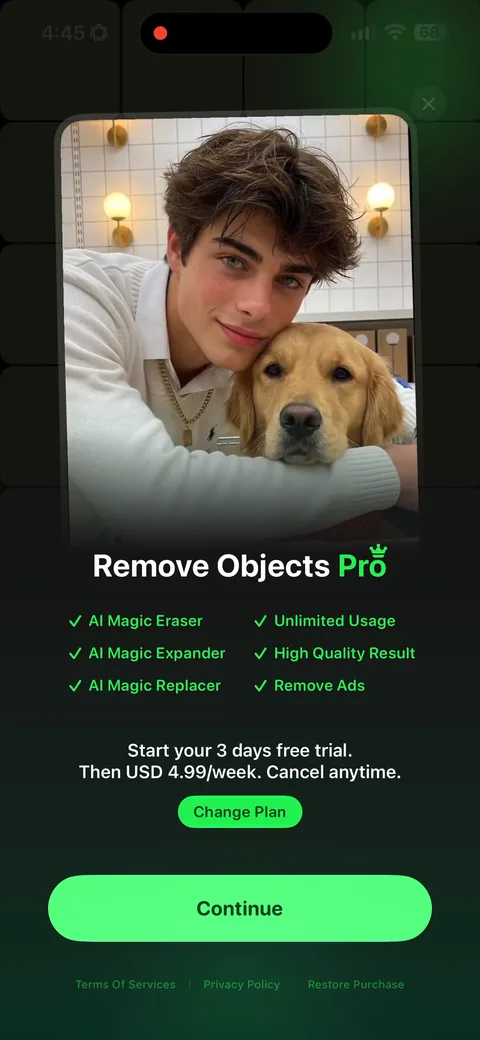
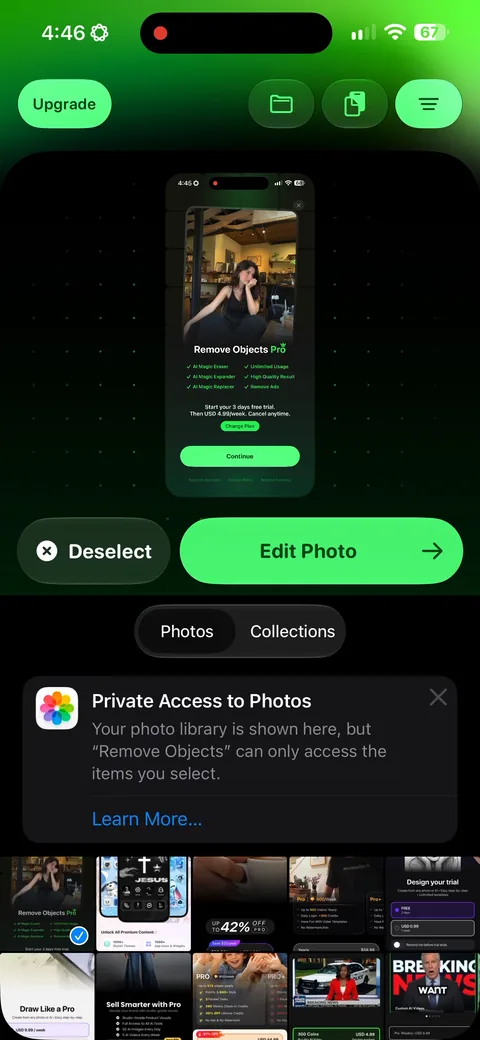
Single plan: 3 days free then USD 4.99/week, with a 'Change Plan' link to the other options

Remove Objects (AI Photo Editor) onboarding screen 22
Remove Objects (AI Photo Editor) onboarding screen 33
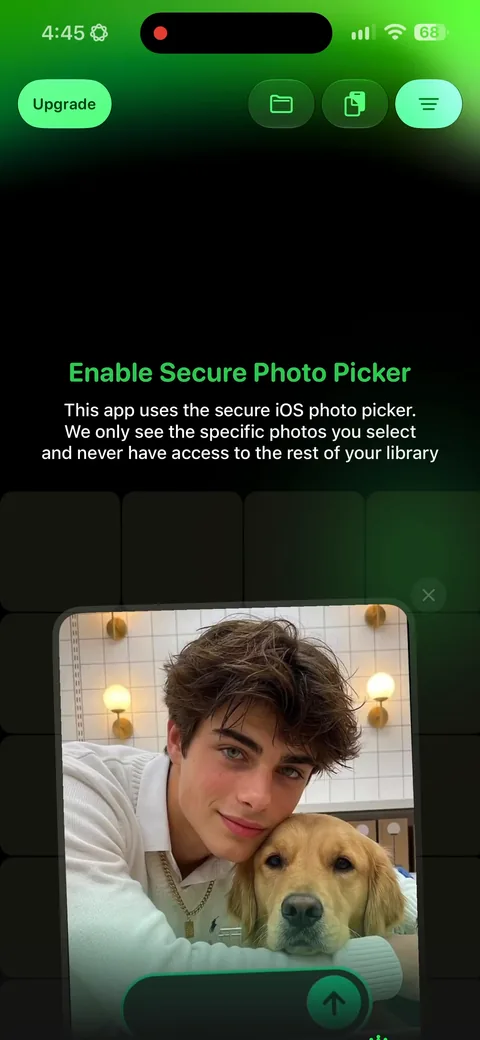
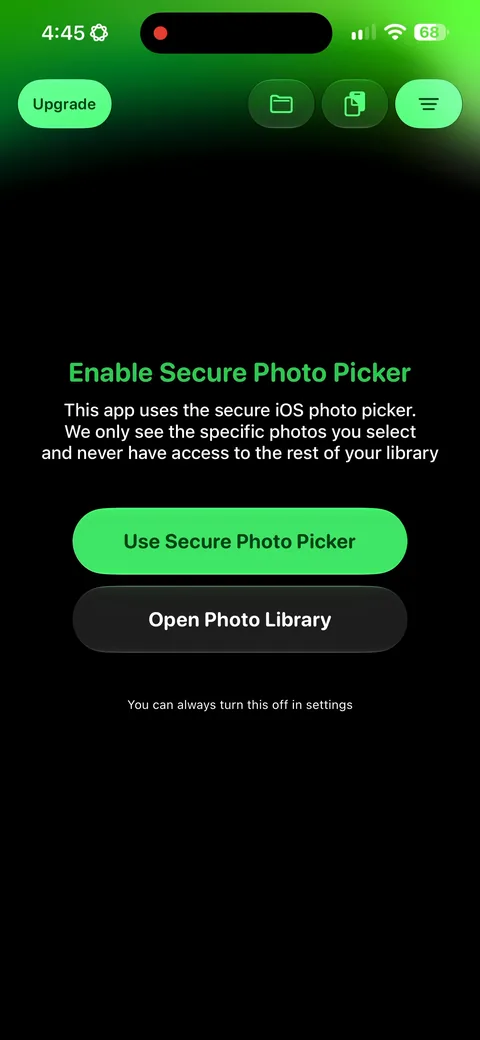
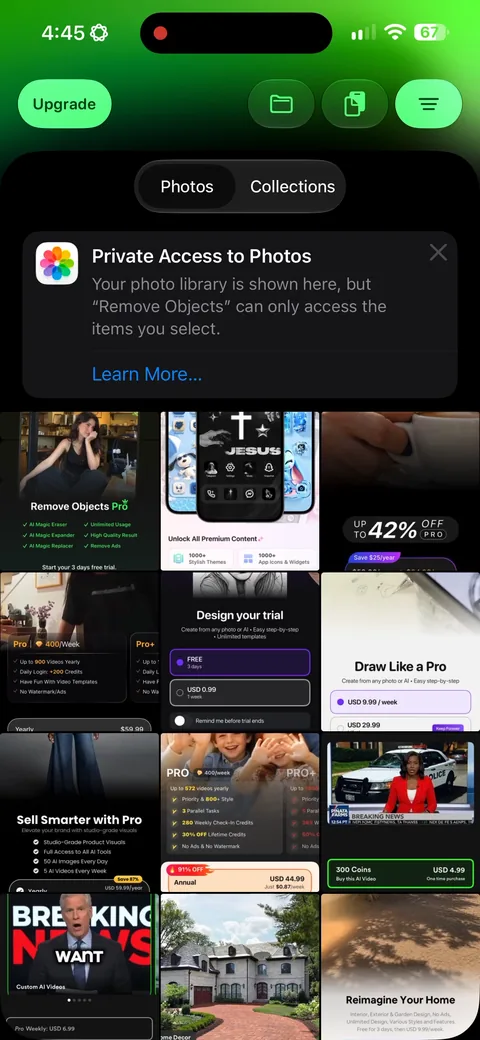
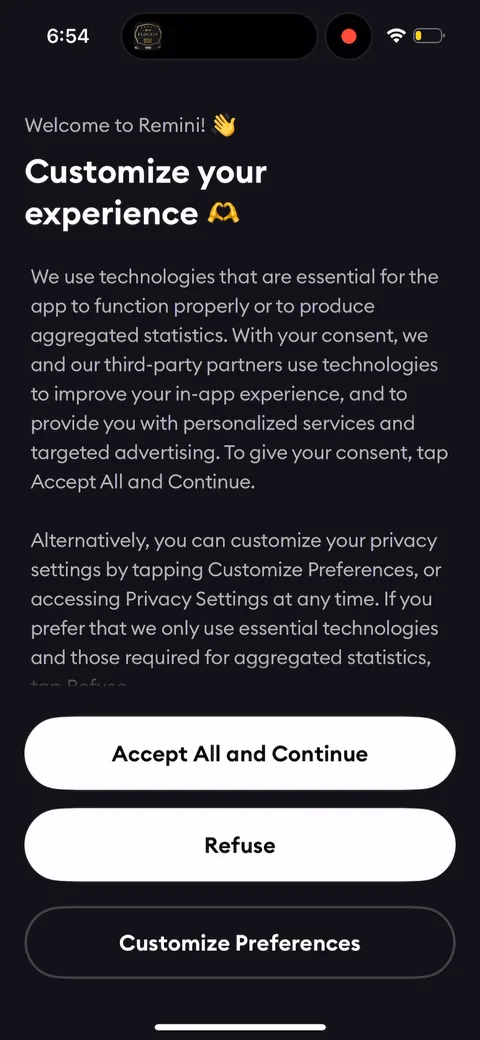
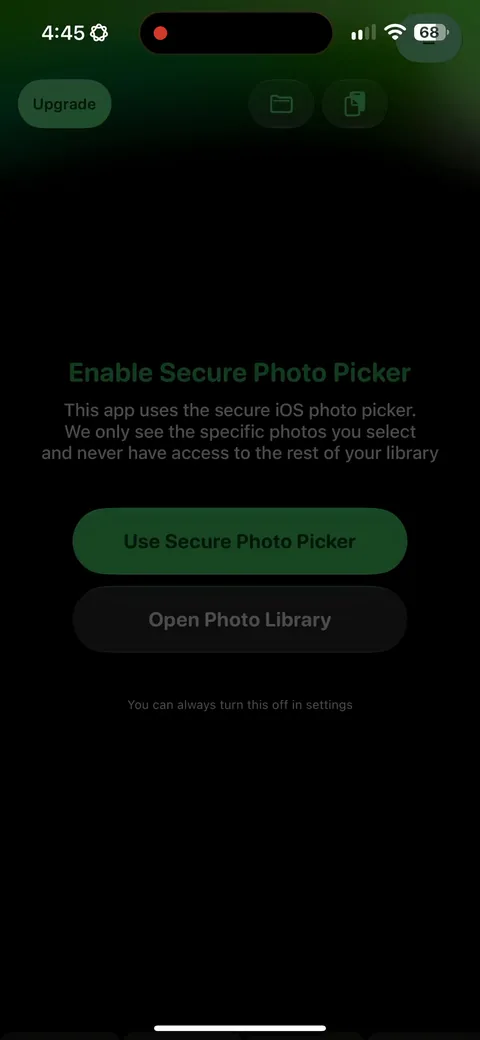
Remove Objects (AI Photo Editor) onboarding screen 4: 'We only see the specific photos you select and never have access to the rest.' Explaining the secure photo…4
'We only see the specific photos you select and never have access to the rest.' Explaining the secure photo picker instead of just firing the system sheet is a real trust play, and for a photo editor that permission is the entire product. Most apps trigger it cold and eat the denials without ever understanding why.
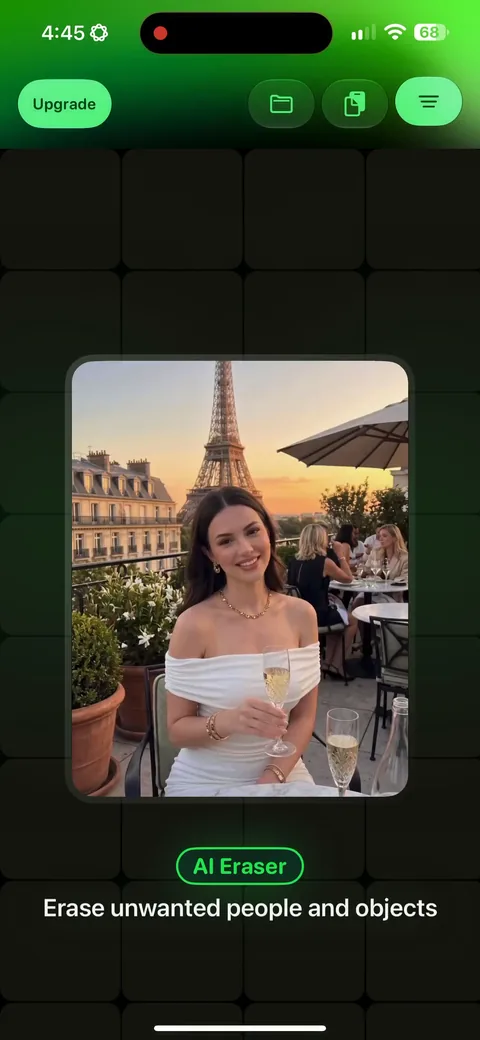
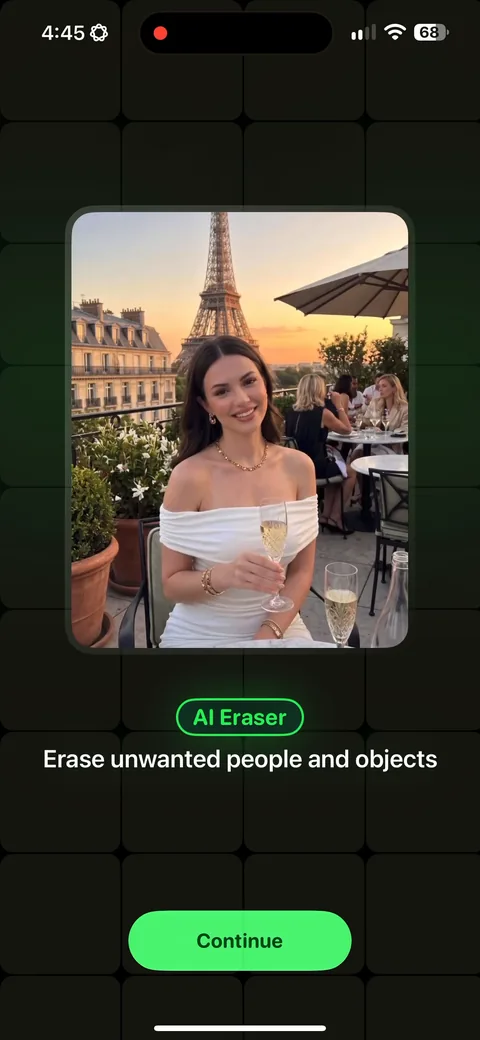
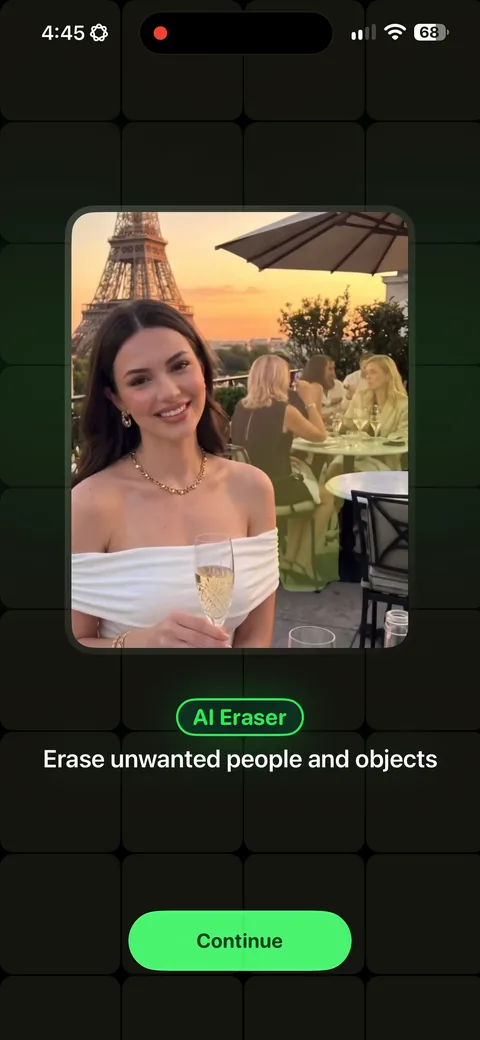
Remove Objects (AI Photo Editor) onboarding screen 5: 'Erase unwanted people and objects' over a before and after5
'Erase unwanted people and objects' over a before and after. The clearest possible statement of the job, and the exact reason anyone installs this category.
Remove Objects (AI Photo Editor) onboarding screen 66
Remove Objects (AI Photo Editor) onboarding screen 77
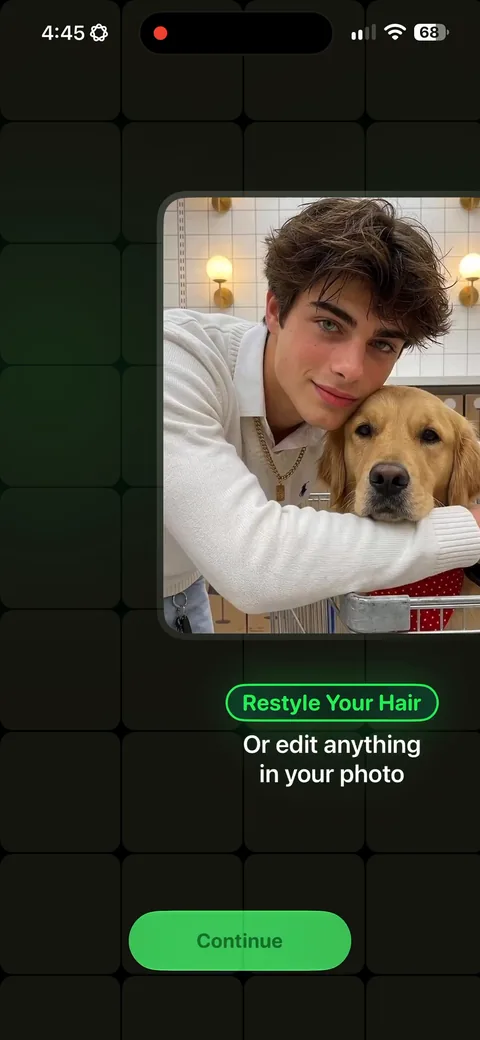
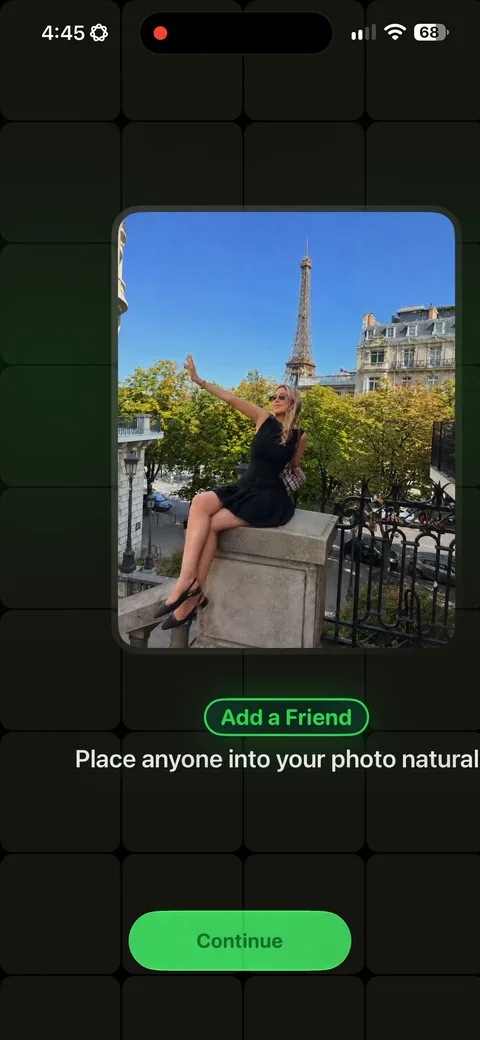
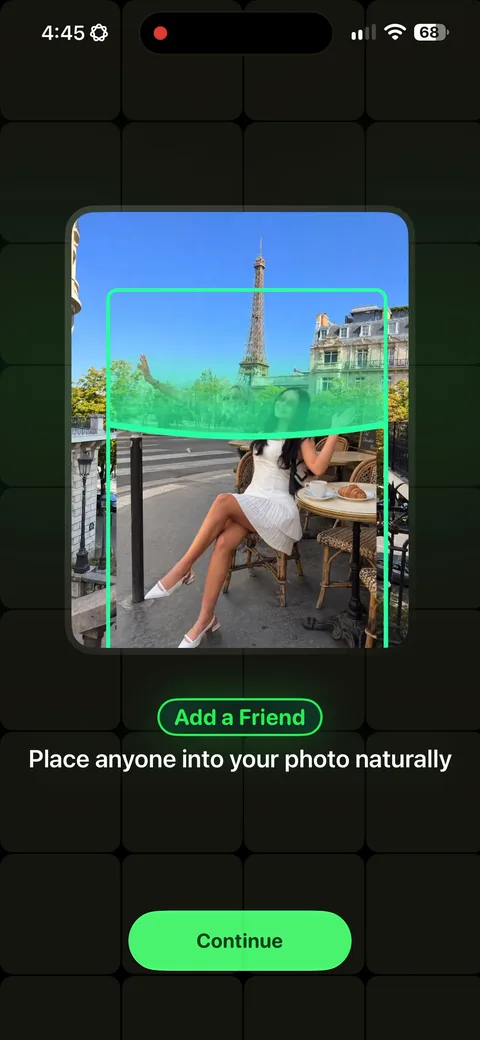
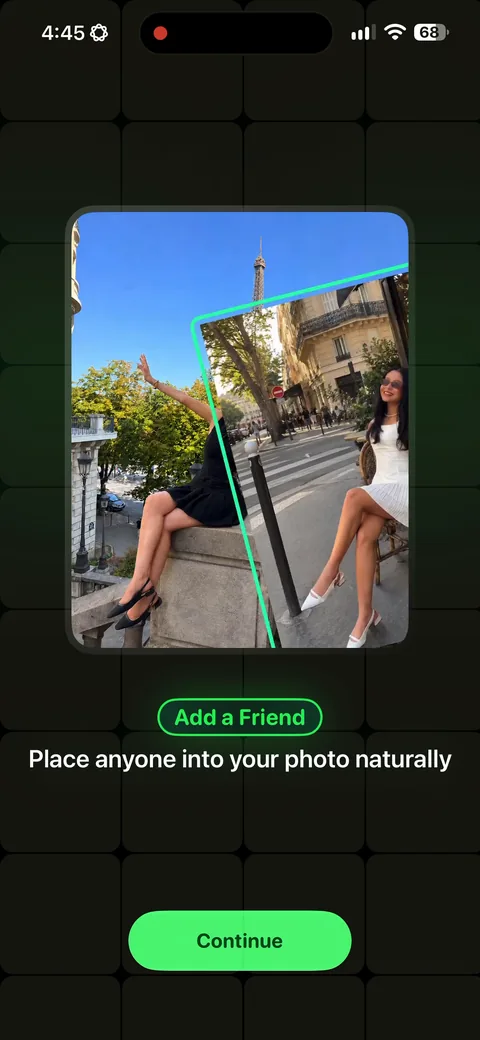
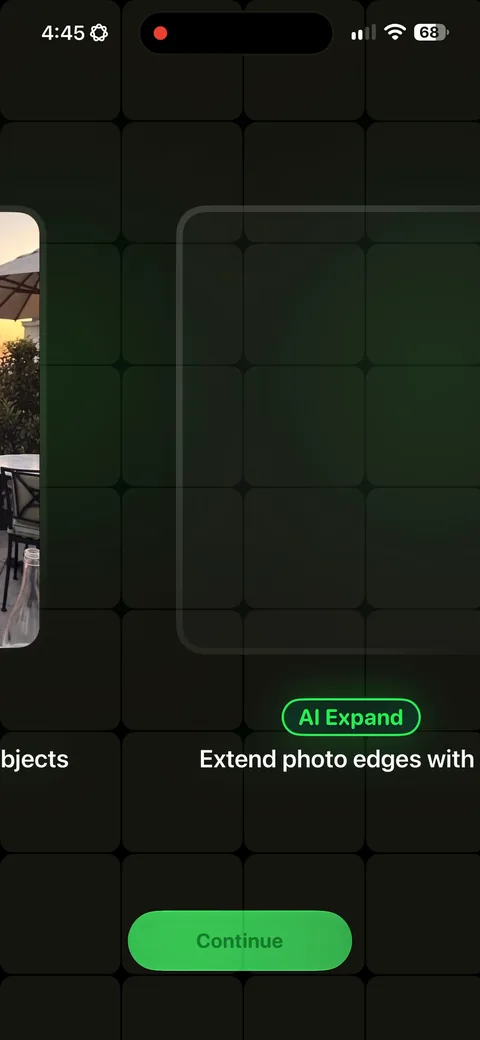
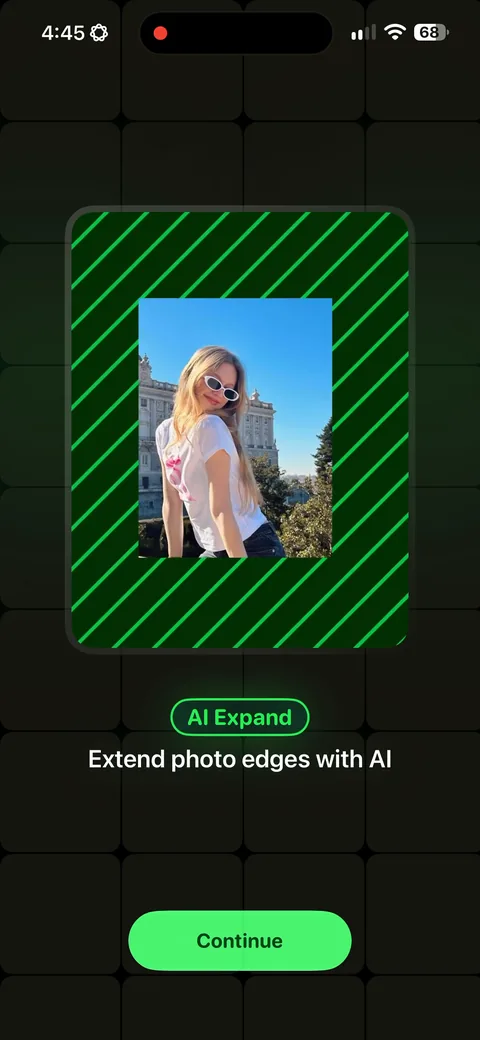
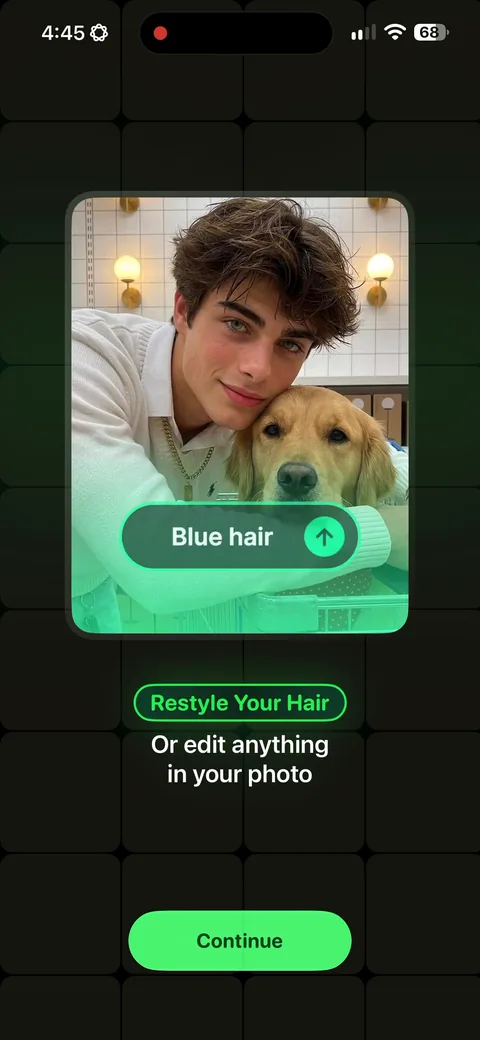
Remove Objects (AI Photo Editor) onboarding screen 8: AI Expand, then hair restyling, then 'add a friend, place anyone into your photo naturally'8
AI Expand, then hair restyling, then 'add a friend, place anyone into your photo naturally'. Four separate jobs across four screens. That last one is the interesting one: putting someone back into a photo is an emotional use case sitting inside what's otherwise a utility.
Remove Objects (AI Photo Editor) onboarding screen 99
Remove Objects (AI Photo Editor) onboarding screen 1010
Remove Objects (AI Photo Editor) onboarding screen 1111
100% free
31 more screens

See the rest of this flow.

You are 10 screens into Remove Objects (AI Photo Editor). Enter your email to unlock the remaining 31, plus every other teardown in the library.
100% free, just your email.
Remove Objects (AI Photo Editor) onboarding screen 1212
Remove Objects (AI Photo Editor) onboarding screen 1313
Remove Objects (AI Photo Editor) onboarding screen 1414
Remove Objects (AI Photo Editor) onboarding screen 1515
Remove Objects (AI Photo Editor) onboarding screen 1616
Remove Objects (AI Photo Editor) onboarding screen 1717
Remove Objects (AI Photo Editor) onboarding screen 1818
Remove Objects (AI Photo Editor) onboarding screen 1919
Remove Objects (AI Photo Editor) onboarding screen 2020
Remove Objects (AI Photo Editor) onboarding screen 2121
Remove Objects (AI Photo Editor) paywall with pricing, onboarding screen 2222
3 days free then $4.99/week, a single plan, with a 'Change Plan' link for anyone who wants to look. Hiding the alternatives behind a link keeps this screen to one decision, which is the right structure. $4.99 a week also sits at the low end of this batch, where the top is $24.99.
Remove Objects (AI Photo Editor) onboarding screen 2323
Remove Objects (AI Photo Editor) onboarding screen 2424
Remove Objects (AI Photo Editor) onboarding screen 2525
Remove Objects (AI Photo Editor) onboarding screen 2626
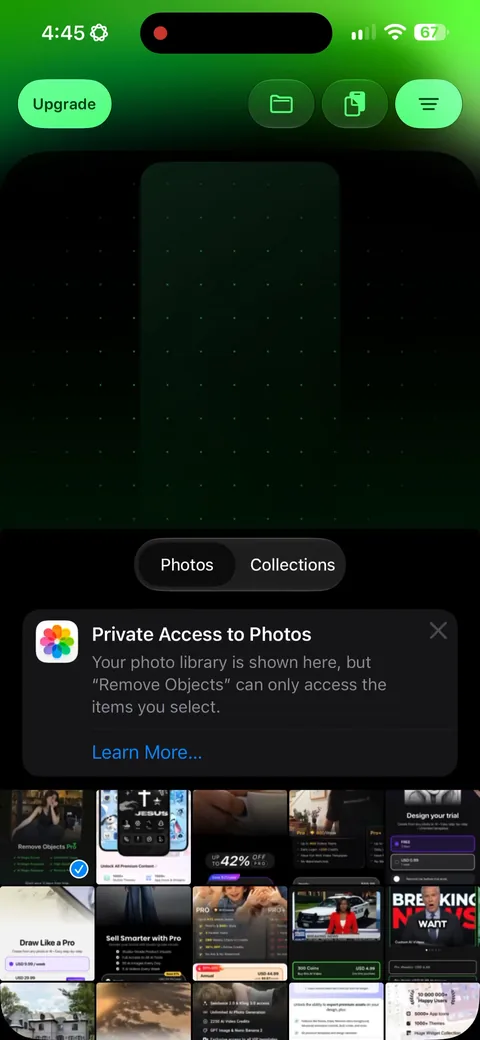
Remove Objects (AI Photo Editor) onboarding screen 27: iOS private photo access, showing only the images you picked27
iOS private photo access, showing only the images you picked. Second time they've handled this carefully. For an editor, visibly respecting the photo library buys more trust than anything on the paywall.
Remove Objects (AI Photo Editor) onboarding screen 2828
Remove Objects (AI Photo Editor) onboarding screen 2929
Remove Objects (AI Photo Editor) onboarding screen 3030
Remove Objects (AI Photo Editor) onboarding screen 3131
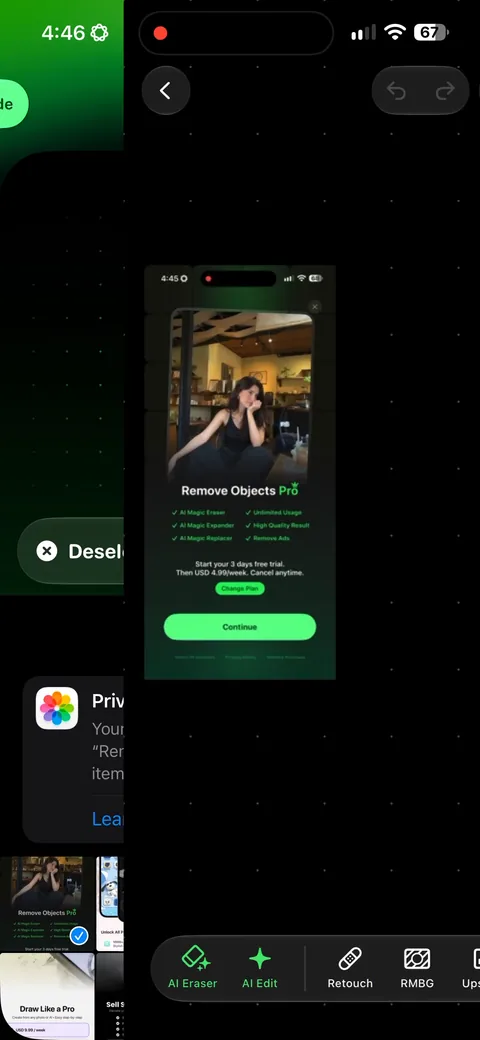
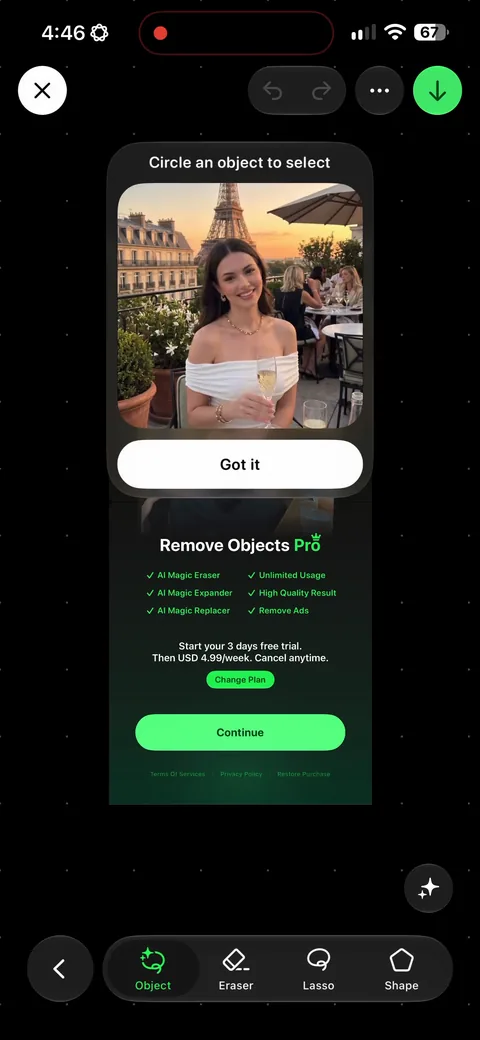
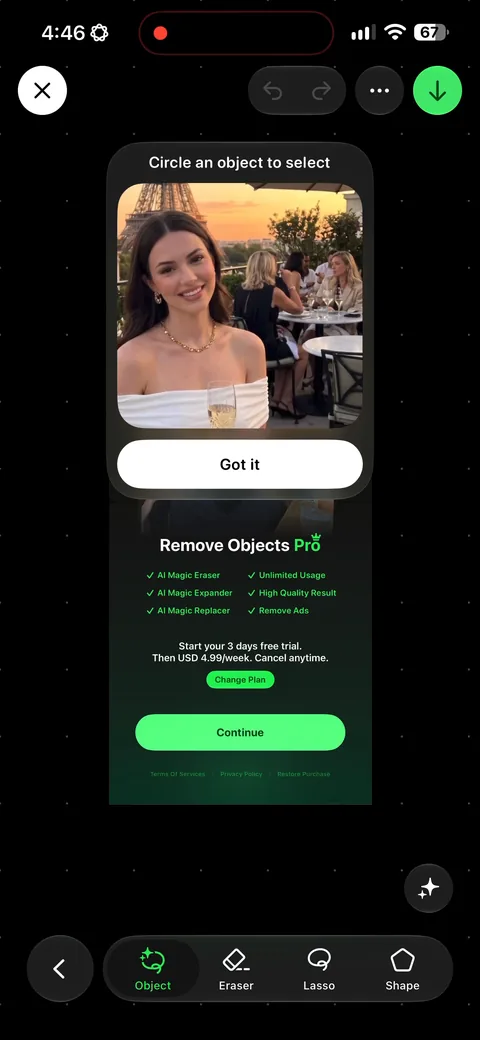
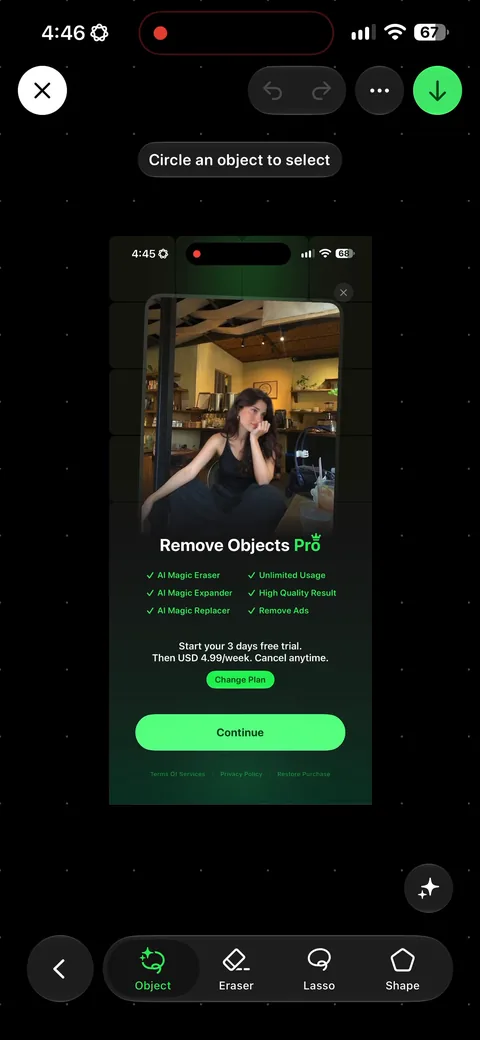
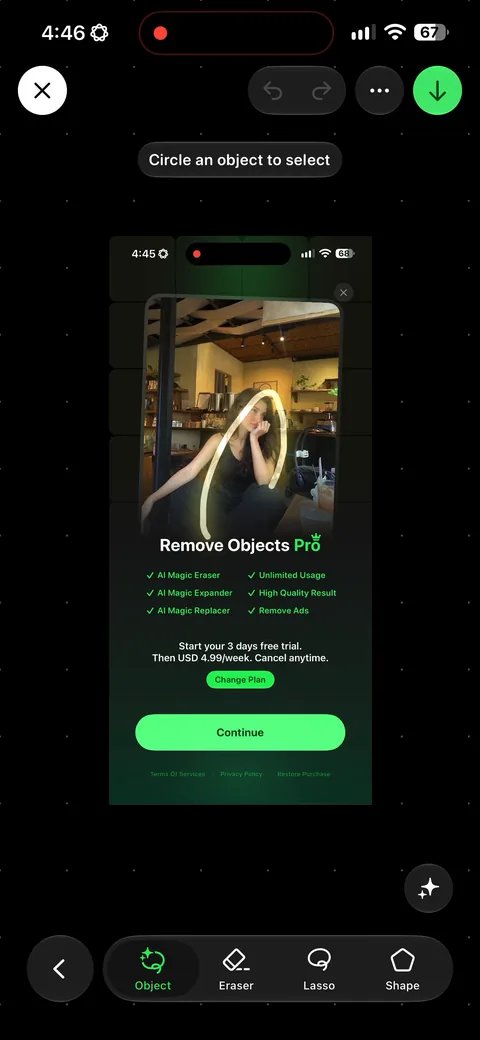
Remove Objects (AI Photo Editor) onboarding screen 32: 'Circle an object to select.' The instruction sits on the canvas at the exact moment you need it, written as…32
'Circle an object to select.' The instruction sits on the canvas at the exact moment you need it, written as an action rather than a feature name. This is the difference between getting a result on the first try and deleting the app.
Remove Objects (AI Photo Editor) onboarding screen 3333
Remove Objects (AI Photo Editor) onboarding screen 3535
Remove Objects (AI Photo Editor) onboarding screen 3636
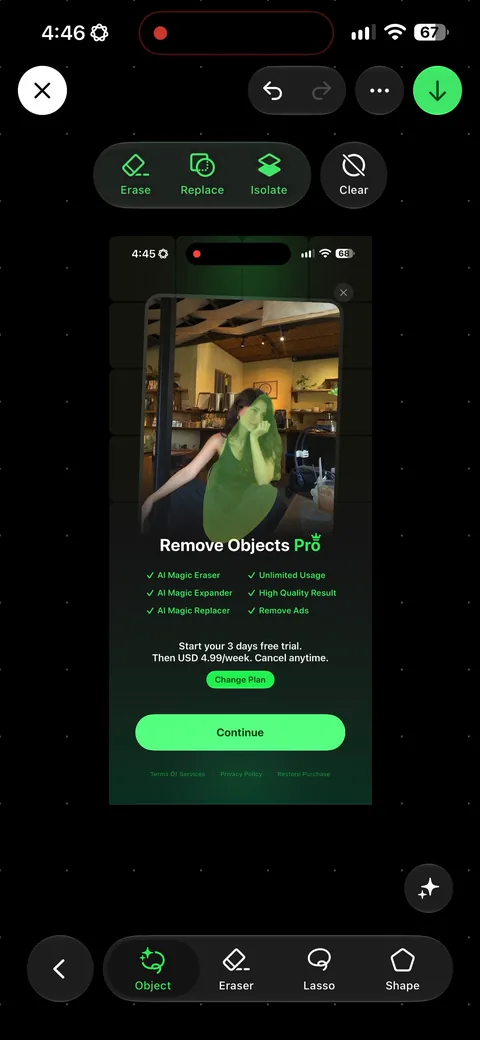
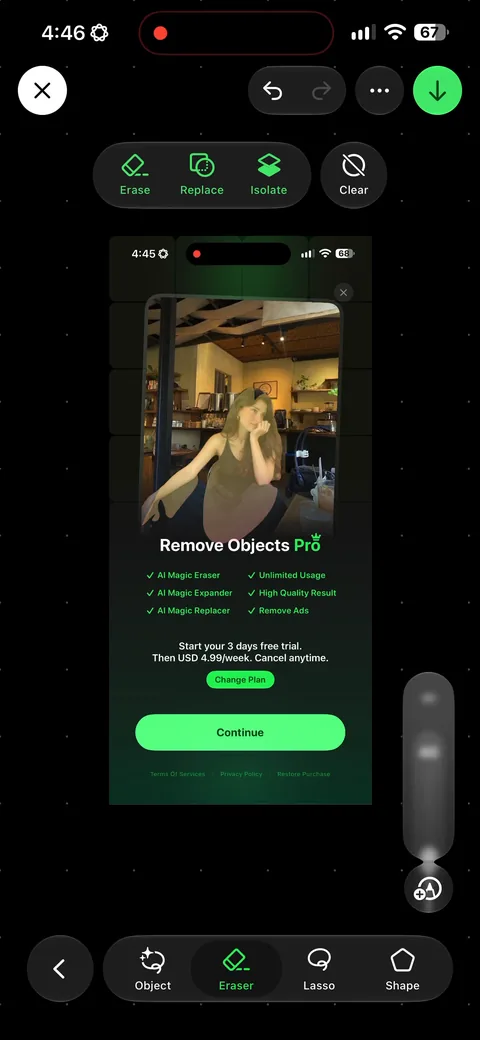
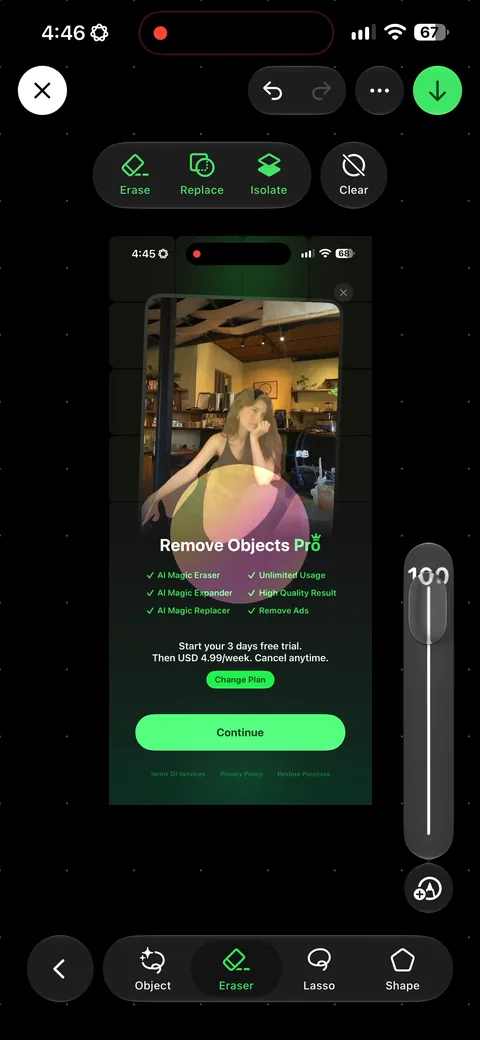
Remove Objects (AI Photo Editor) onboarding screen 37: Erase, replace, isolate, clear as four plain verbs in the toolbar37
Erase, replace, isolate, clear as four plain verbs in the toolbar. Naming the action instead of shipping four ambiguous icons means nobody has to guess, which matters more than it sounds in an editor.
Remove Objects (AI Photo Editor) onboarding screen 3838
Remove Objects (AI Photo Editor) onboarding screen 3939
Remove Objects (AI Photo Editor) onboarding screen 4040
Remove Objects (AI Photo Editor) onboarding screen 4141
Remove Objects (AI Photo Editor) onboarding screen 4242
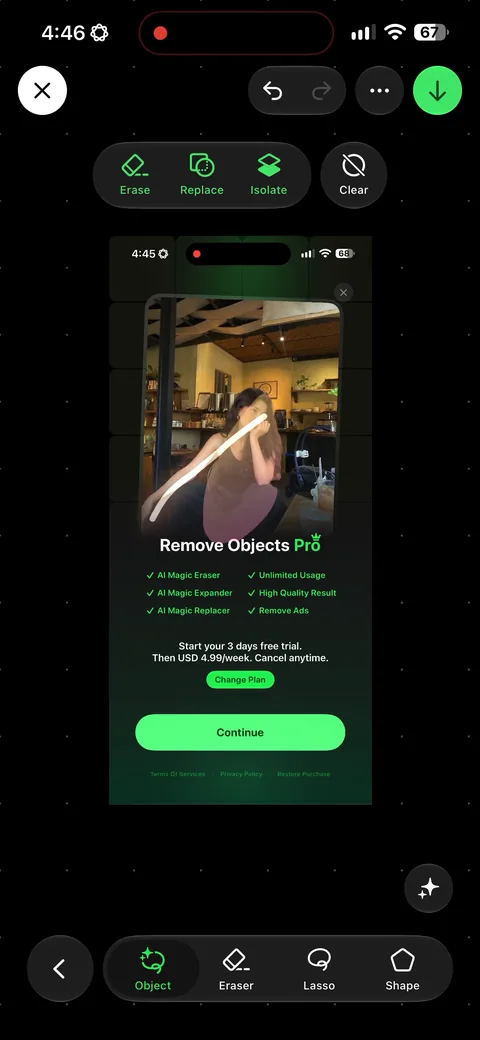
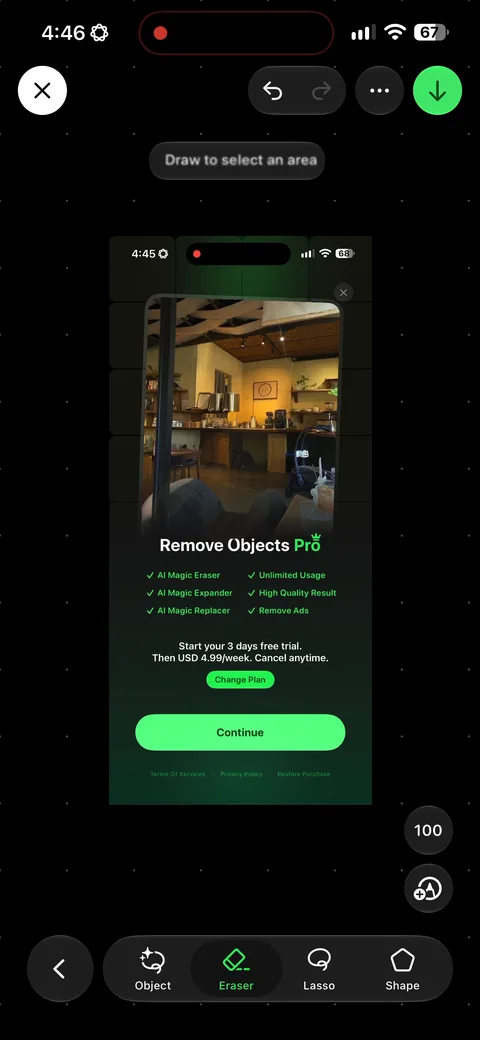
Remove Objects (AI Photo Editor) onboarding screen 43: 'Draw to select an area' appears as a second hint once you've done the first interaction43
'Draw to select an area' appears as a second hint once you've done the first interaction. Progressive instruction, one step at a time, beats a tutorial carousel that nobody reads and everybody skips.