Education / KidsFreemiumpaywall: post signup pre valueminimal fast trackannual default with trialpricing anchor strikethroughfeature list
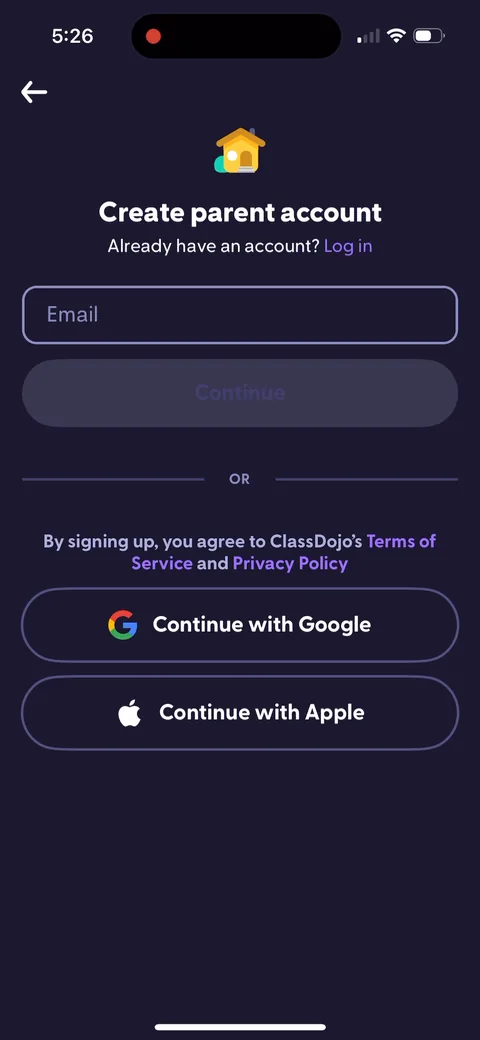
1Parent account before anything else. For a school app that's structurally necessary, the whole product is a private channel between a teacher and a parent, so there's no anonymous mode to offer here.8The paywall fires immediately after account creation, before you've connected to a single child. They're selling 'more detailed summaries of how your child's doing' to a parent with no child on the account who has never seen a summary. The offer is real, there's just nothing in the account yet to make it mean anything. This wants to run after the first photo from the teacher lands.9Annual at $59.99 with $95.88 struck through, marked POPULAR and preselected, against $7.99 monthly. The strikethrough anchors and the $4.99/mo figure does the comparison. 'More photos and videos, never lose access to memories' is the sharpest line on the screen: loss aversion aimed at a parent, and the one benefit that gets stronger the longer they stay.10'Join your child's class' with an invite code. Invite codes are the biggest single dropout point in any school app, because the parent almost never has the code in front of them at the moment they install.11'Don't have a code? Find your teacher' is the save, and it's the best thing in this flow. A fallback path from school to teacher to child means the parent who lost the paper slip still gets connected. Most apps in this category stop at the code and lose everyone without one.12School search with 'Suggested schools near you' already filled in from location. Removing typing is the whole job on a screen like this, and they got it down to one tap for most parents.1314Connect by typing your kid's full name, then 'Request to connect' for the teacher to approve. Slower than a code and correct, because the teacher is the authority on who a child's parent is. Nice example of a privacy constraint shaping the flow instead of being bolted onto it.15161819Free text name entry is the fragile part. 'bobby Davis' has to match whatever the teacher typed into their roster. A picker of first names from that class would be faster and wouldn't fail on a spelling difference.2021
 1
1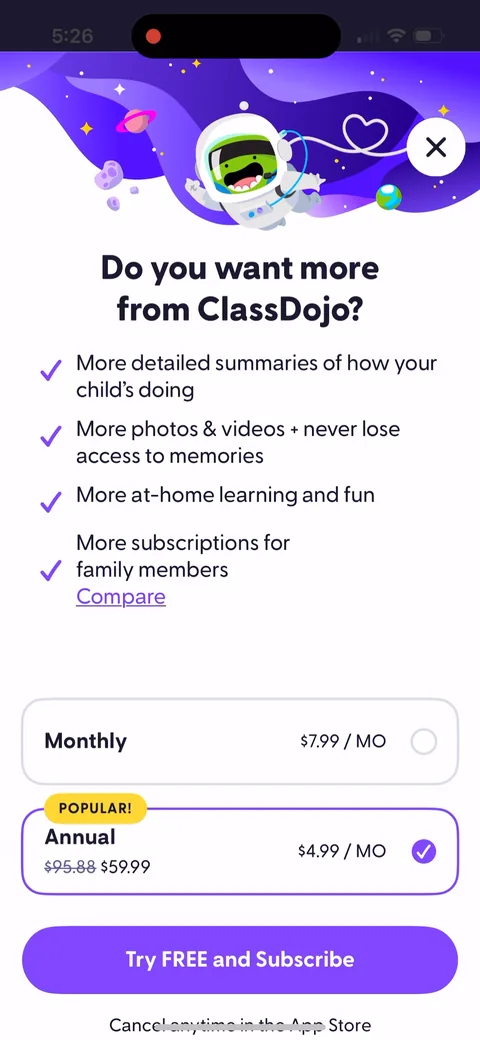 8
8 9
9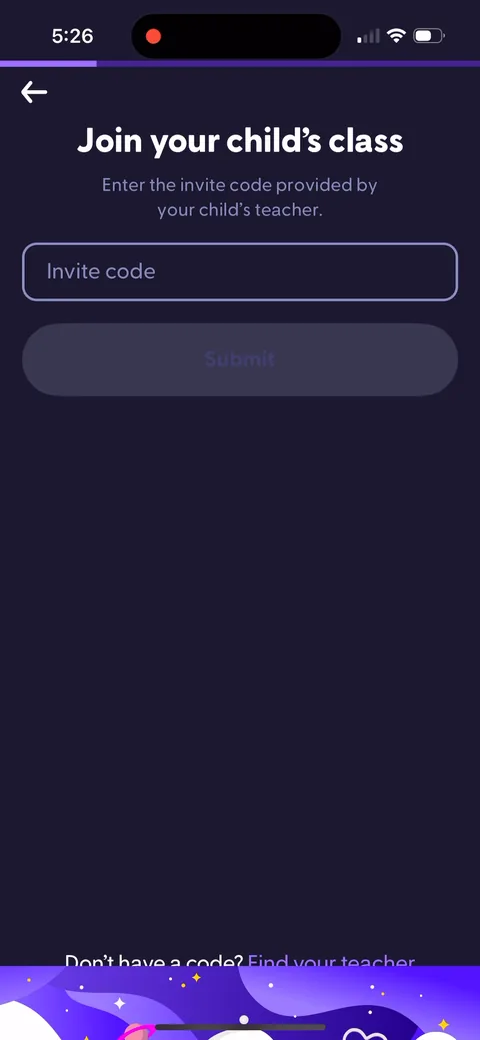 10
10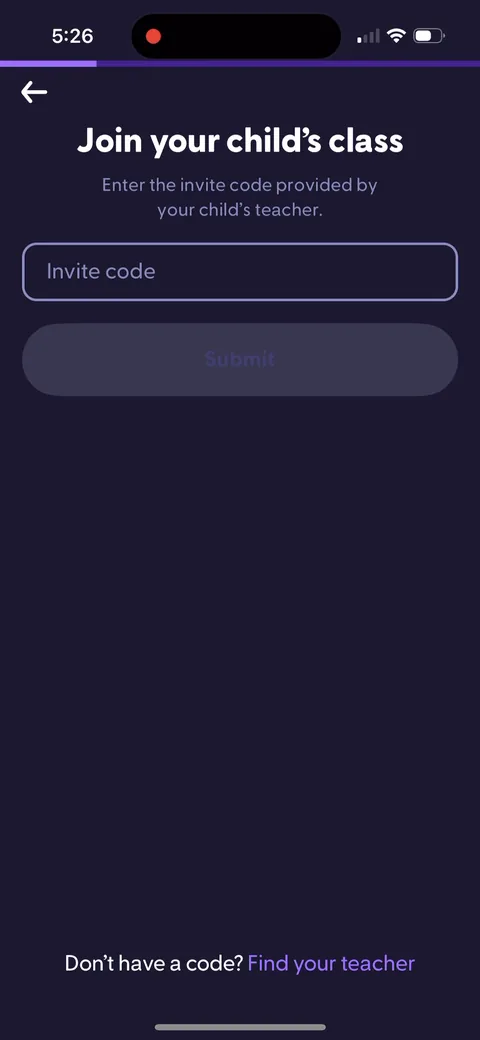 11
11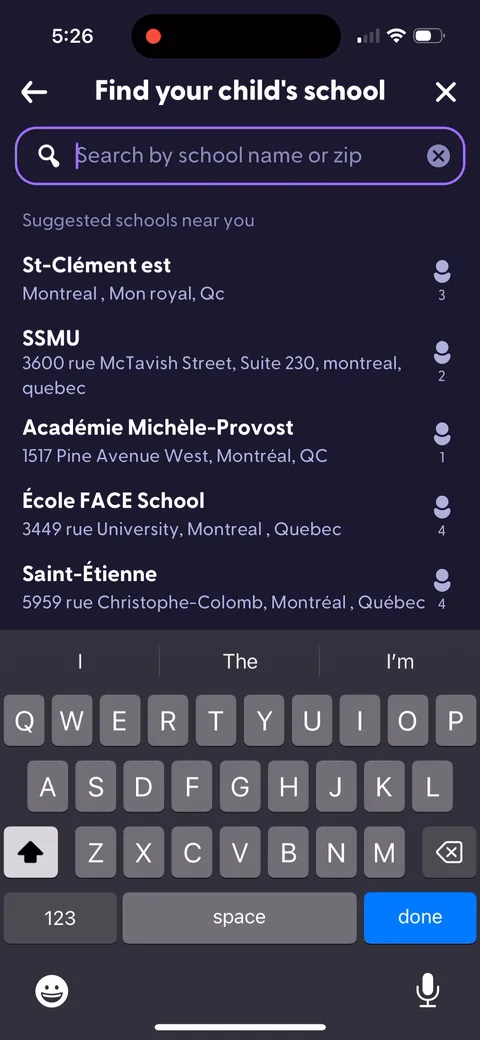 12
12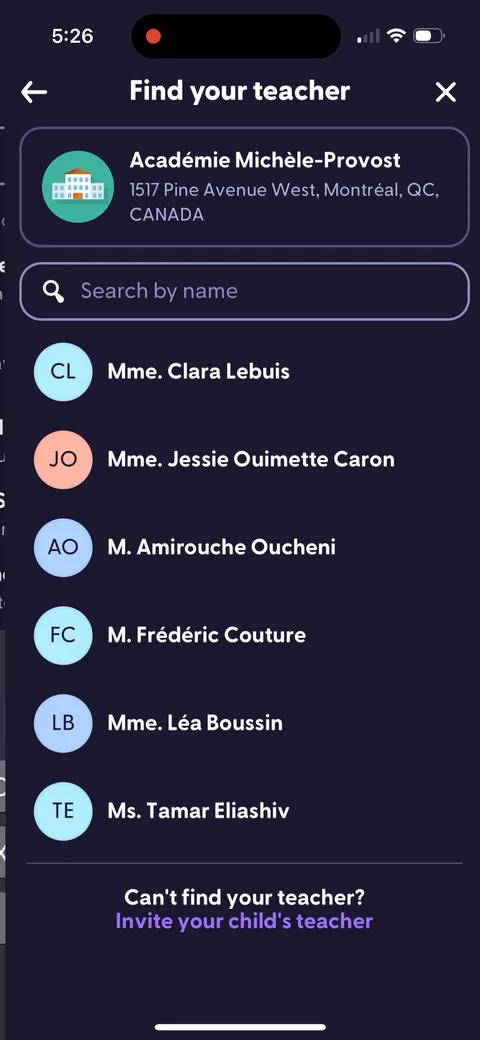 13
13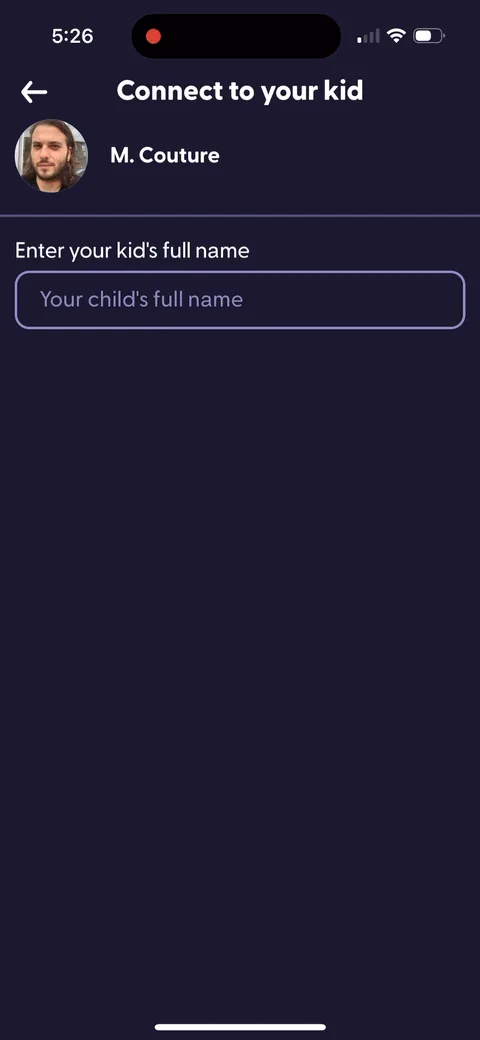 14
14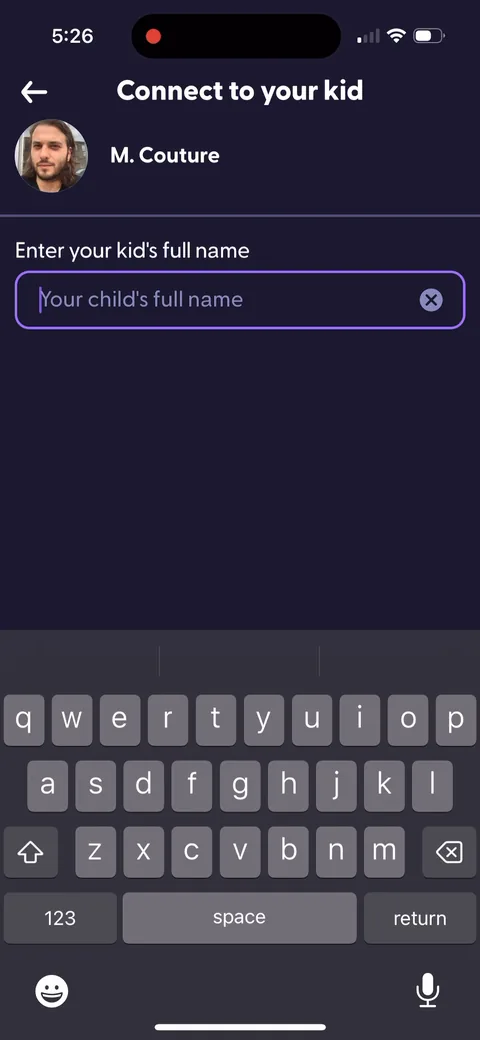 15
15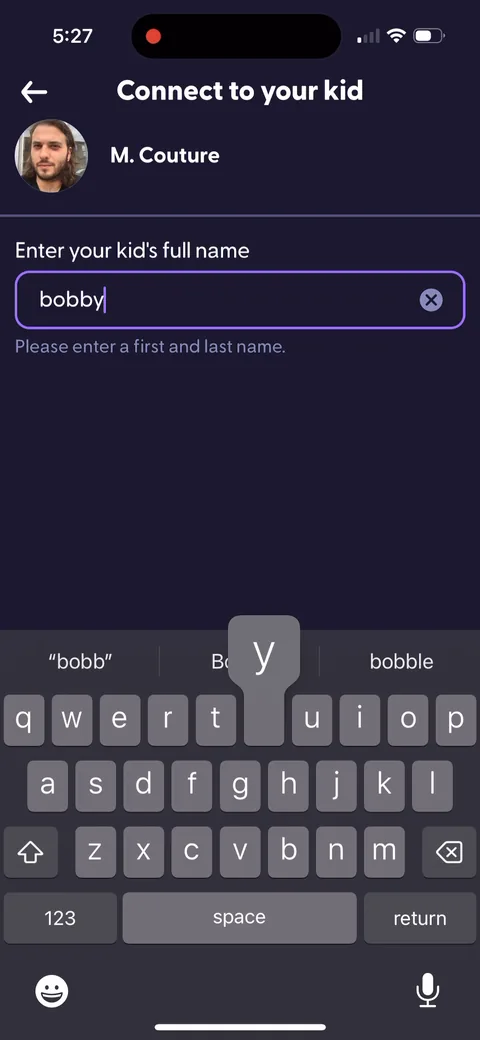 16
16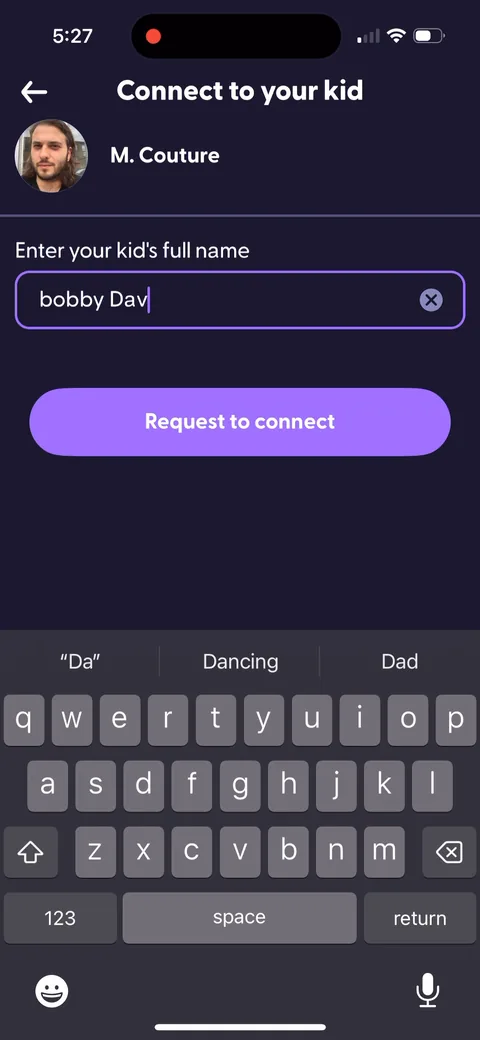 18
18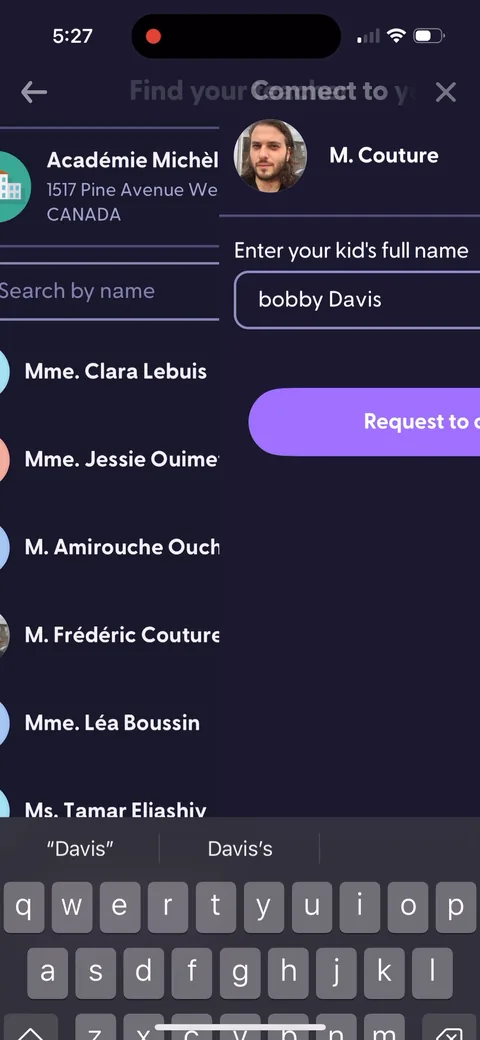 19
19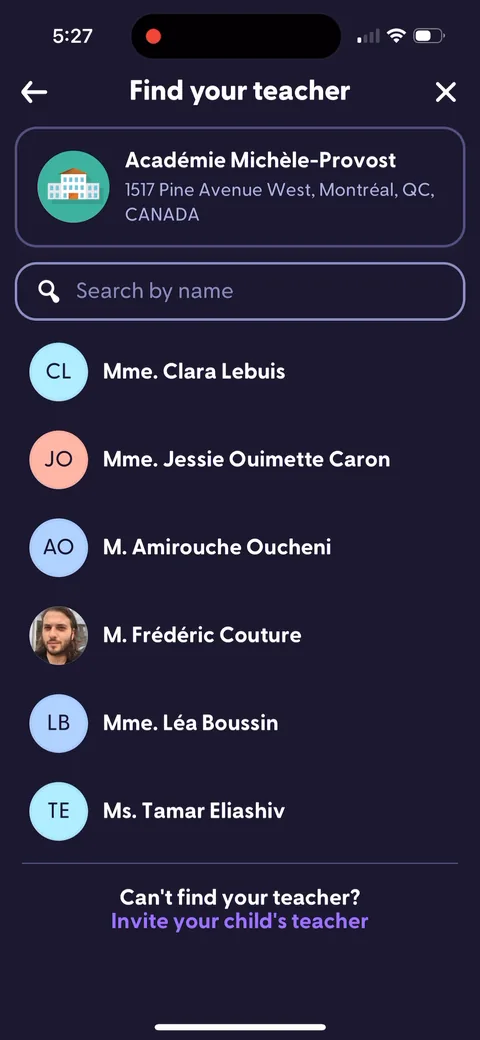 20
20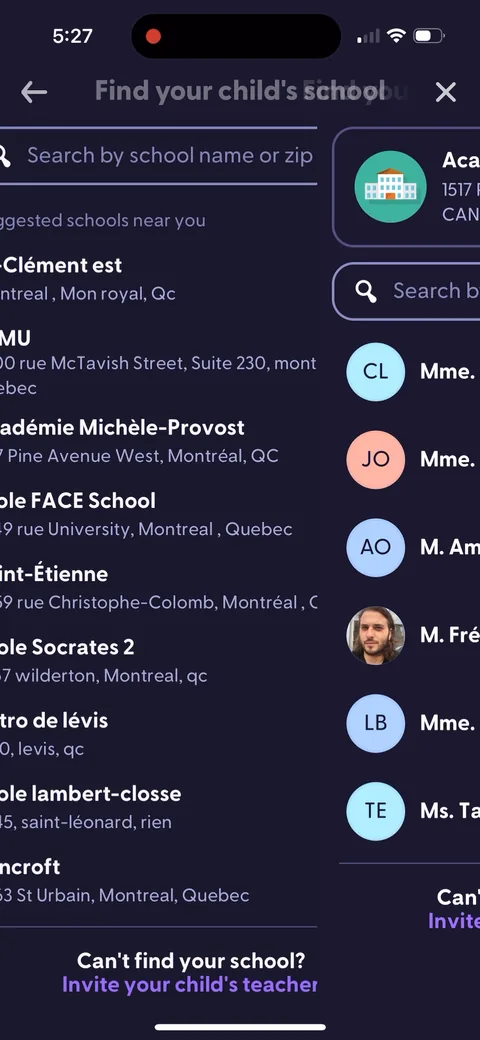 21
21