OtherFreemiumpaywall: none during onboardingminimal fast track
Fits Use pricing and paywall terms
Post-paywall usage clip, not a full onboarding capture. No pricing screen in this capture.
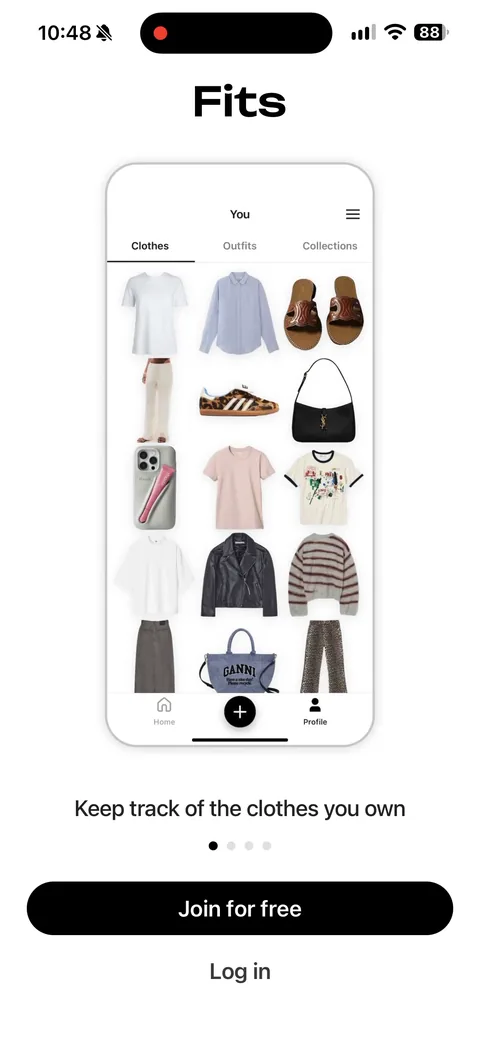
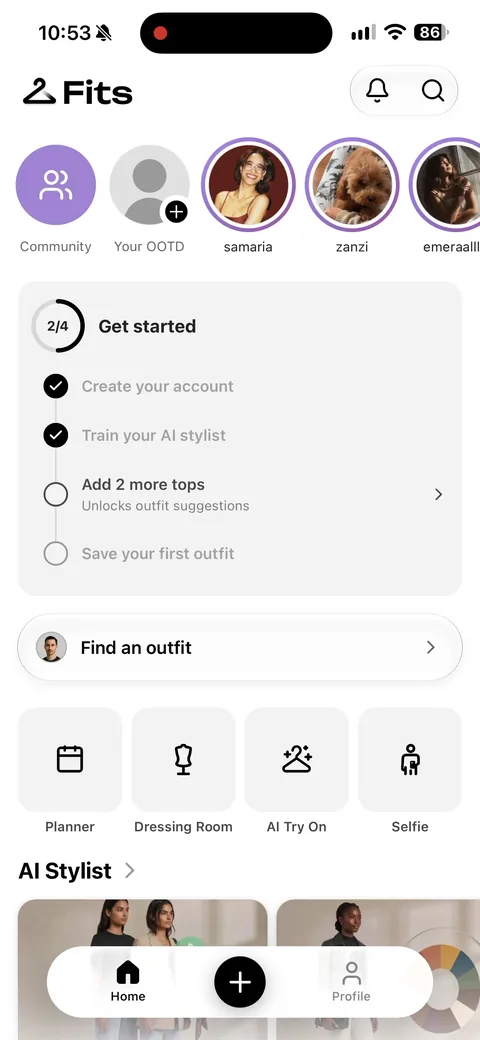
1The post-paywall home is an activation checklist: create your account (already ticked), train your AI stylist, add 2 more tops, save your first outfit. Each item names a specific action, and the first one is done for you. That pre-ticked box is the oldest trick in activation design and it still works.2'Add 2 more tops unlocks outfit suggestions.' The reward is named and the gap is exactly two items wide. Compare that with a generic 'add clothes to get started' and you can see why one converts.3'Find an outfit' with planner, dressing room, AI try-on, selfie, AI stylist, rate my outfit, find my colors. Seven entry points on one screen. Generous, and it risks the user picking none of them.5'Your outfits will appear here.' Empty state with a Create Outfit button in it rather than just an explanation.6'Basics you may have' with real products: Nike Dunk Low, UGG Classic, basic jeans. Pre-populating a wardrobe from likely items removes the hardest part of setup, which is staring at an empty closet.17'Select outfit to rate: camera or library.' Two inputs and no explanation needed. A feature you can try in one tap is worth more than one you have to configure.18The checklist is still there on return, with the completed items ticked off. Persistent, visible progress is why these get finished.
 1
1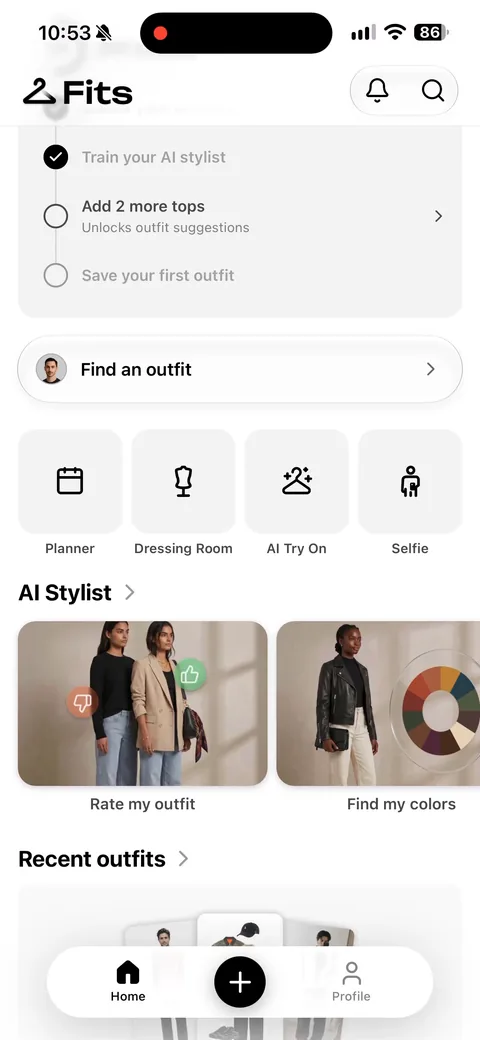 2
2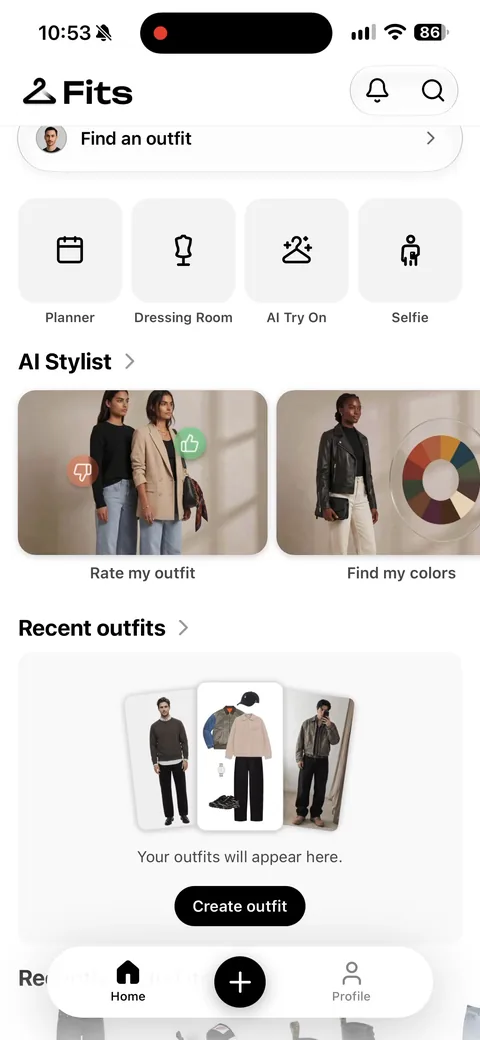 3
3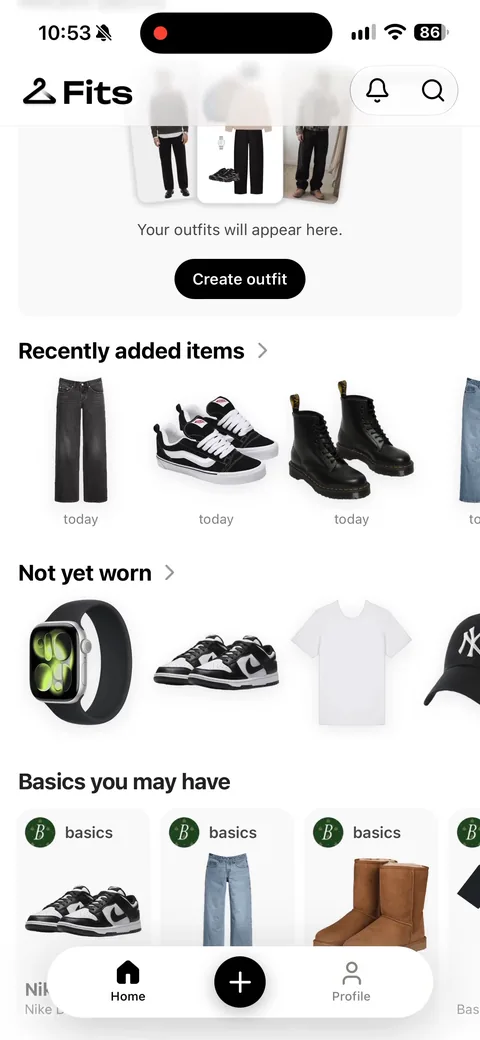 5
5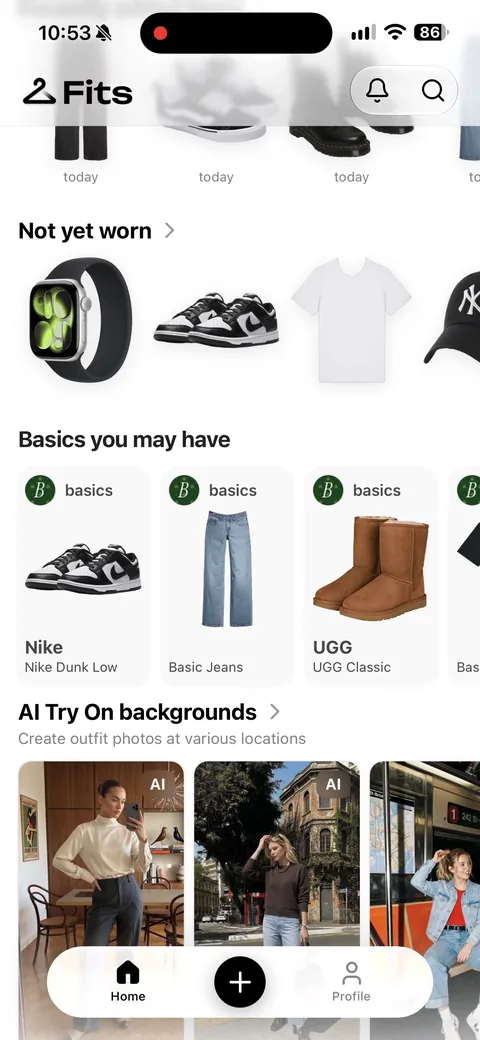 6
6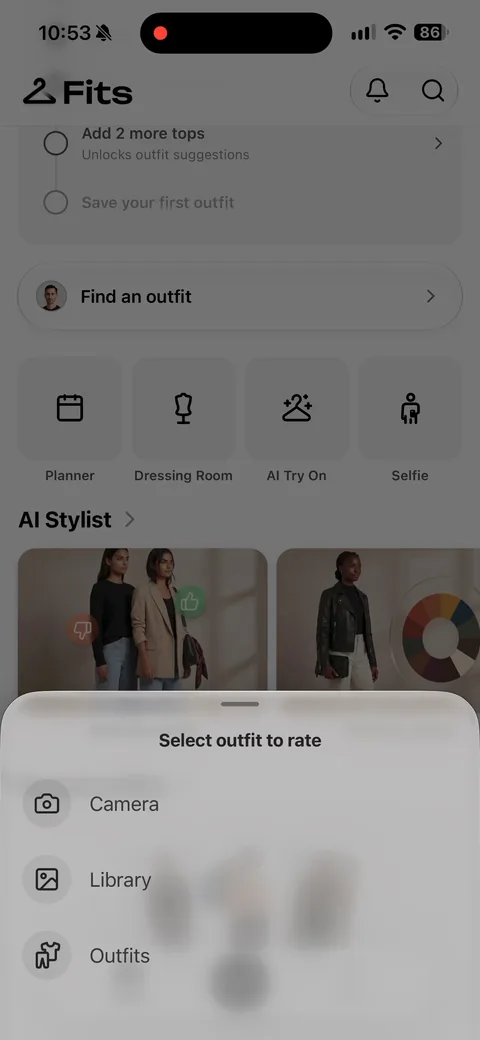 17
17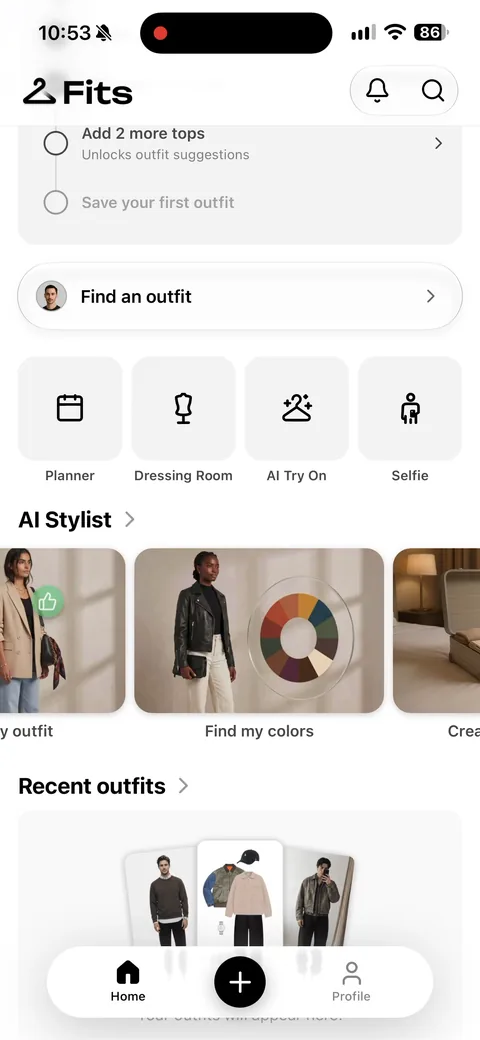 18
18