Education / KidsSoft paywall · trial optionalpaywall: pre signuptutorial demoone plan onlyfeature list
23Then roughly twenty frames of animated intro video before you touch anything. A cartoon walking through forests, space, a stage, a kitchen. It's charming, and it's a long time spent telling a four year old what the app does instead of letting them tap something.915212223The paywall switches audience completely. A photo of a real school-age girl, 'GET A HEADSTART for school', and 'Track progress with Reporting Dashboard'. Everything before this was built for the kid, this screen is for the parent holding the phone. Kids apps that monetise well all make that handoff explicit, and this is a clean example. Worth noting there's no price anywhere, just 'Start your 7-Day Free Trial'.24'START FREE TRIAL' pinned to the bottom of every screen from here on. Persistent rather than modal, so the kid keeps playing and the ask never actually blocks them.25Padlocks sitting on the dog house and the art studio, right beside the unlocked ones. A four year old understands a padlock without reading anything, and the nagging goes to the parent instead of through a paywall.30Content filtered by Skills: Art, Language, Logical Reasoning, Motor Skills, Numeracy. That's parent-facing vocabulary inside a kid-facing app. A three year old isn't picking 'Logical Reasoning', the person deciding whether to pay is.34Age filter from 'Upto 2' through 7+. Same job as the skills grid, answering the parent's real question: is this the right thing for my kid.37The parent gate asks for a year of birth rather than a sum, with 'The information is not stored and is only used to confirm that you are a grown up' underneath. Stronger than ABCmouse's 1 + 1 elsewhere in this batch, which any six year old solves. The reassurance line earns its place too, because asking a parent for a birth year inside a kids app sets off alarms if you don't explain why.
 2
2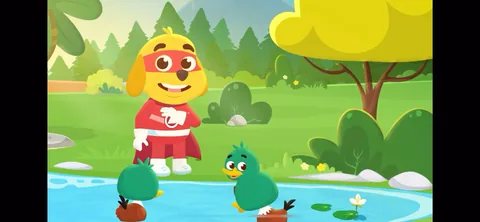 3
3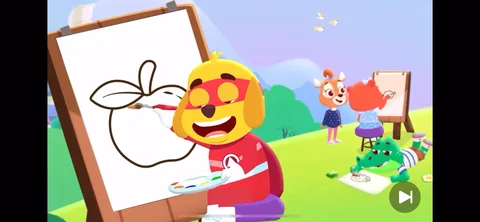 9
9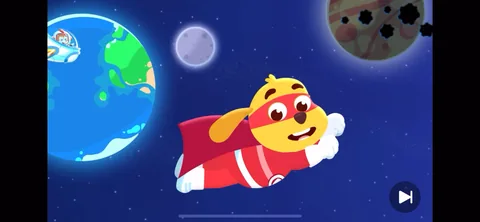 15
15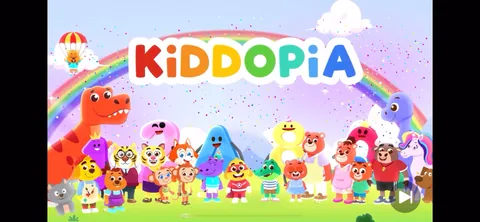 21
21 22
22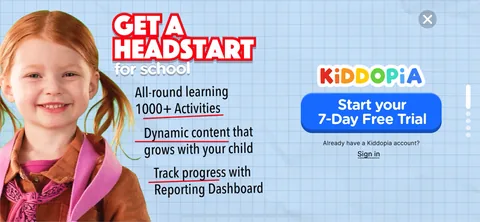 23
23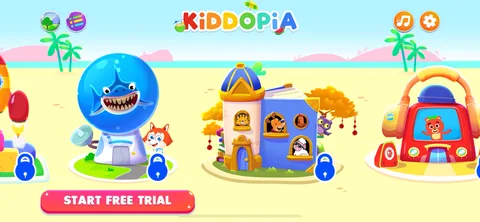 24
24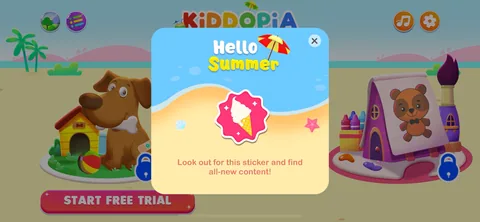 25
25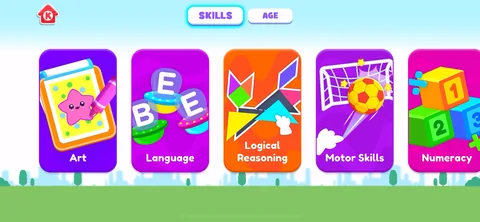 30
30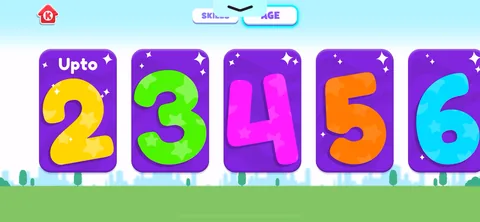 34
34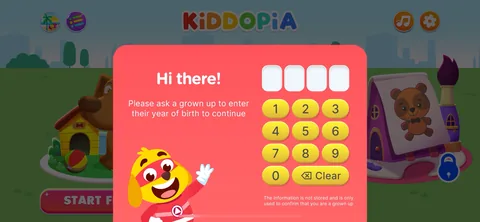 37
37