← All flows
Productivity

Bepresent Screen Time Control onboarding flow

46 screens · Screen Recording · recorded Oct 2026
ProductivitySoft paywall · trial requiredpaywall: post onboarding quizquiz drivengoal settingsocial proof heavypermissions firstannual default with trialtestimonial heavy

Bepresent Screen Time Control pricing and paywall terms

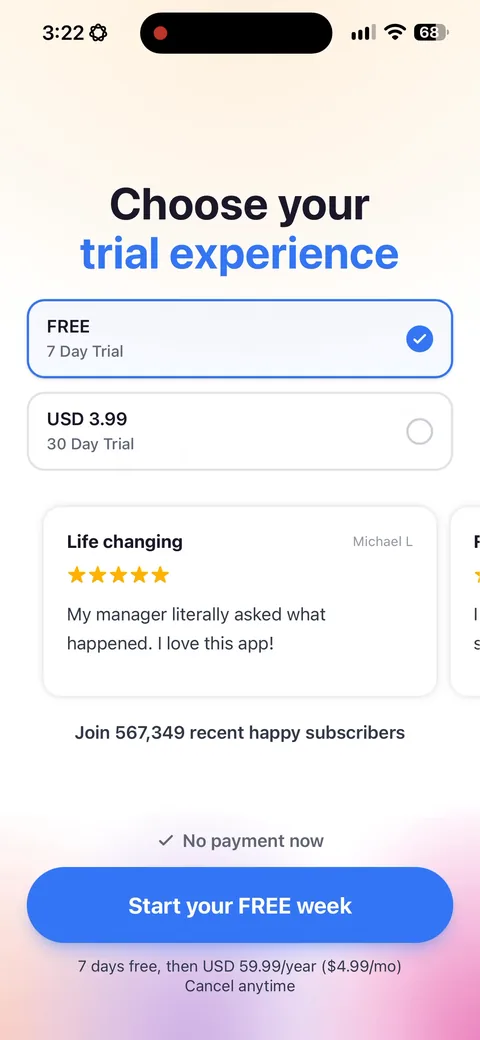
Two trials offered side by side: a free 7 day trial or a paid 30 day trial at USD 3.99. Both land on BePresent Annual, whose price shows only on the Apple purchase sheet.

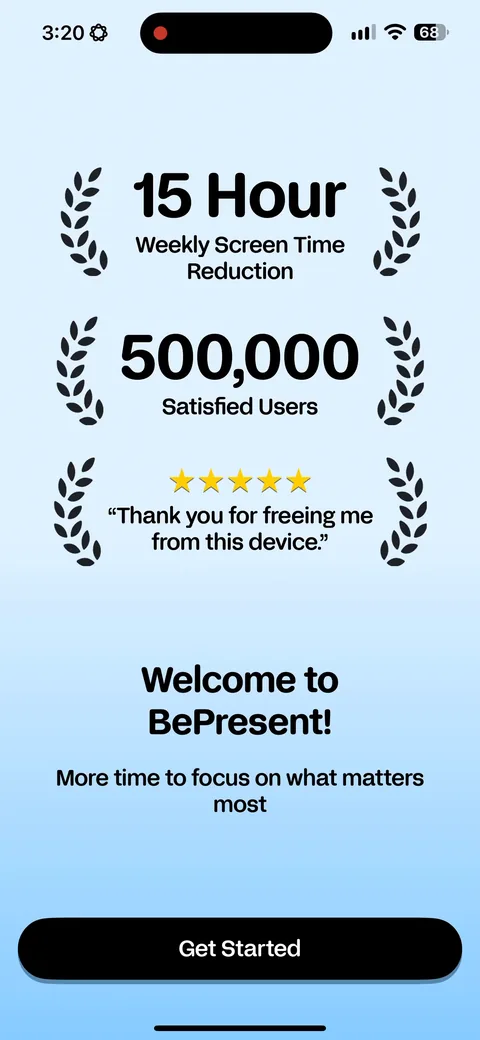
Bepresent Screen Time Control onboarding screen 2: They open on the number: '15 hour weekly screen time reduction' and '500,000+ satisfied users'2
They open on the number: '15 hour weekly screen time reduction' and '500,000+ satisfied users'. Outcome first, before the app has said what it is.
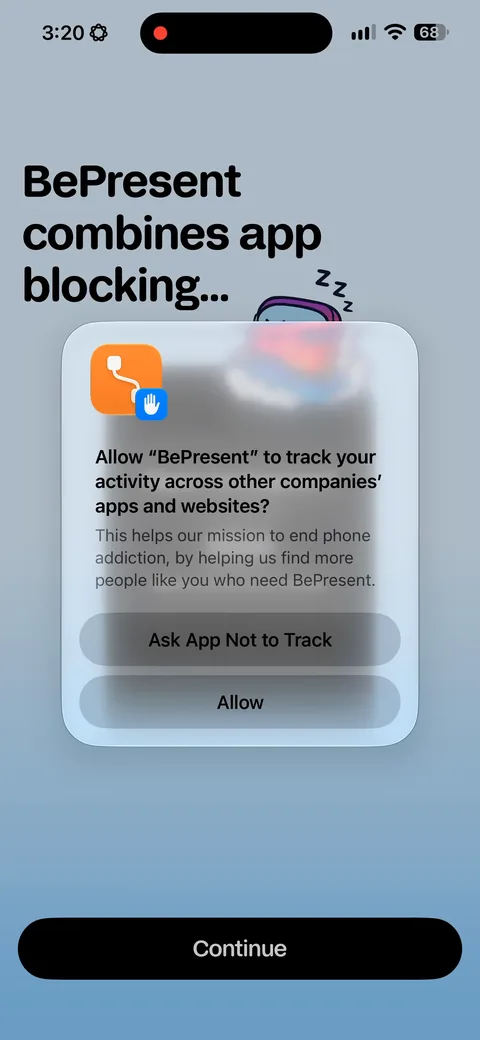
Bepresent Screen Time Control onboarding screen 3: The tracking prompt lands on the second screen, over the value prop3
The tracking prompt lands on the second screen, over the value prop. Same mistake most of these flows make. You're asking before anything has been earned.
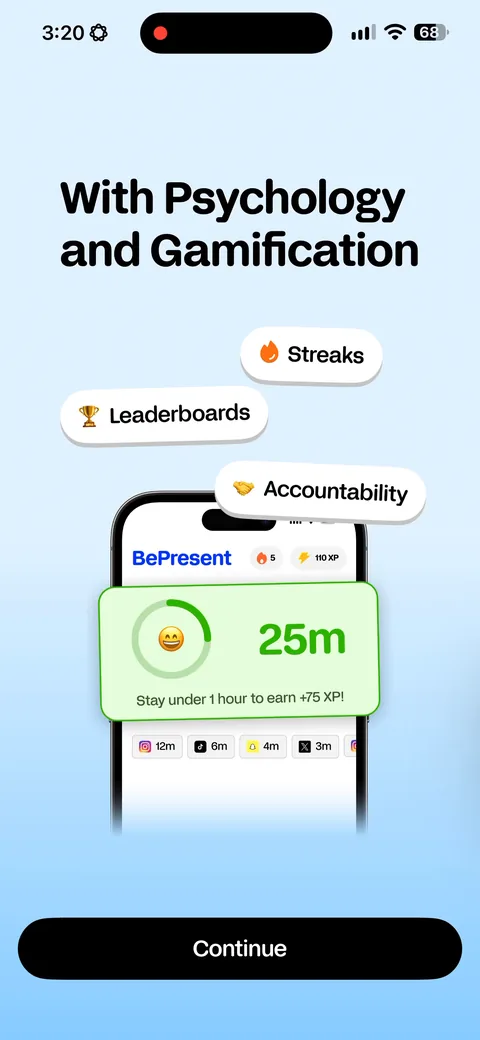
Bepresent Screen Time Control onboarding screen 4: 'Combines app blocking with psychology and gamification: streaks, leaderboards, accountability.' The mechanic…4
'Combines app blocking with psychology and gamification: streaks, leaderboards, accountability.' The mechanic stated in one line. In a category full of apps that just block things, naming the gamification is the whole differentiator.
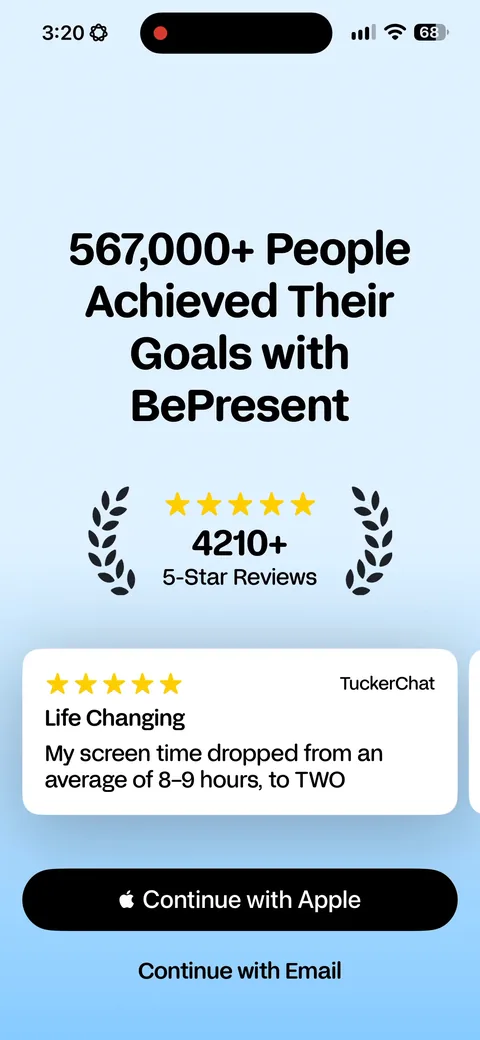
Bepresent Screen Time Control onboarding screen 5: '567,000 people achieved their goals' with 4,240 five-star reviews and a testimonial under it5
'567,000 people achieved their goals' with 4,240 five-star reviews and a testimonial under it. Note it says achieved their goals, not downloaded. The claim is about outcomes.
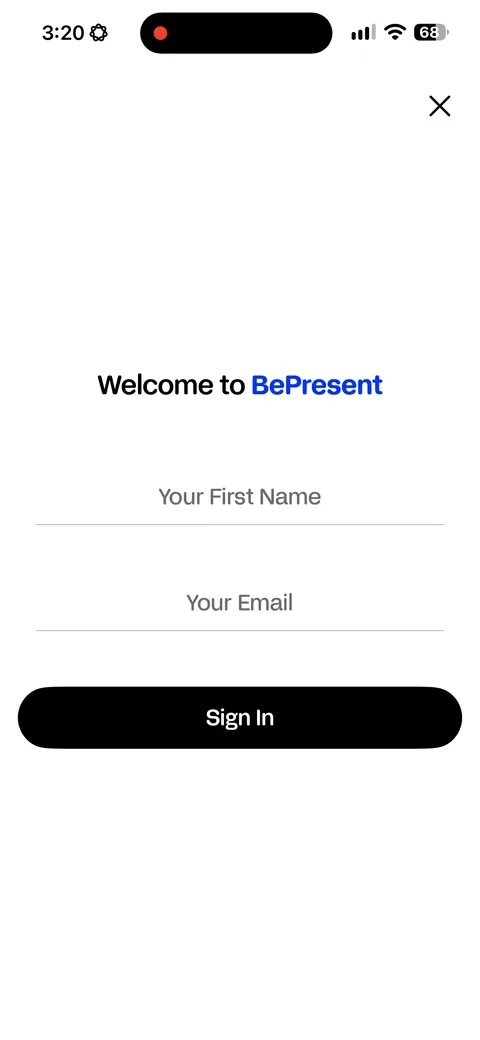
Bepresent Screen Time Control onboarding screen 6: Name and email in a form, before the quiz and before any value has landed6
Name and email in a form, before the quiz and before any value has landed. You're spending the highest-intent moment of the session on a field you could collect later. Apple sign-in turns up one screen after this, which makes the form look more optional than it is.
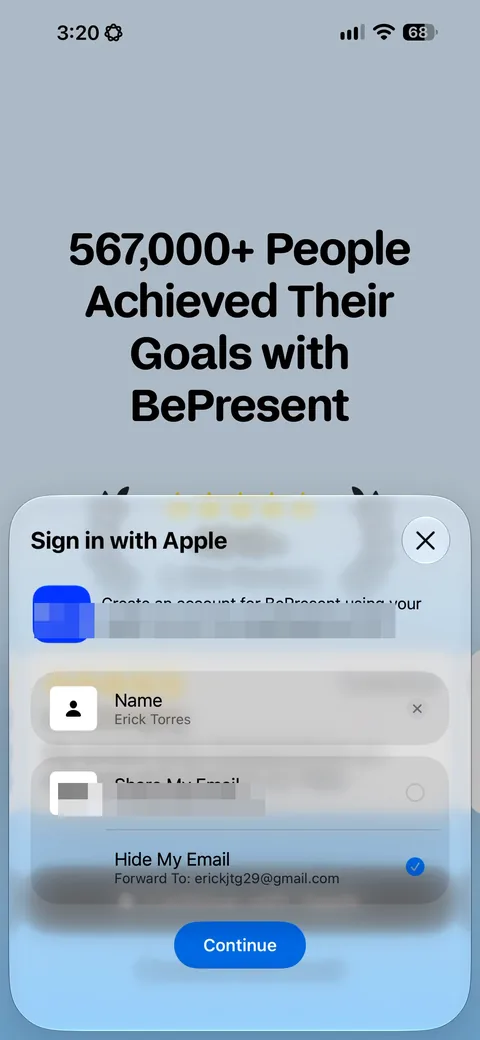
Bepresent Screen Time Control onboarding screen 7: Apple sign-in, one screen after they already asked for your name and email in a form7
Apple sign-in, one screen after they already asked for your name and email in a form. Two routes to the same data, and the form is the one that loses people.
Bepresent Screen Time Control onboarding screen 88
Bepresent Screen Time Control onboarding screen 1010
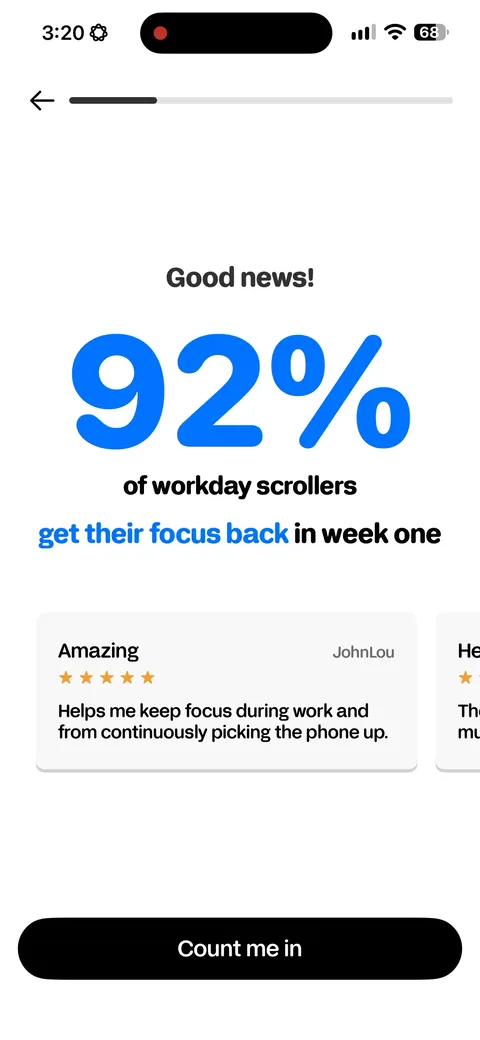
Bepresent Screen Time Control onboarding screen 11: '92% of workday scrollers get their focus back in week one', with a testimonial beneath it, dropped between…11
'92% of workday scrollers get their focus back in week one', with a testimonial beneath it, dropped between the demographic questions and the shock stat. Momentum copy while you're still answering things.
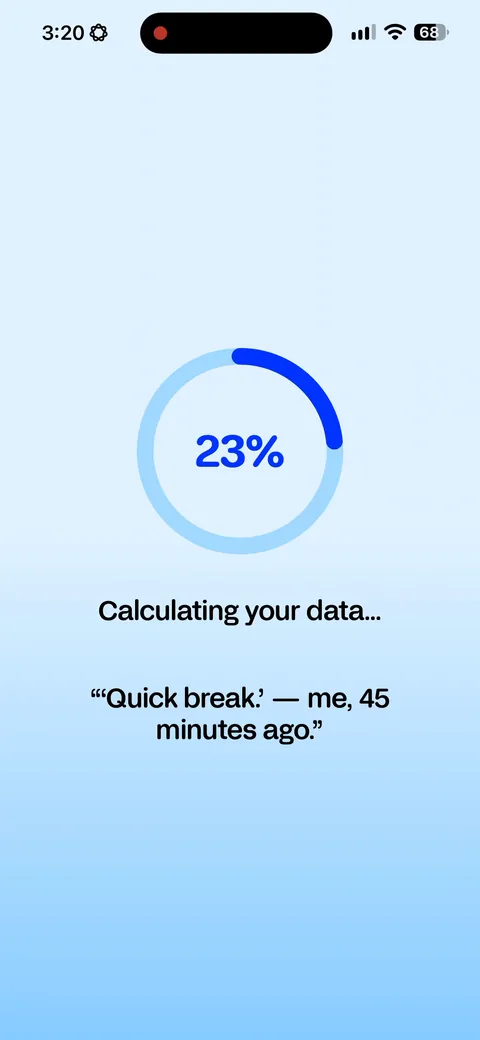
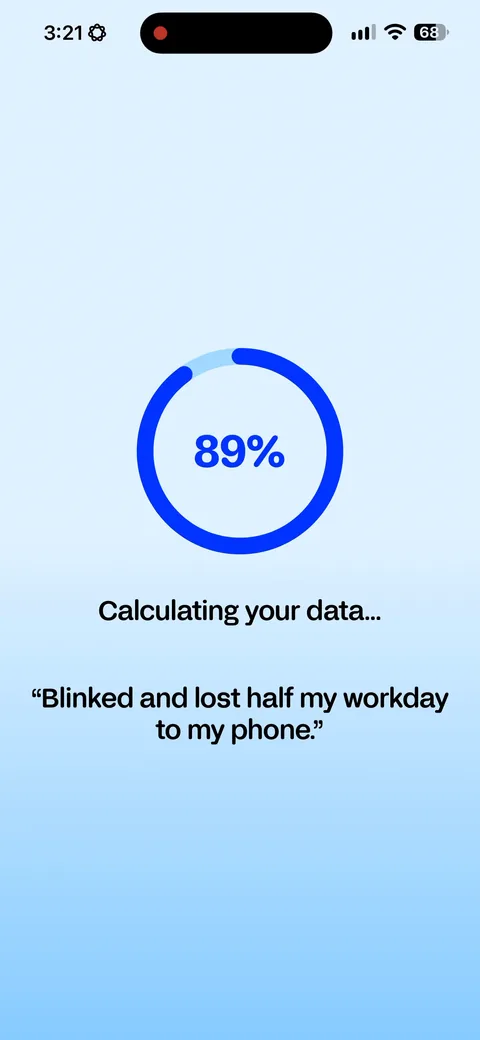
Bepresent Screen Time Control onboarding screen 13: 'Calculating your data' with real user quotes rotating underneath: 'Quick break, me, 45 minutes ago'13
'Calculating your data' with real user quotes rotating underneath: 'Quick break, me, 45 minutes ago'. Even the loading screen is selling. That's a slot most apps hand to a spinner.
100% free
36 more screens

See the rest of this flow.

You are 10 screens into Bepresent Screen Time Control. Enter your email to unlock the remaining 36, plus every other teardown in the library.
100% free, just your email.
Bepresent Screen Time Control onboarding screen 1414
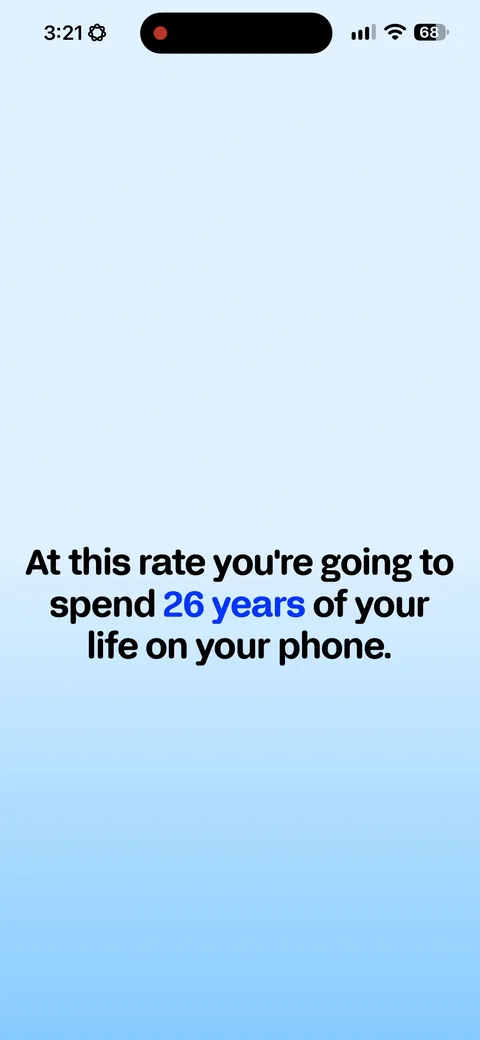
Bepresent Screen Time Control onboarding screen 15: 'At this rate you're going to spend 2.6 years of your life on your phone.' Same shock-stat structure as…15
'At this rate you're going to spend 2.6 years of your life on your phone.' Same shock-stat structure as BibleScroll, which tracks, they're built by the same brothers. Your own answer turned into a number you can't argue with.
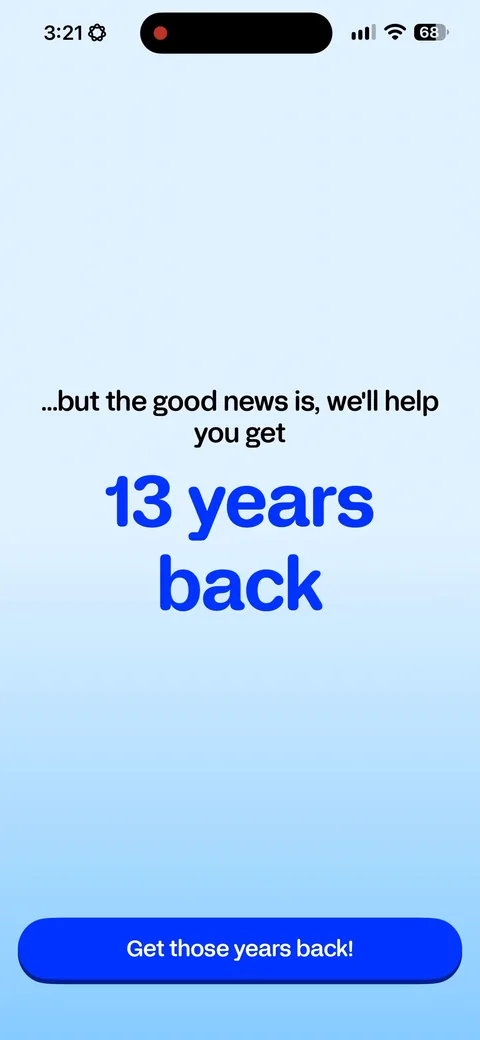
Bepresent Screen Time Control onboarding screen 17: 'We'll help you get 1.3 years back', and the button reads 'Get those years back' instead of Continue17
'We'll help you get 1.3 years back', and the button reads 'Get those years back' instead of Continue. The CTA carries the promise, which is free and almost nobody does it.
Bepresent Screen Time Control onboarding screen 1818
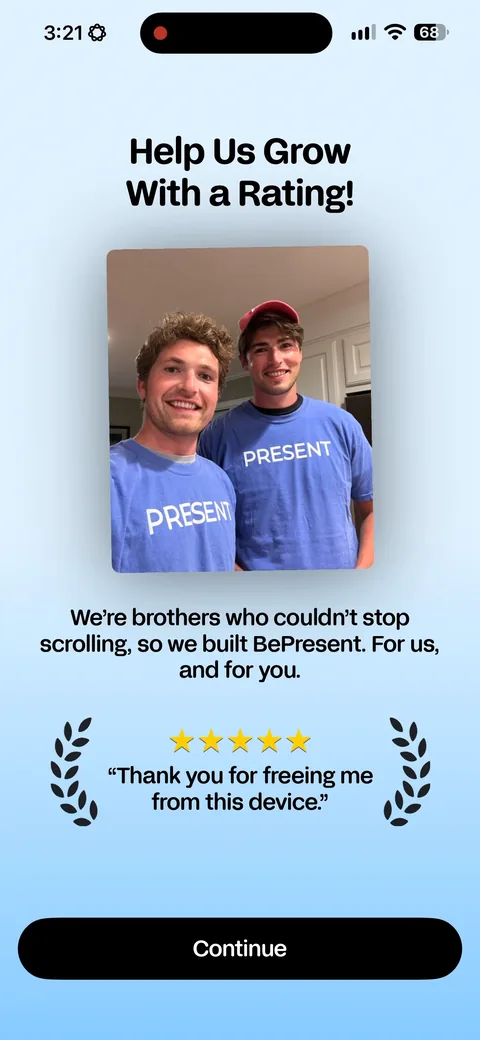
Bepresent Screen Time Control onboarding screen 19: A rating prompt before the paywall, with the founder story attached: 'We're brothers who couldn't stop…19
A rating prompt before the paywall, with the founder story attached: 'We're brothers who couldn't stop scrolling, so we built BePresent for us'. Asking for the review at peak sentiment, before any money has been mentioned, is the right order. Most apps run it backwards.
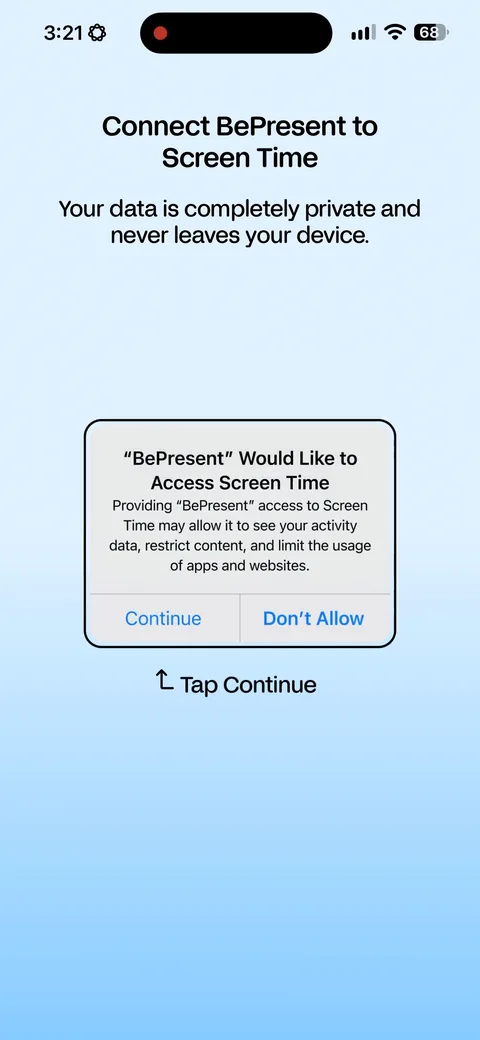
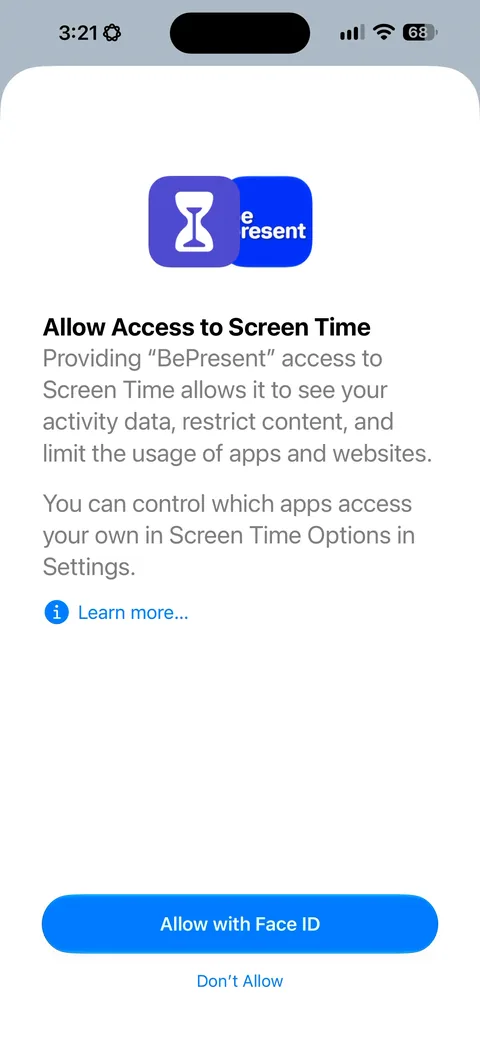
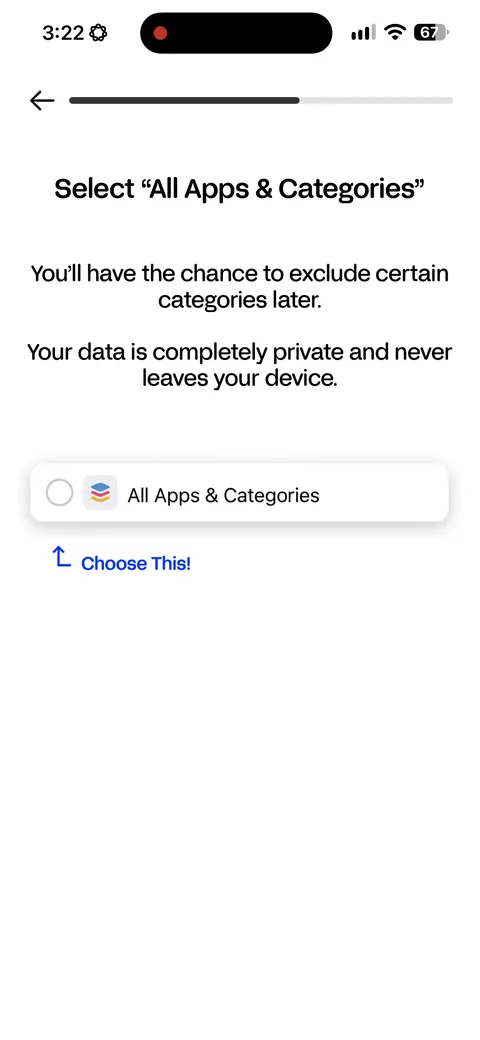
Bepresent Screen Time Control onboarding screen 20: 'Your data is completely private and never leaves your device', said before the Screen Time dialog fires20
'Your data is completely private and never leaves your device', said before the Screen Time dialog fires. Screen Time is about as invasive as iOS permissions get, and this is the sentence that gets it granted.
Bepresent Screen Time Control onboarding screen 2121
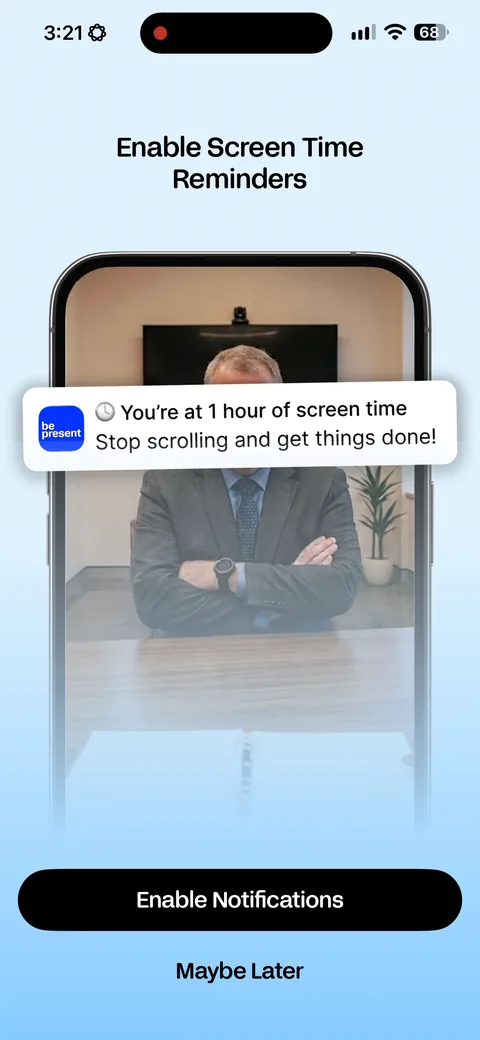
Bepresent Screen Time Control onboarding screen 22: The reminder opt-in is written as the product talking: 'You're at 1 hour of screen time22
The reminder opt-in is written as the product talking: 'You're at 1 hour of screen time. Stop scrolling and get things done.' They show you the notification instead of describing it.
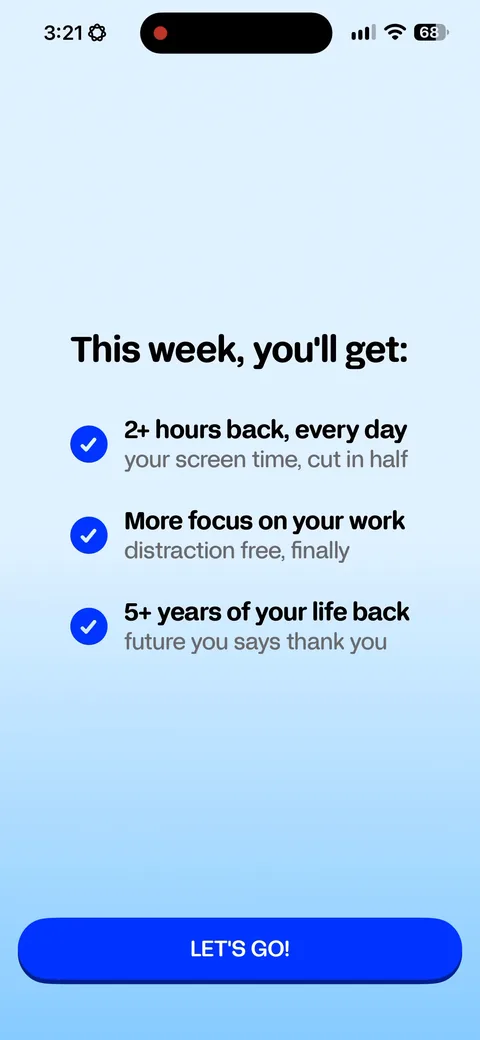
Bepresent Screen Time Control onboarding screen 23: 'This week you'll get 2 hours back every day, your screen time cut in half.' The promise restated in your…23
'This week you'll get 2 hours back every day, your screen time cut in half.' The promise restated in your numbers, one screen before they ask you to commit to it.
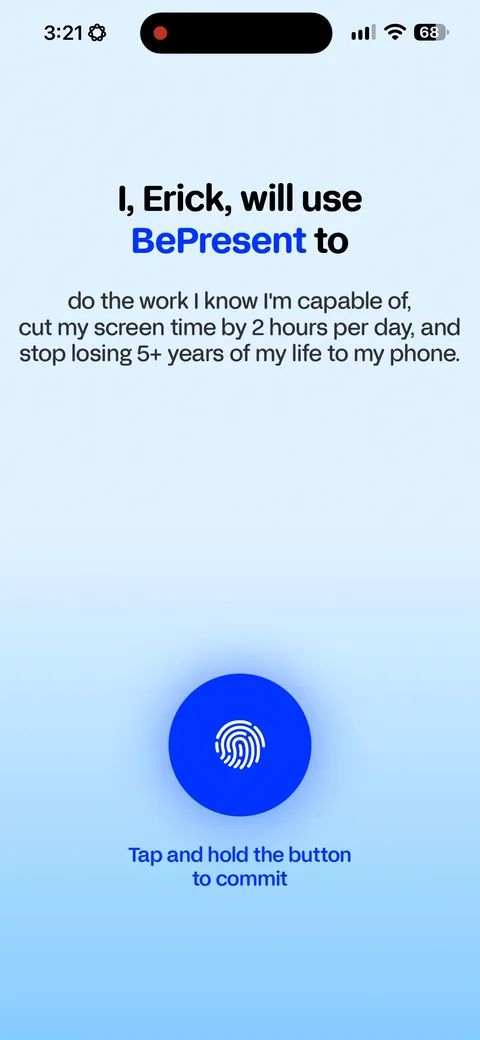
Bepresent Screen Time Control onboarding screen 24: 'I, Erick, will use BePresent to do the work I know I'm capable of, cut my screen time by 2 hours per day.' A…24
'I, Erick, will use BePresent to do the work I know I'm capable of, cut my screen time by 2 hours per day.' A written pledge in first person with your name and your own numbers in it, right before the paywall. A micro-commitment like this nudges buy-in up.
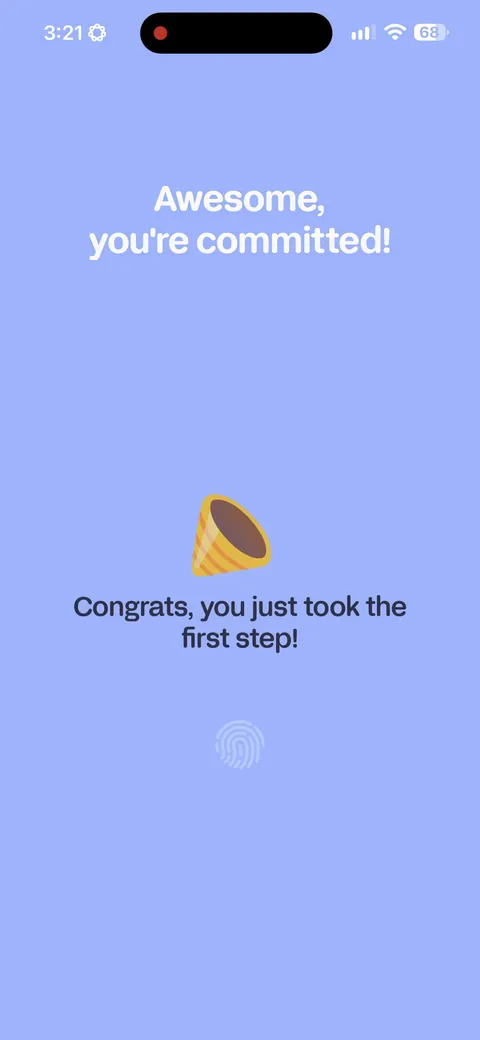
Bepresent Screen Time Control onboarding screen 26: 'Congrats, you just took the first step.' Progress acknowledged before anything has actually happened, which…26
'Congrats, you just took the first step.' Progress acknowledged before anything has actually happened, which keeps the goal gradient running into the ask.
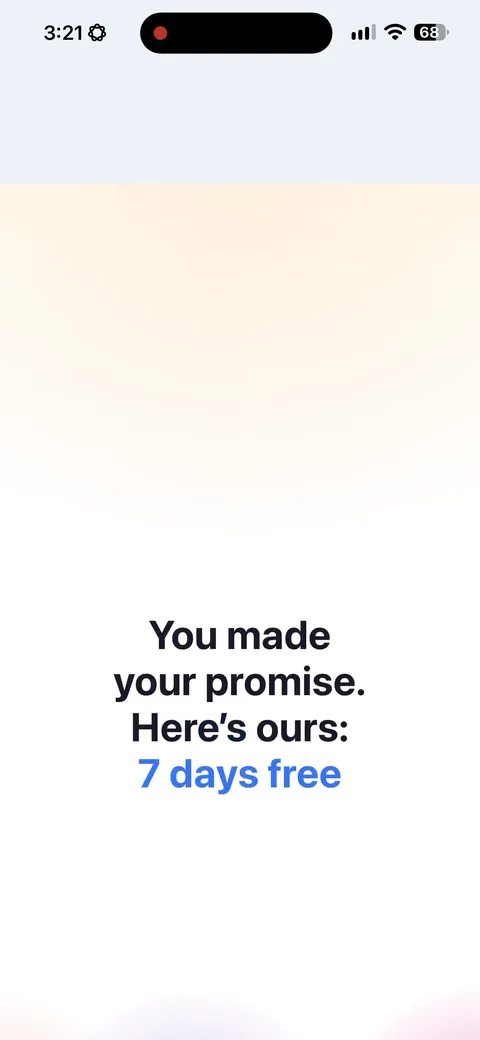
Bepresent Screen Time Control onboarding screen 27: 'You made your promise27
'You made your promise. Here's ours: 7 days free.' Reciprocity, stated out loud. You committed, now they commit. Clean framing for a trial ask and it costs them nothing.
Bepresent Screen Time Control paywall with pricing, onboarding screen 2929
'Choose your trial experience: free 7 day trial, or USD 3.99 for a 30 day trial.' Selling a longer trial is rare and it's smart. The $3.99 filters for intent, makes the free option look generous, and anyone who pays it has already crossed the payment barrier.
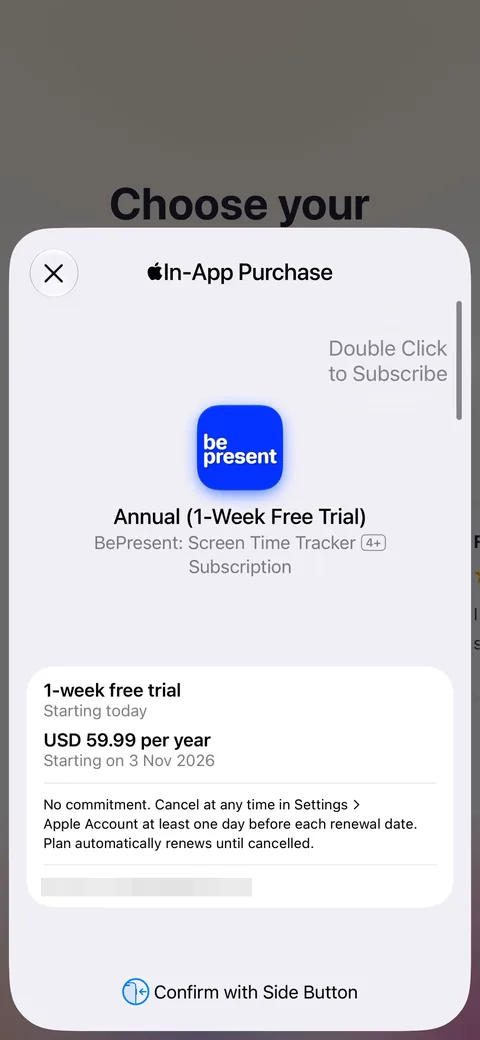
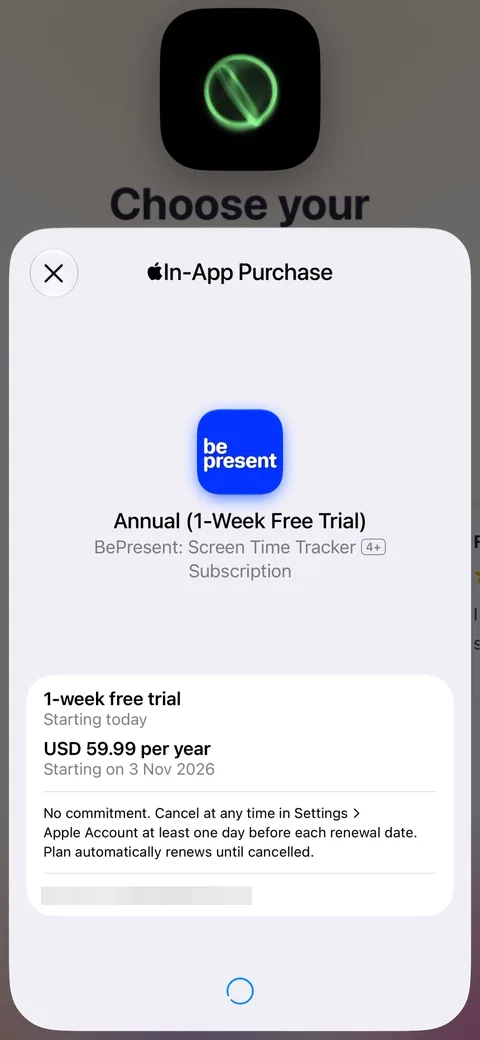
Bepresent Screen Time Control onboarding screen 30: The Apple sheet for BePresent Annual30
The Apple sheet for BePresent Annual. It shows which of the two trials was taken, the free seven-day rather than the paid thirty, and both routes land on the same annual plan.
Bepresent Screen Time Control onboarding screen 3131
Bepresent Screen Time Control onboarding screen 33: Post-purchase setup starts here and runs about twenty screens33
Post-purchase setup starts here and runs about twenty screens. They have the money and they're spending the next five minutes on activation rather than dropping you on a dashboard. This is the part most apps skip.
Bepresent Screen Time Control onboarding screen 3434
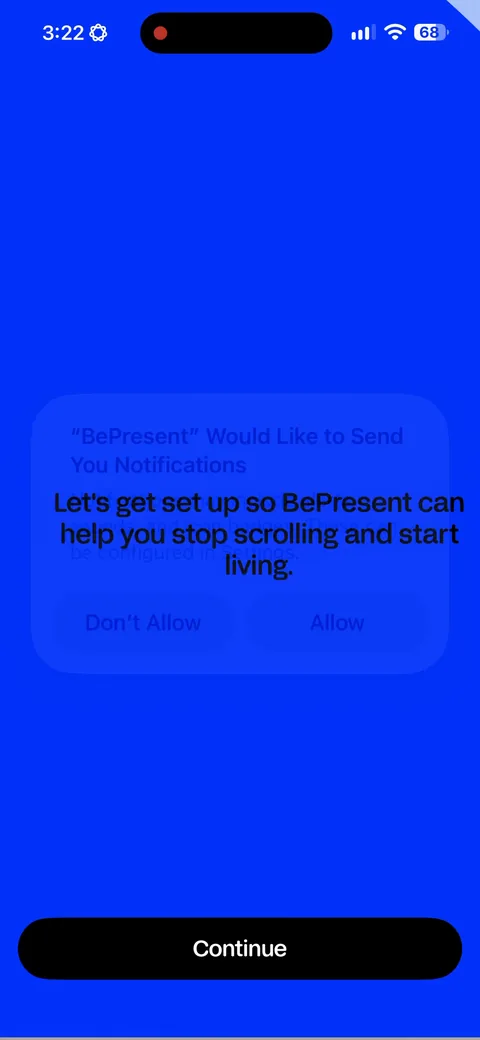
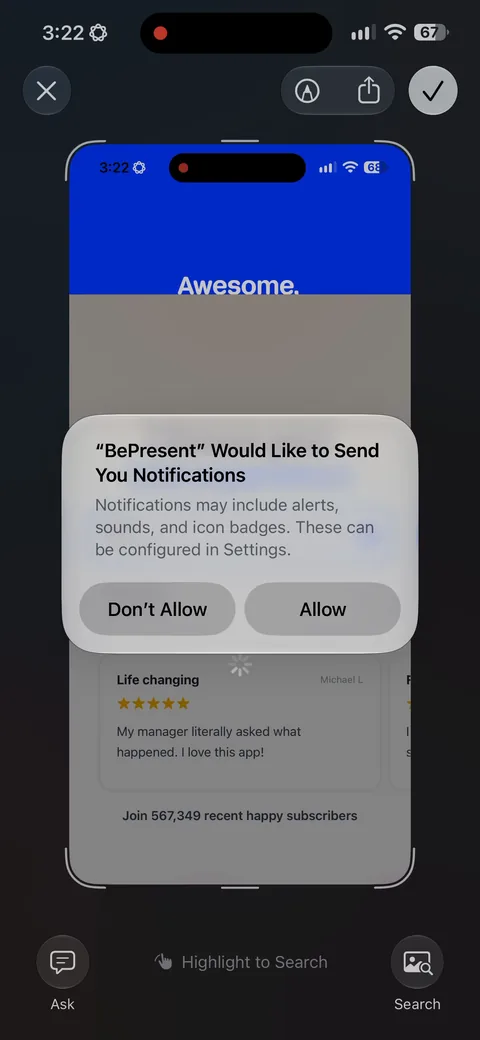
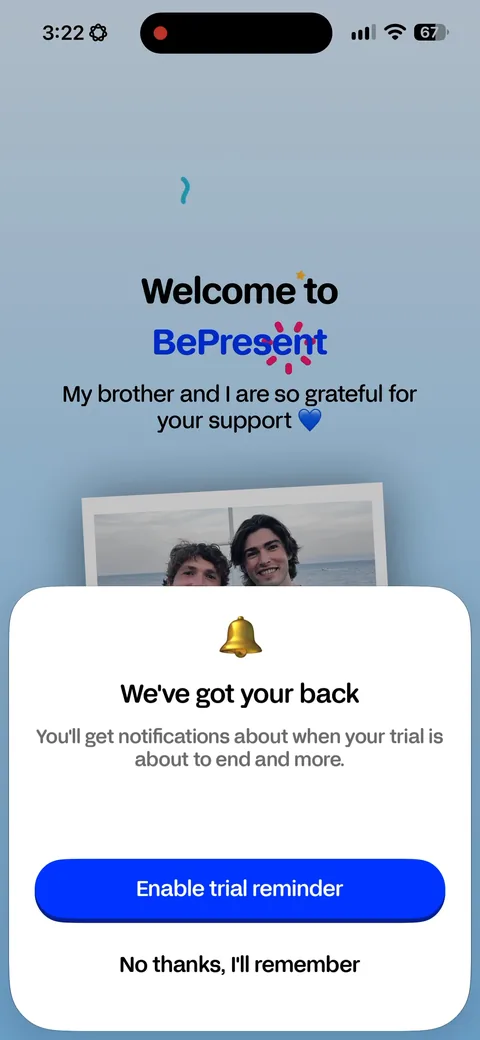
Bepresent Screen Time Control onboarding screen 36: 'You'll get notifications about when your trial is about to end.' Framing the notification ask around trial…36
'You'll get notifications about when your trial is about to end.' Framing the notification ask around trial transparency rather than engagement. Easier to say yes to, and it reduces the surprise churn later.
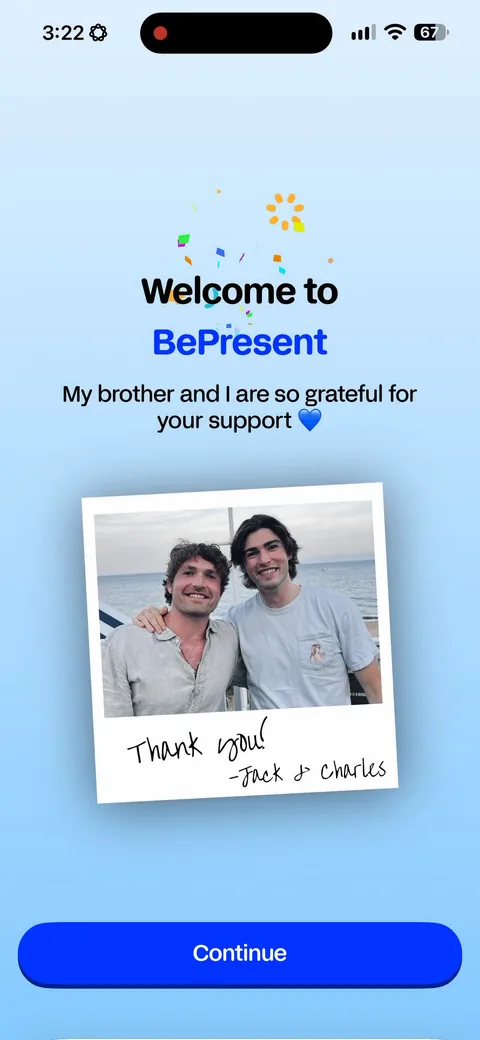
Bepresent Screen Time Control onboarding screen 37: 'My brother and I are so grateful for your support', with the founders pictured37
'My brother and I are so grateful for your support', with the founders pictured. Placed immediately after the purchase, where gratitude reads as sincere rather than as a sales move.
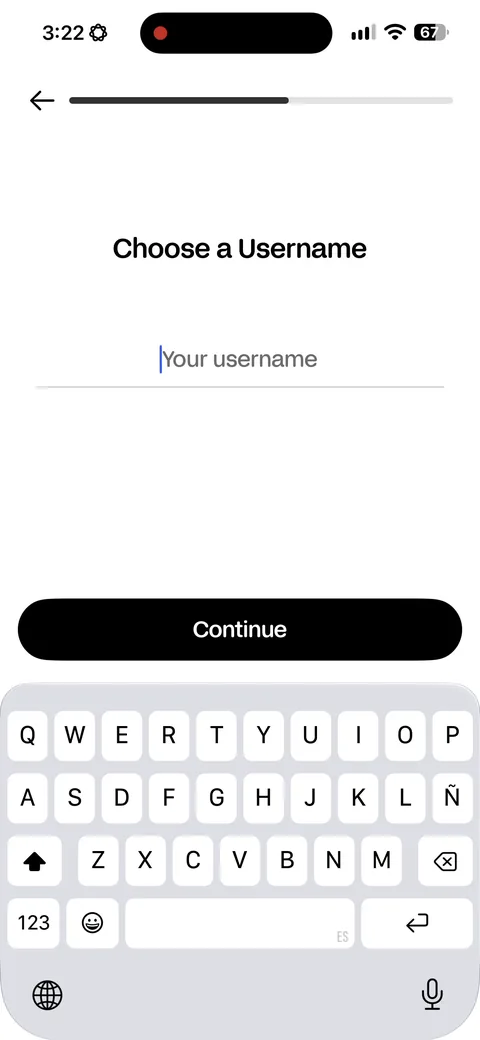
Bepresent Screen Time Control onboarding screen 39: Username, then app selection, then a goal, then your most distracting app39
Username, then app selection, then a goal, then your most distracting app. Every step configures the product instead of asking about you. The quiz was for the pitch, this is for the thing actually working.
Bepresent Screen Time Control onboarding screen 4040
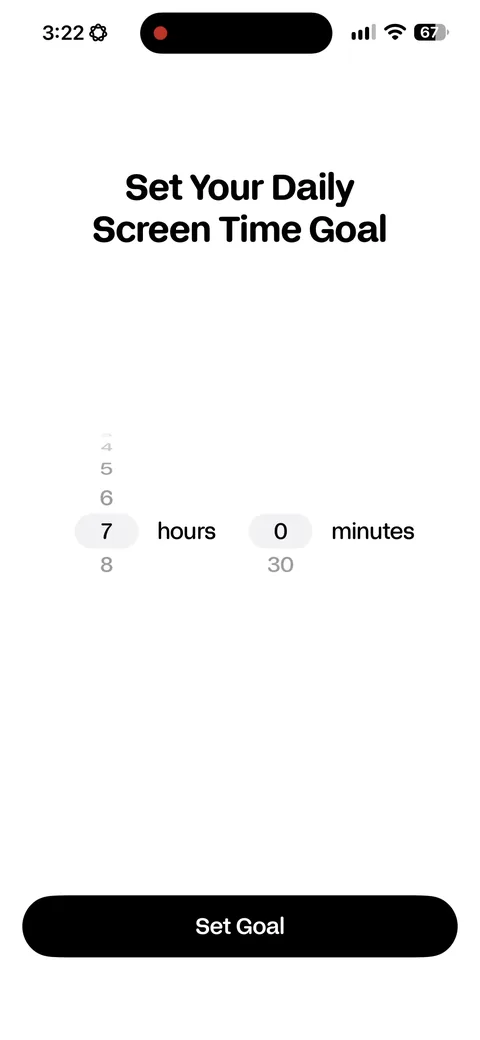
Bepresent Screen Time Control onboarding screen 41: 'Set your daily screen time goal, 7 hours 0 minutes.' Pre-filled from what you told them, so the default is…41
'Set your daily screen time goal, 7 hours 0 minutes.' Pre-filled from what you told them, so the default is already yours and you only adjust it.
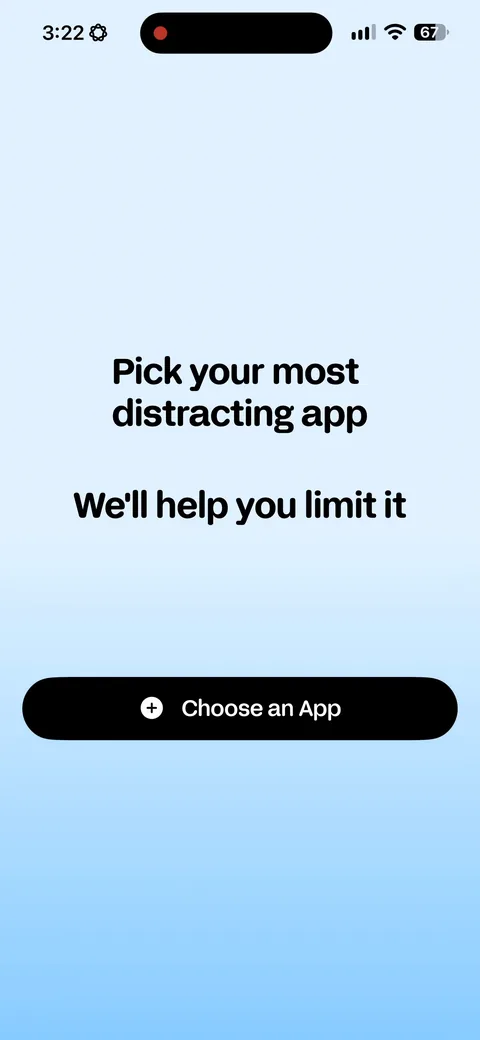
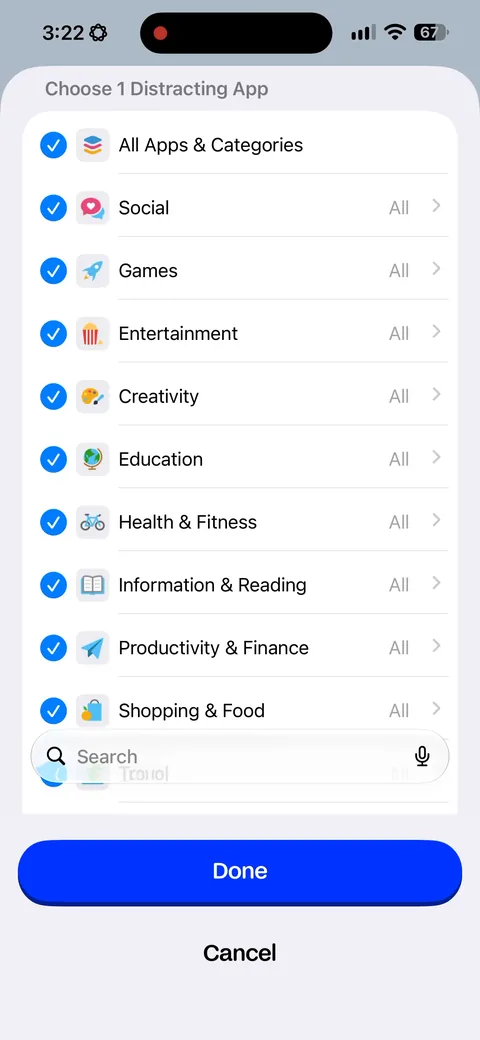
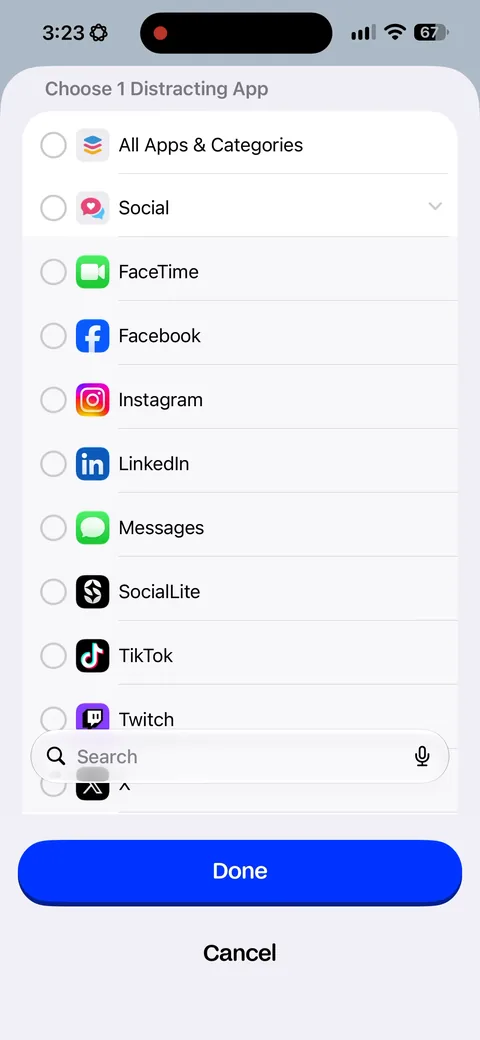
Bepresent Screen Time Control onboarding screen 42: 'Pick your most distracting app42
'Pick your most distracting app. We'll help you limit it.' Naming one app makes the goal concrete and gives the blocking engine something to do on day one.
Bepresent Screen Time Control onboarding screen 4343
Bepresent Screen Time Control onboarding screen 4444
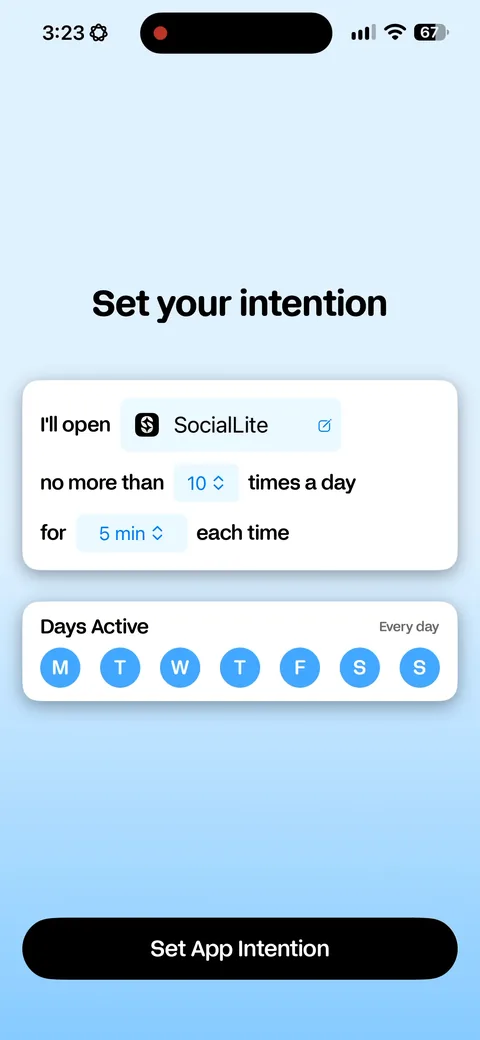
Bepresent Screen Time Control onboarding screen 45: 'I'll open SocialLite no more than 10 times a day for 5 min each time.' The intention written as a sentence…45
'I'll open SocialLite no more than 10 times a day for 5 min each time.' The intention written as a sentence you fill in. Same pledge mechanic as the paywall screen, reused for setup.
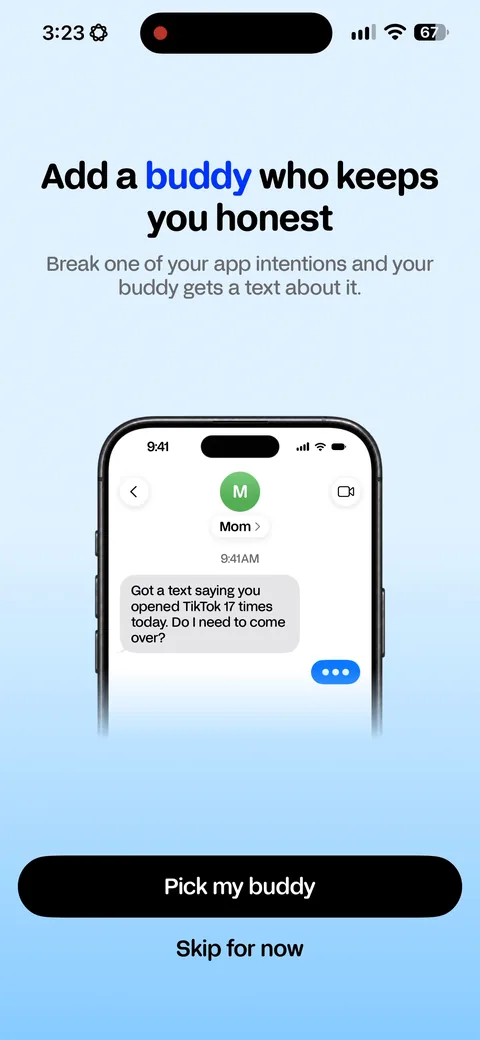
Bepresent Screen Time Control onboarding screen 46: 'Break one of your app intentions and your buddy gets a text about it.' Social accountability, and it doubles…46
'Break one of your app intentions and your buddy gets a text about it.' Social accountability, and it doubles as a growth loop. Every buddy added is an invite to someone who isn't a user yet.
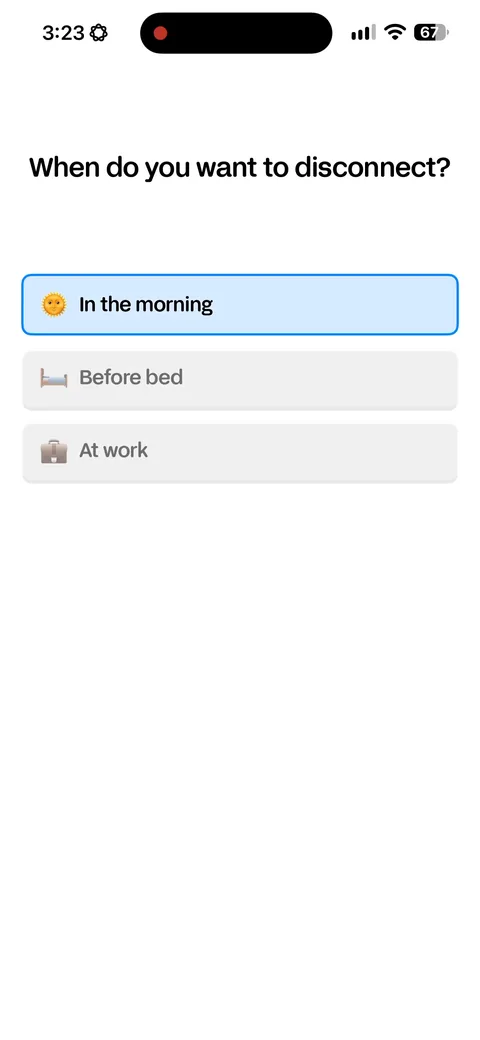
Bepresent Screen Time Control onboarding screen 47: 'When do you want to disconnect47
'When do you want to disconnect? In the morning, before bed, at work.' Three real moments rather than a time picker. Easier to answer and it produces a better default schedule.
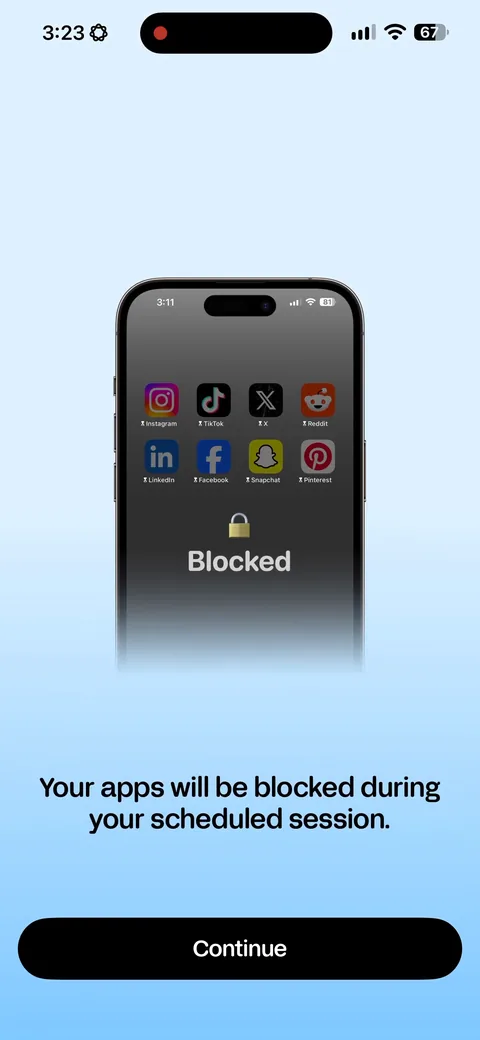
Bepresent Screen Time Control onboarding screen 4848
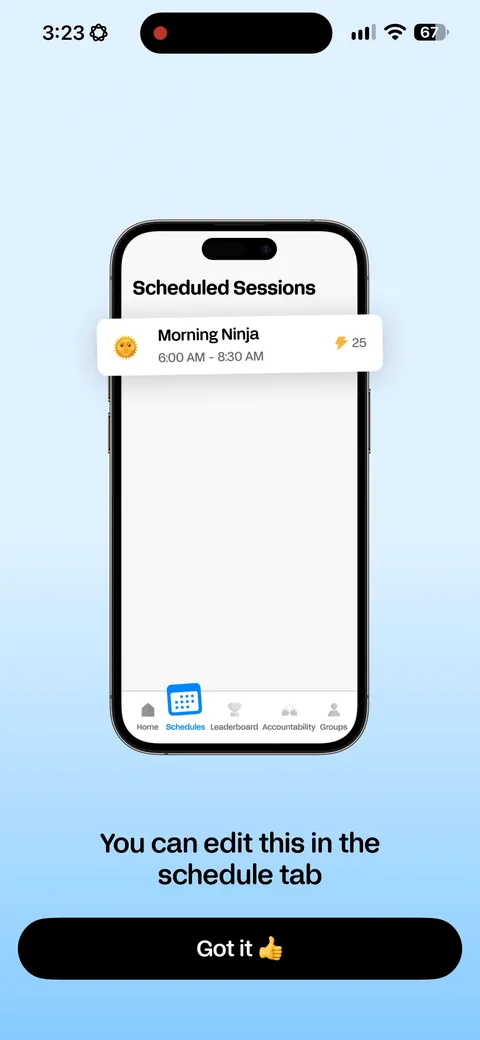
Bepresent Screen Time Control onboarding screen 49: 'Morning Ninja, 6:00am to 8:30am.' Naming the schedule turns a setting into a character49
'Morning Ninja, 6:00am to 8:30am.' Naming the schedule turns a setting into a character. Small thing, and it's part of why people keep them.
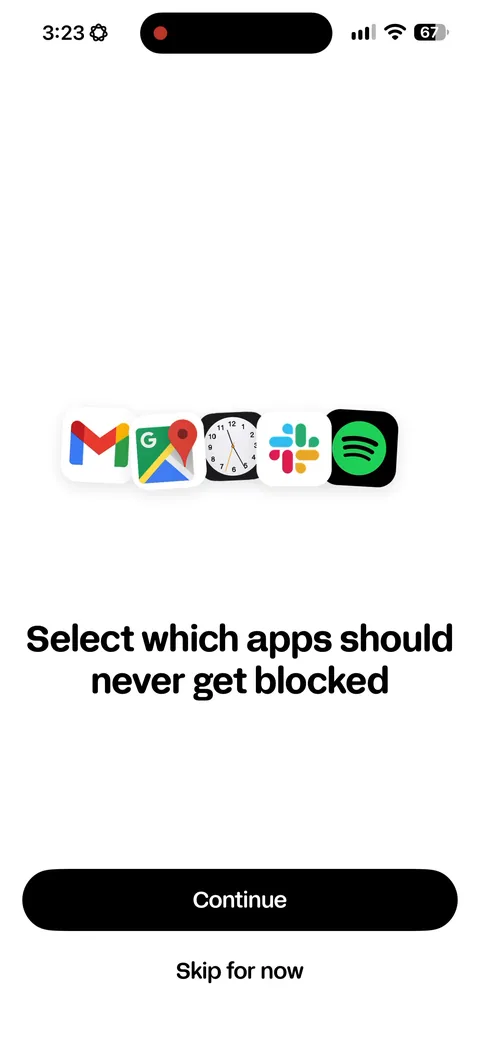
Bepresent Screen Time Control onboarding screen 50: 'Select which apps should never get blocked', with a 'Skip for now'50
'Select which apps should never get blocked', with a 'Skip for now'. The escape hatch that stops someone blocking their own alarm clock and uninstalling by Wednesday.
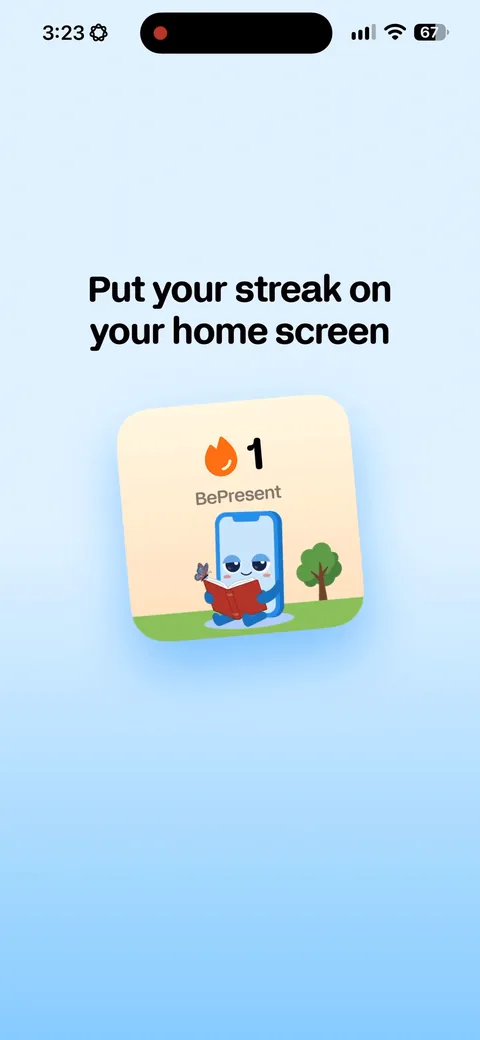
Bepresent Screen Time Control onboarding screen 51: 'Put your streak on your home screen.' The widget ask during setup, while they still have your attention51
'Put your streak on your home screen.' The widget ask during setup, while they still have your attention. A widget is the cheapest retention surface on the phone.
Bepresent Screen Time Control onboarding screen 5252
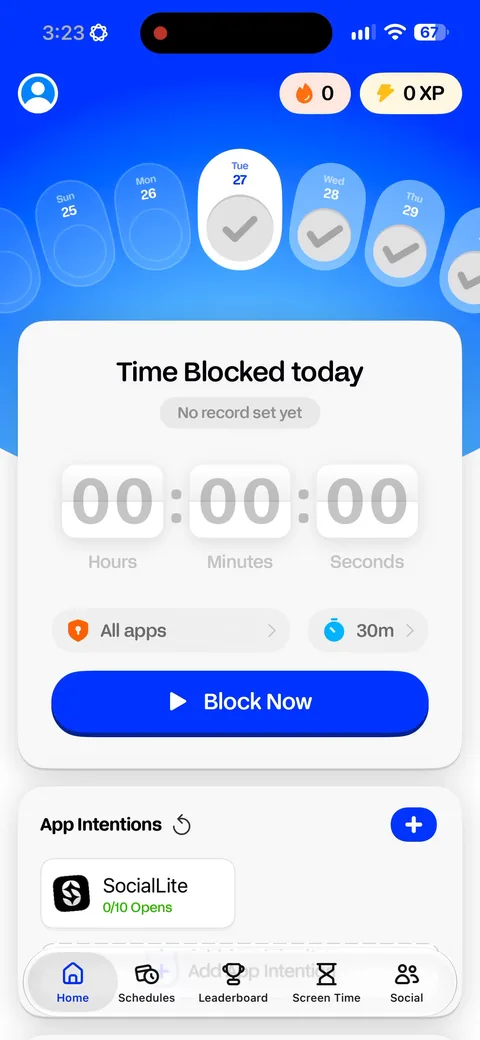
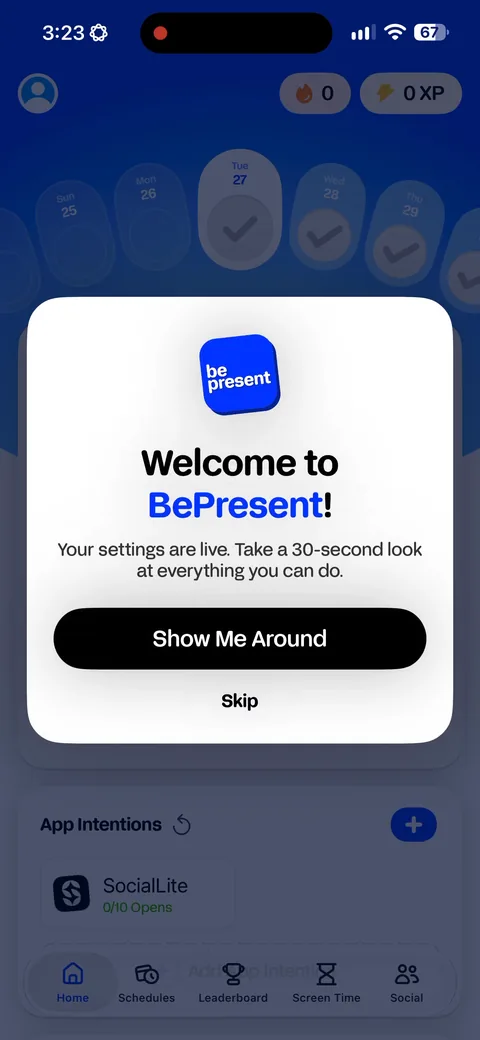
Bepresent Screen Time Control onboarding screen 53: 'Your settings are live53
'Your settings are live. Take a 30 second look at everything you set up.' A guided tour of the config you just built, so the first session ends with you understanding the product.
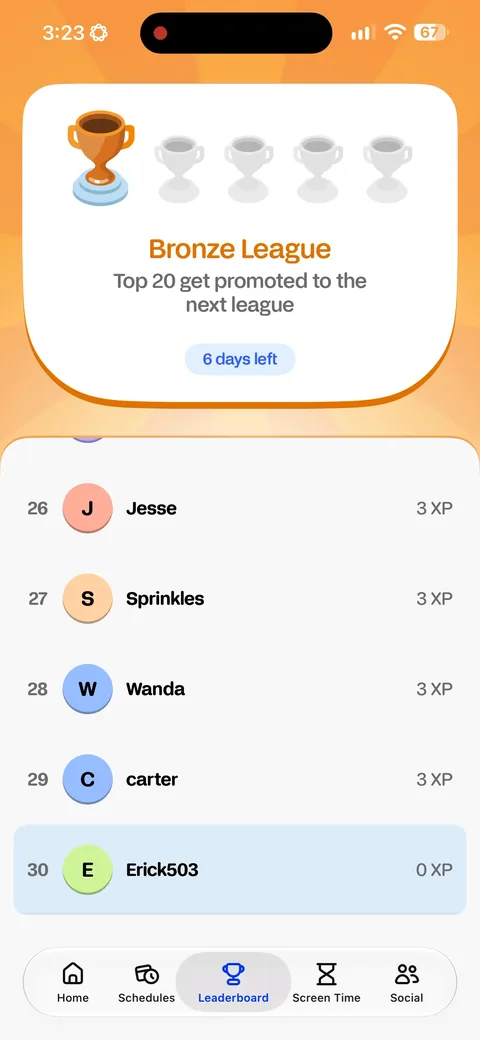
Bepresent Screen Time Control onboarding screen 56: Bronze League, top 20, six days left to get promoted56
Bronze League, top 20, six days left to get promoted. A leaderboard against strangers on a screen time app. This is the gamification promised back on screen four, actually delivered.
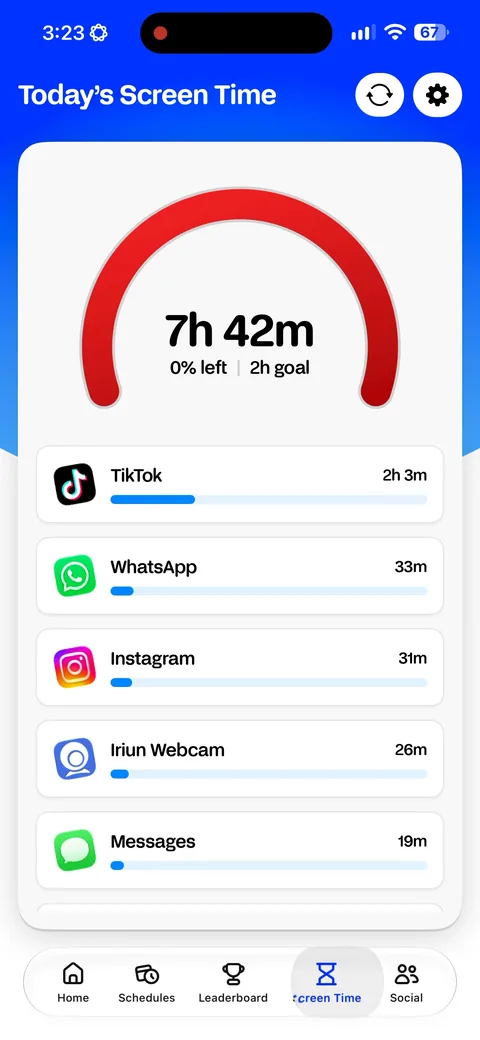
Bepresent Screen Time Control onboarding screen 58: 'Today's screen time, 7h 42m, 2h goal', with TikTok broken out at 2h 3m58
'Today's screen time, 7h 42m, 2h goal', with TikTok broken out at 2h 3m. The dashboard leads with the gap between where you are and what you just committed to.