← All flows
Productivity

Structured

83 screens · Screen Recording · recorded Jun 2024
ProductivityFreemiumpaywall: contextual blockedvalue prop carouseltutorial demothree tier comparisonlifetime optionfeature list
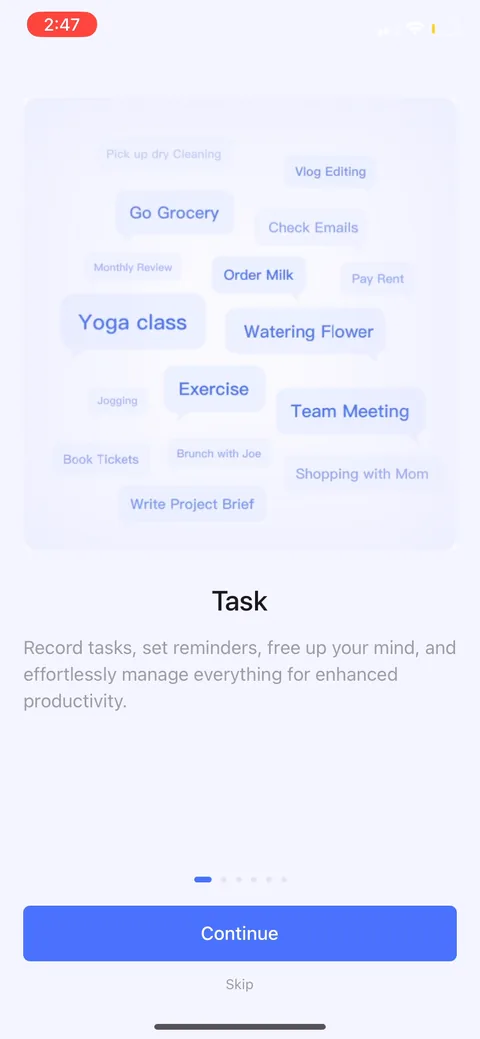
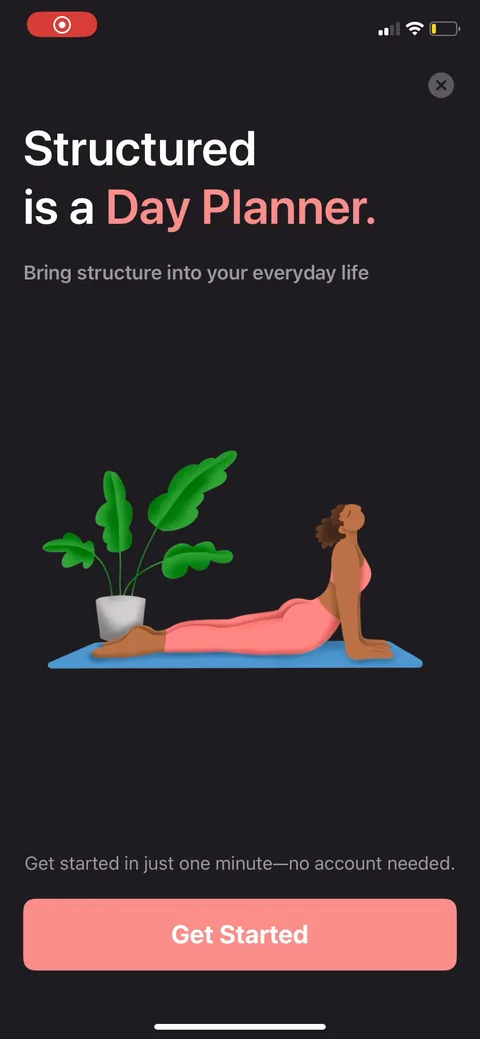
Structured onboarding screen 1: 1
"Get started in just one minute, no account needed." For a utility like a day planner, skipping signup is the right call. Asking for an account before anyone's touched the app just leaks installs. They're betting the product earns the upgrade later instead of gating the front door.
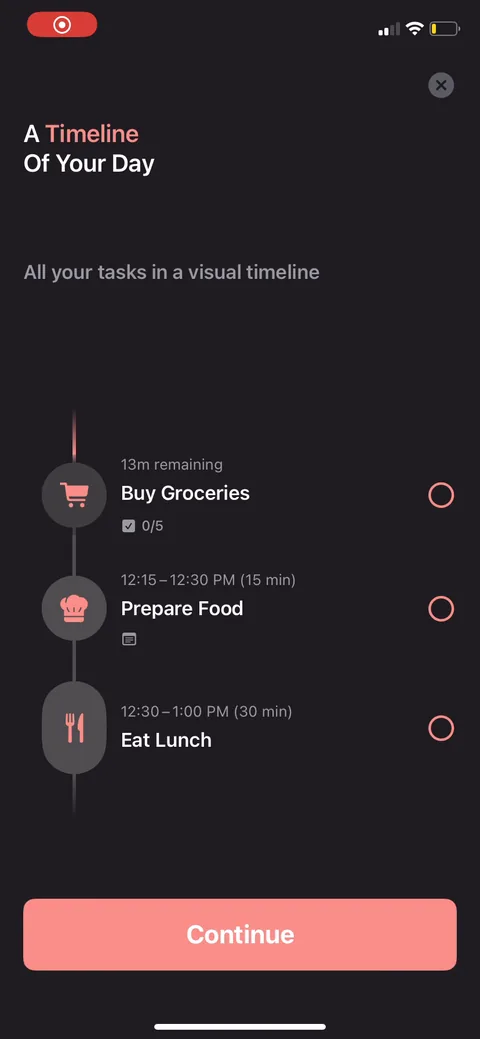
Structured onboarding screen 2: Interactive timeline demo with tasks already filled in (Buy Groceries, Prepare Food, Eat Lunch) and a live…2
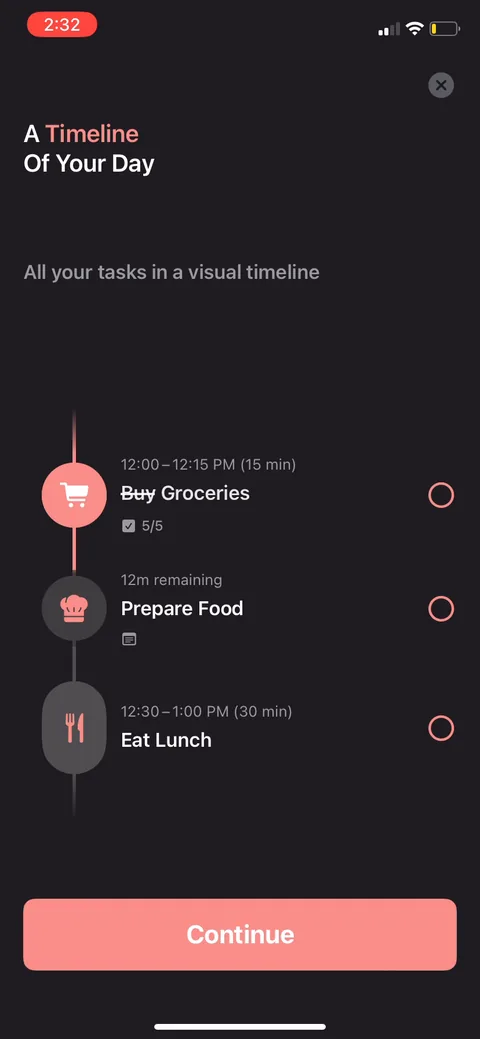
Interactive timeline demo with tasks already filled in (Buy Groceries, Prepare Food, Eat Lunch) and a live "13m remaining" counter. The visual timeline is the whole pitch, so showing it beats describing it. You see the core mechanic working before you do any setup.
Structured onboarding screen 33
Structured onboarding screen 55
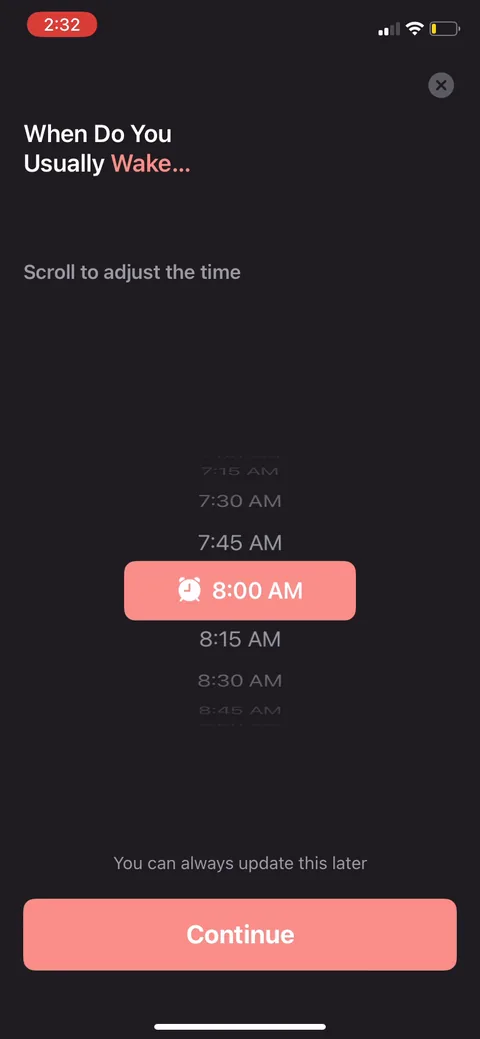
Structured onboarding screen 6: 6
"When do you usually wake?" One scroll-picker question, the only real personalization in the flow. "You can always update this later" lowers the stakes so nobody stalls on it. Cheap zero-party data that anchors where the day's schedule starts.
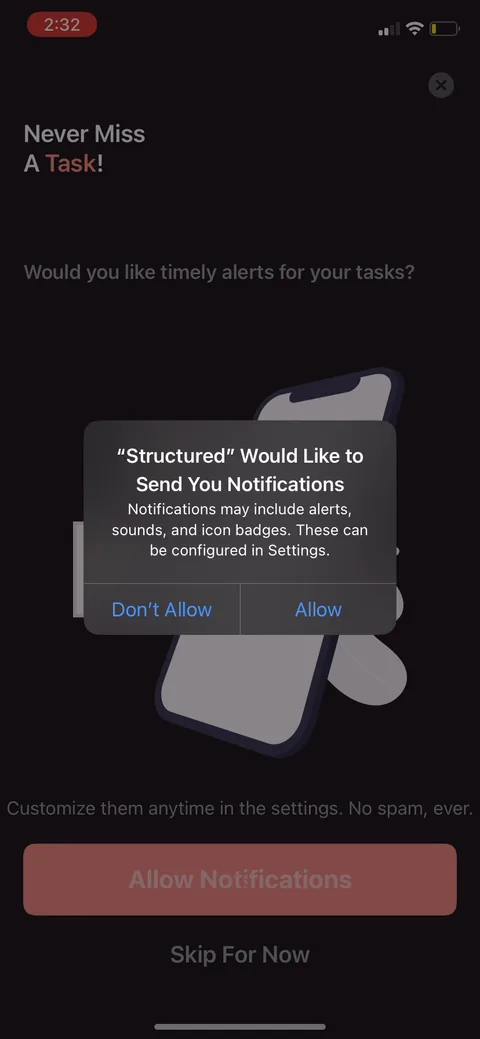
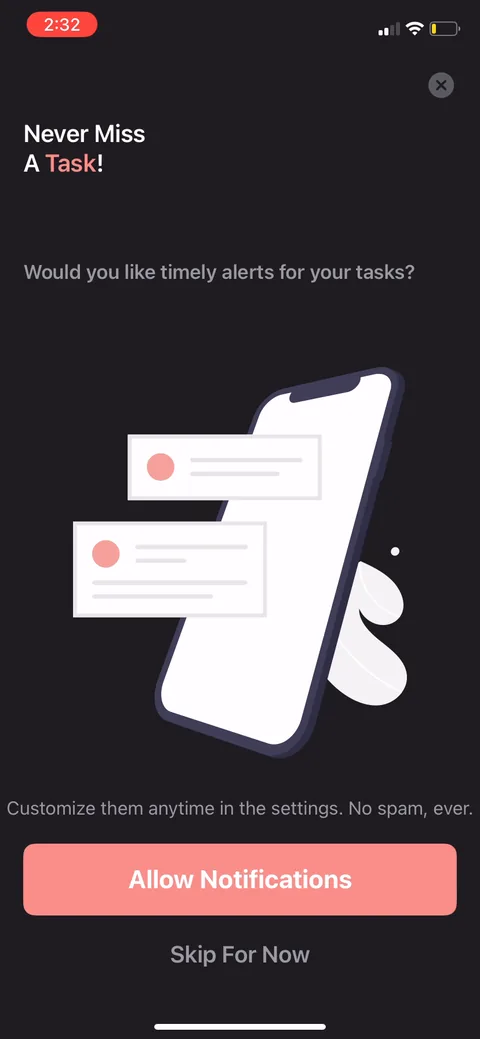
Structured onboarding screen 7: Notification permission framed as 7
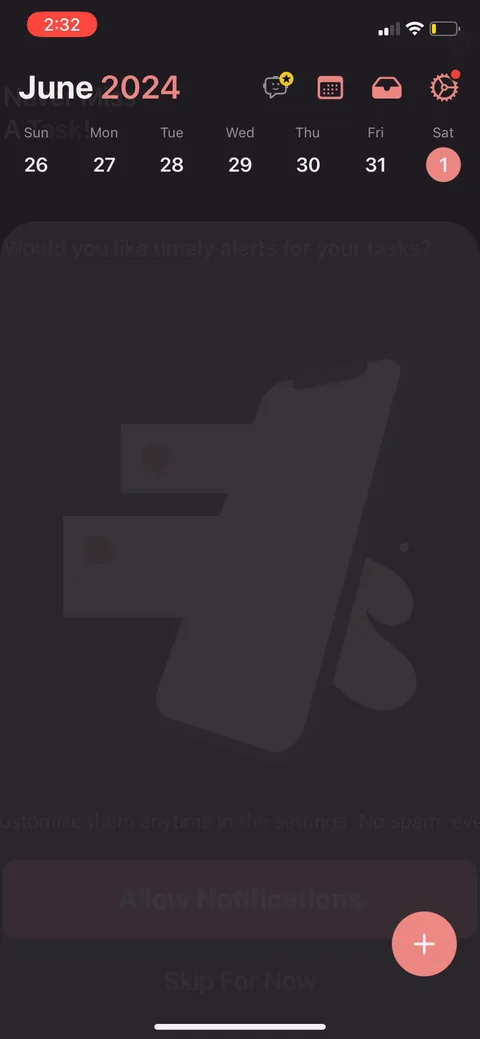
Notification permission framed as "never miss a task" with "no spam ever" and a "skip for now" escape. It's the benefit-framed ask, not the raw iOS prompt. For a planner, notifications are the retention hook, so asking early makes sense, and keeping a skip avoids a hard no.
Structured onboarding screen 88
Structured onboarding screen 99
Structured onboarding screen 1010
Structured onboarding screen 1111
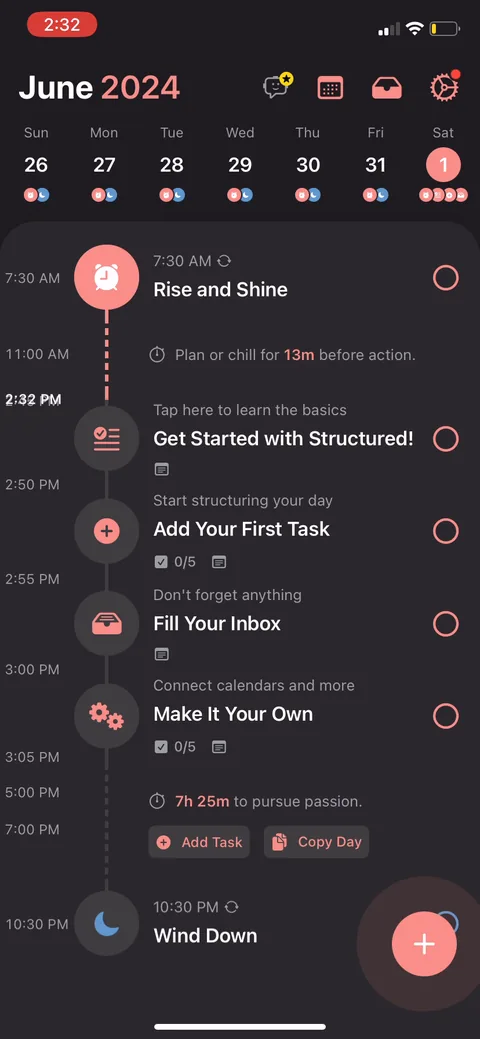
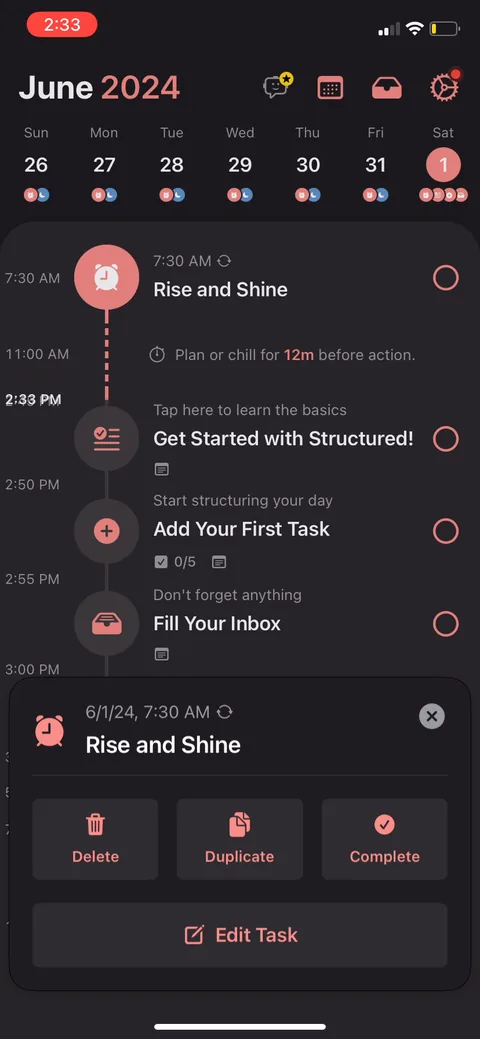
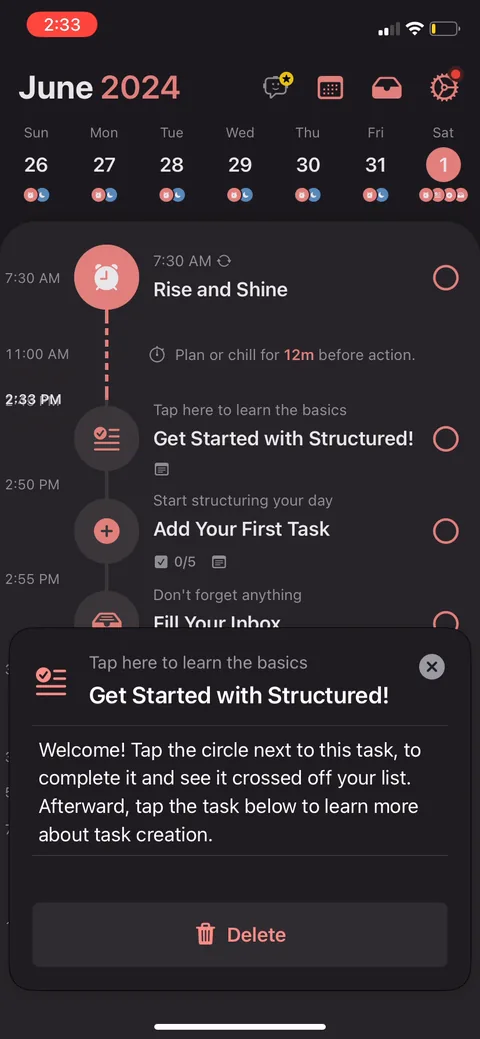
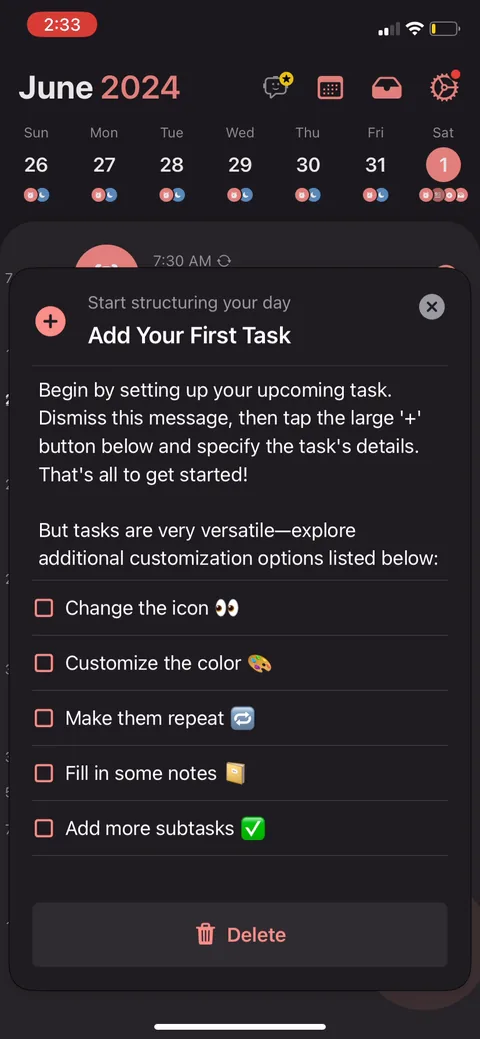
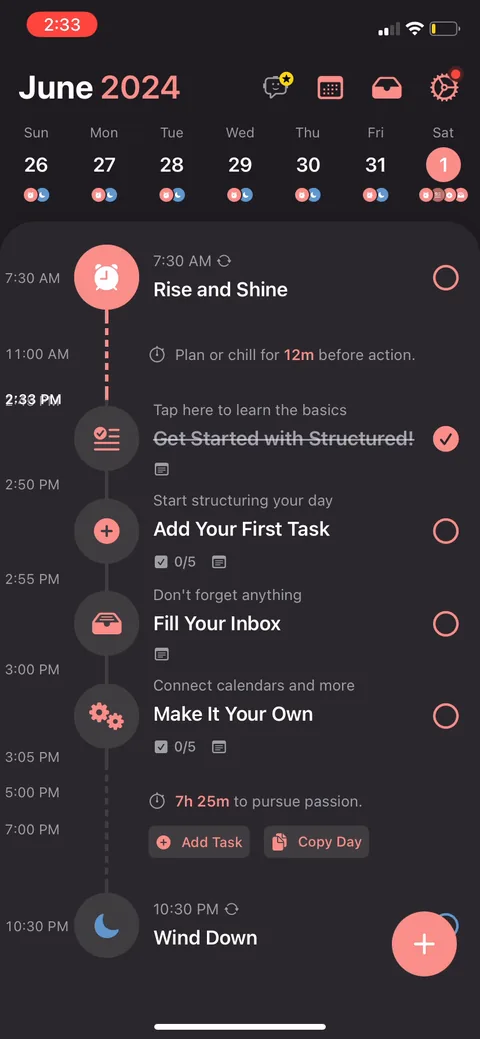
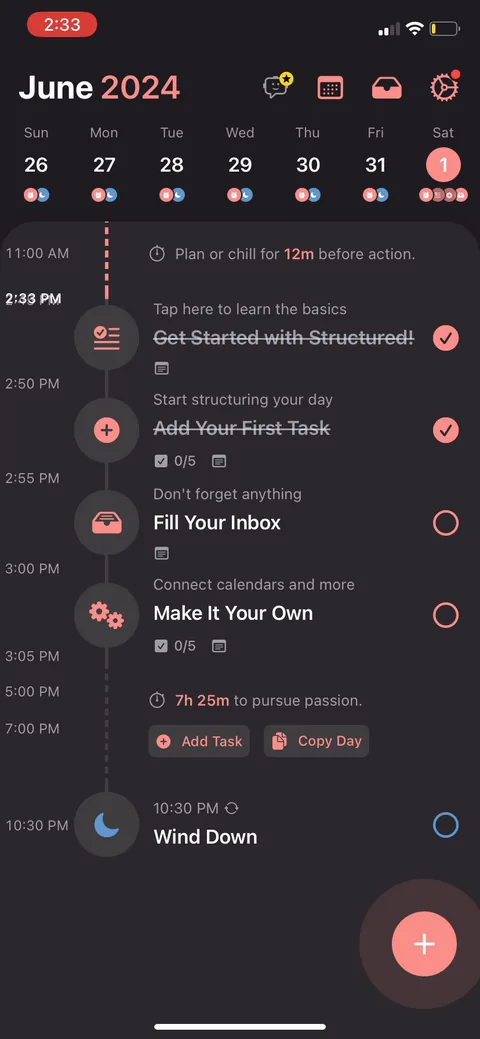
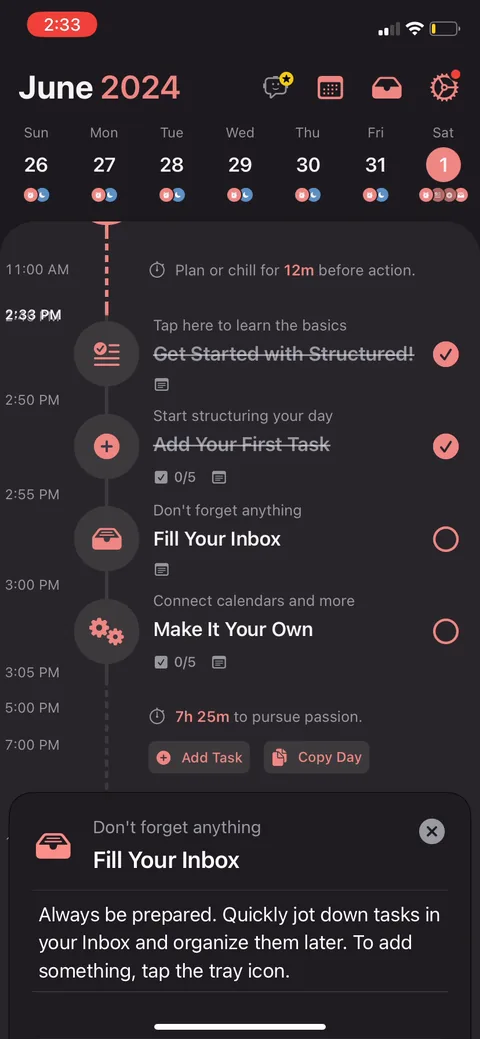
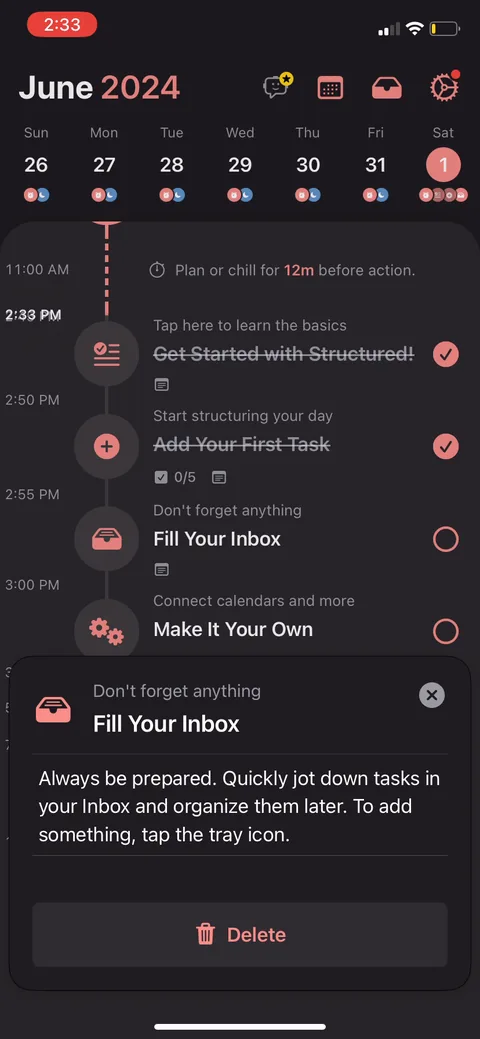
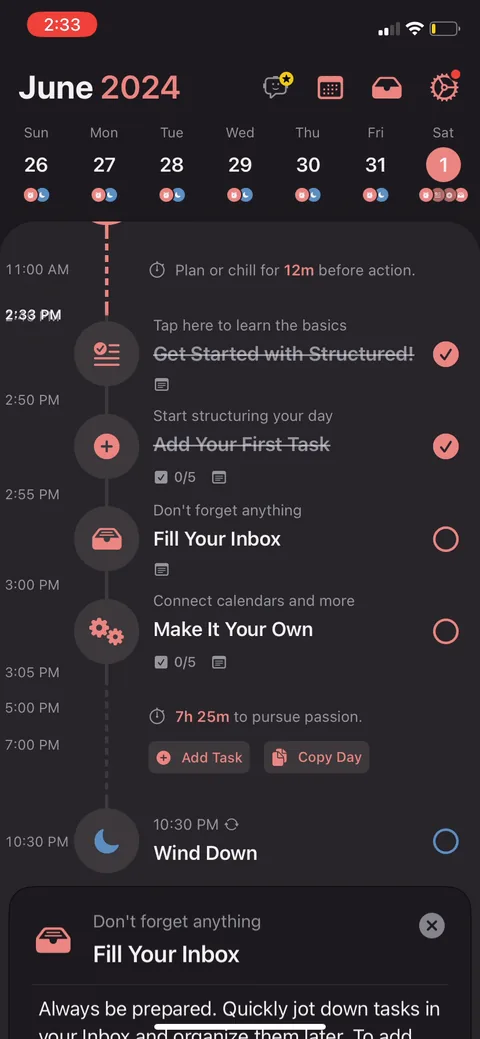
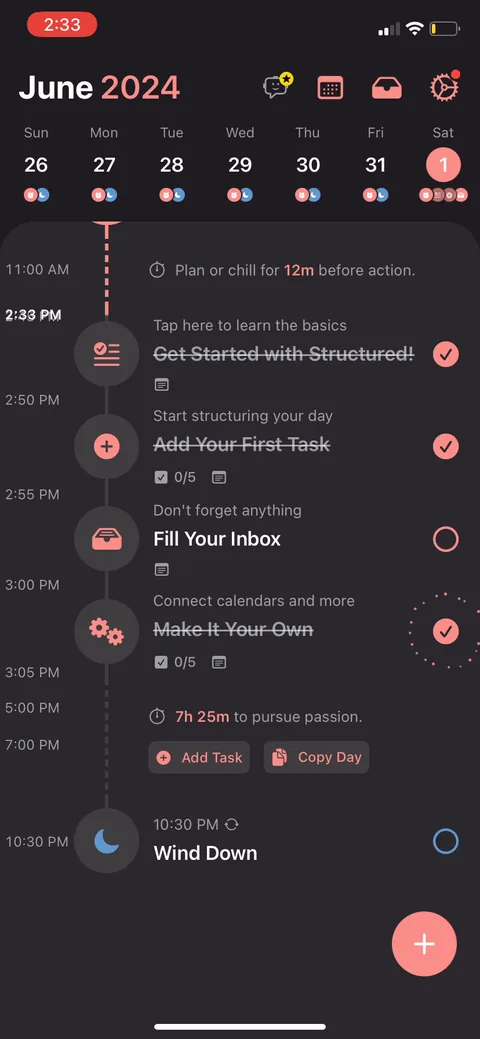
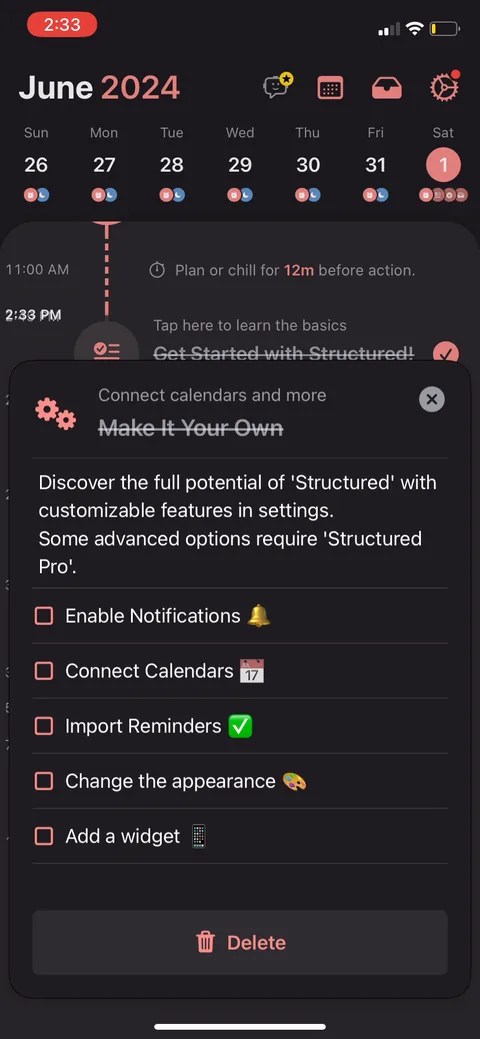
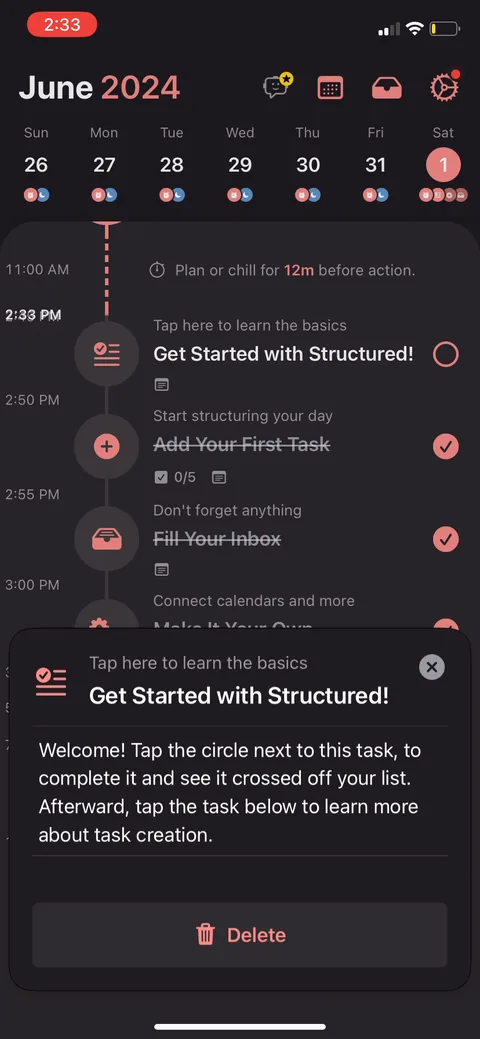
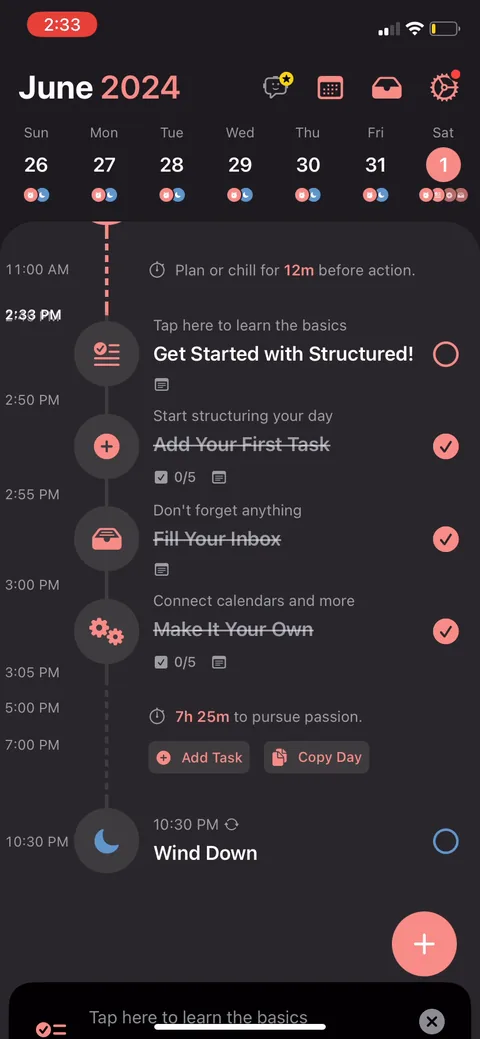
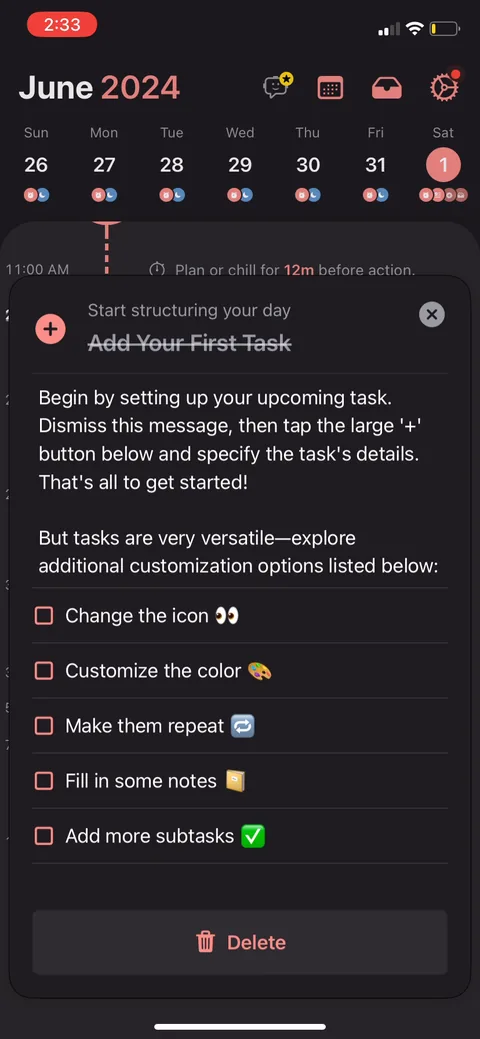
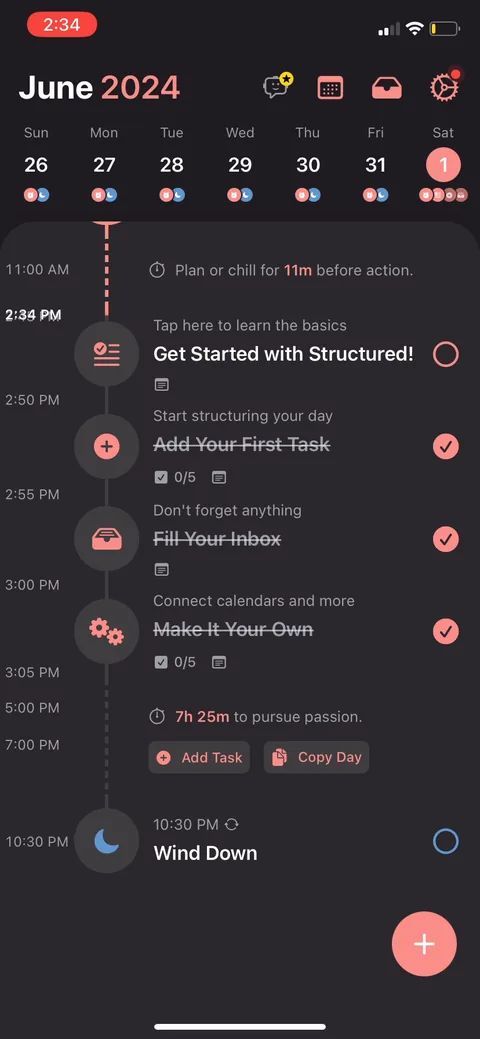
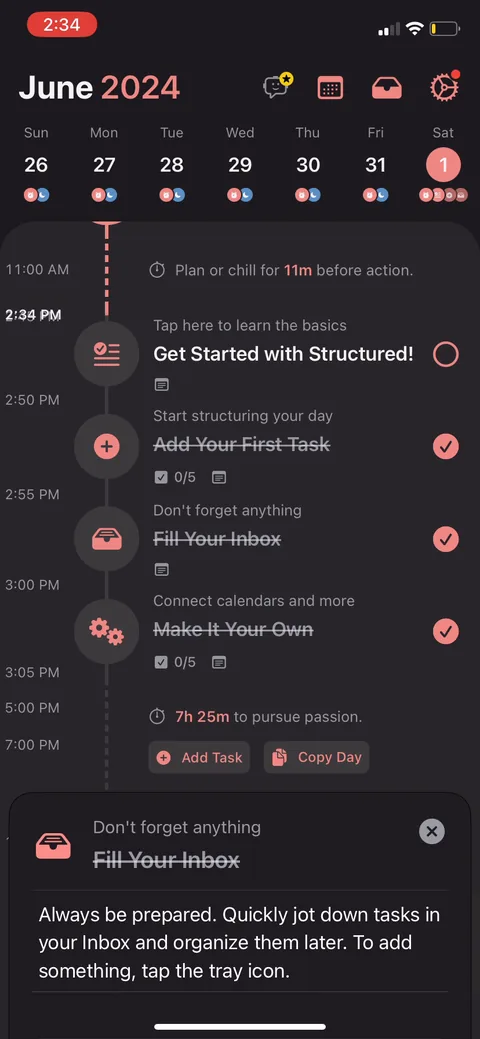
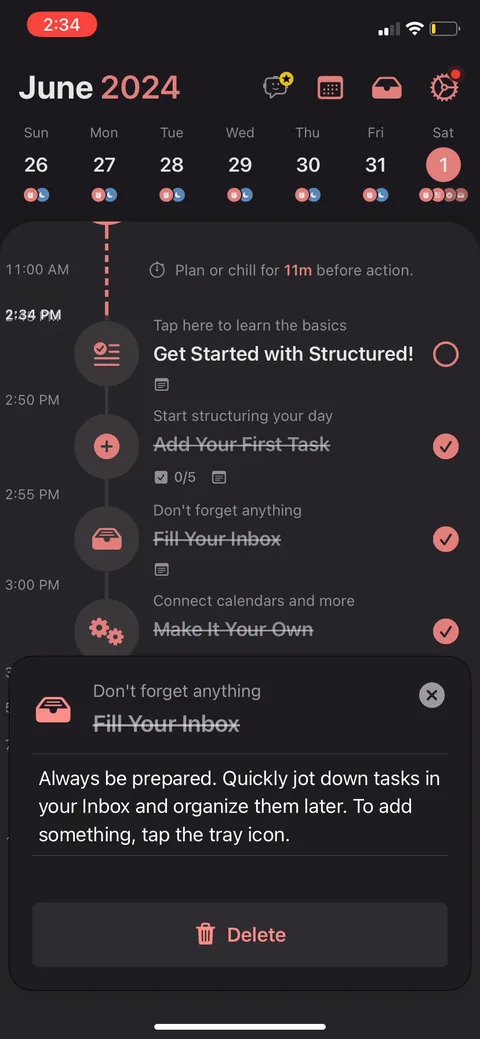
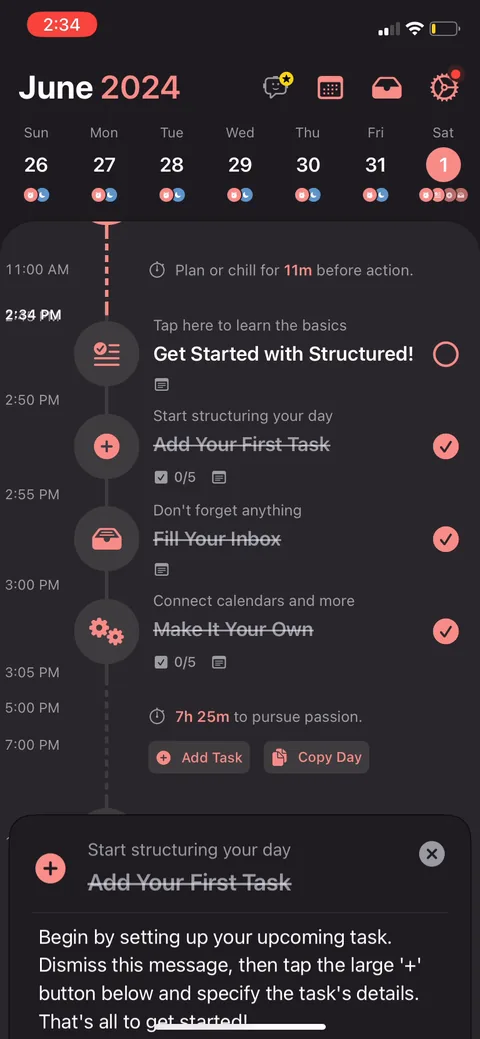
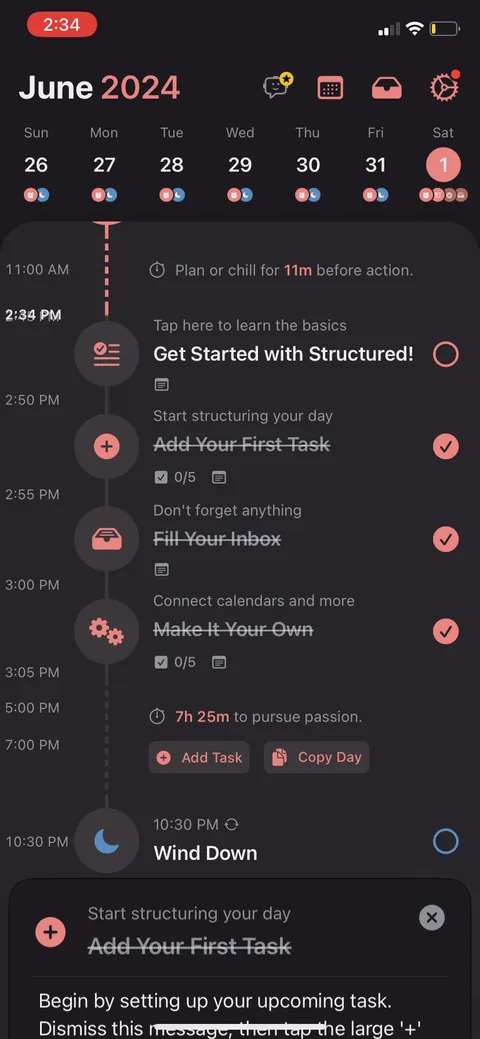
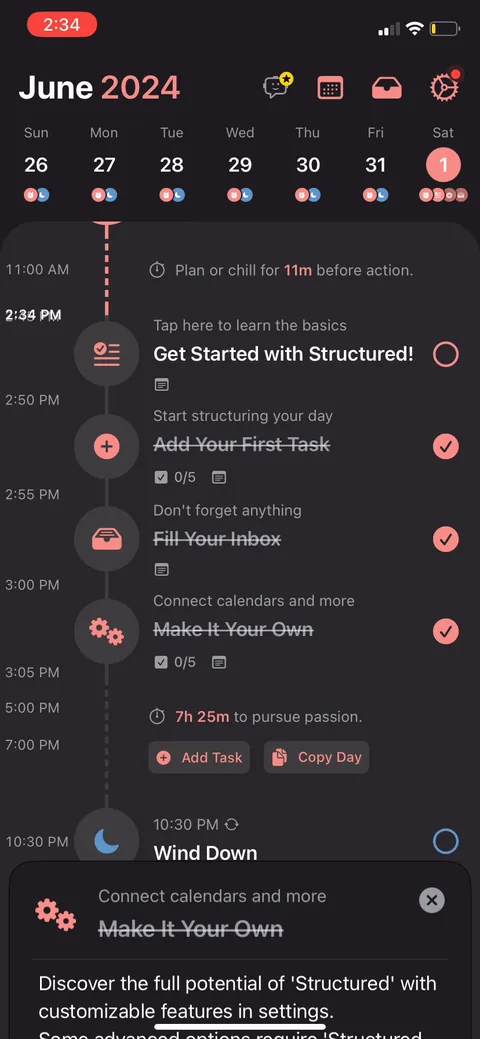
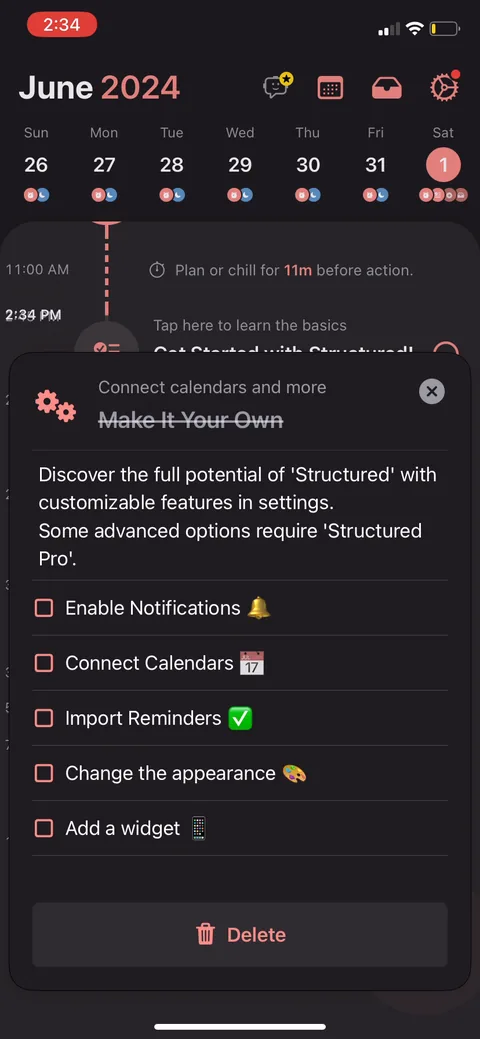
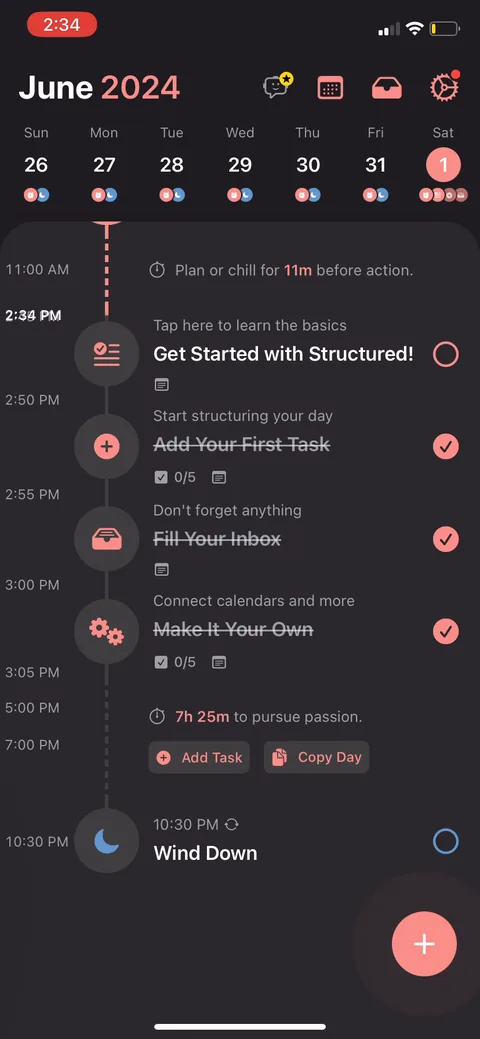
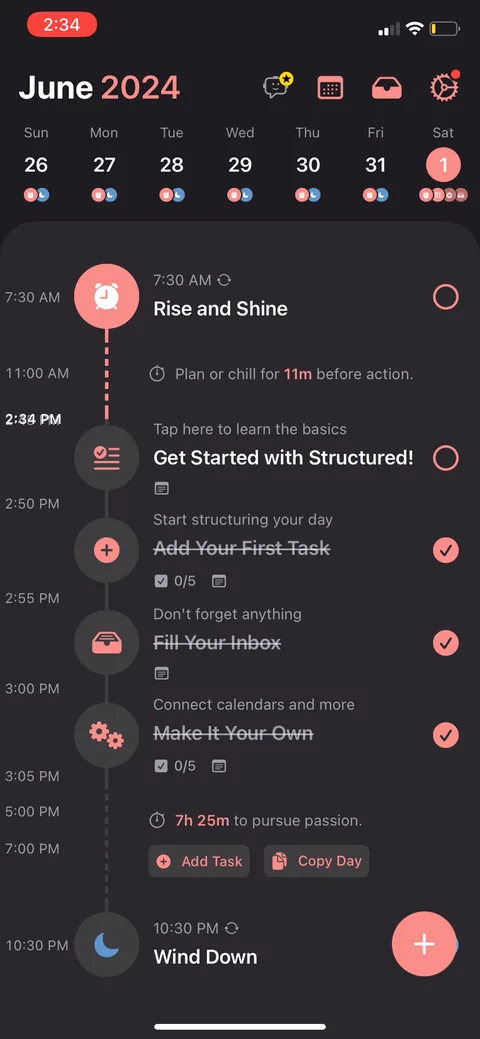
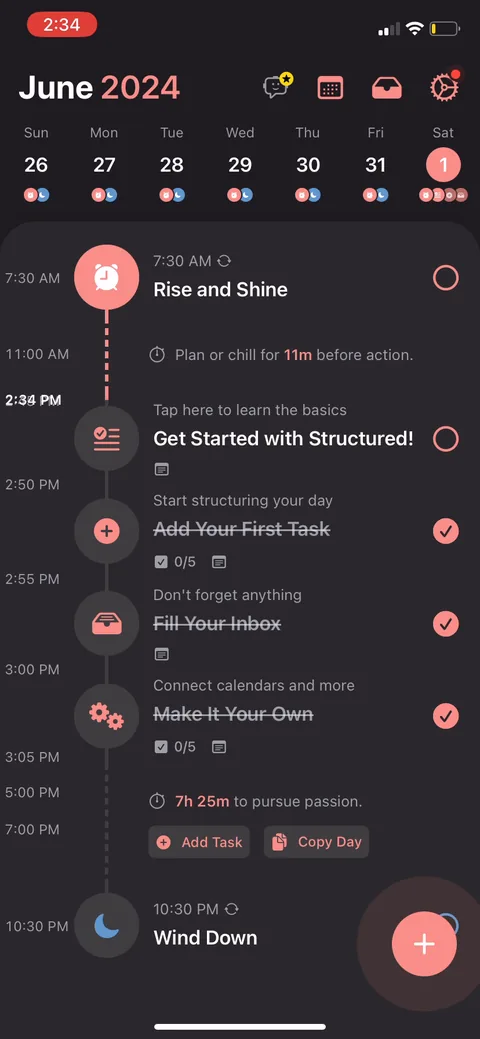
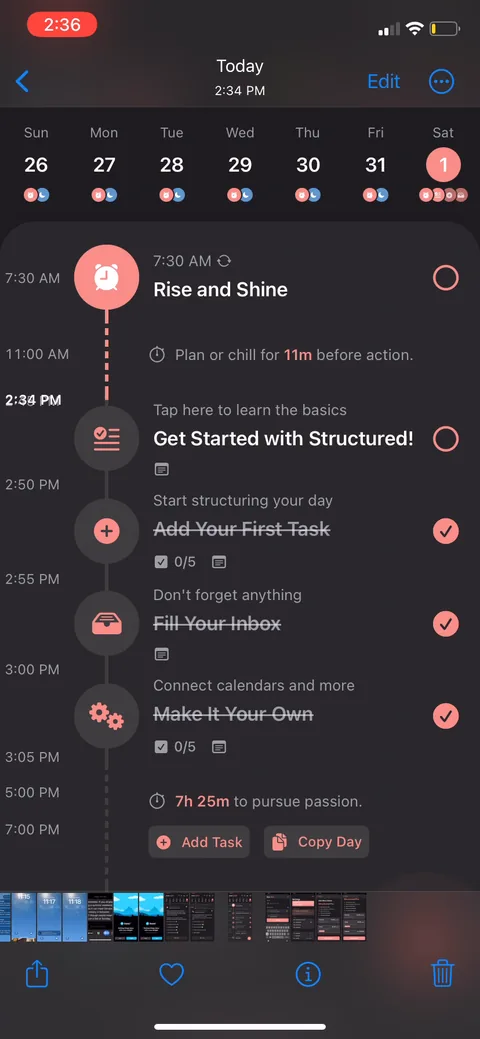
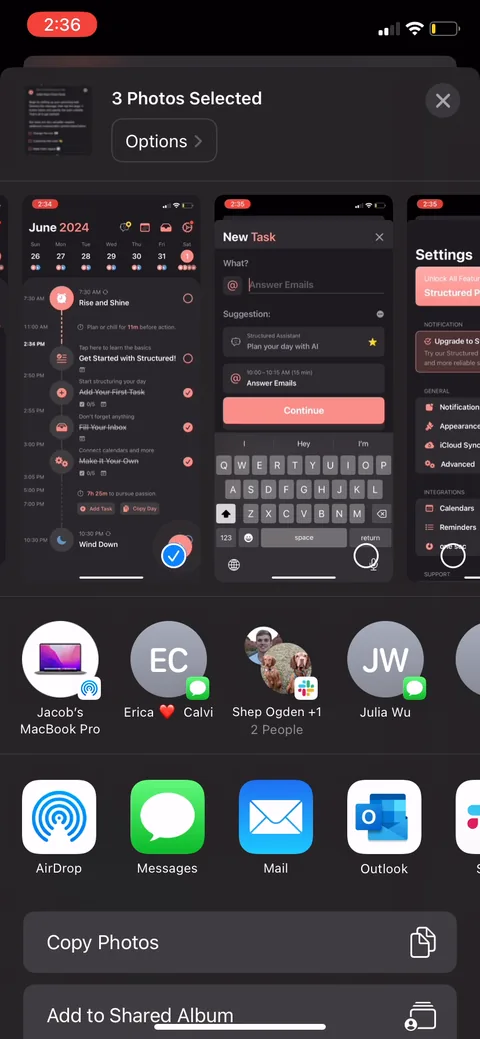
Structured onboarding screen 12: The guided tutorial: coach marks walk you through completing a task, adding your first one, filling the…12
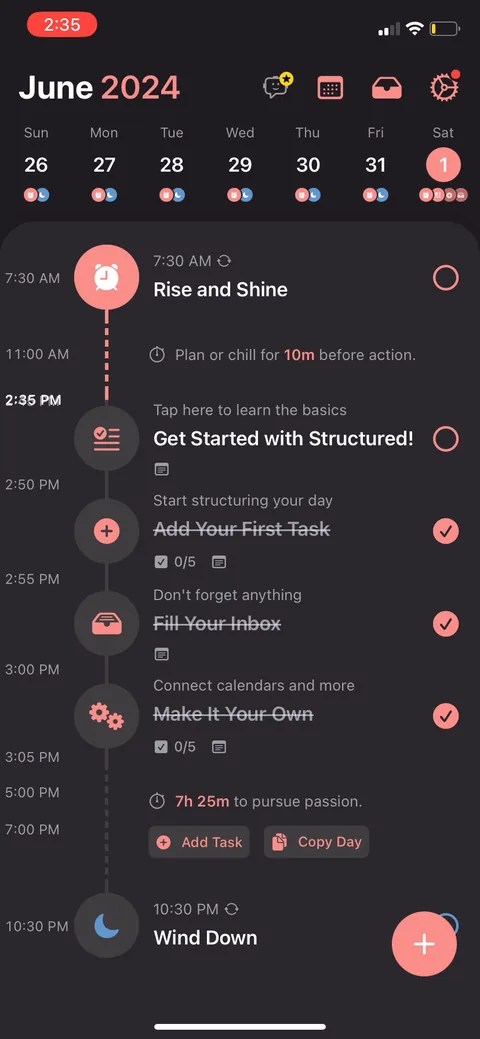
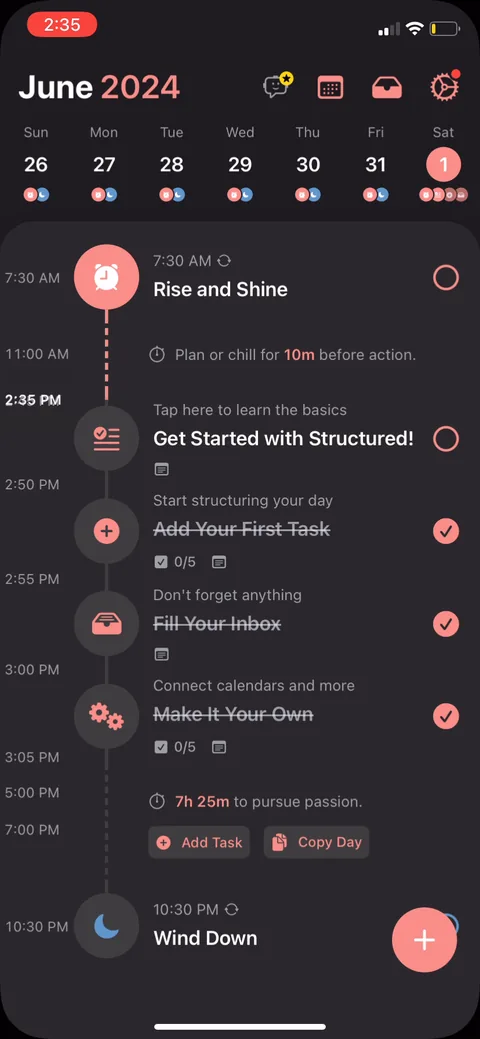
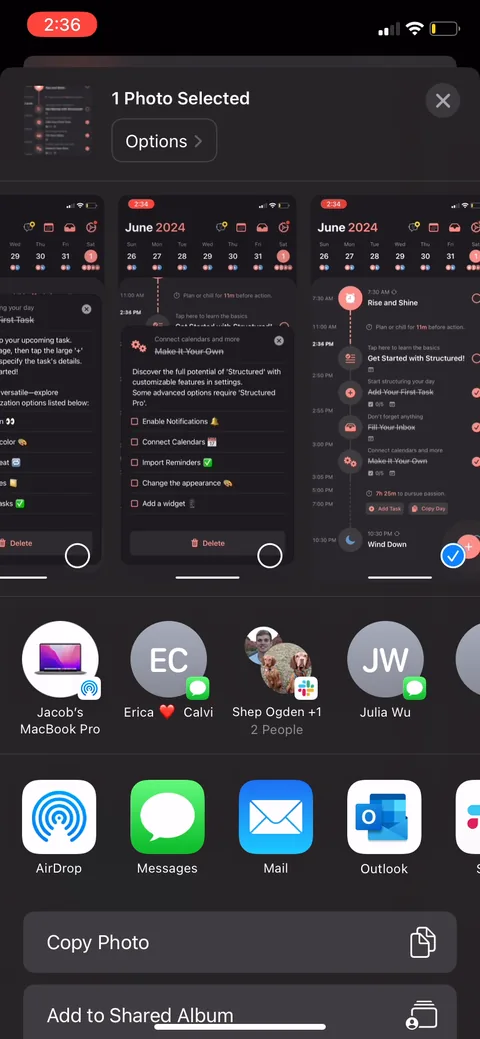
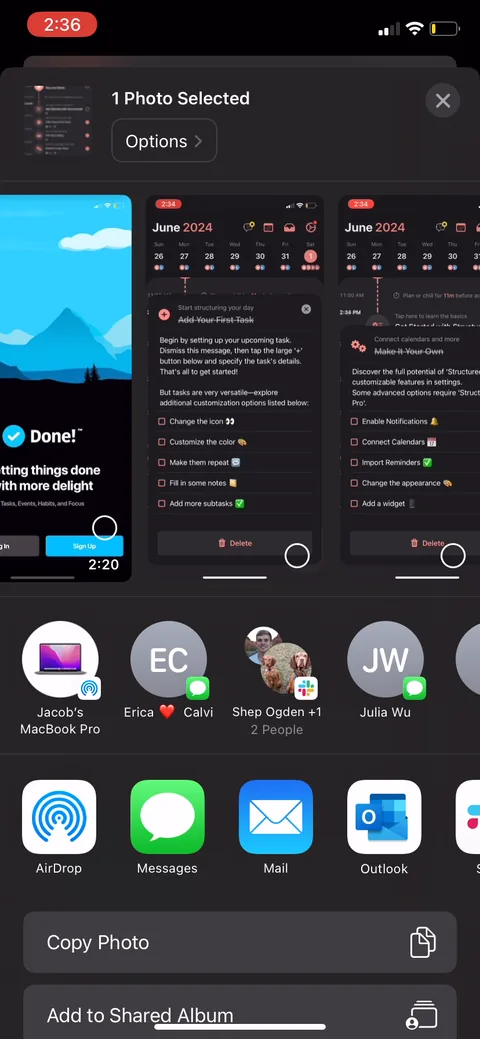
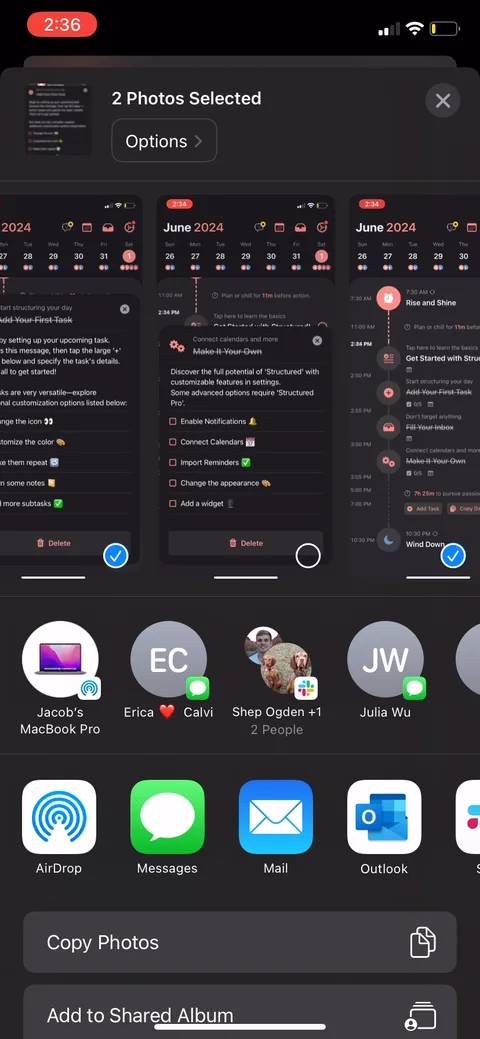
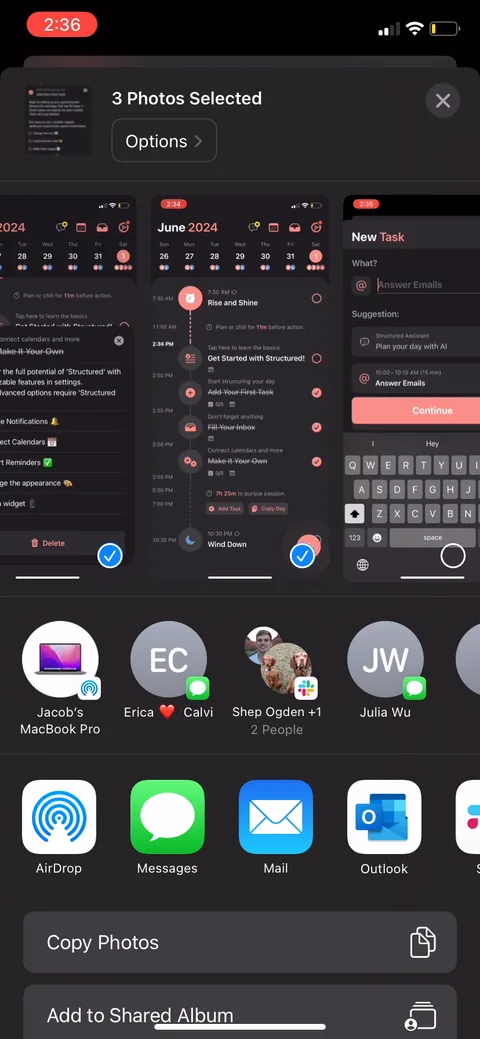
The guided tutorial: coach marks walk you through completing a task, adding your first one, filling the inbox, connecting calendars. It forces you to build your actual day instead of reading about it, which is good for activation. The risk is length. This runs a lot of screens, and a user who already gets to-do lists may want to skip ahead.
Structured onboarding screen 1313
Structured onboarding screen 1414
Structured onboarding screen 1515
Structured onboarding screen 1616
Structured onboarding screen 1717
Structured onboarding screen 1818
Structured onboarding screen 1919
Structured onboarding screen 2020
Structured onboarding screen 2121
Structured onboarding screen 2222
Structured onboarding screen 2323
Structured onboarding screen 2424
Structured onboarding screen 2525
Structured onboarding screen 2626
Structured onboarding screen 2727
Structured onboarding screen 2929
Structured onboarding screen 3030
Structured onboarding screen 3131
Structured onboarding screen 3232
Structured onboarding screen 3333
Structured onboarding screen 3434
Structured onboarding screen 3535
Structured onboarding screen 3636
Structured onboarding screen 3737
Structured onboarding screen 3838
Structured onboarding screen 3939
Structured onboarding screen 4040
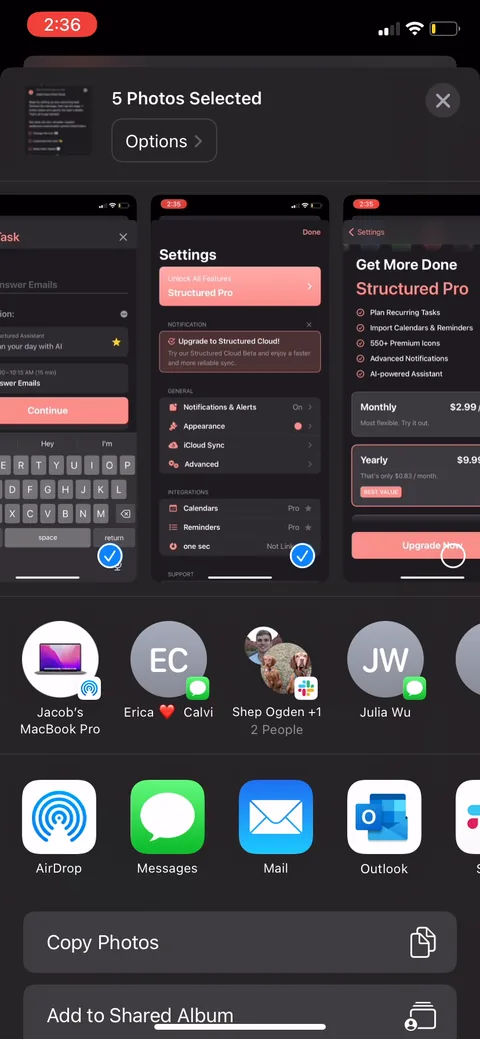
Structured onboarding screen 41: 41
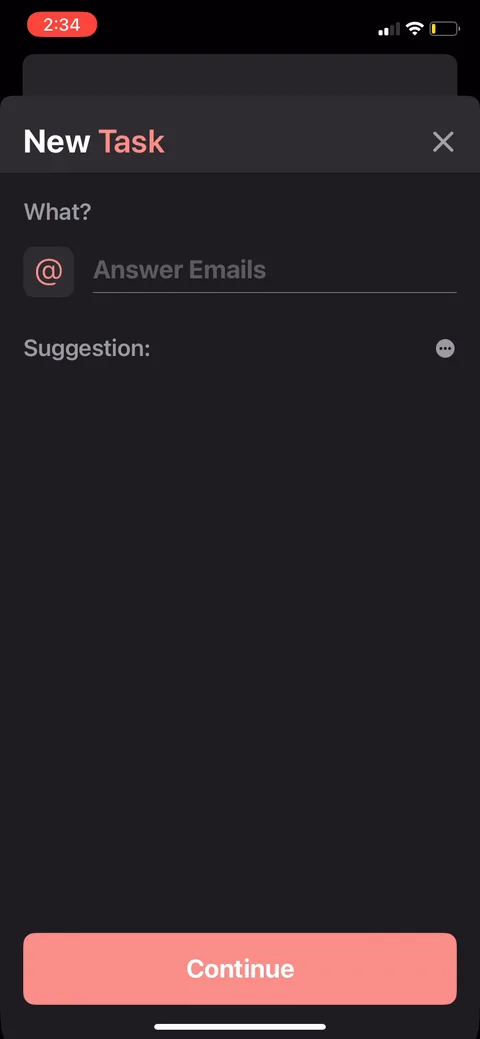
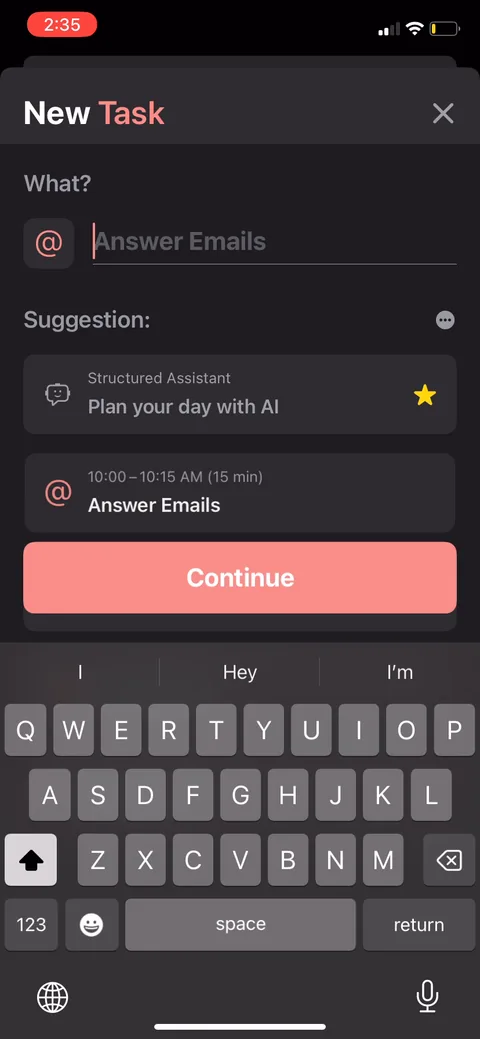
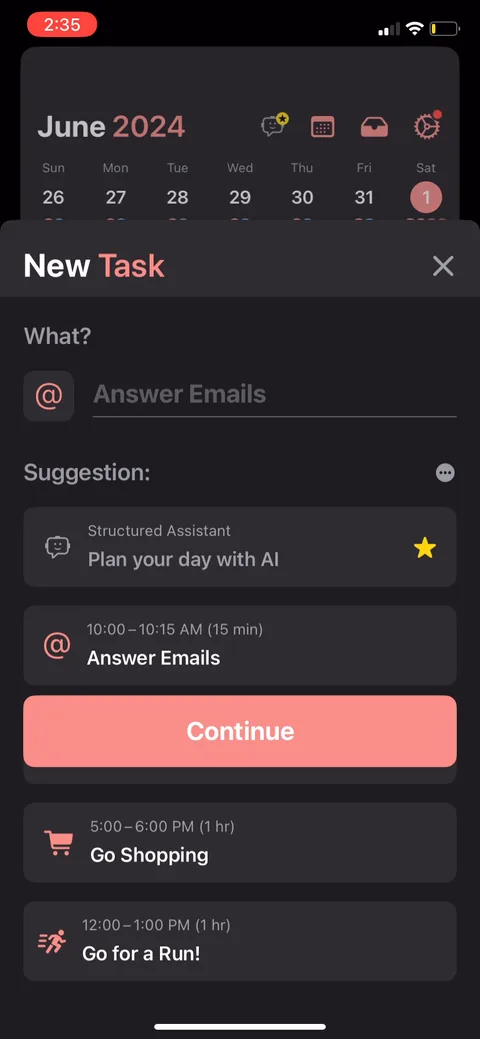
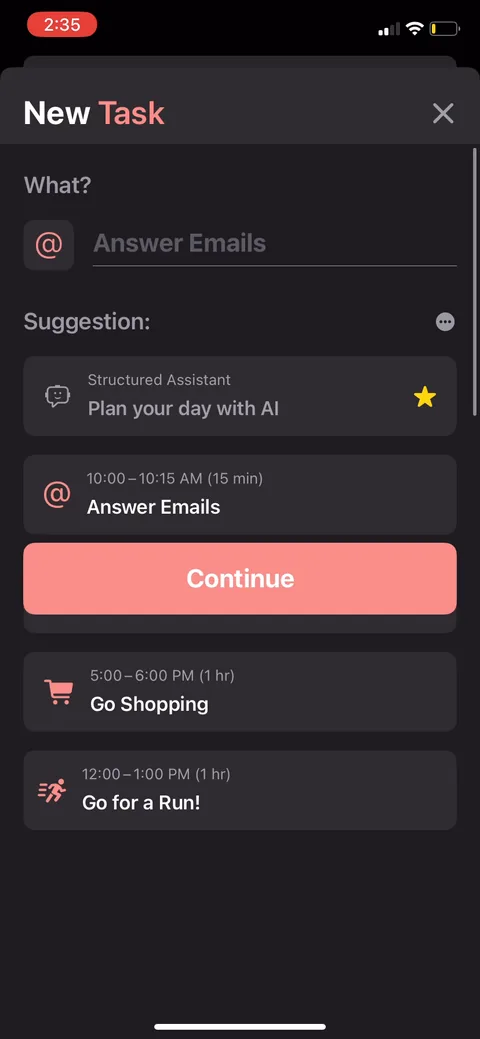
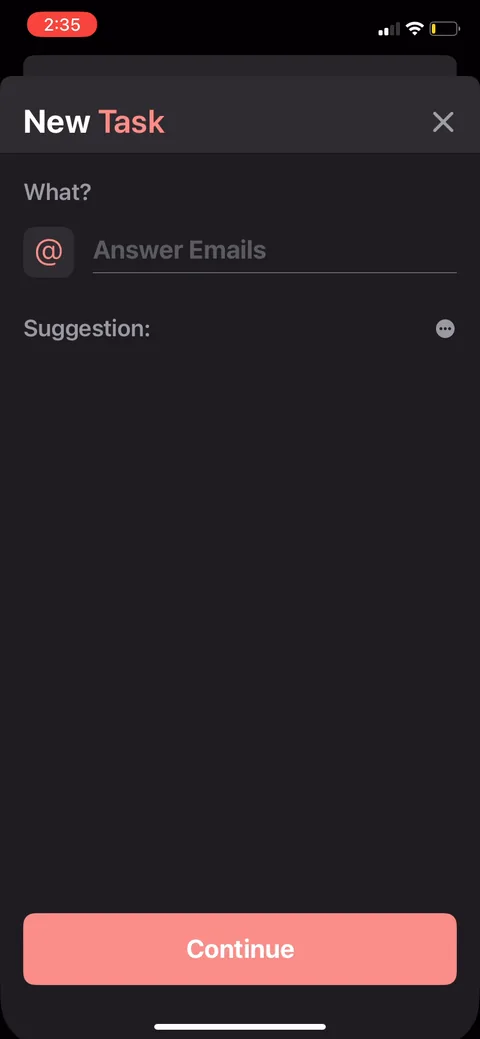
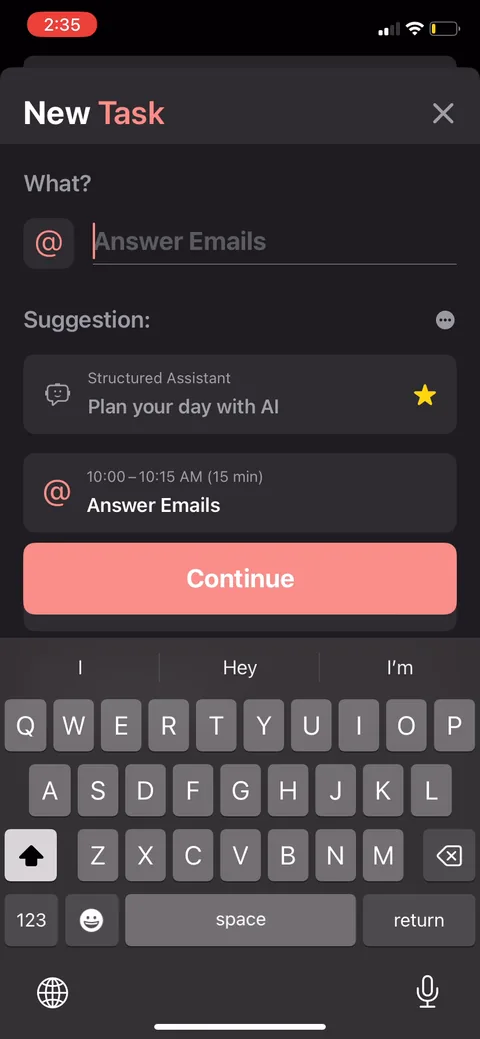
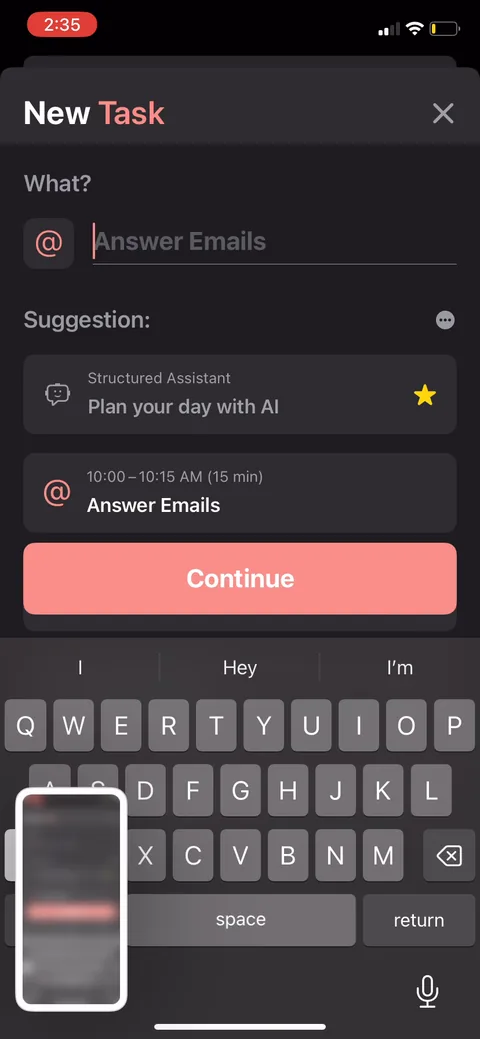
"Structured Assistant, plan your day with AI." You type plain language and it generates a real schedule (answer emails, watch a movie, go shopping). Letting you see the AI produce an actual result before gating it is the right order: feel the value, then get asked to pay.
Structured onboarding screen 4343
Structured onboarding screen 4444
Structured onboarding screen 4545
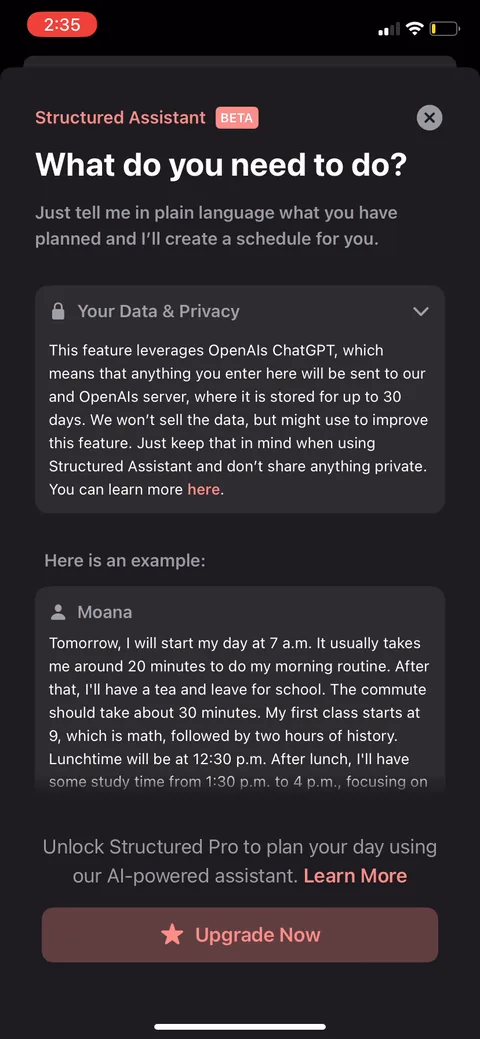
Structured onboarding screen 46: The AI assistant is gated and the paywall fires the moment you try it46
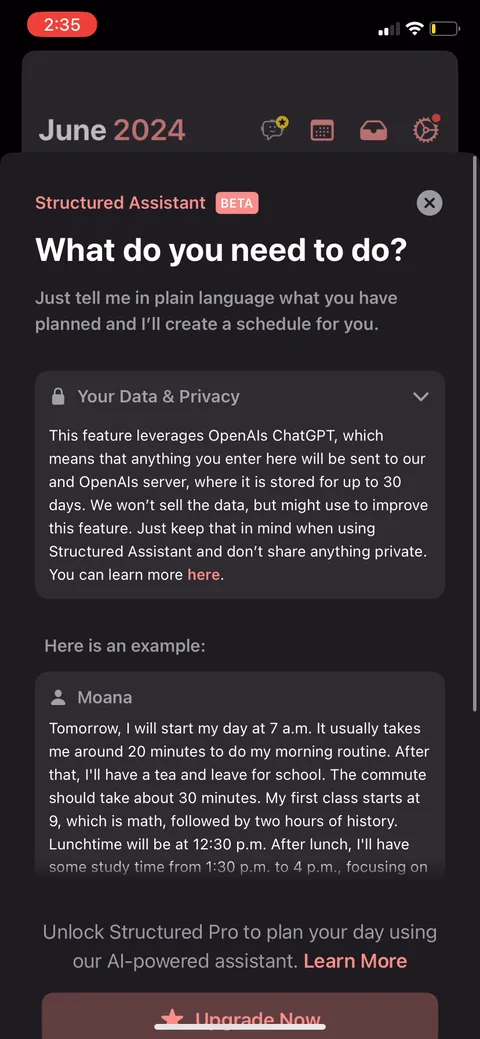
The AI assistant is gated and the paywall fires the moment you try it. "Unlock Structured Pro to plan your day using our AI-powered assistant." Contextual, right after you've felt the feature, which beats a cold wall. One thing to test: the full OpenAI data-privacy disclosure sits right on the purchase screen, which is honest but a wall of text to read at the point of the ask.
Structured onboarding screen 4747
Structured onboarding screen 4848
Structured onboarding screen 4949
Structured onboarding screen 5050
Structured onboarding screen 5151
Structured onboarding screen 5252
Structured onboarding screen 5353
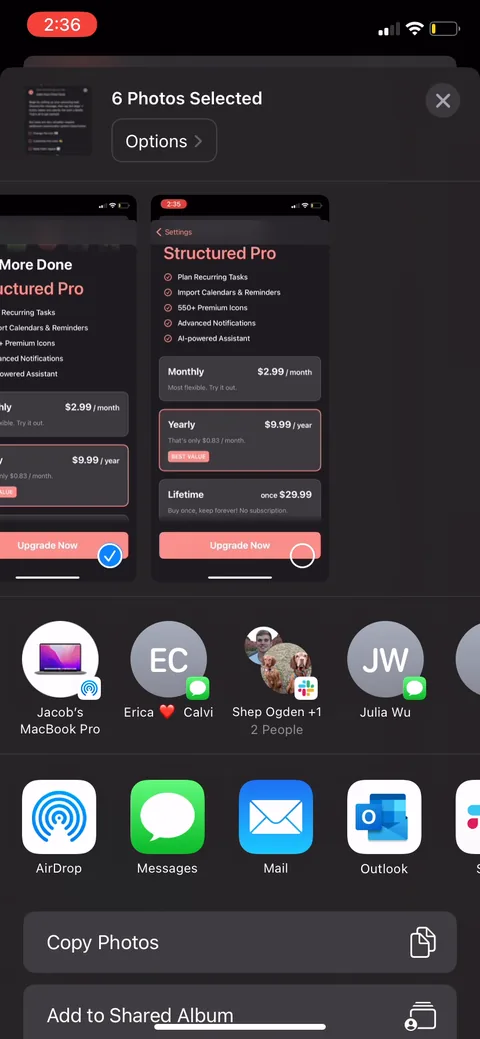
Structured onboarding screen 54: 54
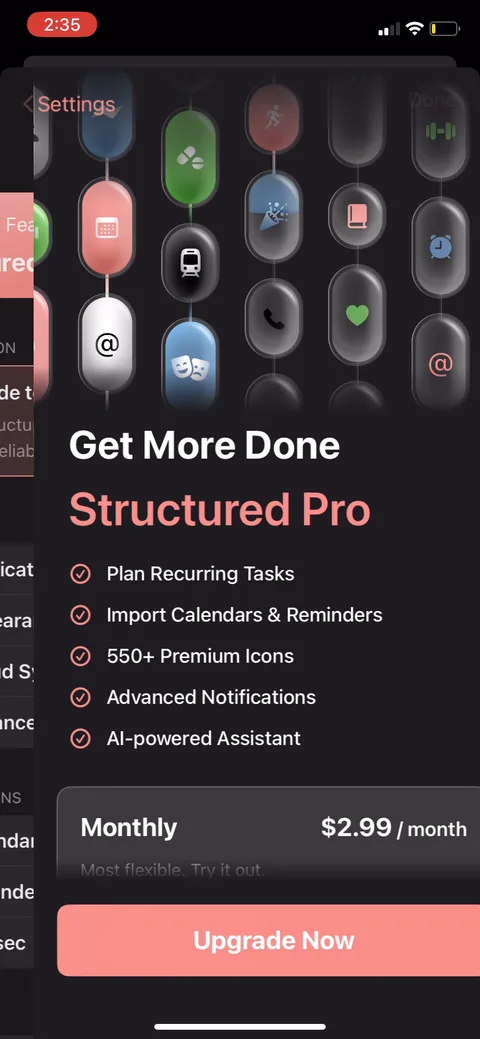
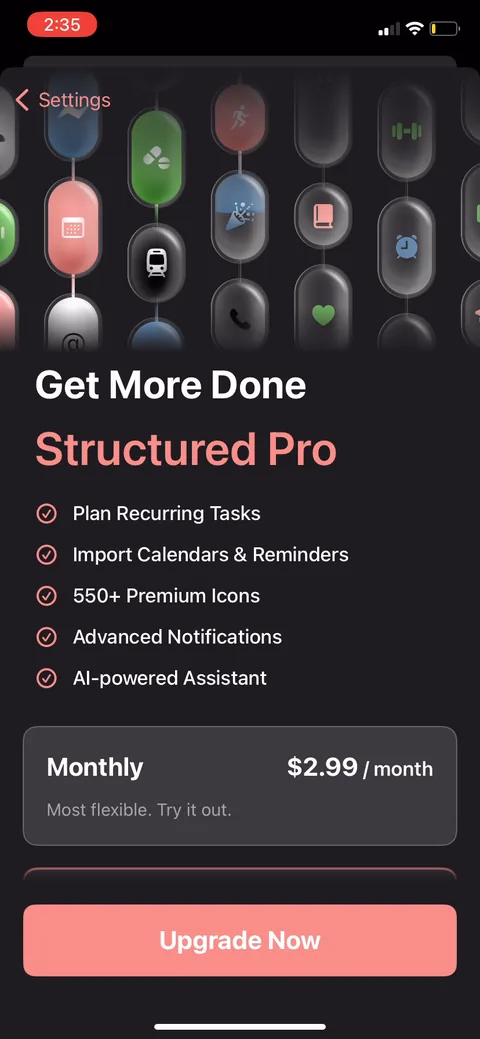
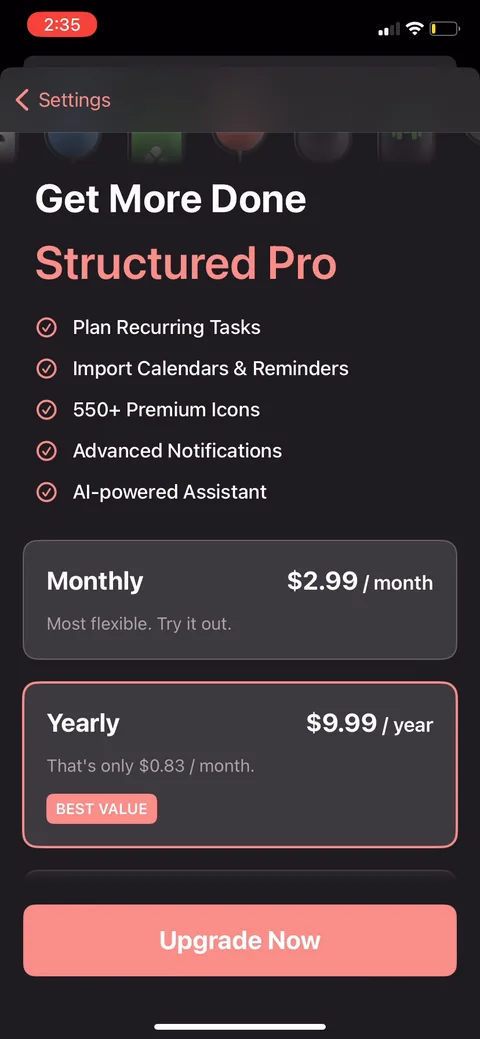
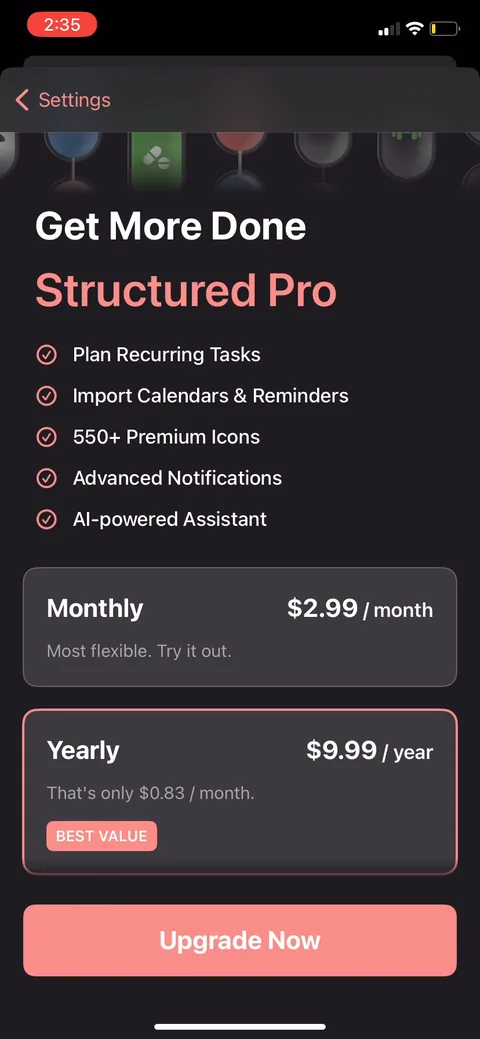
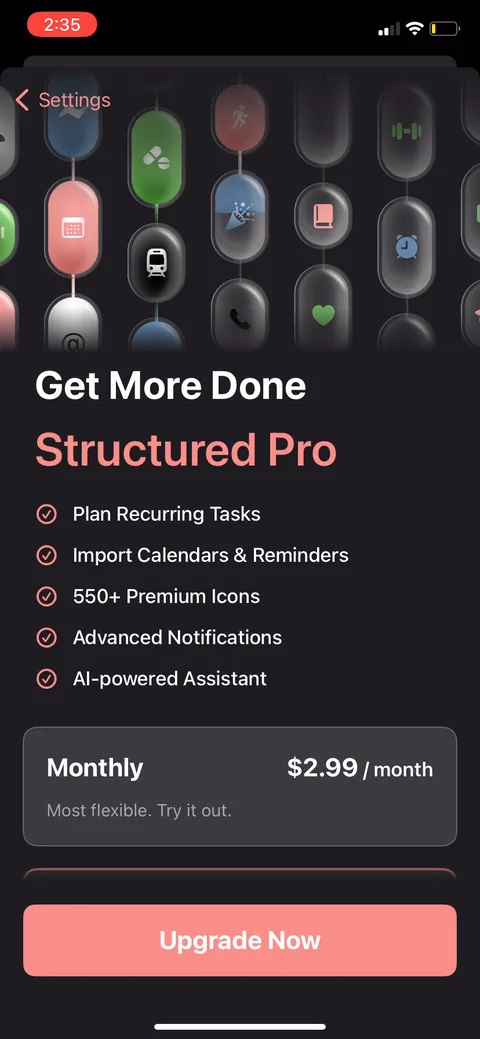
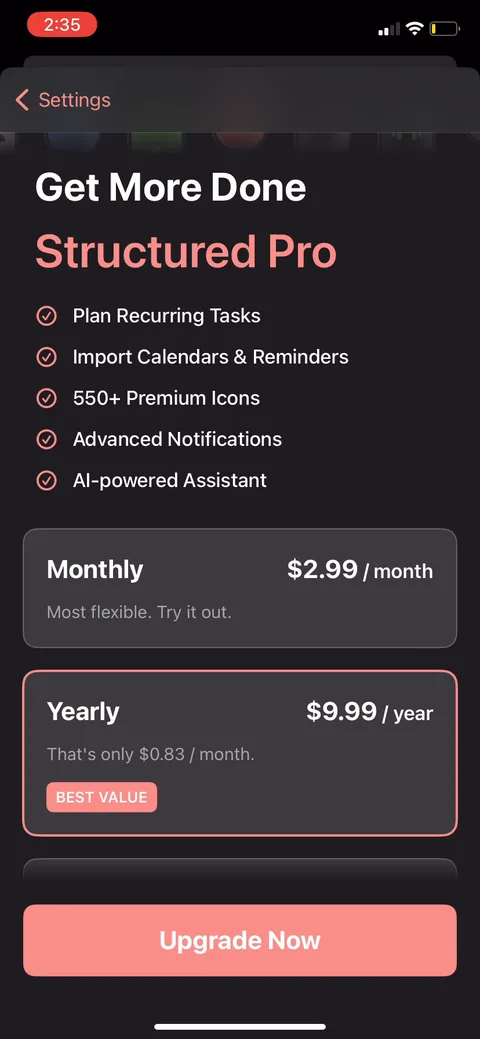
"Get More Done, Structured Pro." Paywall with no trial, monthly at $2.99 tagged "most flexible, try it out." The feature list is task-led (plan recurring tasks, import calendars, premium icons) rather than benefit-led. I'd test reframing those as outcomes, not features.
Structured onboarding screen 5555
Structured onboarding screen 5656
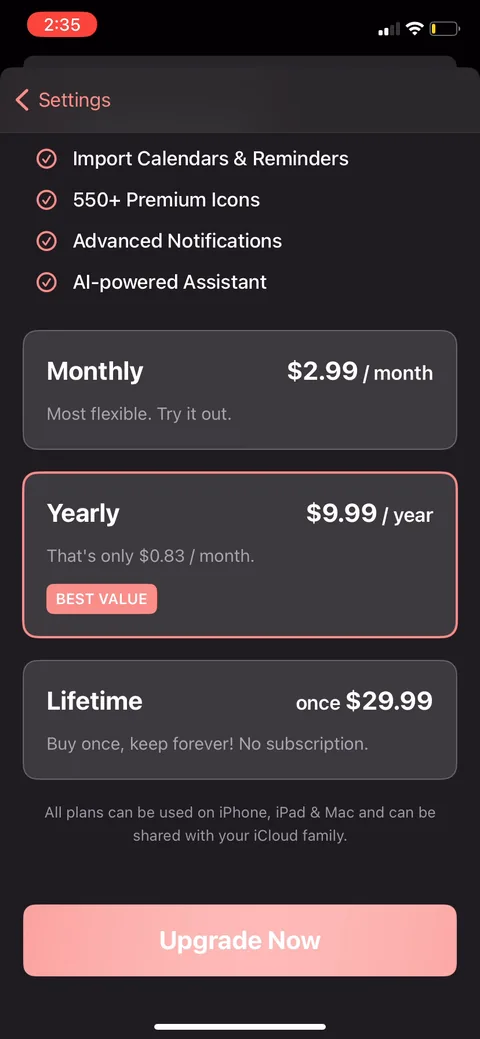
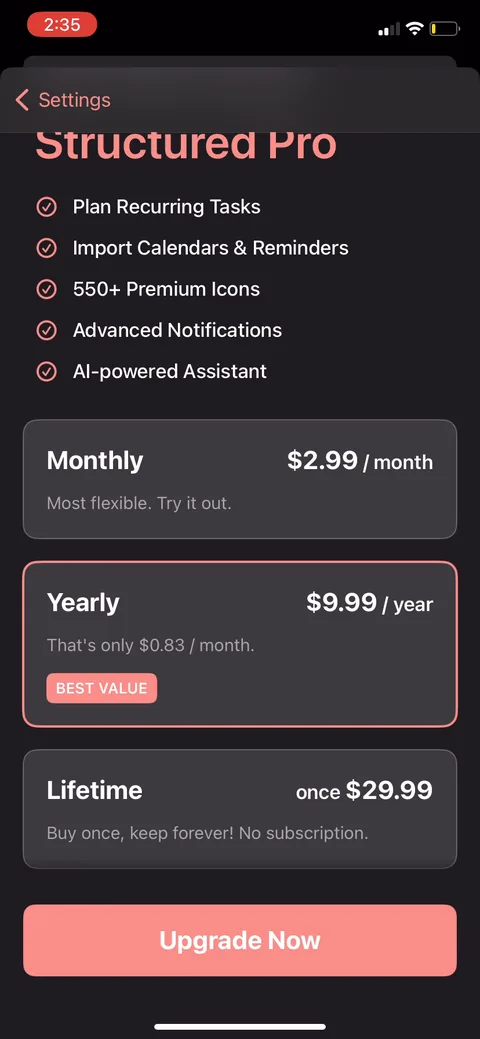
Structured onboarding screen 57: Three tiers: monthly $2.99, yearly $9.99 (BEST VALUE, the highlighted default), lifetime $29.9957
Three tiers: monthly $2.99, yearly $9.99 (BEST VALUE, the highlighted default), lifetime $29.99. Yearly is priced as "$0.83/month" to anchor against monthly. Lifetime at $29.99 is roughly three years of yearly, a clean anchor that makes the sub look cheap and catches the subscription-averse buyer instead of losing them.
Structured onboarding screen 5858
Structured onboarding screen 5959
Structured onboarding screen 6060
Structured paywall with pricing, onboarding screen 6161
Structured onboarding screen 6262
Structured onboarding screen 6363
Structured onboarding screen 6464
Structured onboarding screen 6565
Structured onboarding screen 6666
Structured onboarding screen 6767
Structured onboarding screen 6868
Structured onboarding screen 6969
Structured onboarding screen 7070
Structured onboarding screen 7171
Structured onboarding screen 7272
Structured onboarding screen 7373
Structured onboarding screen 7474
Structured onboarding screen 7575
Structured onboarding screen 7676
Structured onboarding screen 7777
Structured onboarding screen 7878
Structured onboarding screen 7979
Structured onboarding screen 8080
Structured onboarding screen 8181
Structured onboarding screen 8282
Structured onboarding screen 8383