Learning / KnowledgeFreemiumpaywall: none during onboardingminimal fast tracksocial proof heavy
123The background is a live wall of real expert-verified Q&A scrolling past. They're using the actual product catalog as the proof instead of testimonials. More convincing too, because it's the inventory you're about to pay for.4'Get access to 100+ million solutions and expert help, fast' with four auth buttons and no way around it. Hard signup before any value. What makes it land better than most is that the answer wall keeps moving behind the modal, so the thing you're paying a signup toll for stays visible while you decide.58Google auth fails with 'Error while trying to connect to google. Please try again.' When social auth is your entire front door, this error is your funnel. Most teams never instrument it, and it's the cheapest conversion win sitting in any signup flow.11A custom primer before the system notification dialog: 'Chegg uses notifications to help you stay on top of your studies.' Compare this to Photomath in the same batch, which fired the raw iOS camera prompt cold with nothing in front of it. You get one shot at a system dialog, so asking your own question first and only triggering the real one on Yes is how you protect it.12Prompt chips under 'Not sure where to start?': 'Steps for', 'How to solve', 'How can I figure out', 'What does this mean'. A blank input is the fastest way to lose someone in their first session. Four starting shapes turn a blank page into a menu.13Home leads with 'See Chegg solutions in action' and real example questions rather than an empty dashboard. Activation is one tap and it's someone else's homework, so you see the value without doing any work first.15Subscription is parked in the menu as 'Join now!' with no price attached, and no paywall fires anywhere in this capture. Unusual for the category. They're buying session depth first and monetizing on a limit later.
 1
1 2
2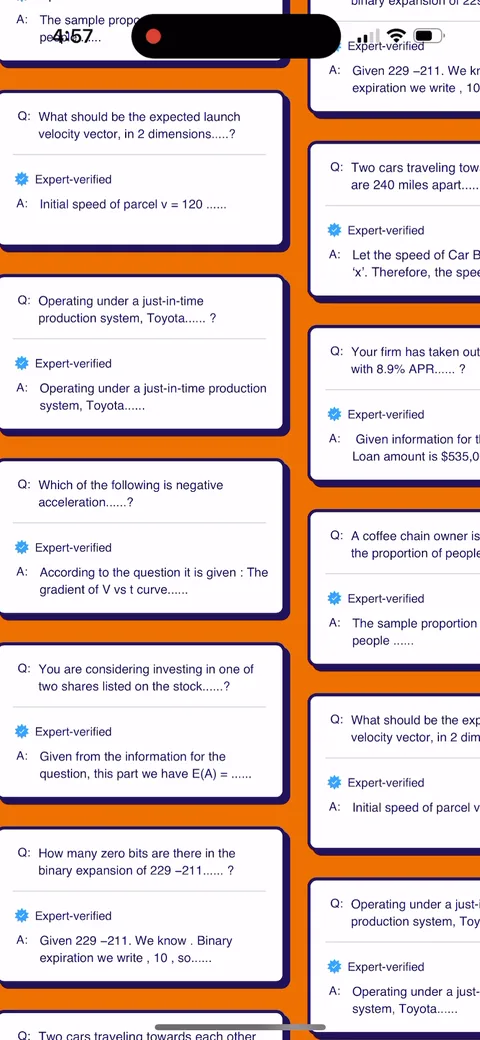 3
3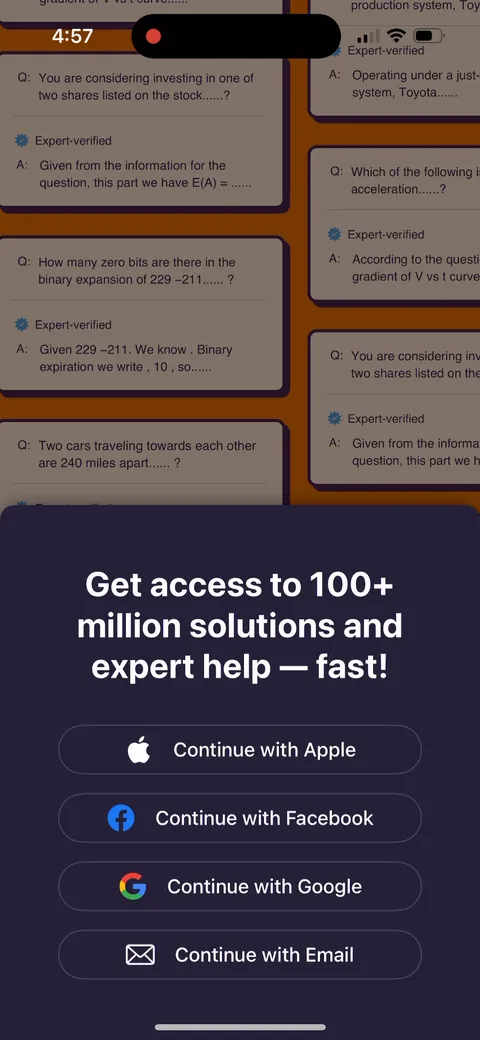 4
4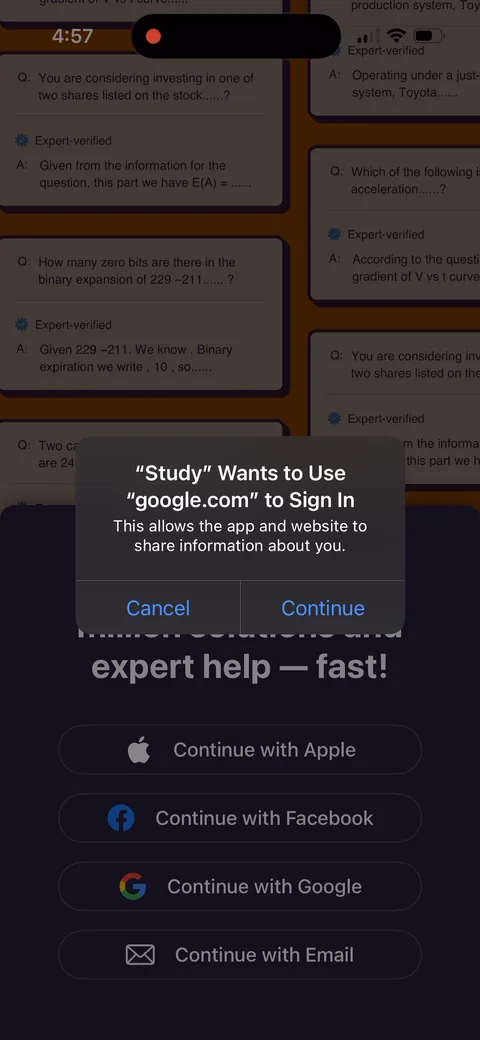 5
5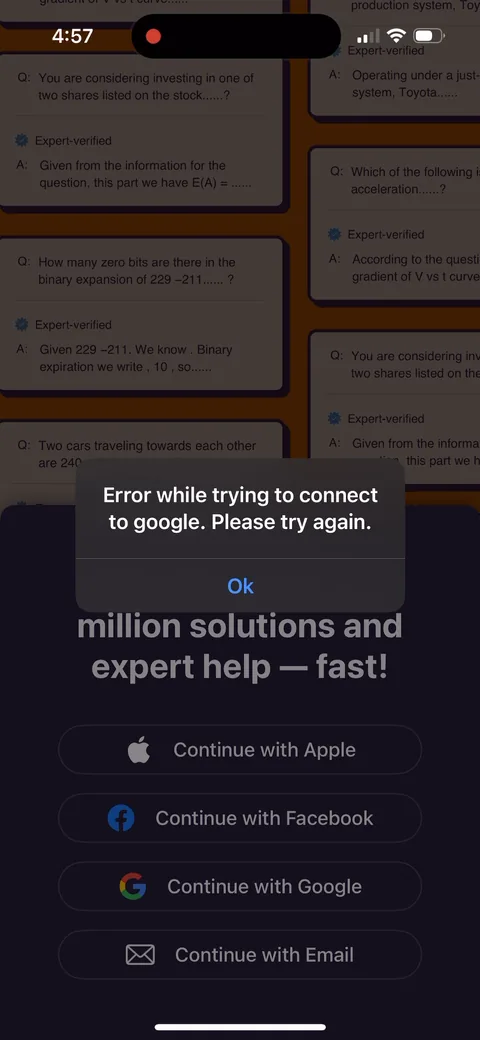 8
8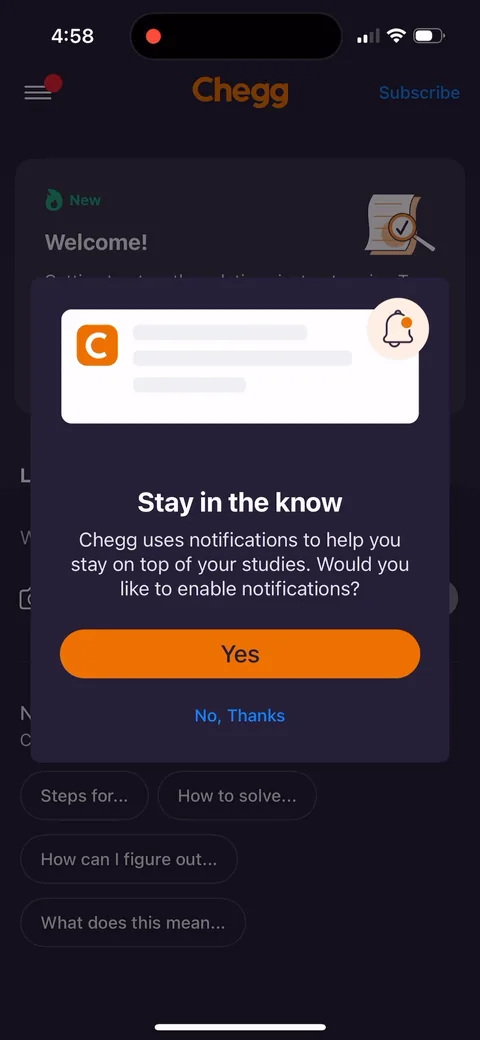 11
11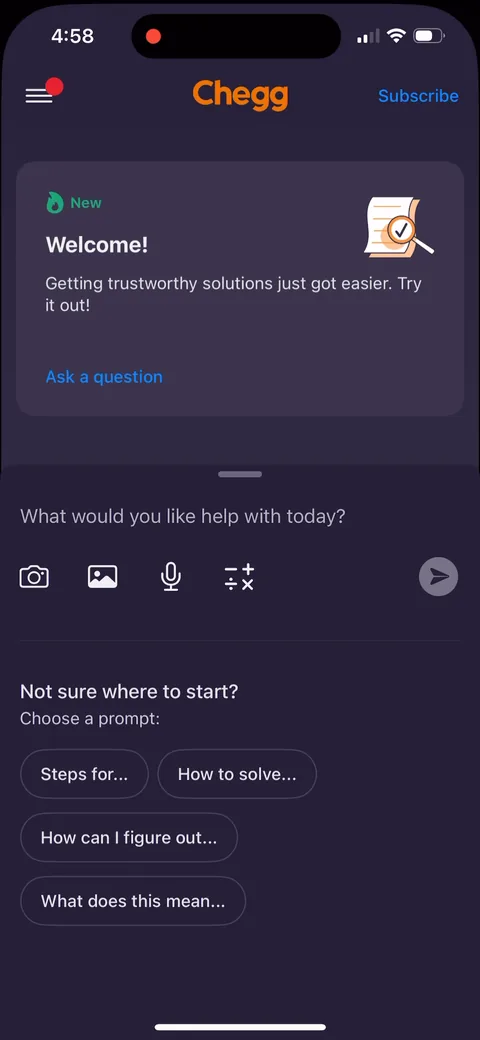 12
12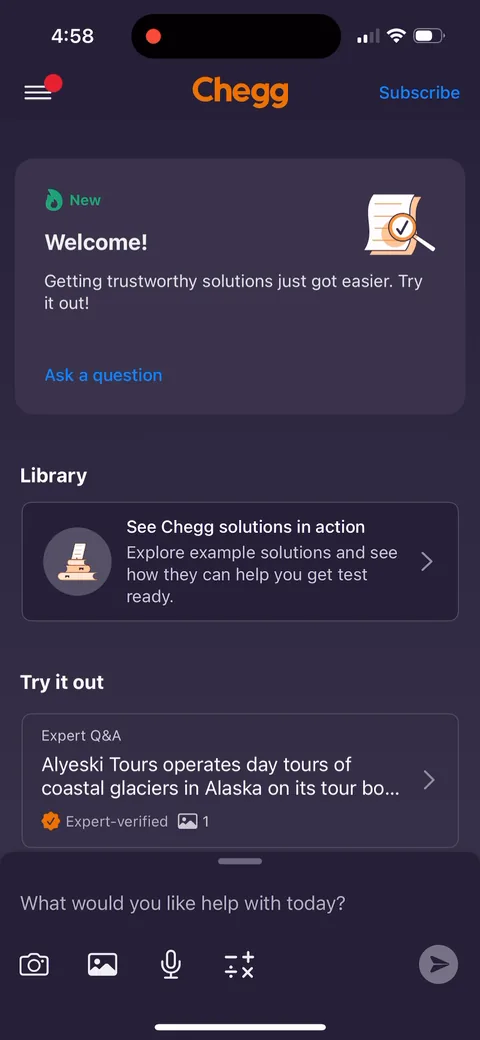 13
13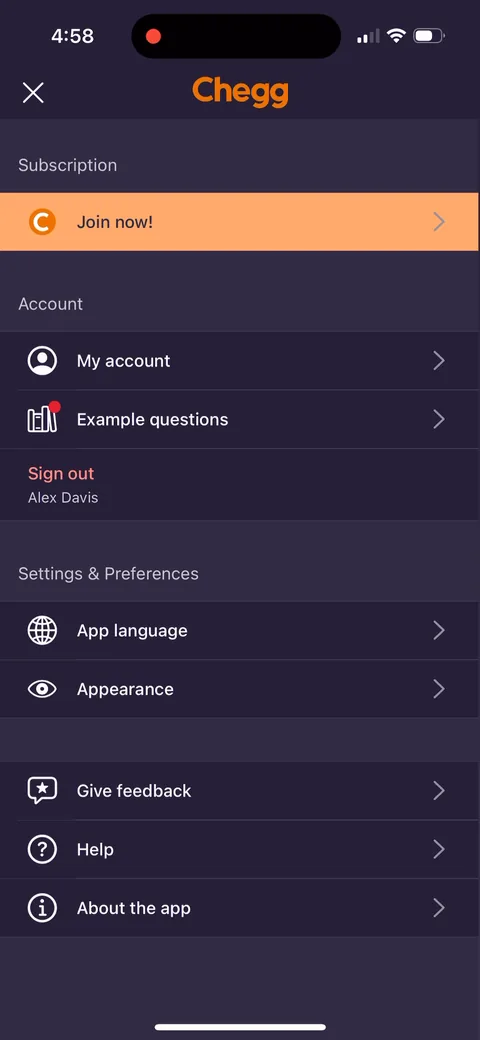 15
15