← All flows
Nutrition

Lose It onboarding flow

76 screens · Screen Recording · recorded Jul 2024
NutritionFreemiumpaywall: post onboarding quizquiz drivengoal settingsocial proof heavyone plan onlyannual default with trial

Lose It pricing and paywall terms

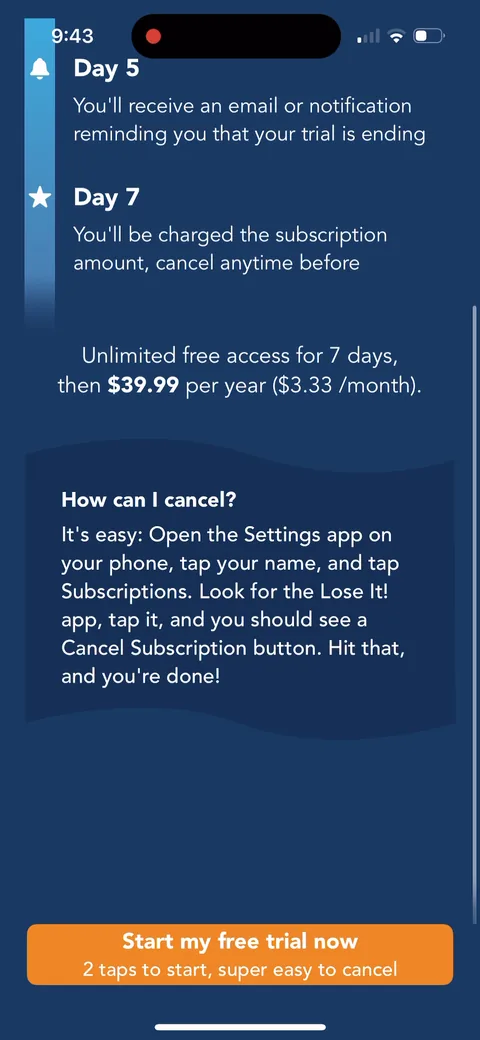
Single plan: 7-day free trial, then $39.99/year ($3.33/month); 50% off new member deal later

Lose It onboarding screen 2: 2
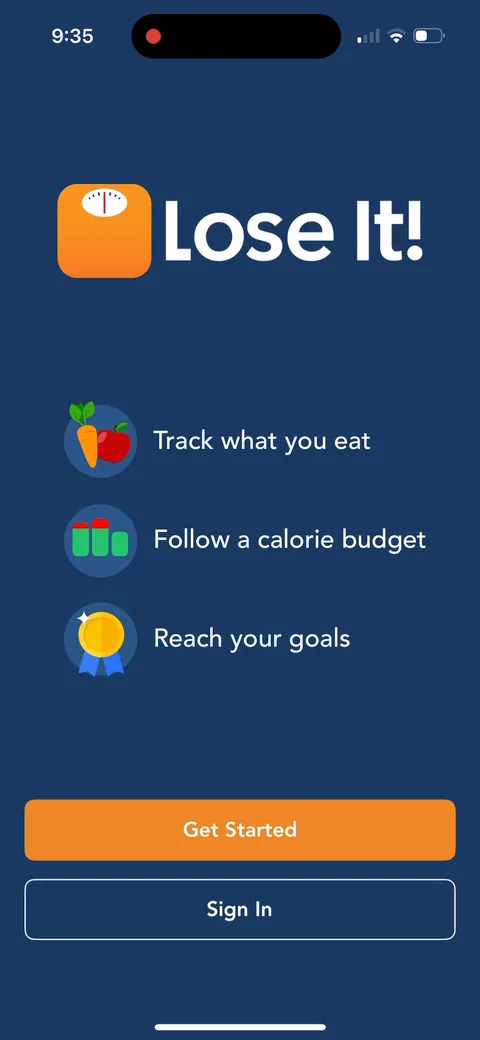
"Track what you eat. Follow a calorie budget. Reach your goals." Three plain promises and a big orange Get Started. Lose It! doesn't dress it up, and for a calorie counter that's fine.
Lose It onboarding screen 3: 3
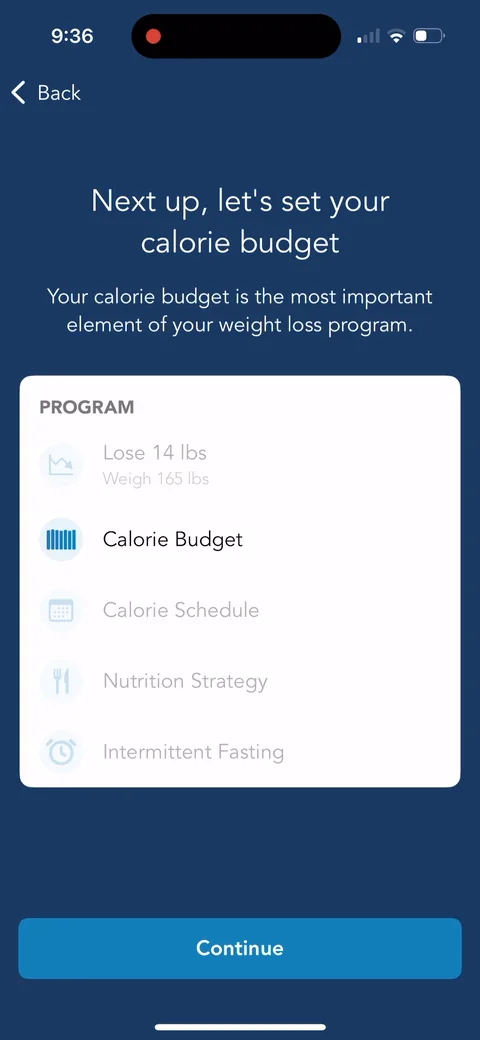
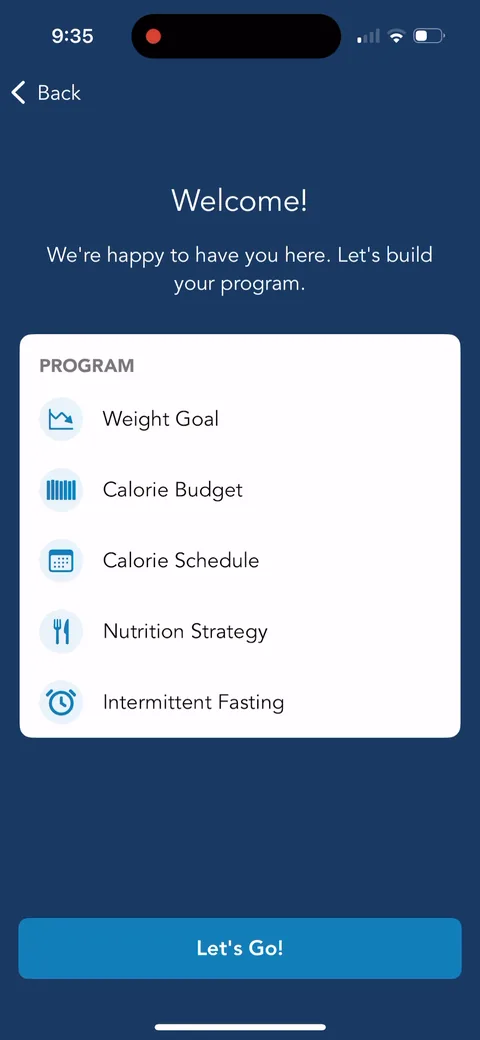
"Let's build your program" with a checklist: Weight Goal, Calorie Budget, Calorie Schedule, Nutrition Strategy, Intermittent Fasting. Showing the roadmap up front turns a long quiz into a program you're assembling piece by piece. Goal gradient, every section you finish gets checked off.
Lose It onboarding screen 4: 4
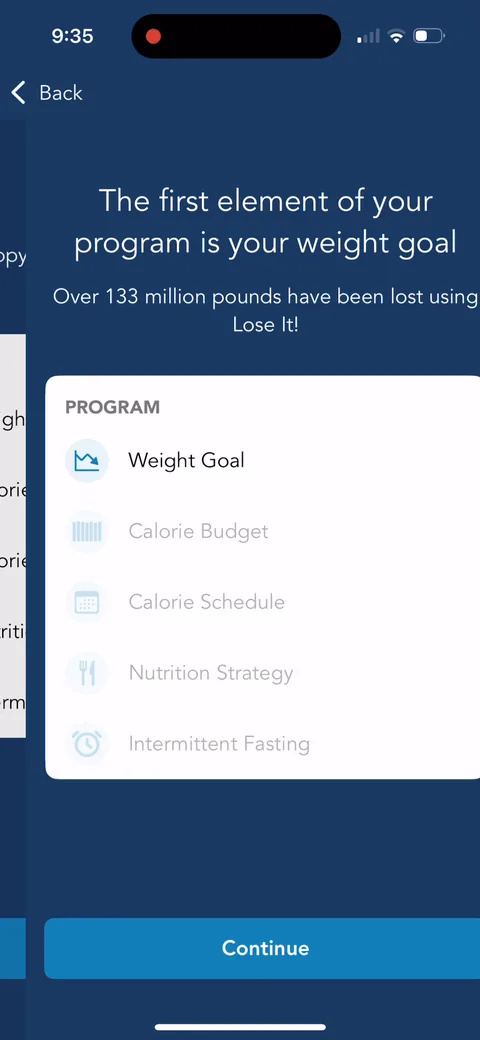
"Over 133 million pounds have been lost using Lose It!" Social proof in their own unit. Pounds lost is more meaningful to this audience than a user count.
Lose It onboarding screen 6: 6
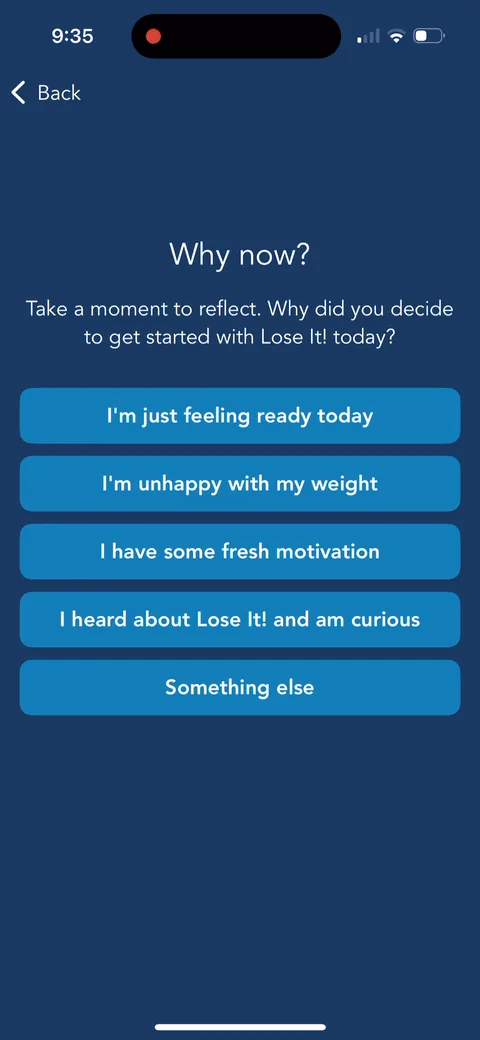
"Why now?" with "I'm unhappy with my weight" and "I heard about Lose It! and am curious." A reflection question that doubles as attribution data. Asking why today also taps into first-session intent.
Lose It onboarding screen 7: 7
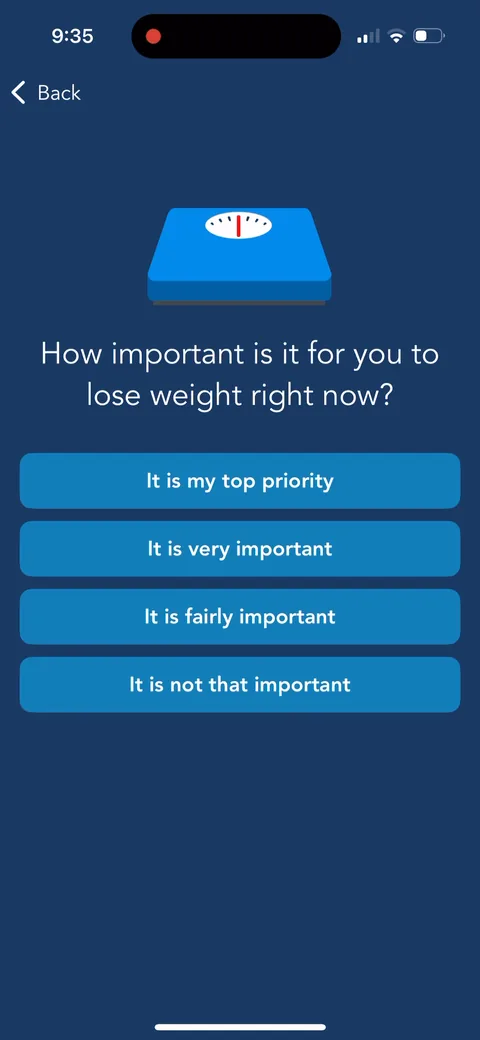
"How important is it for you to lose weight right now?" Having you say "It is my top priority" out loud is a small commitment that makes it harder to bail later.
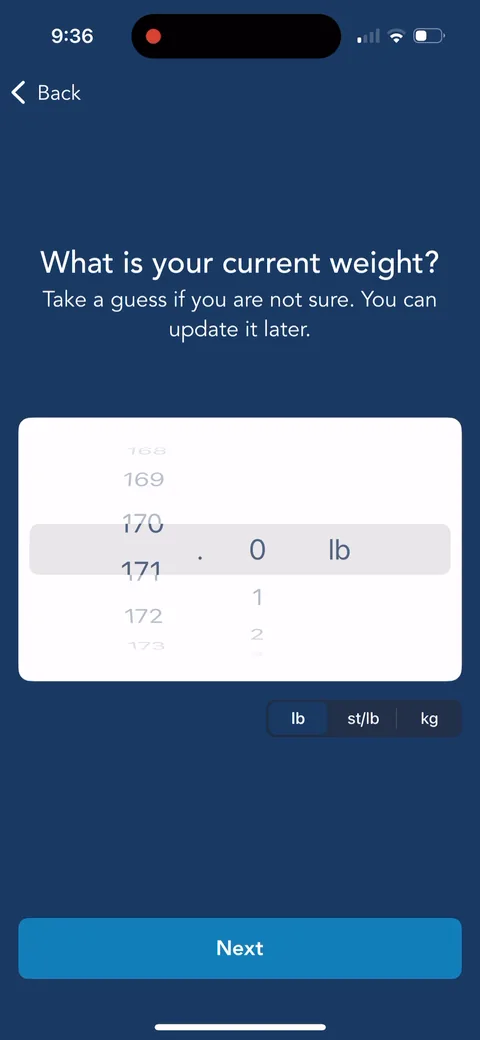
Lose It onboarding screen 13: 13
"Take a guess if you are not sure. You can update it later." Lowering the pressure on a sensitive number. Nice touch.
Lose It onboarding screen 14: 14
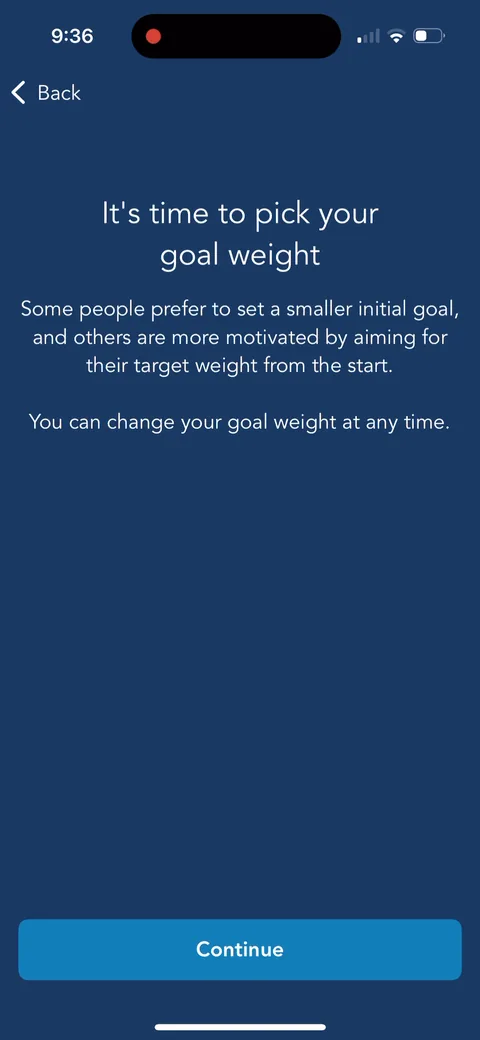
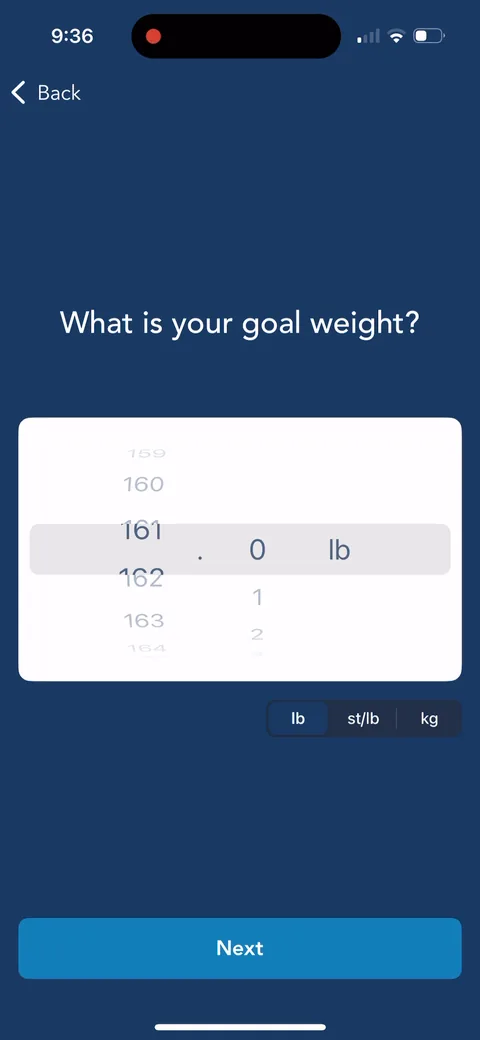
"Some people prefer to set a smaller initial goal." They coach you on goal setting before asking for the number. It reads like a dietitian, not a form.
Lose It onboarding screen 1616
Lose It onboarding screen 17: 17
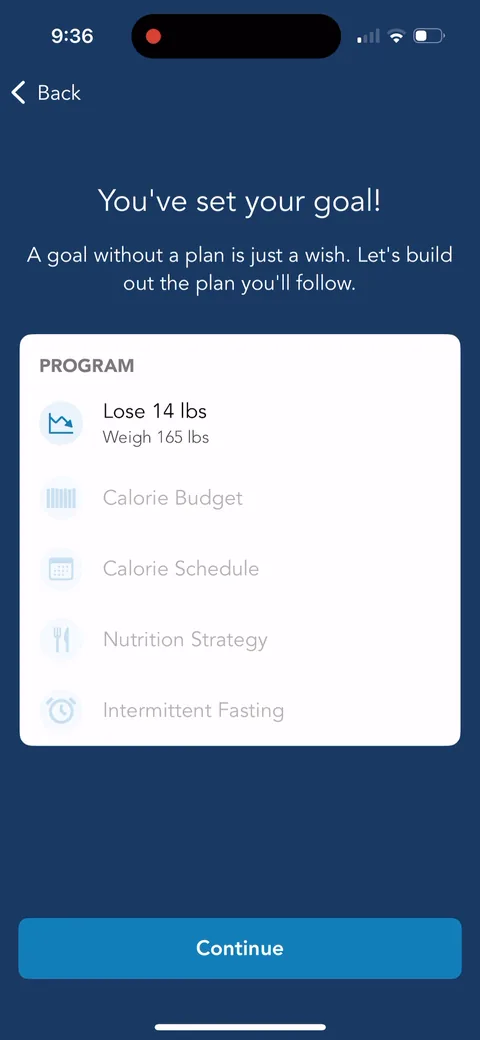
"A goal without a plan is just a wish." The first program item fills in: "Lose 14 lbs, Weigh 165 lbs." Your answers show up in the program right away, which is personalization continuity in real time.
Lose It onboarding screen 1818
100% free
66 more screens

See the rest of this flow.

You are 10 screens into Lose It. Enter your email to unlock the remaining 66, plus every other teardown in the library.
100% free, just your email.
Lose It onboarding screen 1919
Lose It onboarding screen 20: 20
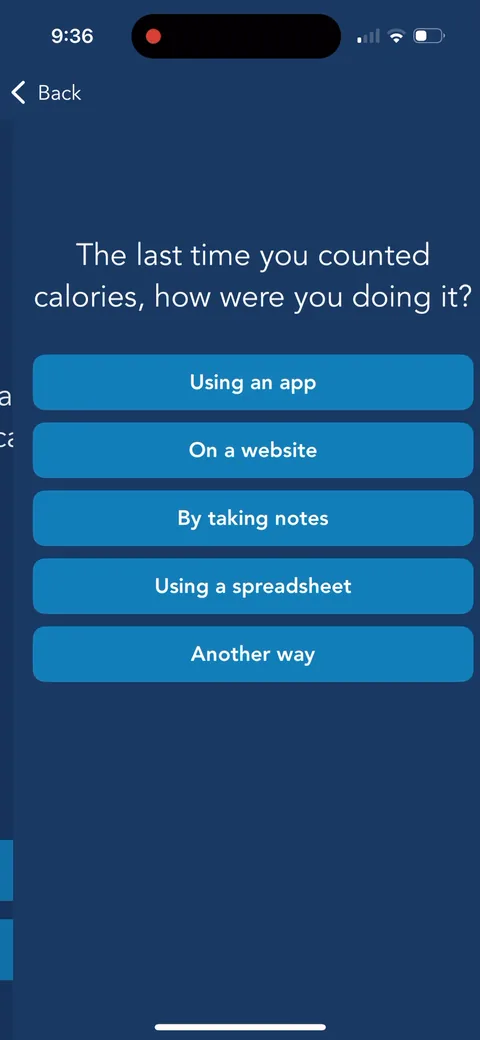
"The last time you counted calories, how were you doing it?" Using an app, a website, a spreadsheet. They're qualifying switchers.
Lose It onboarding screen 22: 22
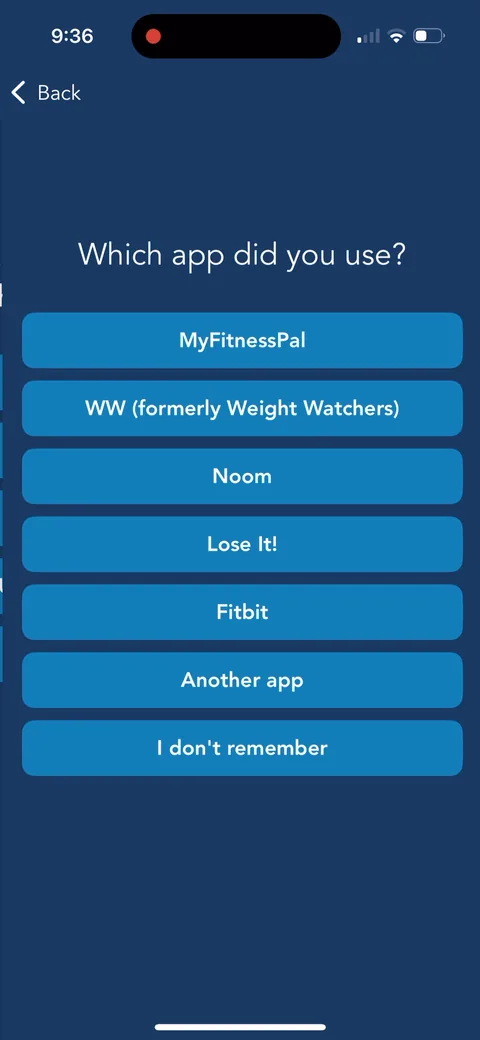
"Which app did you use?" with MyFitnessPal first, then WW, Noom, Fitbit. They're asking so they can pitch against it on the next screen.
Lose It onboarding screen 23: 23
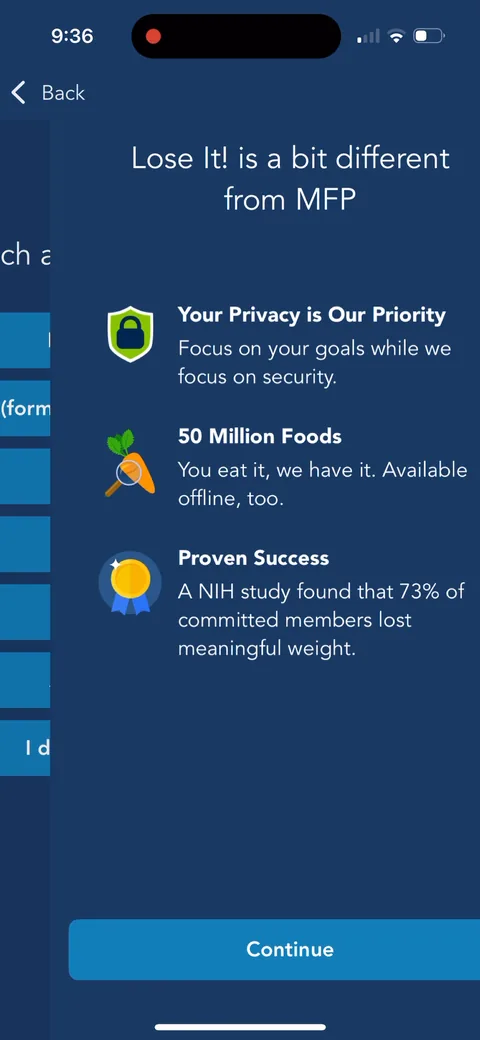
"Lose It! is a bit different from MFP." A competitor-specific rebuttal based on your last answer: privacy, 50 million foods, and "A NIH study found that 73% of committed members lost meaningful weight." Smart. Most apps ignore that you've used a competitor. This one answers it head on.
Lose It onboarding screen 2525
Lose It onboarding screen 26: 26
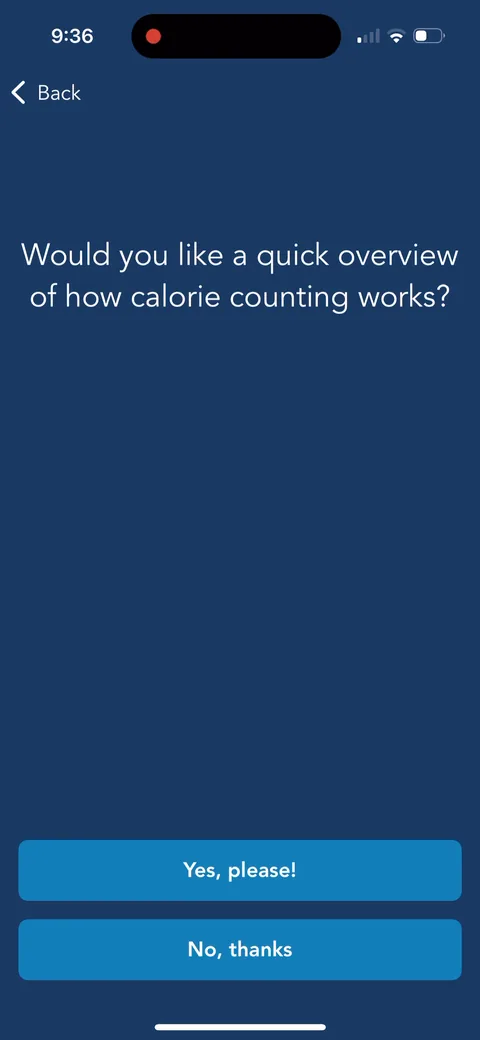
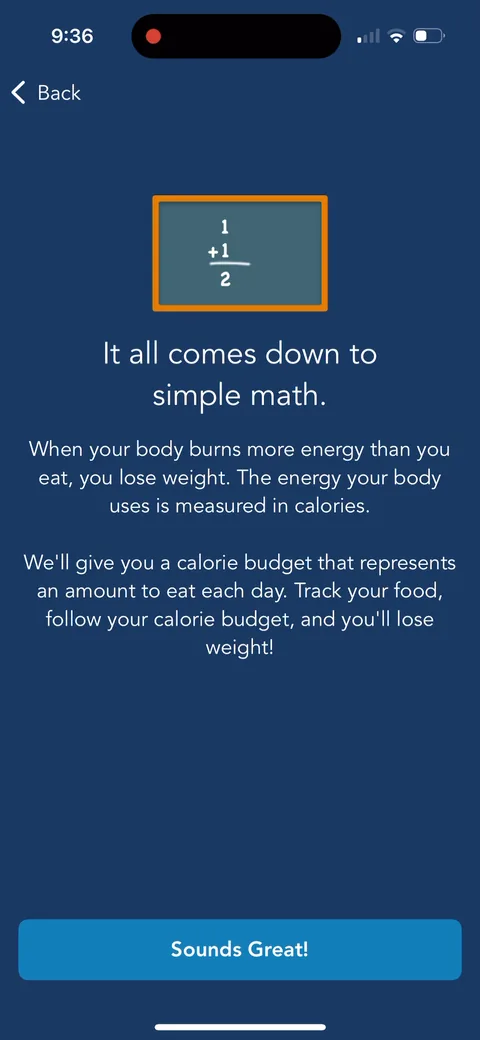
"It all comes down to simple math." An explainer you opt into on the previous screen ("Would you like a quick overview of how calorie counting works?"). Good way to educate beginners without slowing down people who've counted calories before.
Lose It onboarding screen 28: 28
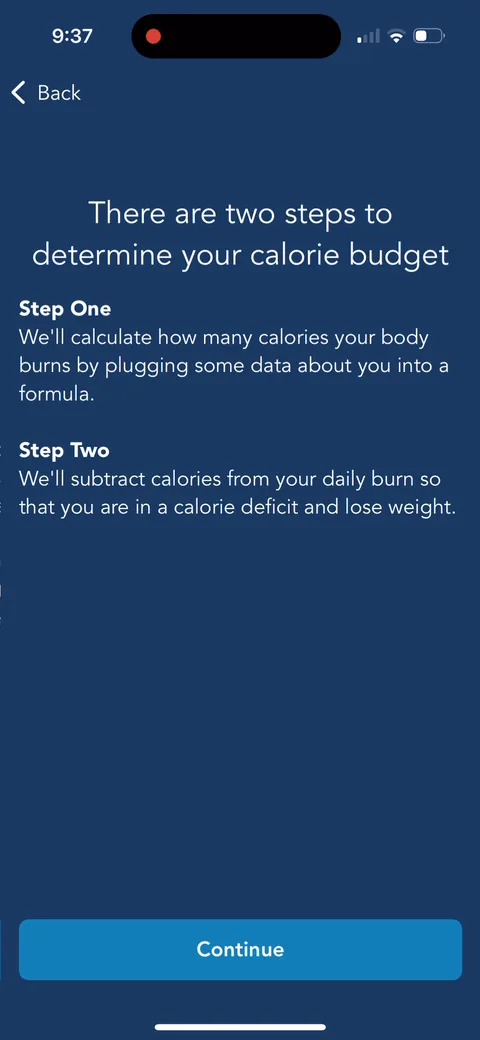
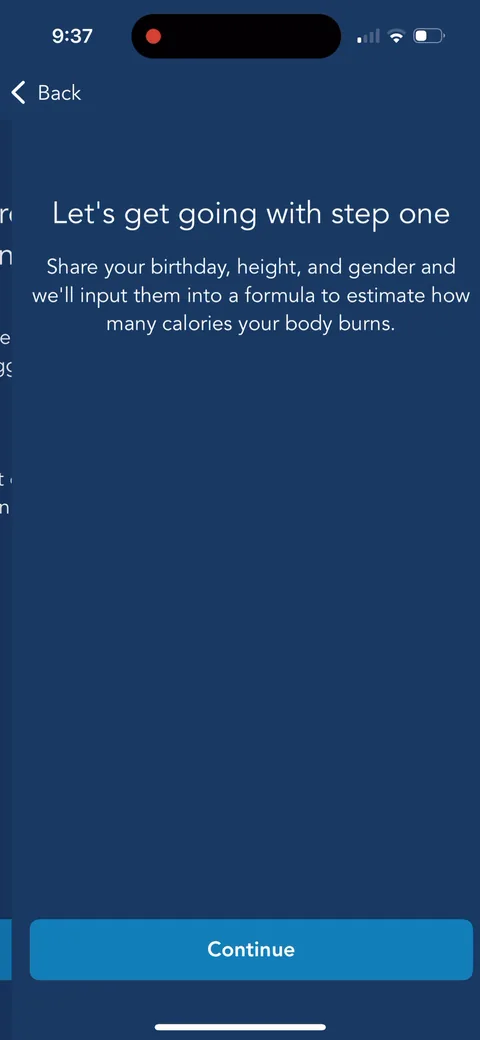
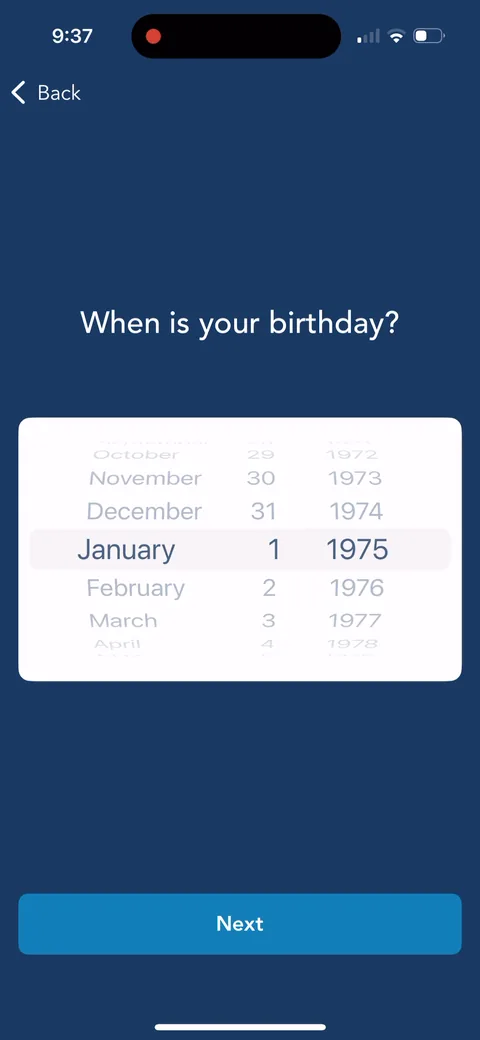
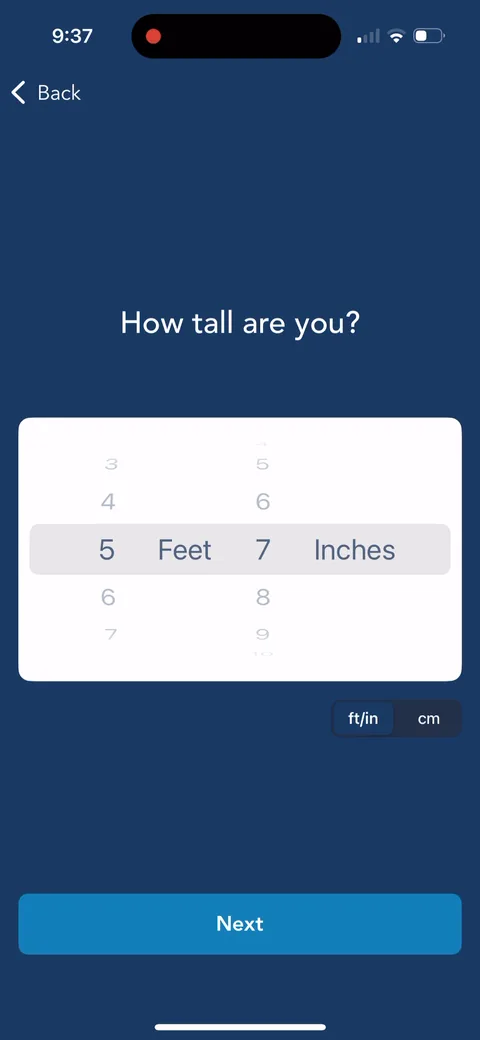
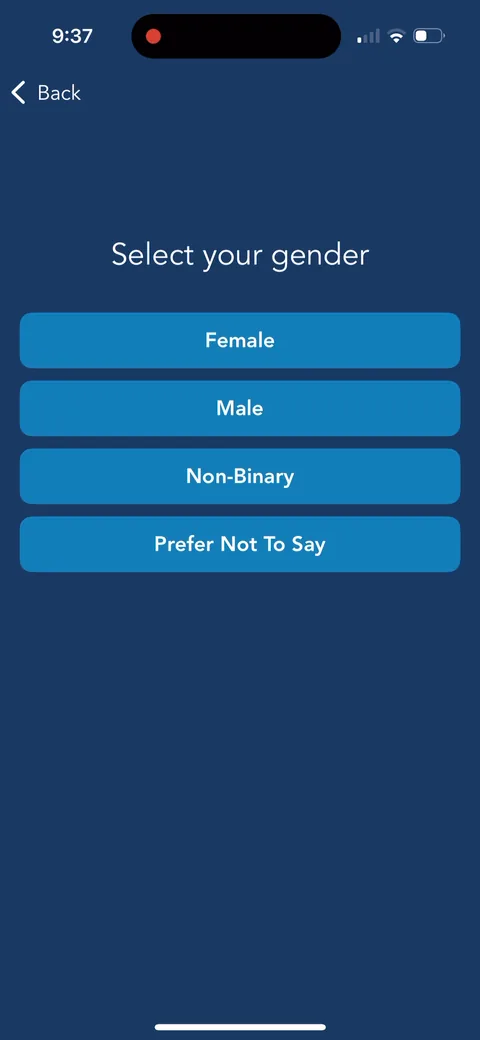
"There are two steps to determine your calorie budget." Explaining the method before asking birthday, height, and gender makes the personal questions feel necessary.
Lose It onboarding screen 2929
Lose It onboarding screen 3131
Lose It onboarding screen 3232
Lose It onboarding screen 3333
Lose It onboarding screen 34: 34
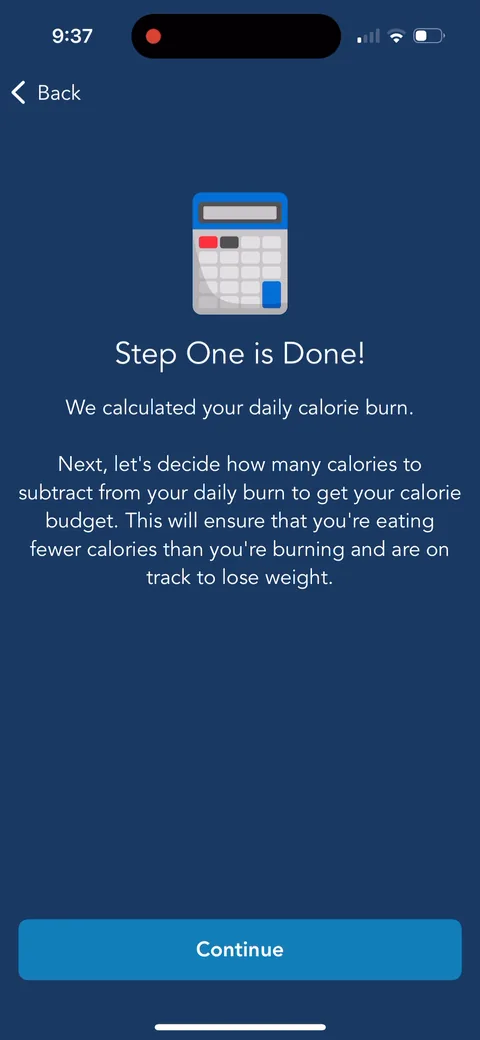
"Step One is Done! We calculated your daily calorie burn." A checkpoint after the personal data. It confirms the questions went somewhere.
Lose It onboarding screen 35: 35
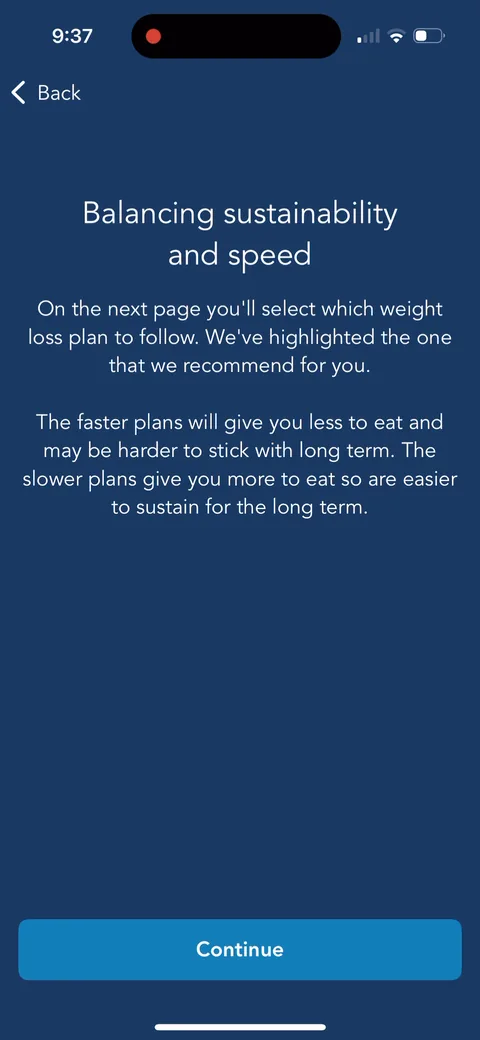
"Balancing sustainability and speed." They warn you the faster plans are harder to stick with, then highlight the one they recommend. Setting expectations here should help retention.
Lose It onboarding screen 36: 36
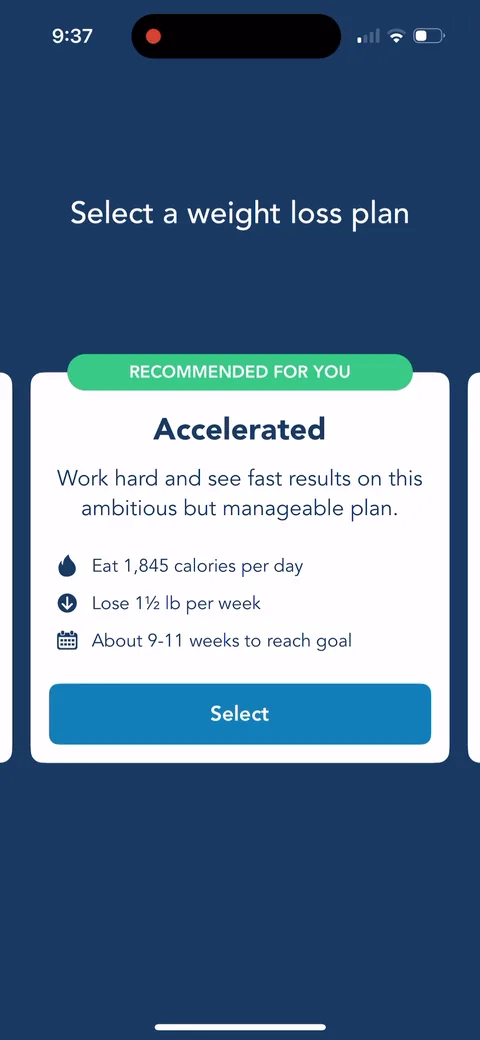
"Recommended for you: Accelerated. Eat 1,845 calories per day, lose 1 1/2 lb per week, about 9-11 weeks to reach goal." Concrete numbers and a timeline to your own goal weight. Swipeable plan cards make it feel like a choice while nudging the default.
Lose It onboarding screen 37: 37
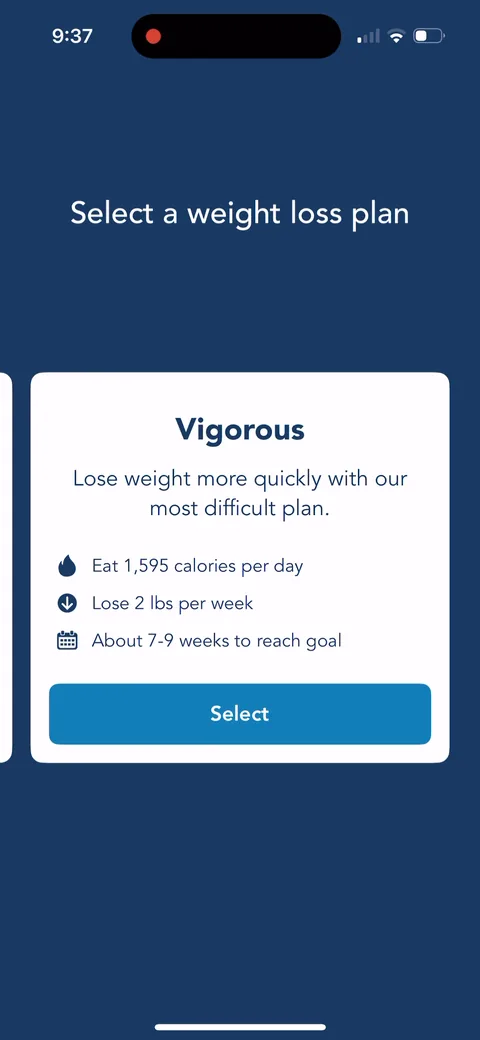
"Vigorous" is the harder option at 1,595 calories. Showing the extreme makes the recommended plan feel moderate. A decoy, just not on a paywall.
Lose It onboarding screen 38: 38
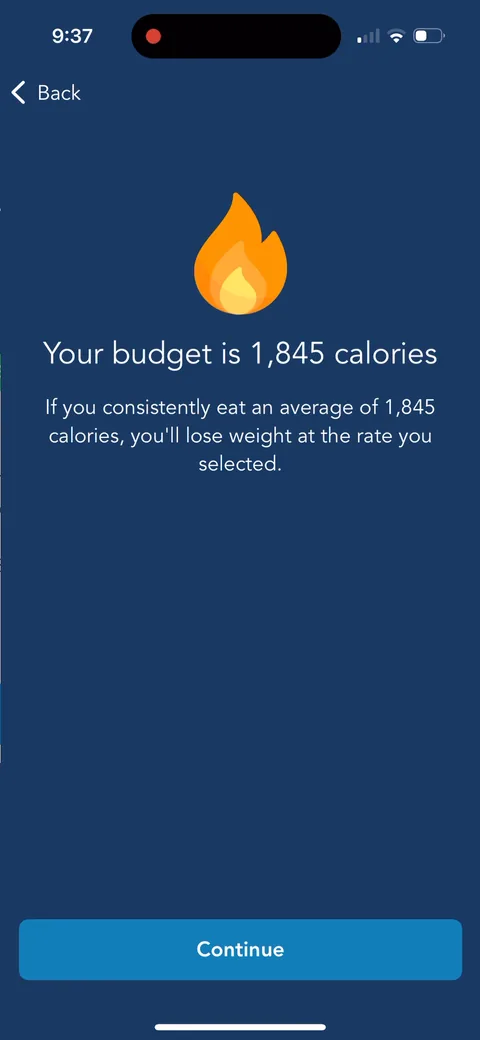
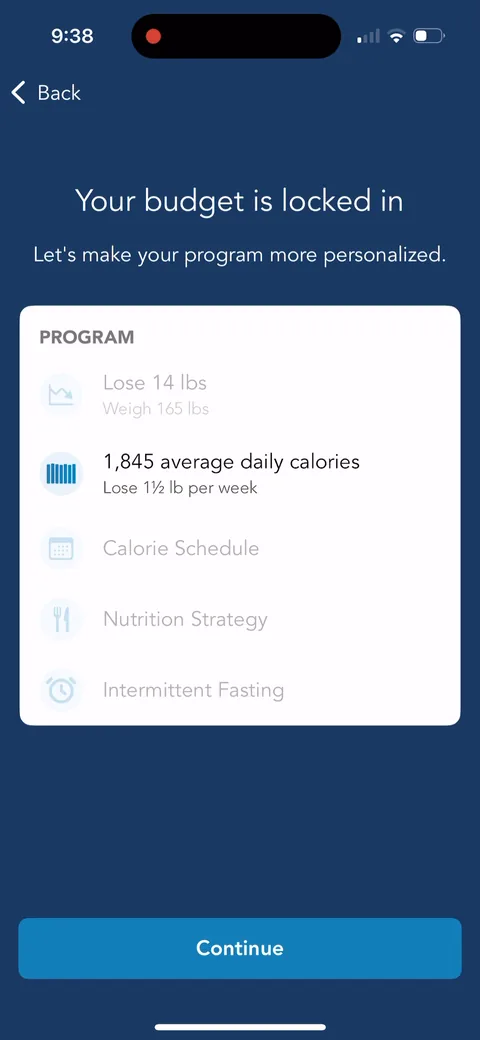
"Your budget is 1,845 calories." The core number of the product, delivered before any signup or paywall. That's real value in the onboarding.
Lose It onboarding screen 3939
Lose It onboarding screen 4040
Lose It onboarding screen 4141
Lose It onboarding screen 4343
Lose It onboarding screen 44: 44
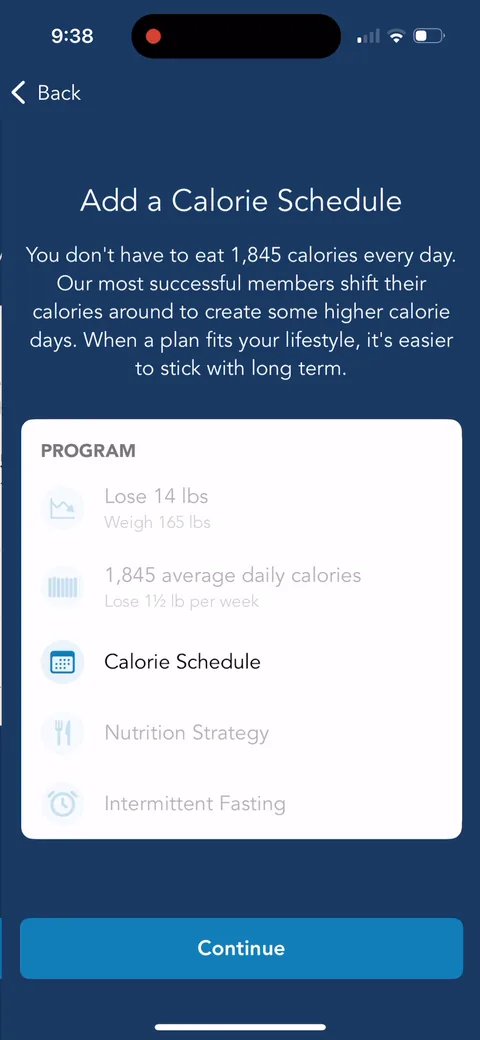
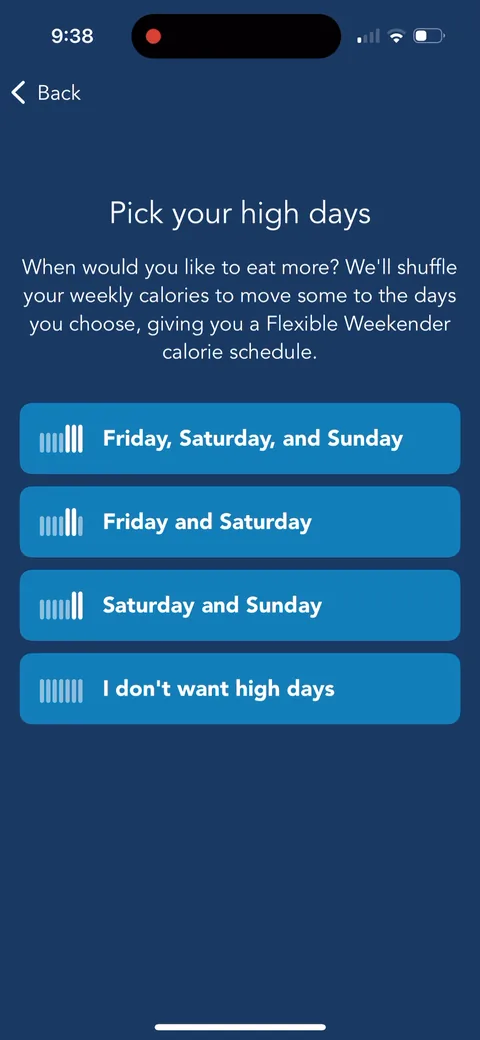
"Our most successful members shift their calories around." The calorie schedule is a premium feature, but here it's framed as what winners do. They'll use that later.
Lose It onboarding screen 4646
Lose It onboarding screen 48: 48
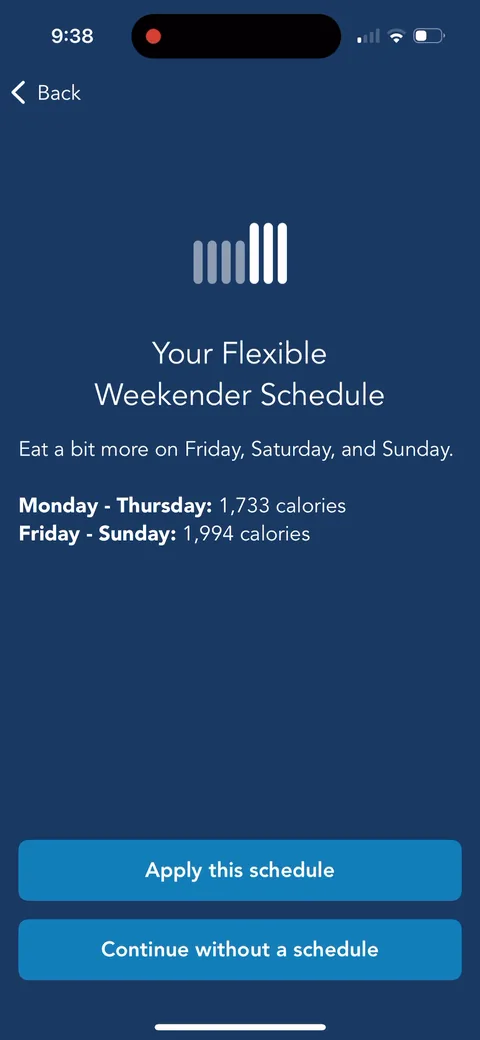
"Your Flexible Weekender Schedule": 1,733 calories Monday to Thursday, 1,994 Friday to Sunday. Very concrete, and it solves the real reason diets break (weekends). You're building something you'll want to keep.
Lose It onboarding screen 4949
Lose It onboarding screen 50: 50
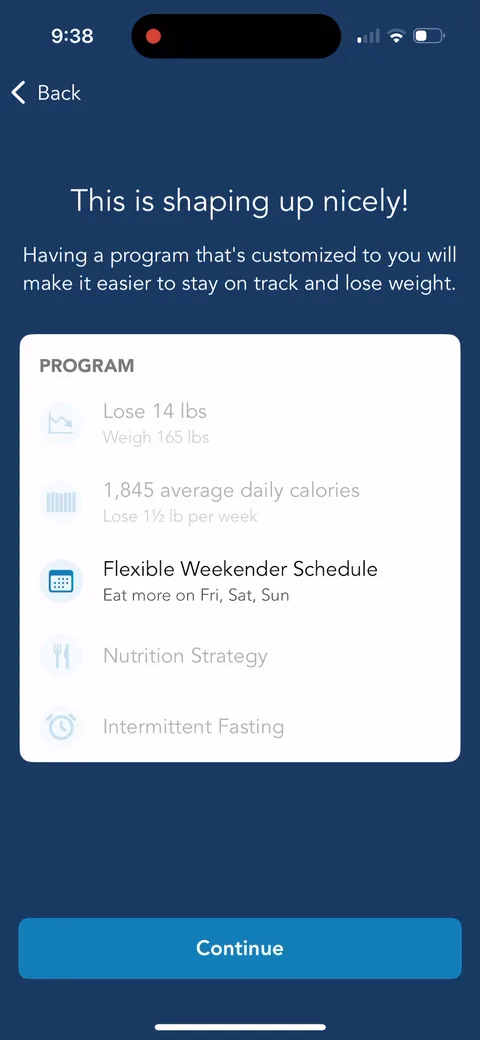
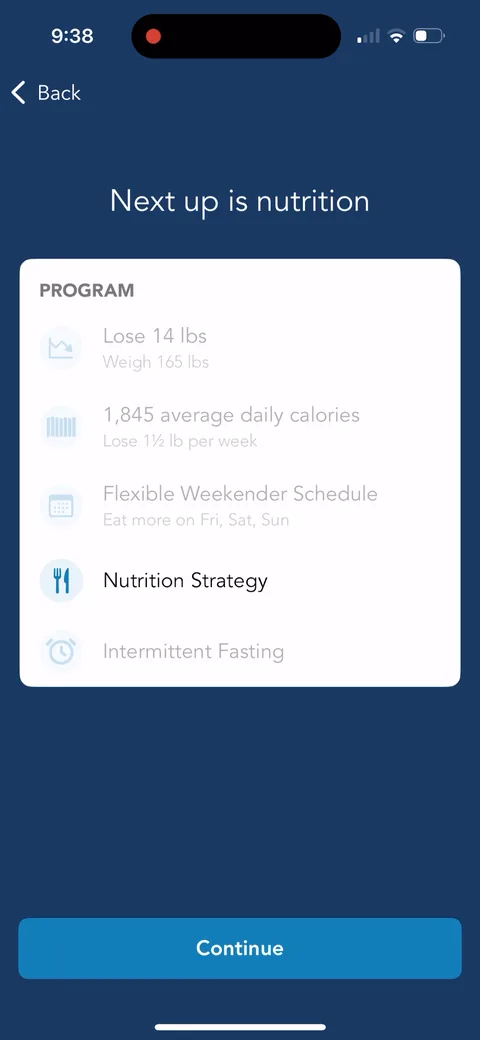
"This is shaping up nicely!" The program card now shows three items filled in. Progress plus investment. Each section adds something you'd lose if you left.
Lose It onboarding screen 5151
Lose It onboarding screen 5252
Lose It onboarding screen 5353
Lose It onboarding screen 5454
Lose It onboarding screen 5555
Lose It onboarding screen 56: 56
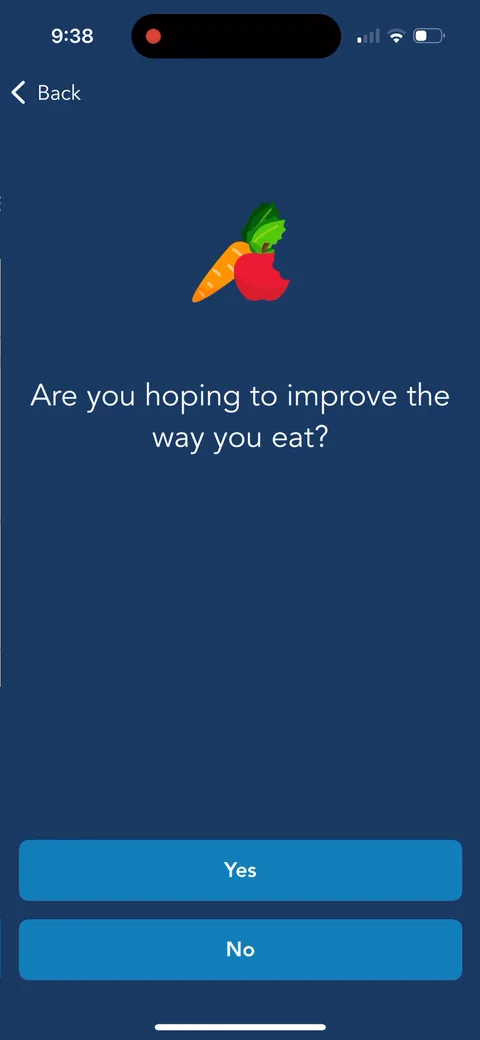
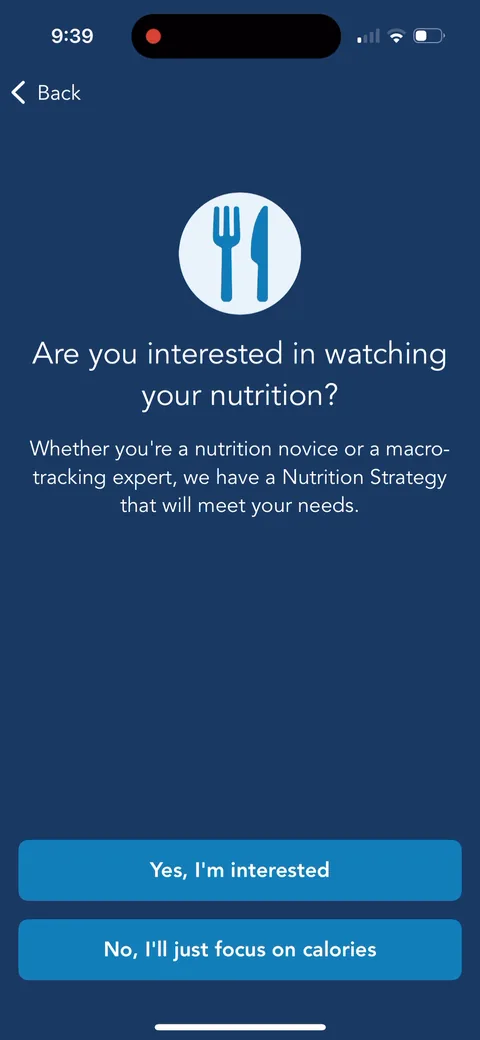
"Are you interested in watching your nutrition?" with an easy out: "No, I'll just focus on calories." Letting people skip a whole section keeps the long quiz from feeling mandatory.
Lose It onboarding screen 57: 57
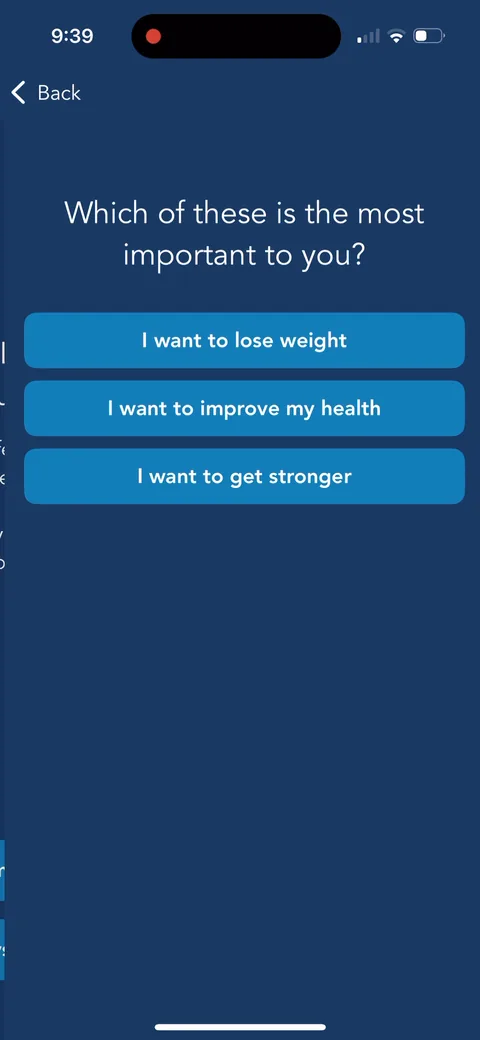
"Which of these is the most important to you?" Lose weight, improve health, get stronger. Picking "stronger" leads into the protein explainer on 59.
Lose It onboarding screen 59: 59
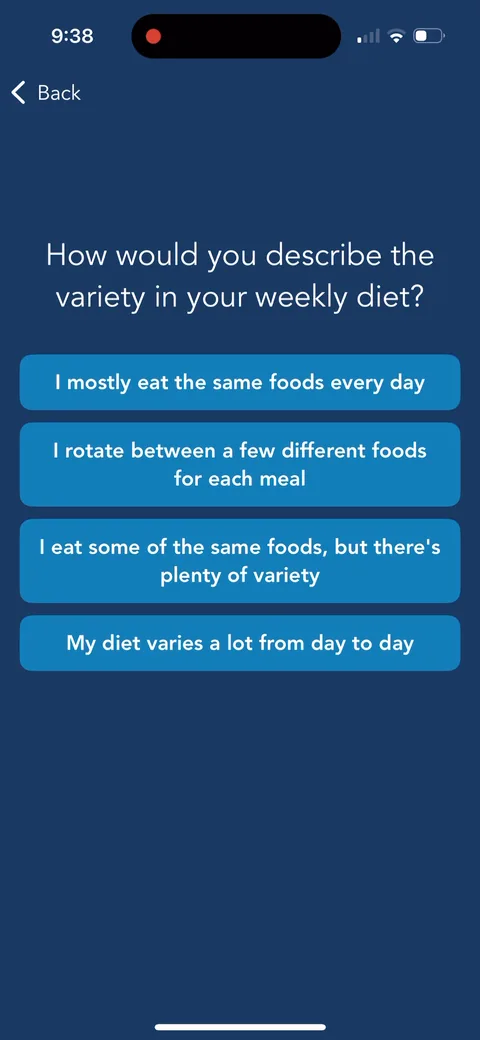
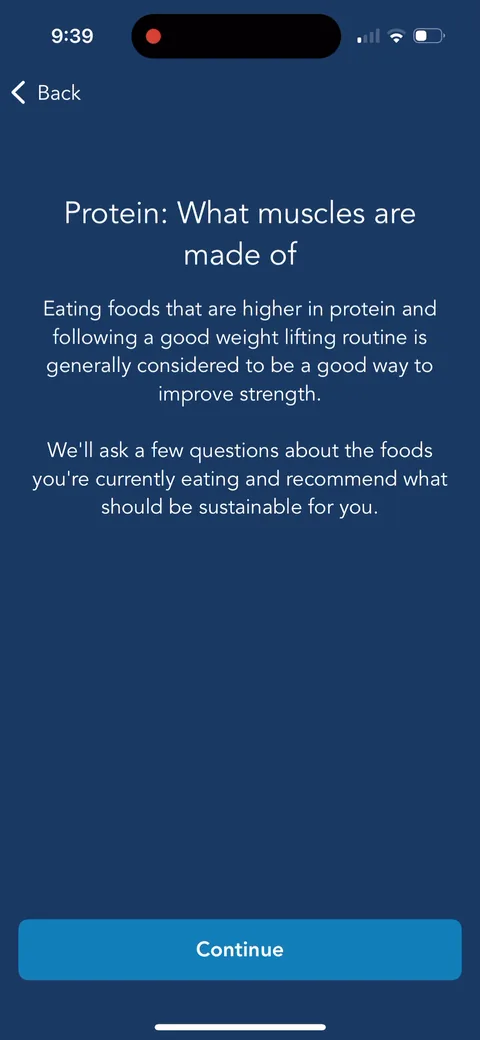
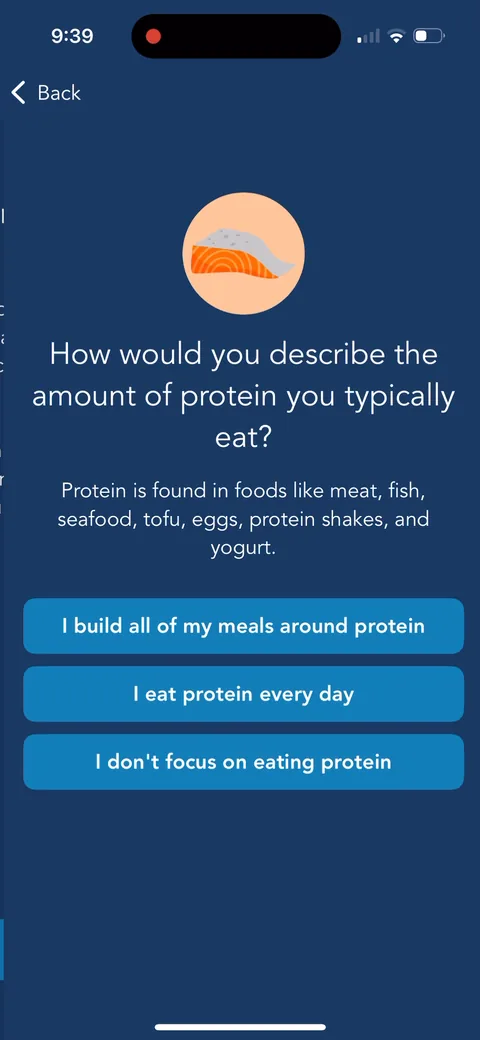
"Protein: What muscles are made of." A short explainer, then "We'll ask a few questions about the foods you're currently eating." Telling you why the next questions matter keeps a long quiz moving.
Lose It onboarding screen 6060
Lose It onboarding screen 6161
Lose It onboarding screen 62: 62
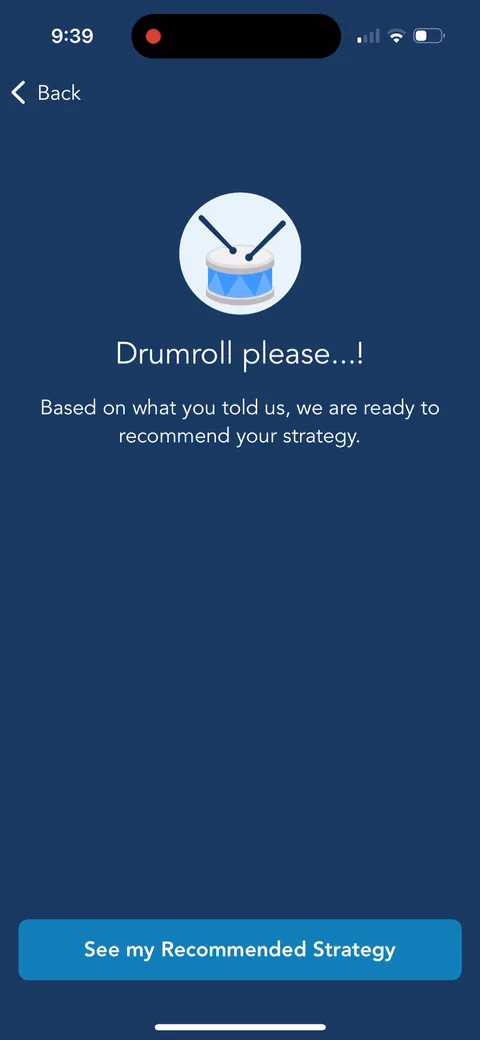
"Drumroll please...!" A small reveal moment before the recommendation. Cheap to build and it makes the result feel earned.
Lose It onboarding screen 6363
Lose It onboarding screen 64: 64
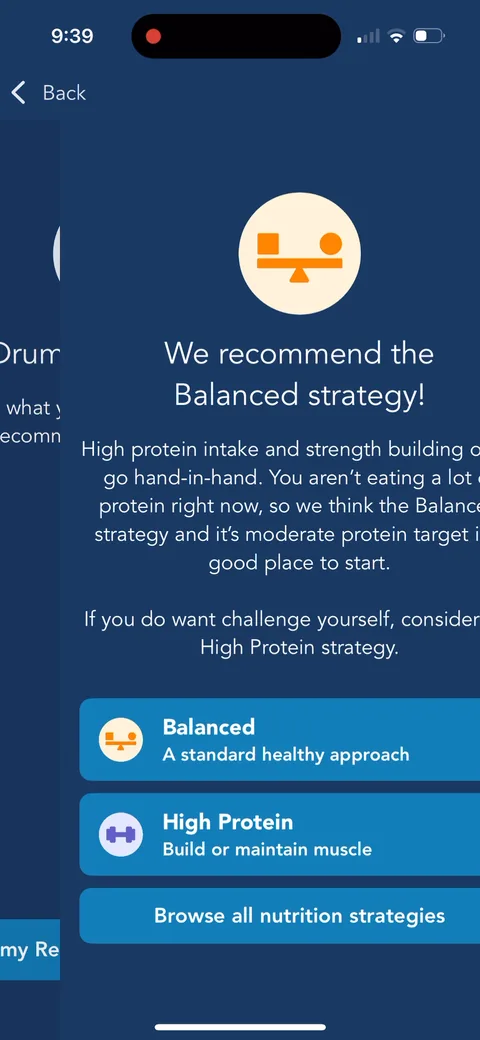
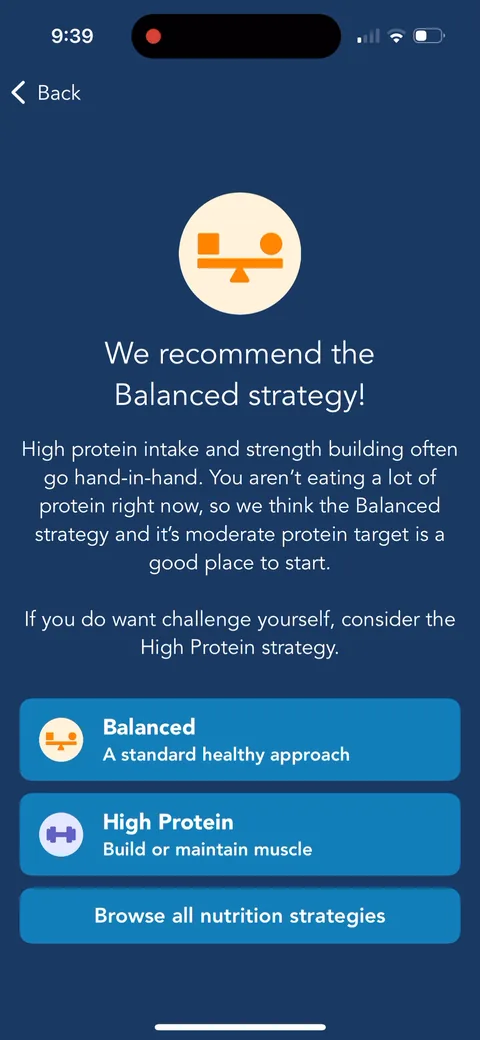
"We recommend the Balanced strategy!" with the reason: "You aren't eating a lot of protein right now." The recommendation quotes your own answer back to you. That's what makes personalization believable.
Lose It onboarding screen 6666
Lose It onboarding screen 67: 67
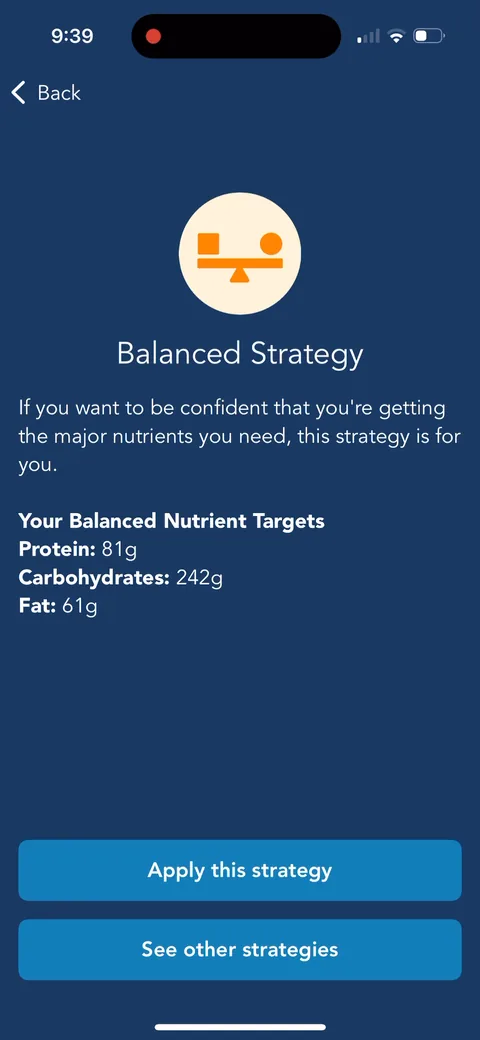
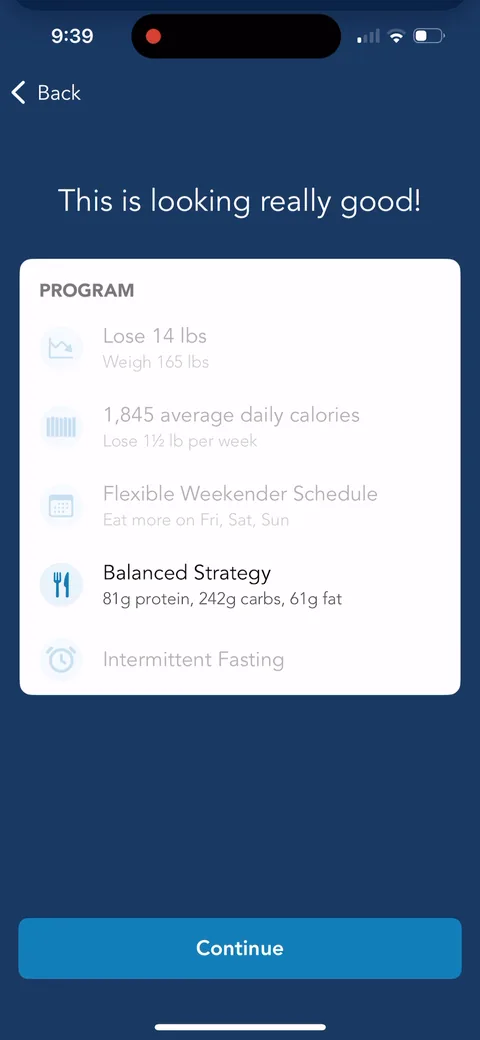
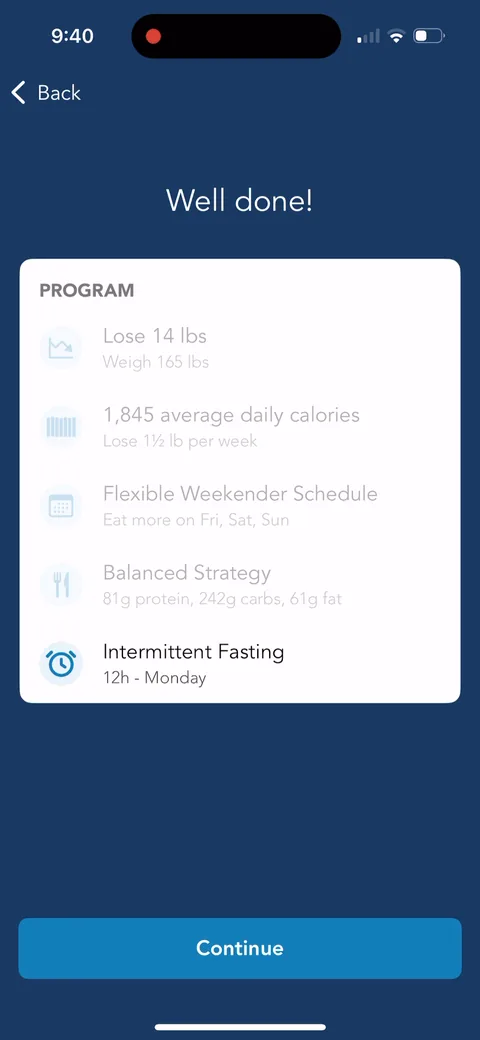
"This is looking really good!" Balanced Strategy: 81g protein, 242g carbs, 61g fat. Four of five program items done. They lean hard on the program card, and it works.
Lose It onboarding screen 70: Fasting style: 70
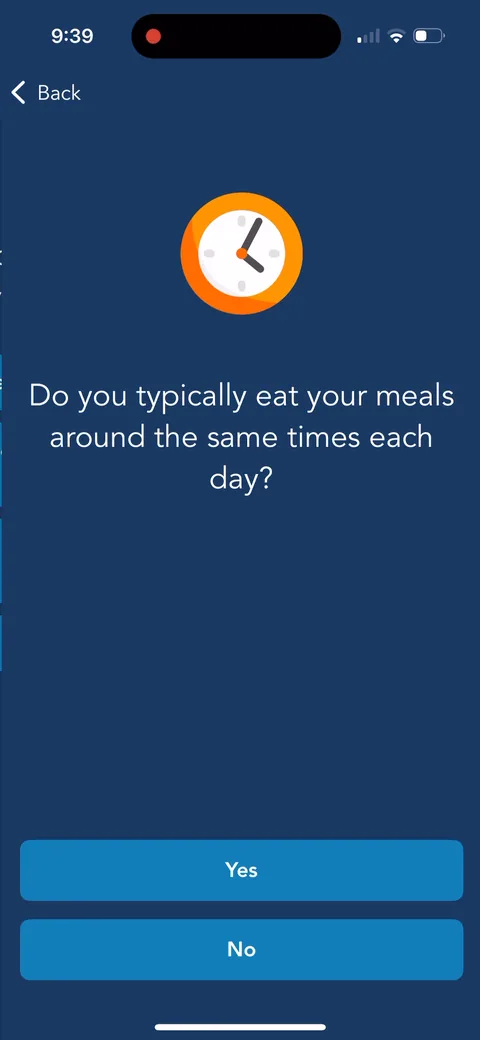
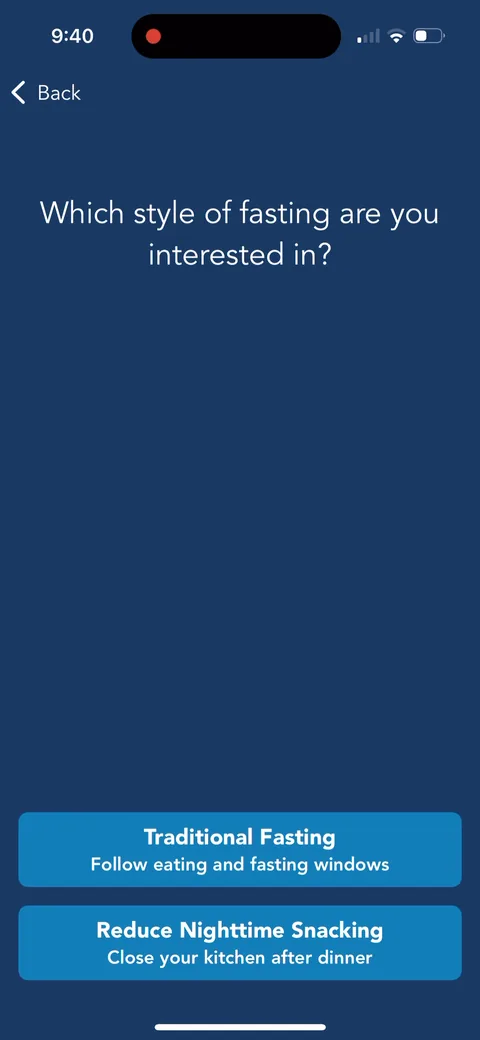
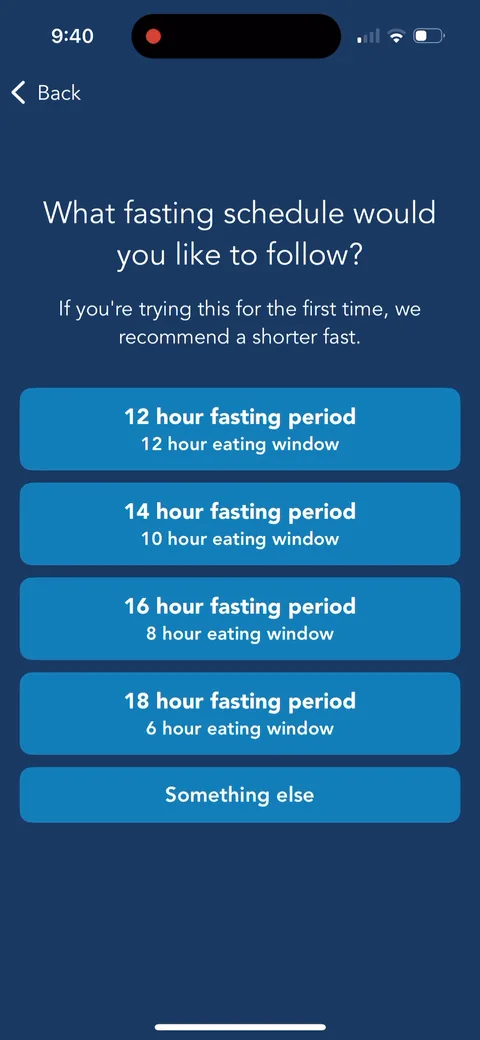
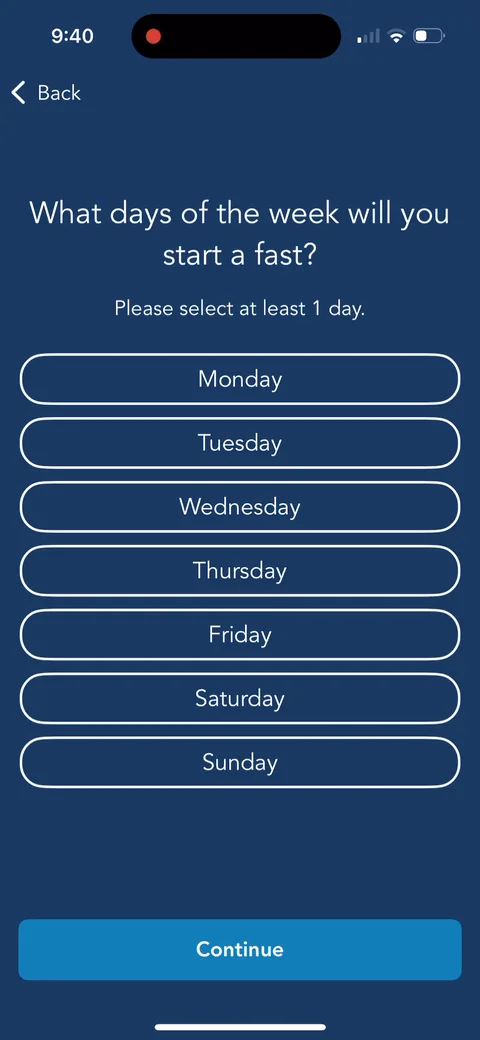
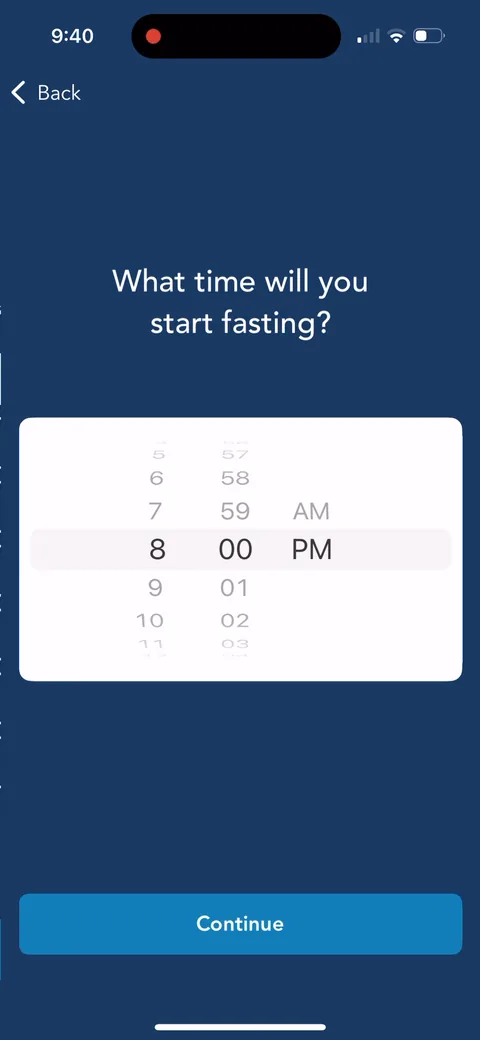
Fasting style: "Traditional Fasting" or "Reduce Nighttime Snacking: Close your kitchen after dinner." The second option is a friendly on-ramp for people who don't want to fast.
Lose It onboarding screen 7373
Lose It onboarding screen 7474
Lose It onboarding screen 7676
Lose It onboarding screen 78: 78
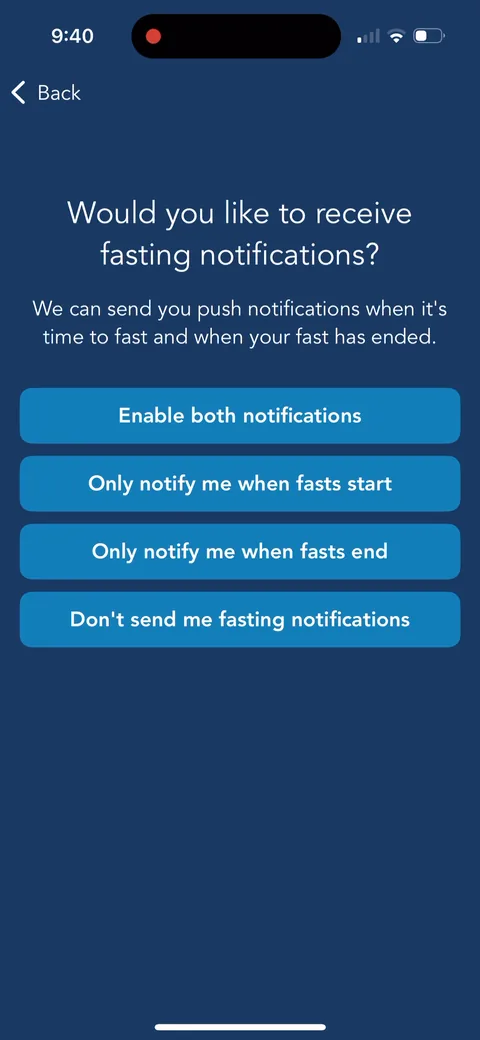
"Would you like to receive fasting notifications?" with four options instead of a yes/no. The notification ask is tied to a specific feature you just set up, which is how you get opt-in.
Lose It onboarding screen 7979
Lose It onboarding screen 80: 80
"We're almost ready to project your goal date. We just have a few more questions." A progress break before the lifestyle section, and it teases the payoff: a date.
Lose It onboarding screen 81: 81
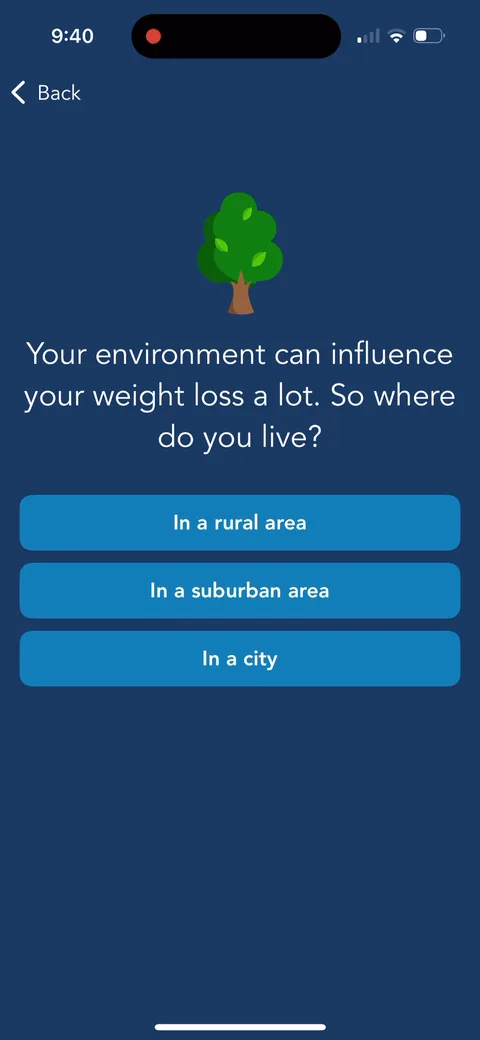
"Your environment can influence your weight loss a lot." Explaining why before asking where you live. These are research questions as much as personalization.
Lose It onboarding screen 8383
Lose It onboarding screen 84: 84
"Are any members of your family also trying to lose weight?" Could be the start of a household or referral hook. Nothing uses it later in this capture though.
Lose It onboarding screen 8585
Lose It onboarding screen 86: 86
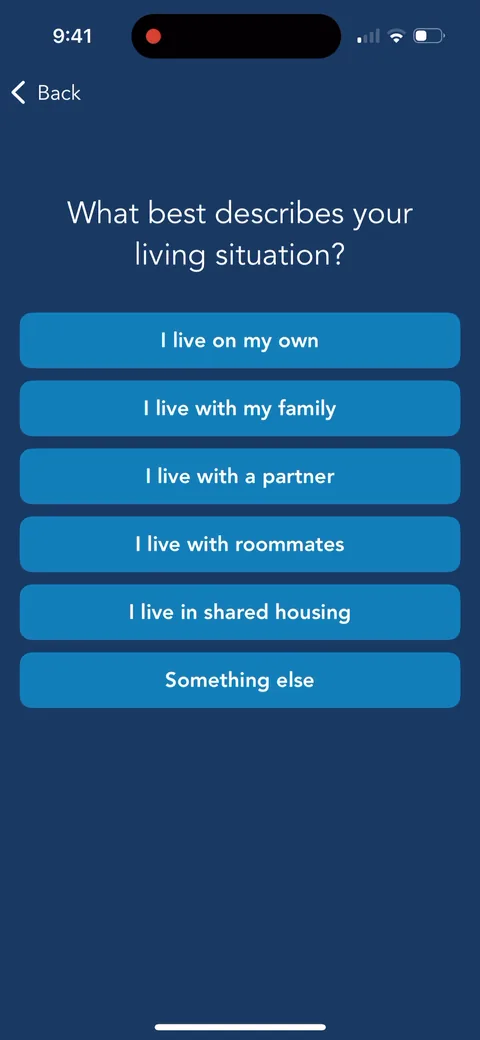
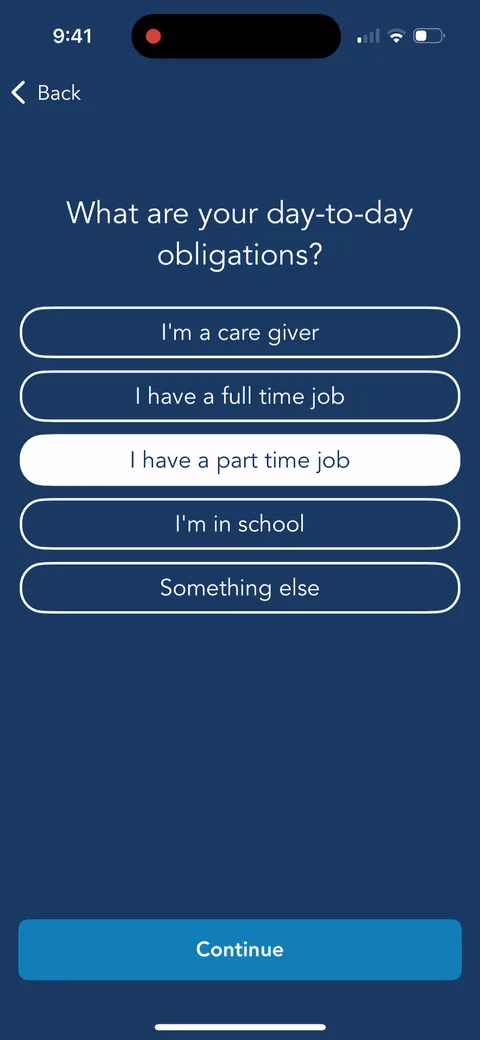
"What are your day-to-day obligations?" with "I'm a care giver" as an option. Empathetic questions like this and "emotional support system" make it feel more like Noom than a calorie counter.
Lose It onboarding screen 90: 90
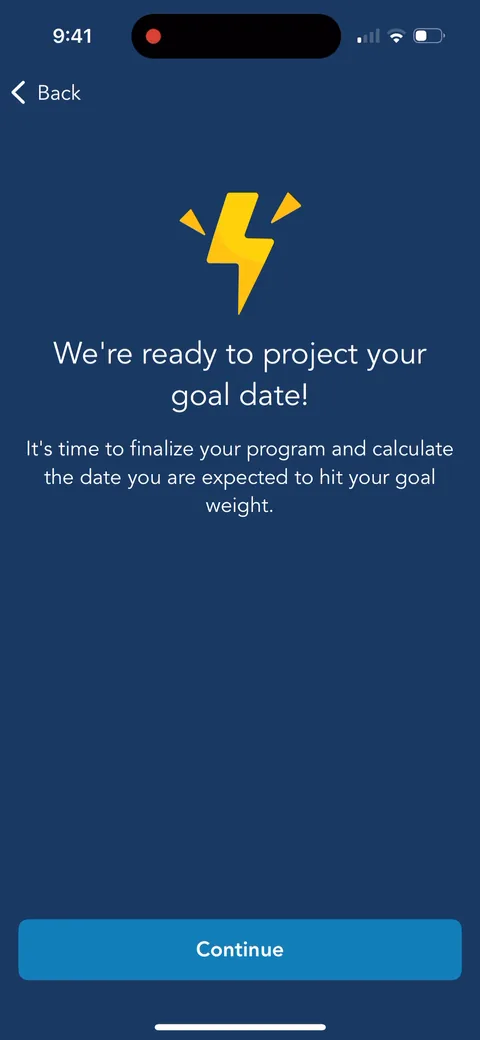
"We're ready to project your goal date!" Anticipation before the loading screen. They've been teasing this date for ten screens.
Lose It onboarding screen 93: 93
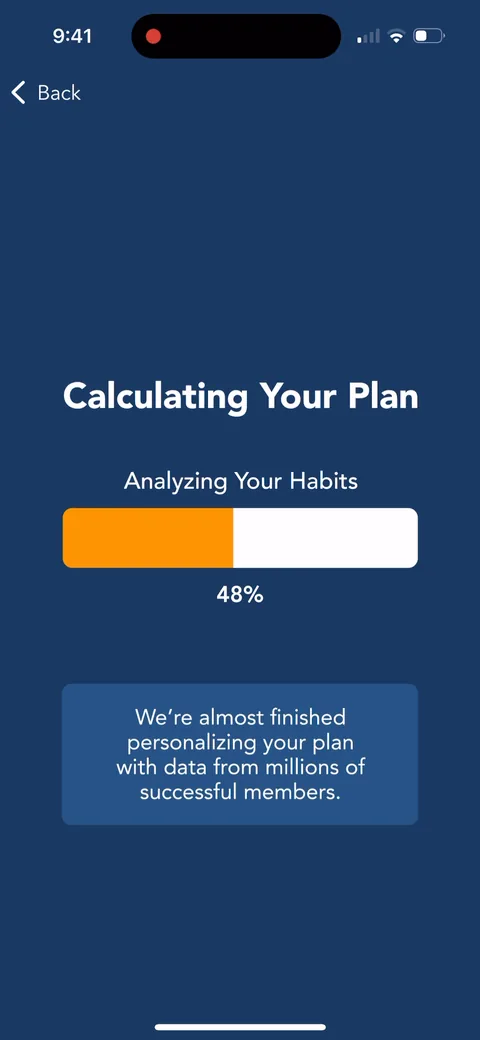
"Calculating Your Plan" with "data from millions of successful members." Loading screen to show the work they're doing for you and to reinforce the personalization value.
Lose It onboarding screen 95: 95
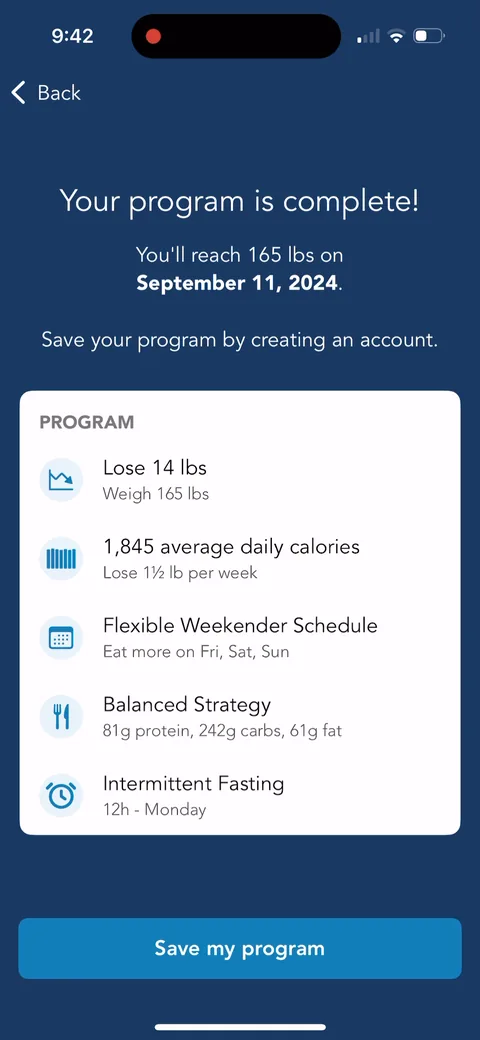
"You'll reach 165 lbs on September 11, 2024." A specific date is the payoff, and the full program is laid out. Then "Save your program by creating an account." Account creation after value, framed as protecting what you built. That's the right place for it.
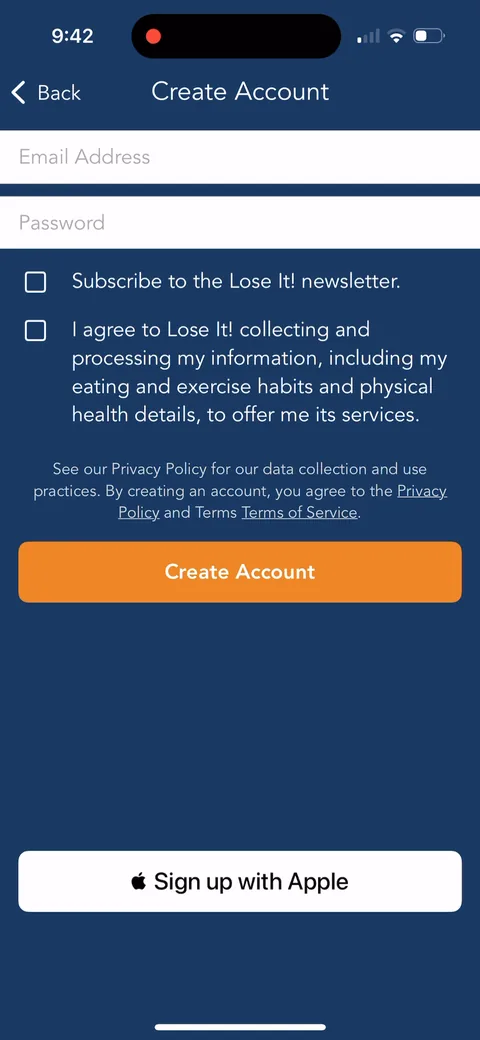
Lose It onboarding screen 96: Create Account with email, password, and Sign up with Apple, plus a newsletter opt-in96
Create Account with email, password, and Sign up with Apple, plus a newsletter opt-in. Coming after the program, this should convert well.
Lose It paywall with pricing, onboarding screen 103103
The trial paywall: "Unlimited free access for 7 days, then $39.99 per year ($3.33/month)." Today, Day 5 reminder, Day 7 charge, plus "How can I cancel?" and "2 taps to start, super easy to cancel." One plan, no monthly anchor. The copy is all about lowering trial fear rather than selling features.
Lose It onboarding screen 104: Decline and you get 104
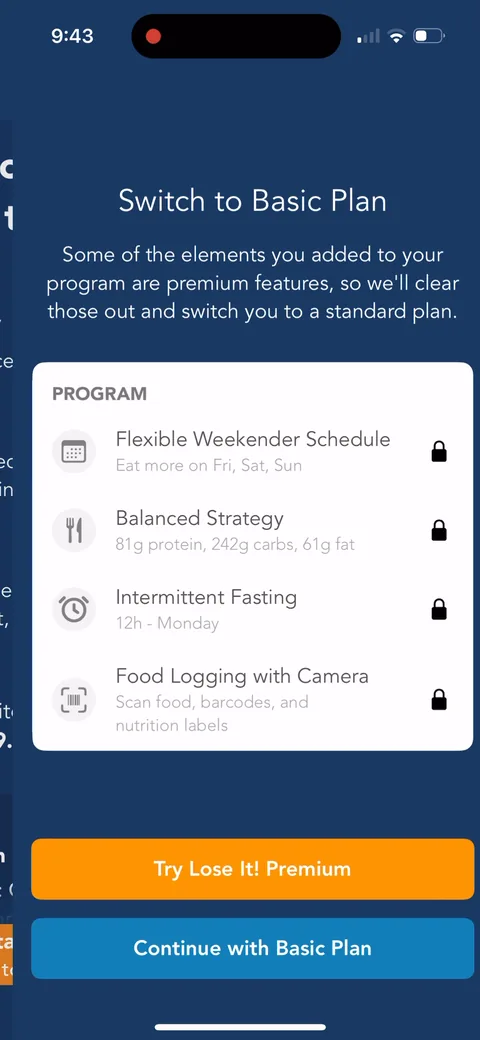
Decline and you get "Switch to Basic Plan": your Weekender Schedule, Balanced Strategy, and Intermittent Fasting all show a lock. "We'll clear those out." Loss aversion on the exact program you just spent eight minutes building. Very smart use of the investment.
Lose It onboarding screen 106: A second ask right after: 106
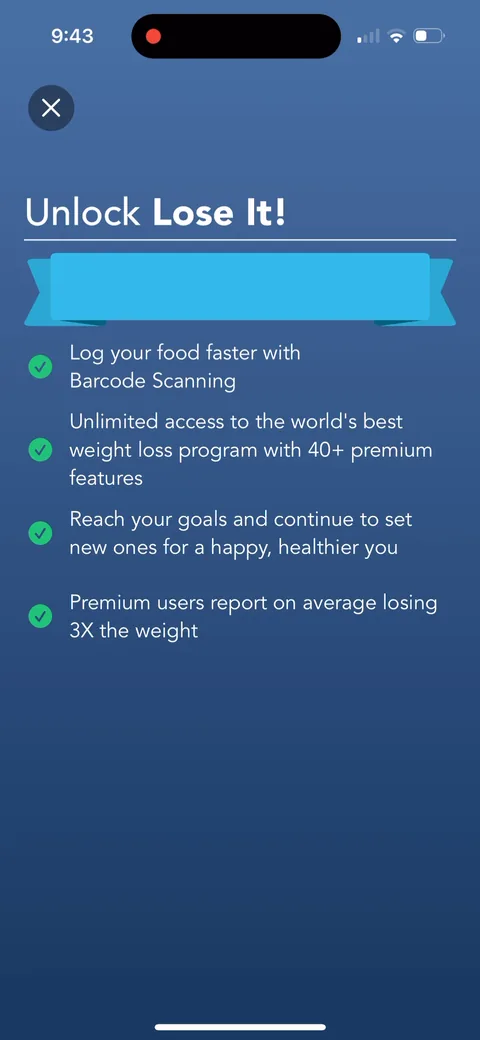
A second ask right after: "Unlock Lose It!" with barcode scanning and "Premium users report on average losing 3X the weight." Two upsells in a row after a decline. 90%+ don't convert the first time, so they keep trying.
Lose It onboarding screen 107: 107
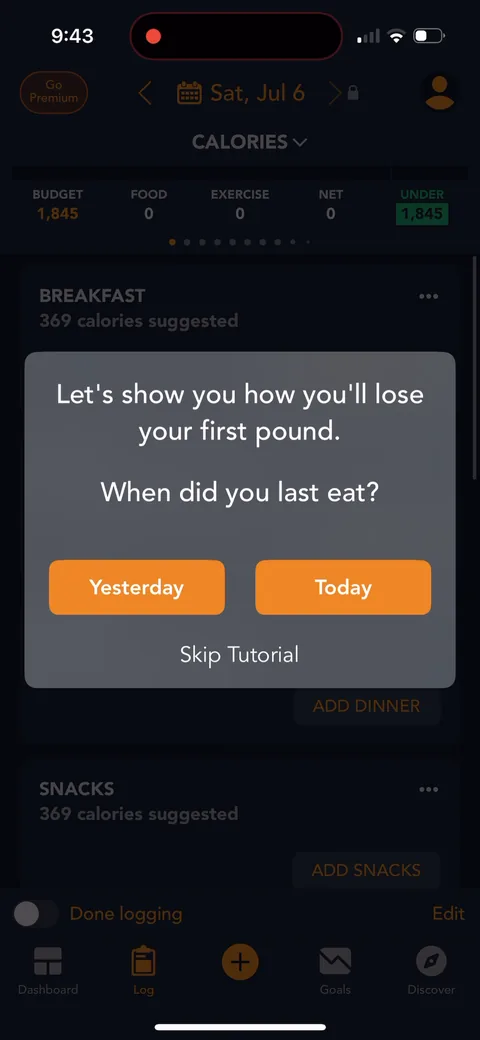
"Let's show you how you'll lose your first pound. When did you last eat?" They push you straight into logging a real meal. Great activation. The first action is the core habit, not a tour.
Lose It onboarding screen 109: 109
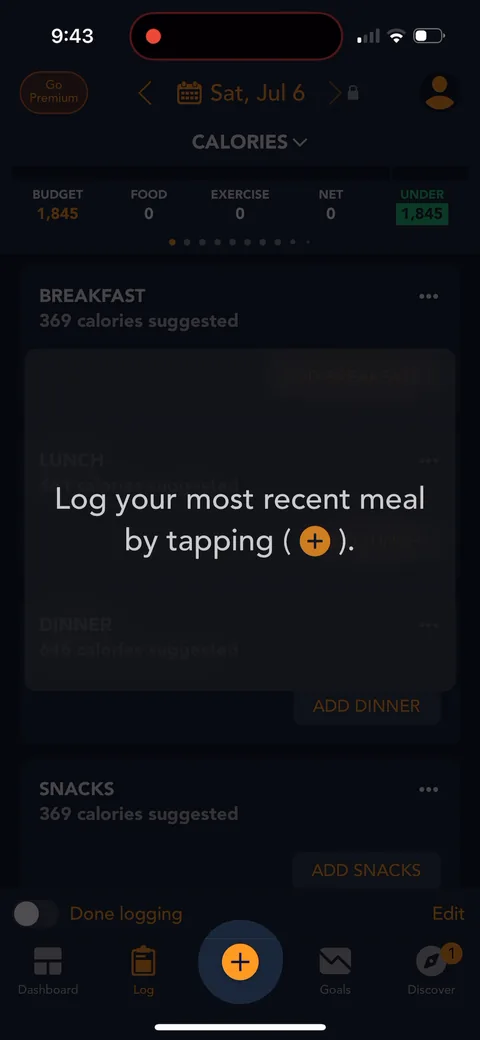
"Log your most recent meal by tapping (+)." A guided first task instead of a blank dashboard.
Lose It onboarding screen 113: Food search with verified results and a barcode button113
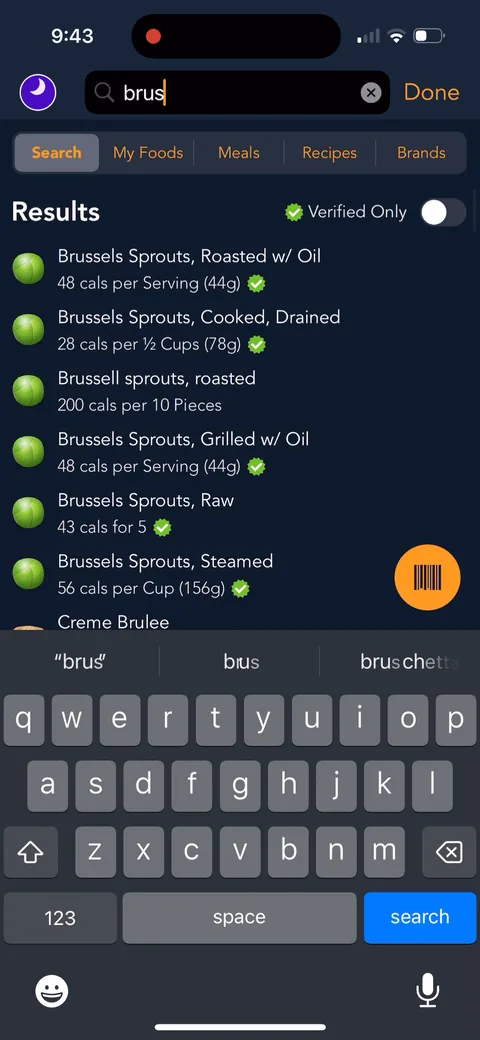
Food search with verified results and a barcode button. The barcode scanner shows up right here, but it's premium, so you'll hit that wall naturally.
Lose It onboarding screen 117: 117
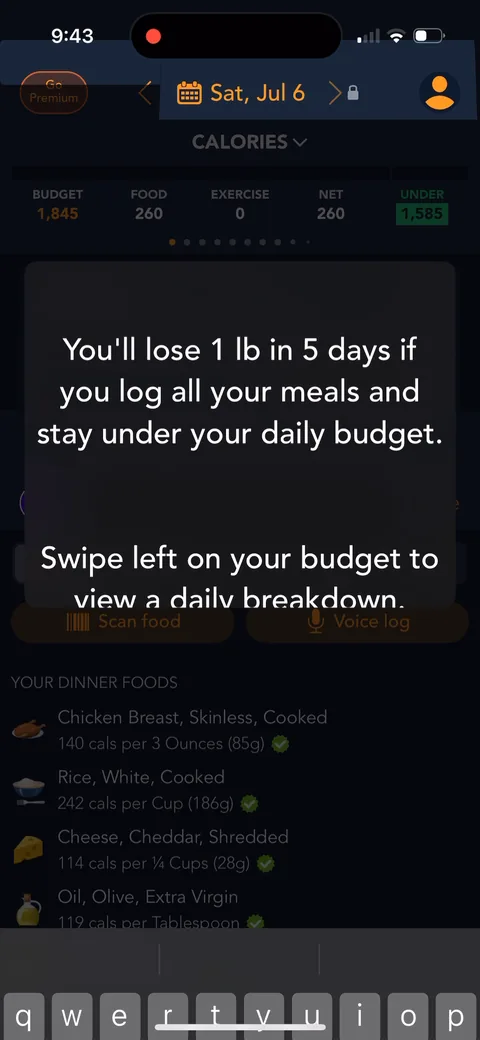
"You'll lose 1 lb in 5 days if you log all your meals and stay under your daily budget." A concrete near-term win tied to the behavior. Good activation copy.
Lose It onboarding screen 121: 121
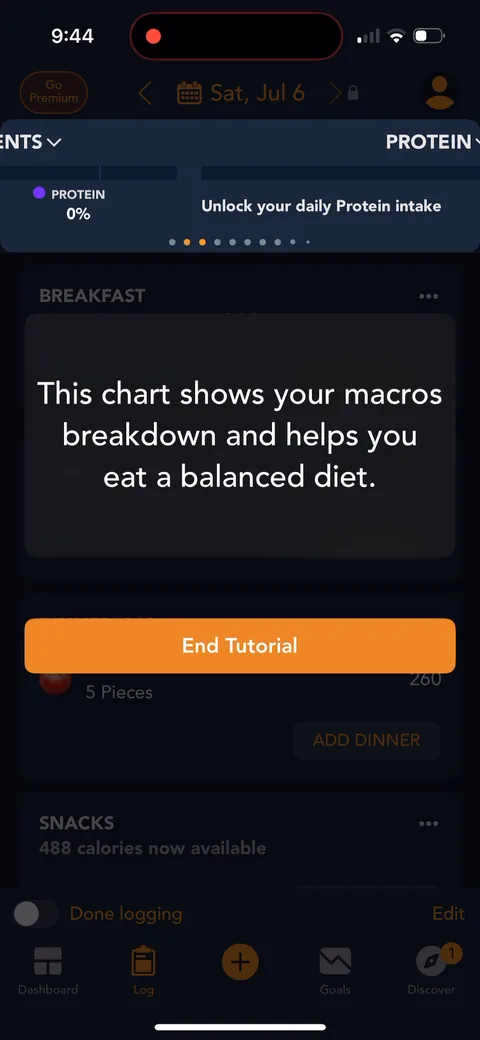
"Unlock your daily Protein intake." Macros are gated behind premium, which you only notice after they set a protein target for you in onboarding.
Lose It onboarding screen 124: 124
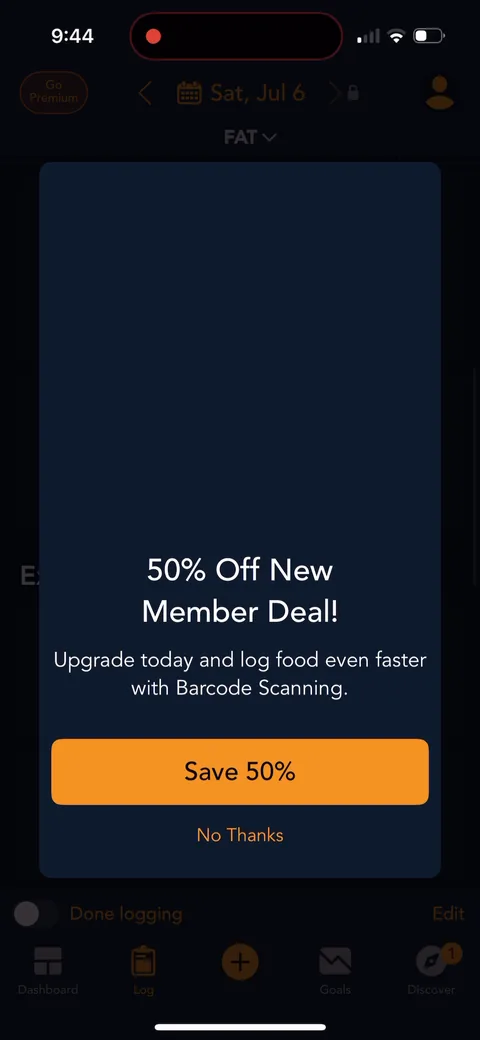
"50% Off New Member Deal! Upgrade today and log food even faster with Barcode Scanning." The discount comes after the first meal is logged, not right after the paywall. Timing it after you've felt the manual logging friction is clever.
Lose It onboarding screen 129: Water, Steps, and Sleep all say 129
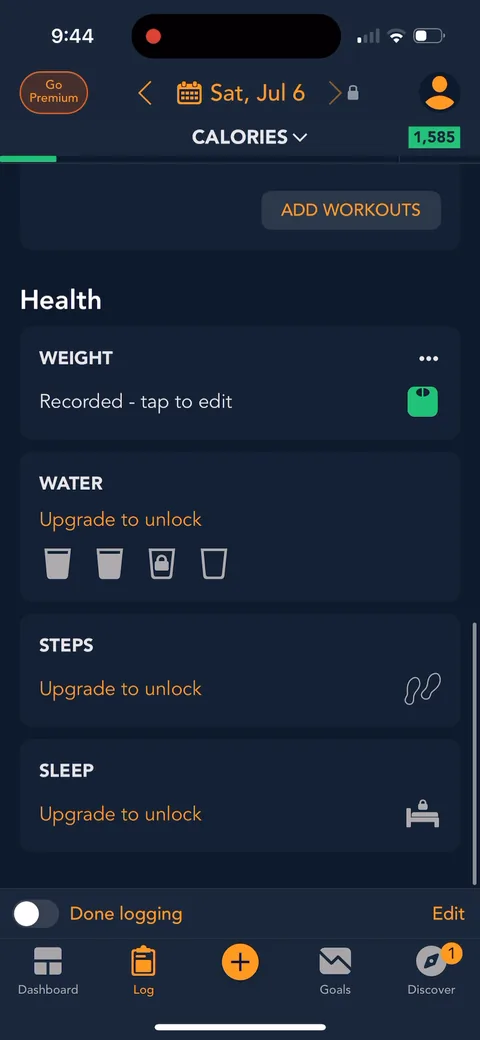
Water, Steps, and Sleep all say "Upgrade to unlock." The free tier is genuinely usable, but the dashboard is full of reminders of what you're missing.