Learning / KnowledgeFreemiumpaywall: contextual blockedvalue prop carouselpermissions firstthree tier comparisonannual default with trialfeature list
12Two value prop screens and a skip link, and that's the entire pre-product onboarding. For a utility this is the right call. Nobody needs convincing that a math scanner is useful, they need the camera open.3'Visualize each step with Animated Tutorials' carries a PLUS badge on screen three. They're advertising the paid tier before you've scanned anything. Seeding the upsell early can work, but a locked feature shown before any free value usually reads as bait.4The permission prompt uses a custom reason, 'We need permission so that we can scan math', instead of Apple's default text. That helps. What's missing is a priming screen in front of it: you get one shot at this dialog on iOS, and asking cold on screen four throws it away.5This is the deny branch, and it's a dead end. A wall of instructions pointing you at Settings, no way to retry inside the app, no fallback. The whole product is gone. If your core feature depends on a permission, the deny path needs as much design as the happy path, and this one got none.6789Textbook Solutions is browsable before you pay, down to the individual book and edition. Letting someone find their exact textbook first builds a specific want, so the paywall is then about that book instead of a generic 'unlock everything'.101112'How to use' videos for camera framing and the calculator. Showing beats telling, but this is parked behind the menu where almost nobody will find it. Worth testing as the deny-branch fallback, since that's the moment people are stuck.1316Three benefits, 'Try Plus', and a restore link. No price, no trial length, no urgency. This is a feature list sitting where the decision screen should be, so every tap costs you an extra step to the thing people actually want to know.1712 months at $69.99 with 'Save 42%' preselected, 6 months at $49.99, 1 month at $9.99. The 6 month tier is the decoy: at $8.33 a month it's barely under the monthly price, which makes annual the obvious pick. Printing per-month math under every tier does the comparison for the user.18
 1
1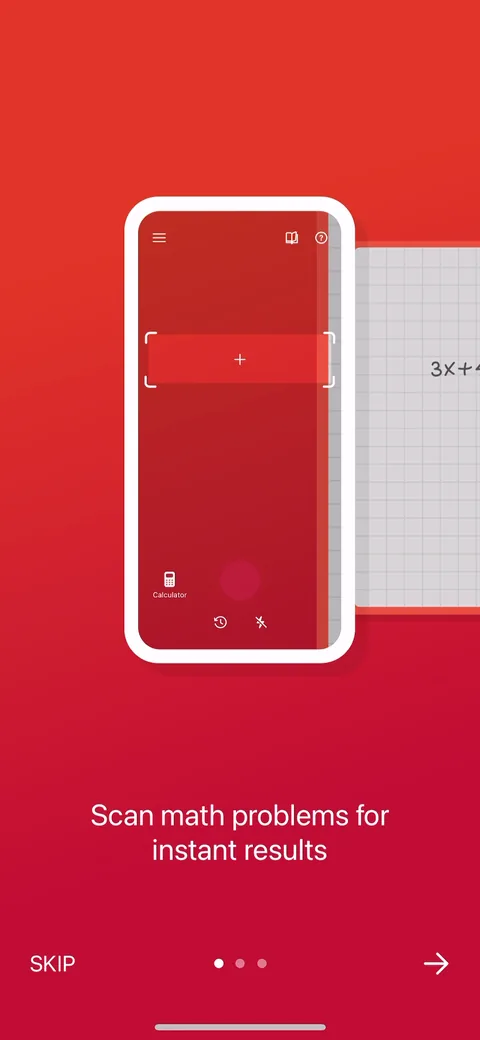 2
2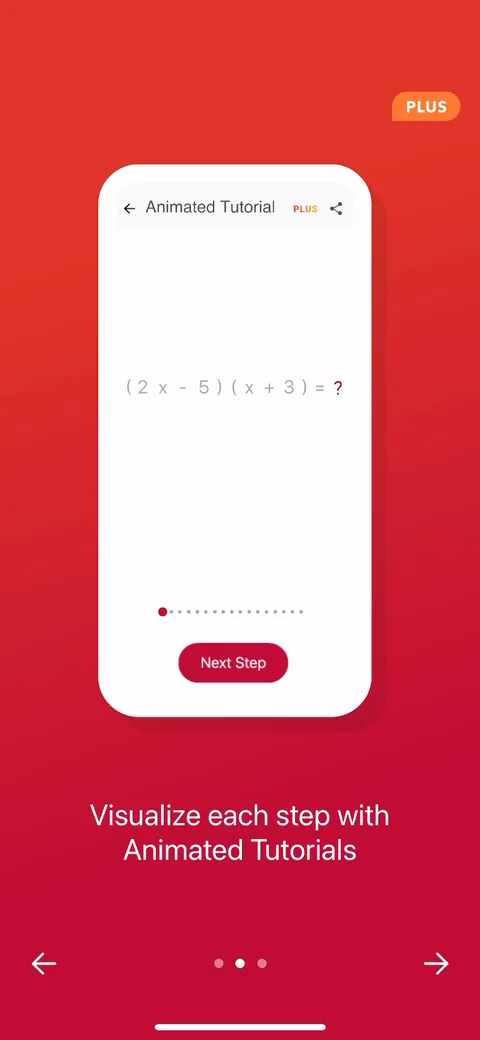 3
3 4
4 5
5 6
6 7
7 8
8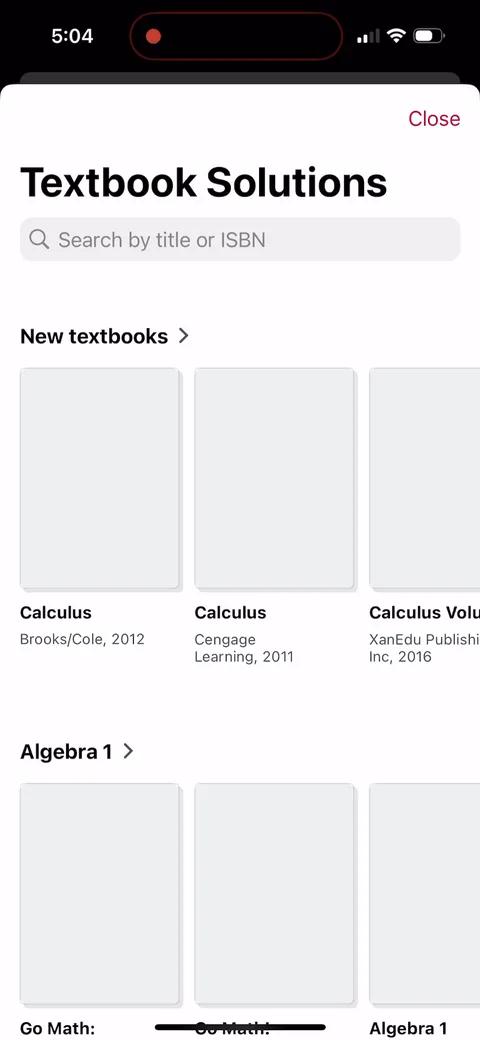 9
9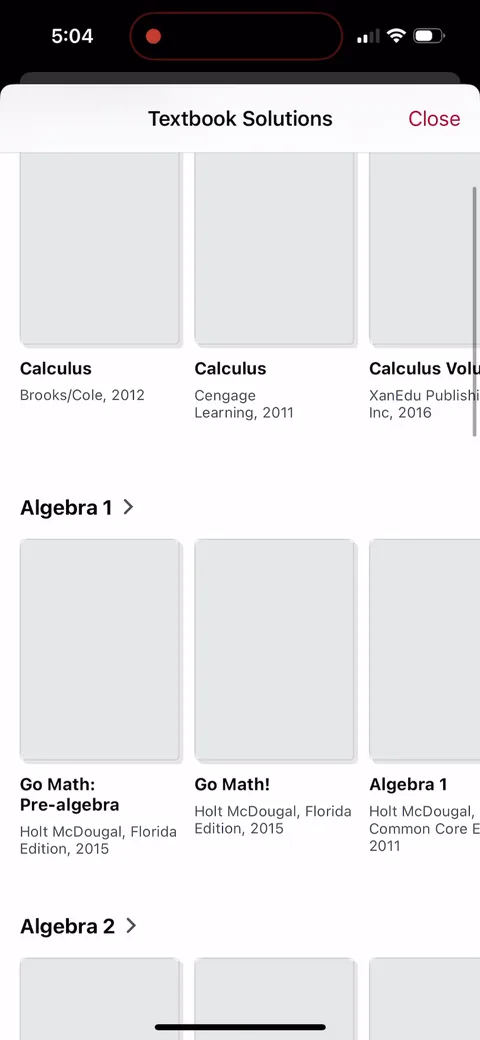 10
10 11
11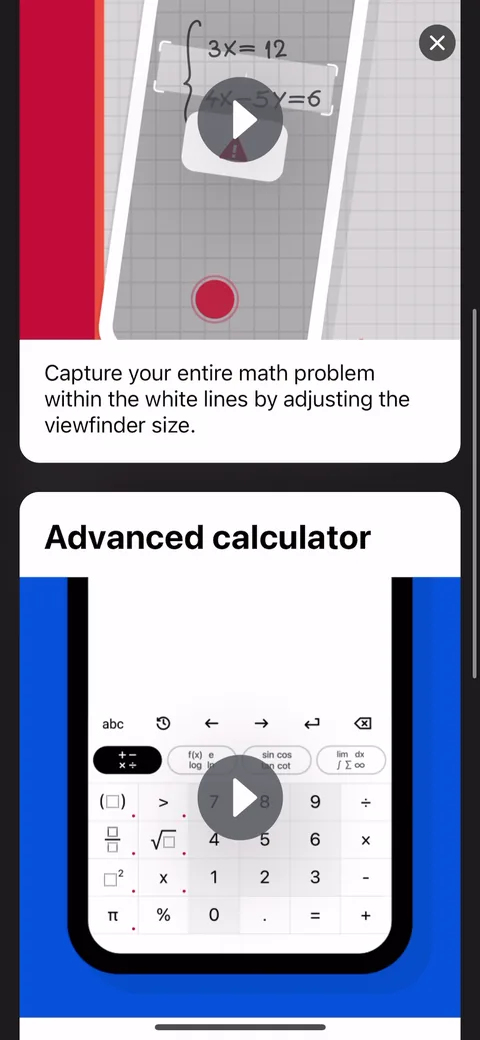 12
12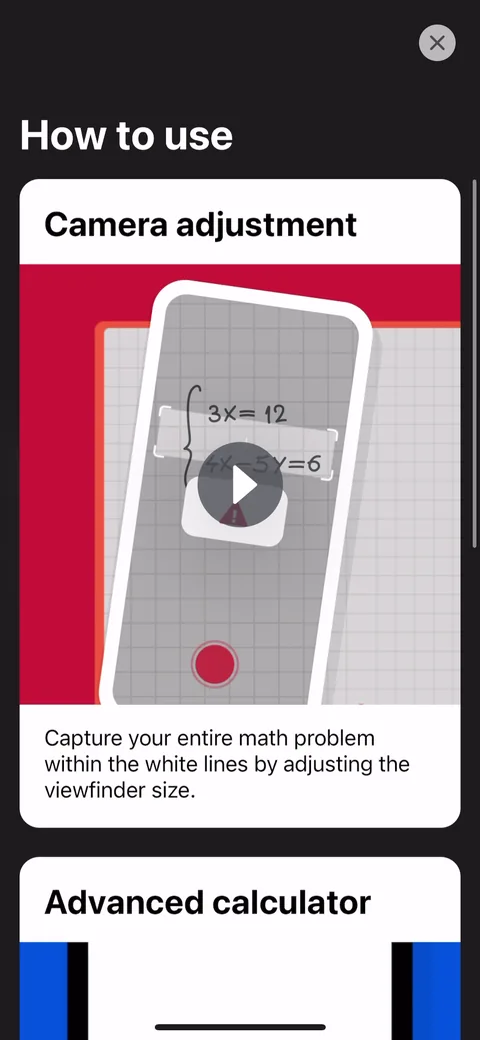 13
13 16
16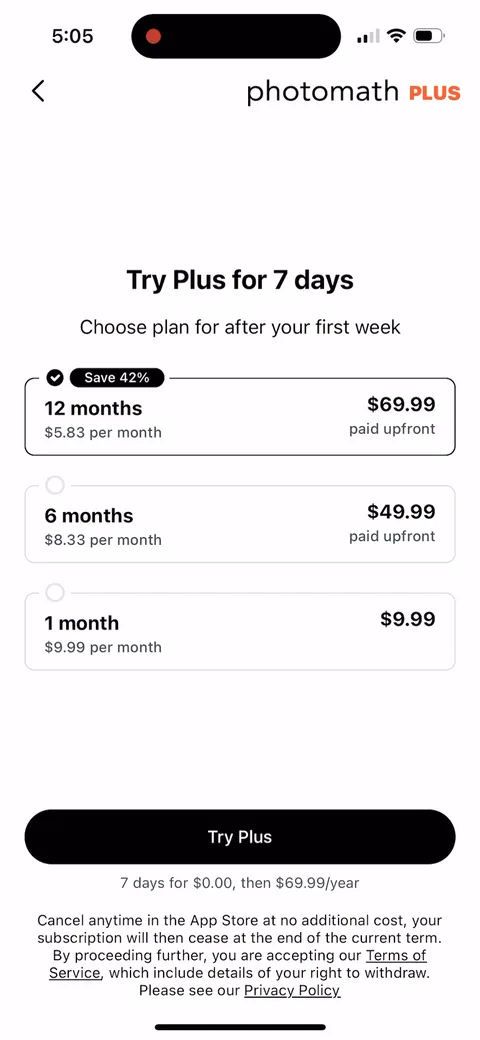 17
17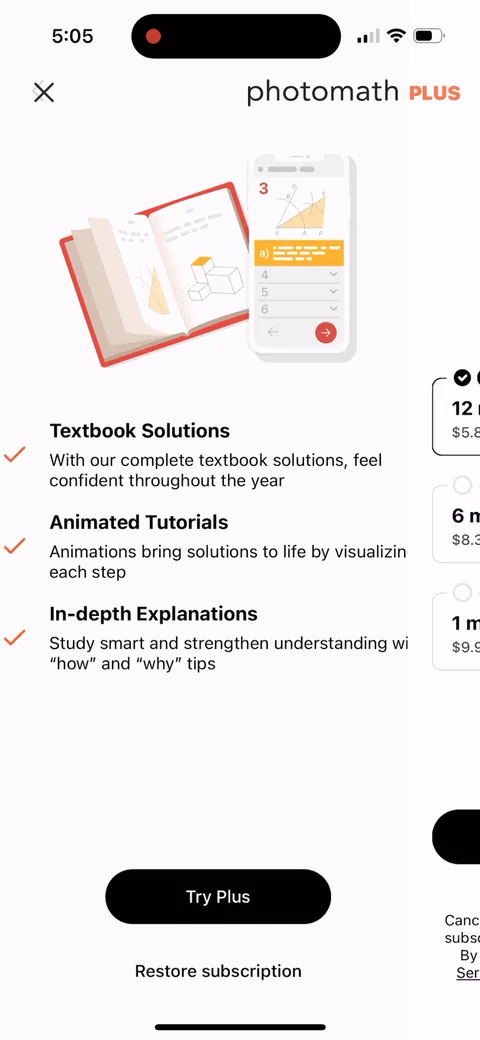 18
18