← All flows
Nutrition

Tapcook Budget Meal Plans onboarding flow

19 screens · Screen Recording · recorded Oct 2026
NutritionSoft paywall · trial requiredpaywall: post onboarding quizquiz drivengoal settingsocial proof heavyannual default with trial

Tapcook Budget Meal Plans pricing and paywall terms

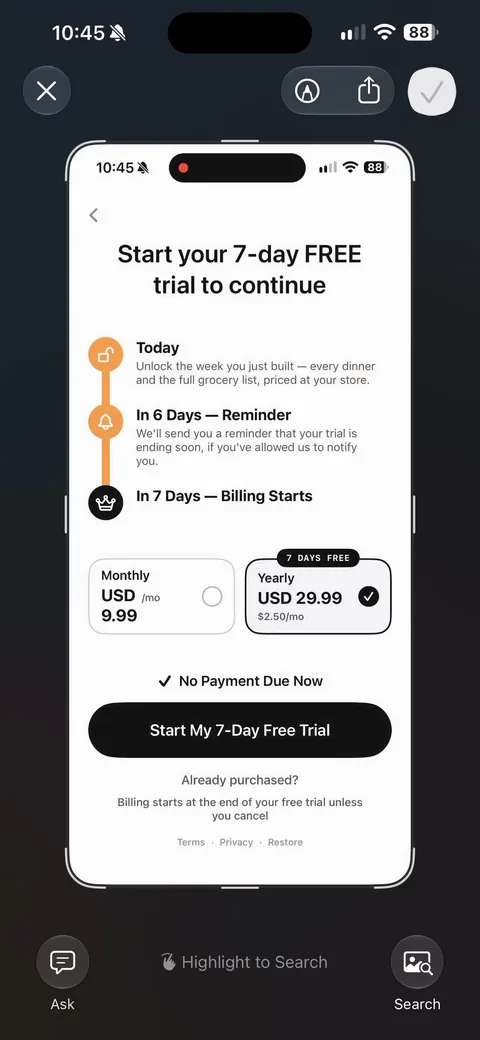
7 day free trial laid out by day (today unlock, day 6 reminder, day 7 billing), then Yearly USD 29.99 shown as $2.50/month against Monthly USD 9.99. No payment due now.

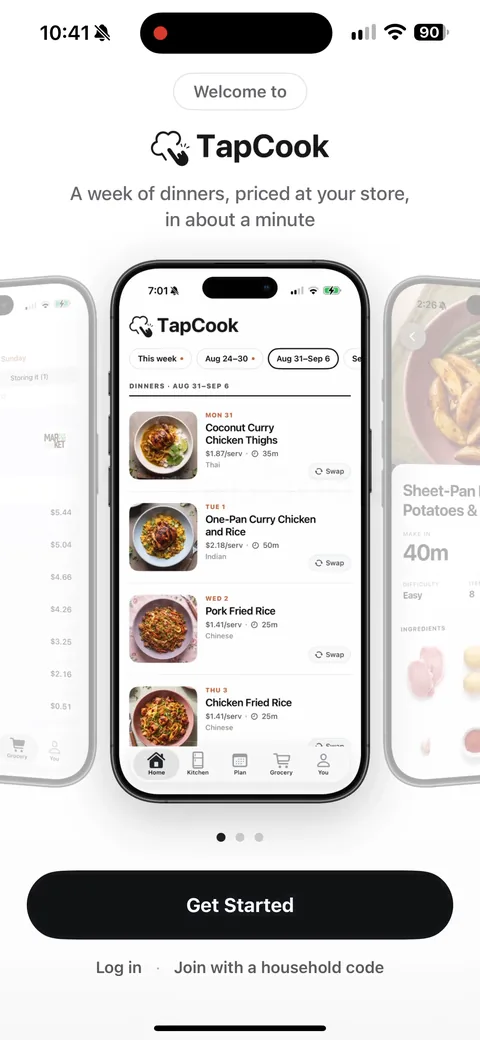
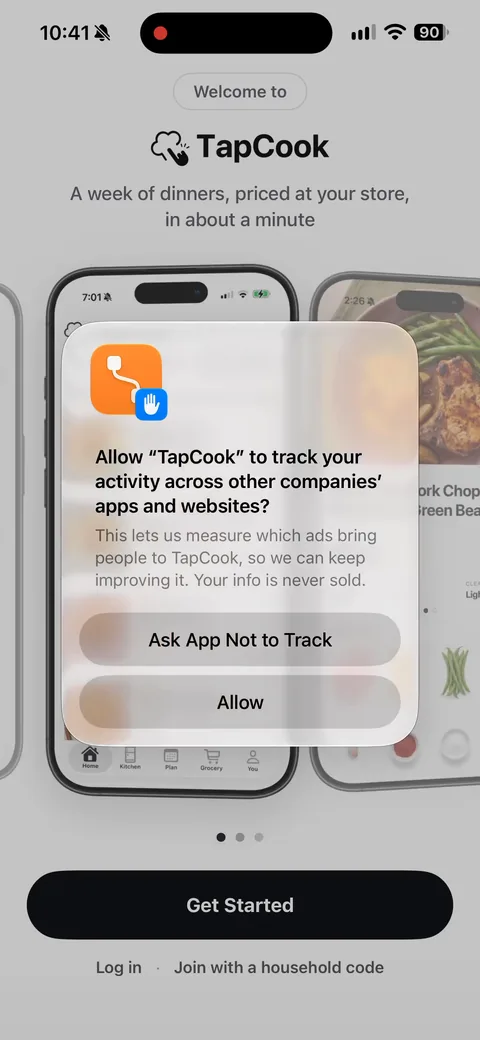
Tapcook Budget Meal Plans onboarding screen 3: 'A week of dinners priced at your store in about a minute.' The promise names the output, the constraint and…3
'A week of dinners priced at your store in about a minute.' The promise names the output, the constraint and the time cost in one line. 'Priced at your store' is the differentiator and it's right there in the headline.
Tapcook Budget Meal Plans onboarding screen 4: Tracking prompt over the welcome screen, covering the one line that explains what TapCook does4
Tracking prompt over the welcome screen, covering the one line that explains what TapCook does. Let the pitch land, then ask.
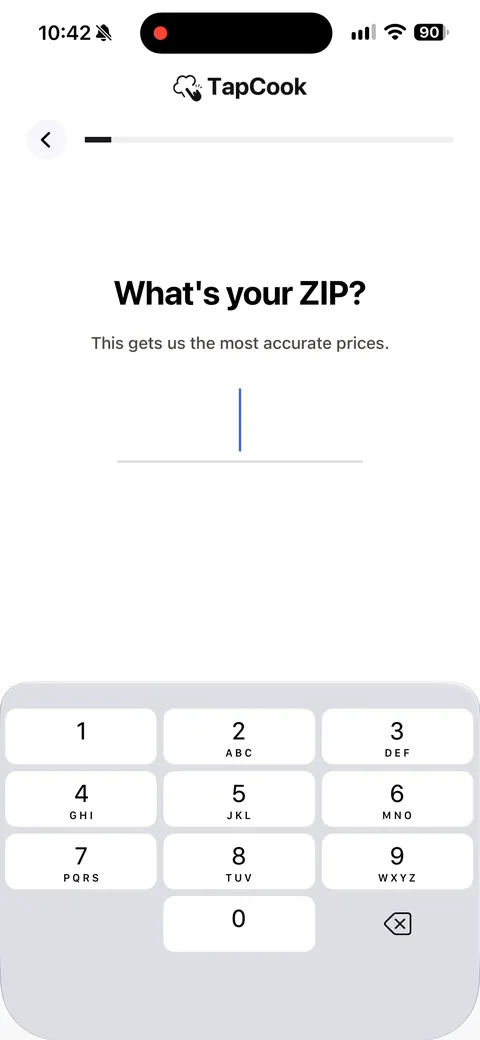
Tapcook Budget Meal Plans onboarding screen 7: 'What's your zip7
'What's your zip? This gets us the most accurate prices.' Location by zip rather than a GPS permission. Less invasive, no system dialog, and it's all they actually need.
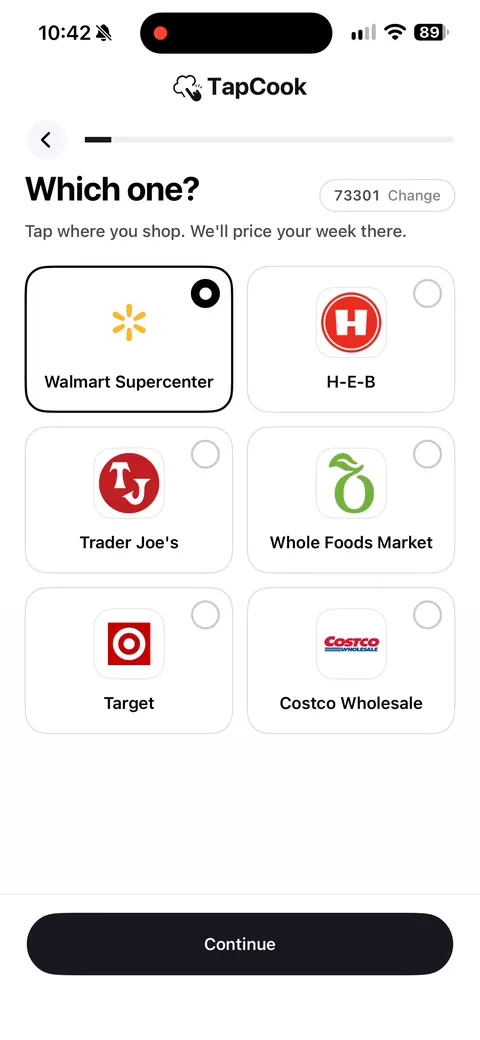
Tapcook Budget Meal Plans onboarding screen 16: 'Tap where you shop, we'll price your week there.' Walmart Supercenter, H-E-B, Trader Joe's, Whole Foods16
'Tap where you shop, we'll price your week there.' Walmart Supercenter, H-E-B, Trader Joe's, Whole Foods. Real local stores, same instinct as NeatEat, and it's what turns an estimate into a number you believe.
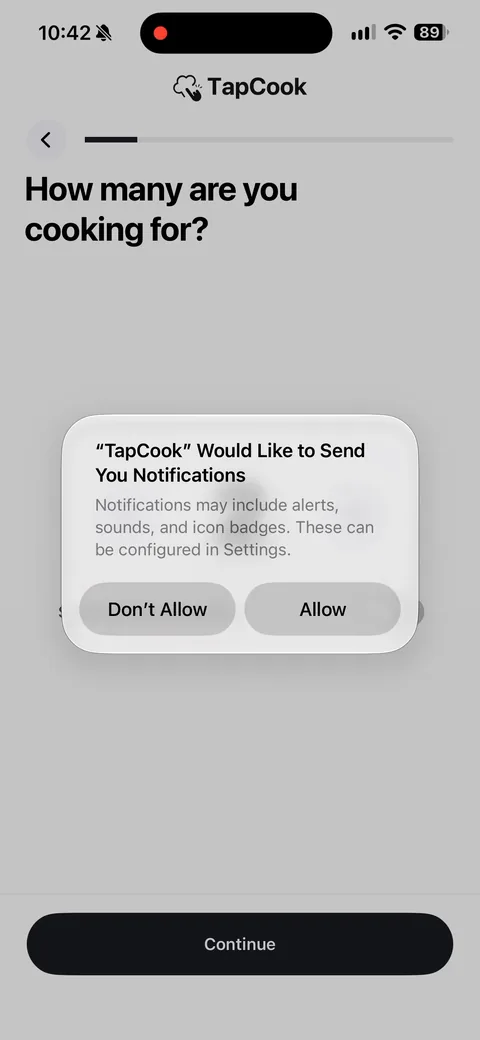
Tapcook Budget Meal Plans onboarding screen 17: The notification prompt fires on top of the 'how many are you cooking for' question17
The notification prompt fires on top of the 'how many are you cooking for' question. Two asks competing on one screen, and the system dialog wins.
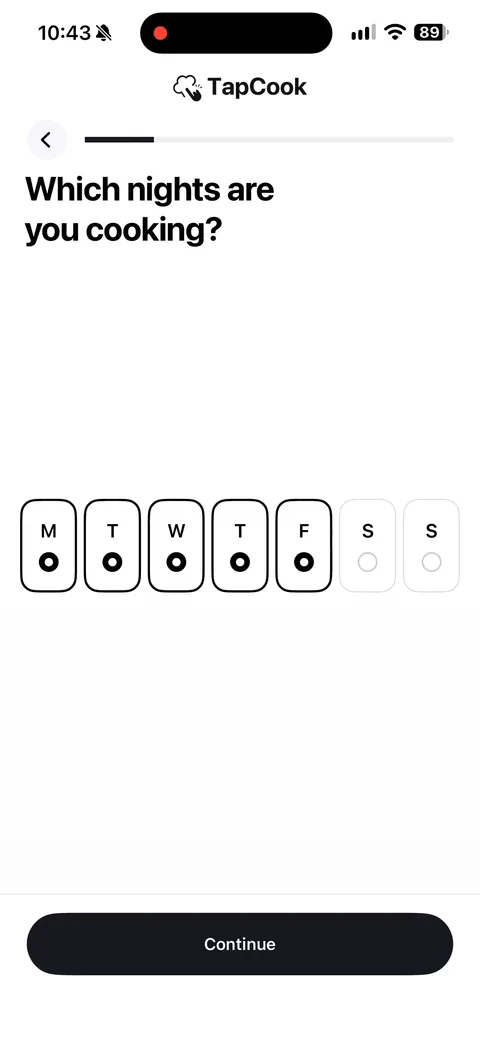
Tapcook Budget Meal Plans onboarding screen 19: 'Which nights are you cooking?' Planning around the real week rather than assuming seven dinners19
'Which nights are you cooking?' Planning around the real week rather than assuming seven dinners.
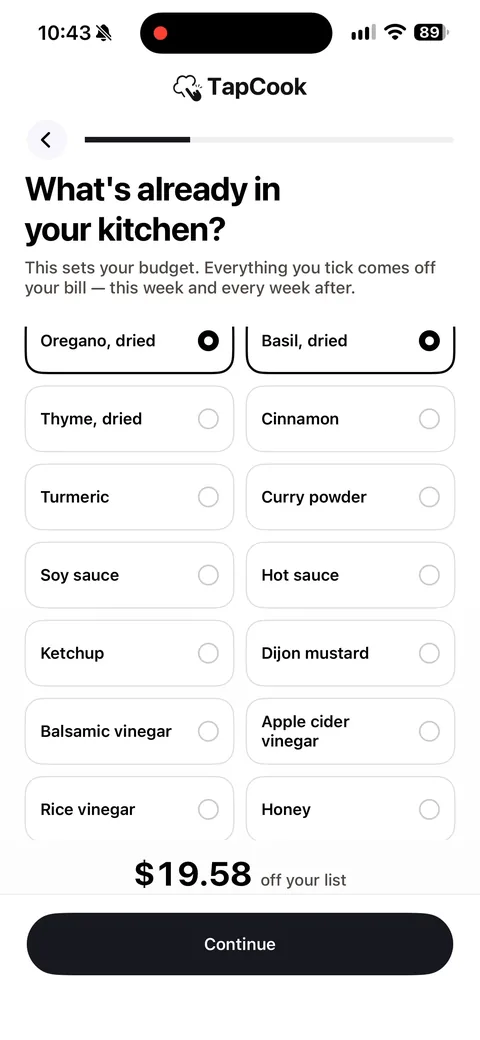
Tapcook Budget Meal Plans onboarding screen 20: 'What's already in your kitchen20
'What's already in your kitchen? This sets your budget. Everything you tick comes off your bill this week and every week.' A pantry check with the payoff stated in the same breath. That second sentence is what makes people actually do the work.
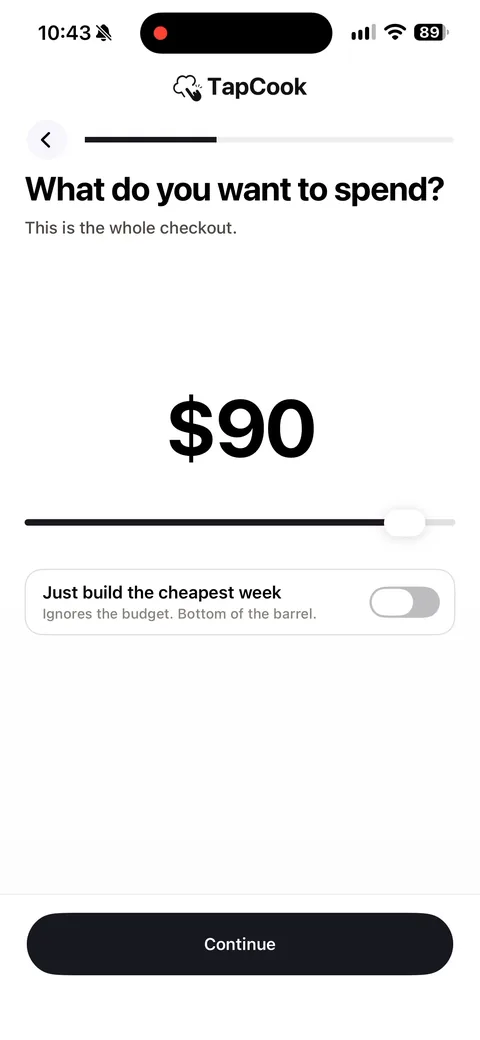
Tapcook Budget Meal Plans onboarding screen 21: 'What do you want to spend21
'What do you want to spend? This is the whole checkout.' A budget field with an escape hatch: 'just build the cheapest week, ignores the budget'. Giving people a way to skip the number they don't know is better than forcing a guess.
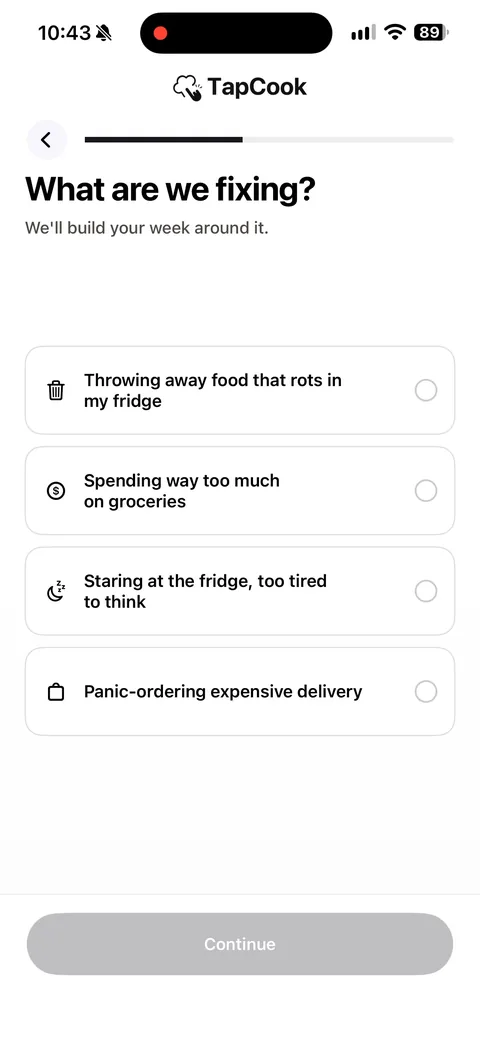
Tapcook Budget Meal Plans onboarding screen 22: 'What are we fixing22
'What are we fixing? We'll build your week around it.' Throwing away food that rots, spending too much. They're asking for the pain, and the answer shapes the plan rather than just the copy.
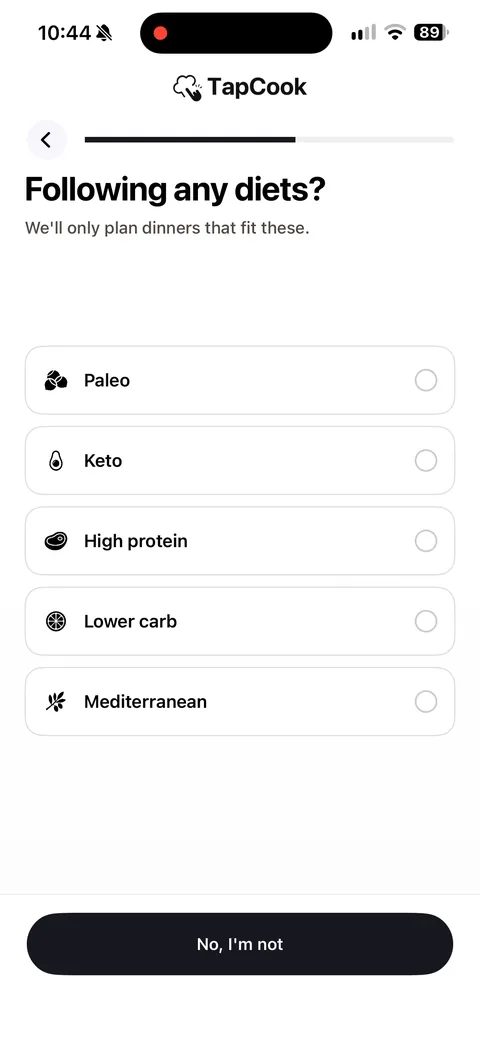
Tapcook Budget Meal Plans onboarding screen 26: 'Following any diets26
'Following any diets? We'll only plan dinners that fit these.' Constraints framed as what the product will do, not what you are.
100% free
9 more screens

See the rest of this flow.

You are 10 screens into Tapcook Budget Meal Plans. Enter your email to unlock the remaining 9, plus every other teardown in the library.
100% free, just your email.
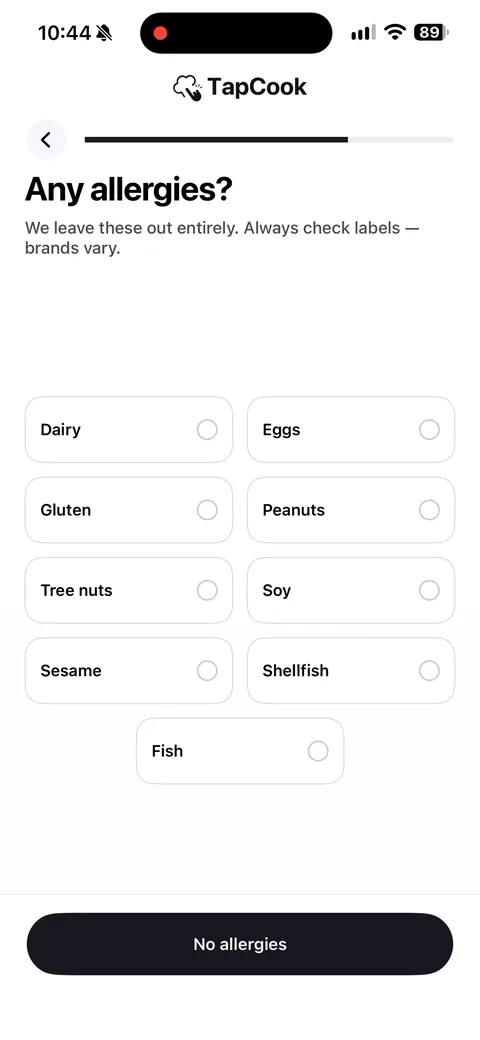
Tapcook Budget Meal Plans onboarding screen 27: 'Any allergies27
'Any allergies? We leave these out entirely. Always check labels, brands vary.' The safety disclaimer sits inside the question rather than in a terms screen. Right place for it.
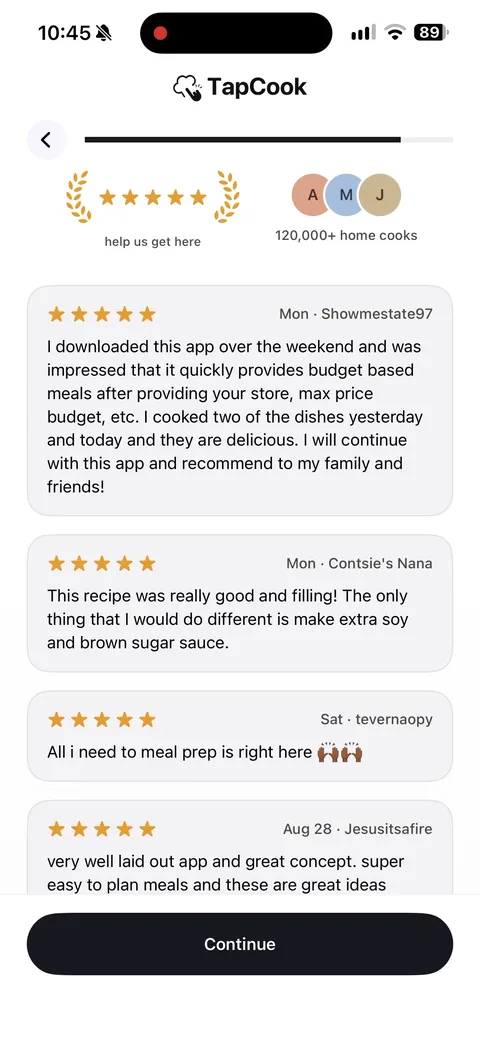
Tapcook Budget Meal Plans onboarding screen 28: 'Help us get here: 120,000 home cooks', with a testimonial28
'Help us get here: 120,000 home cooks', with a testimonial. Social proof framed as a goal they haven't hit yet, which is an unusual and oddly likeable way to do it.
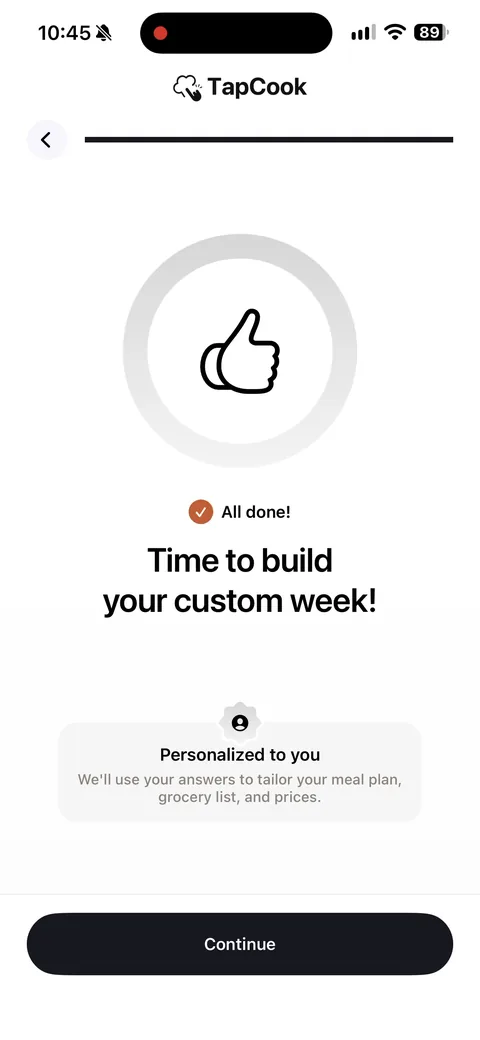
Tapcook Budget Meal Plans onboarding screen 31: 'All done31
'All done. Time to build your custom week.' The handoff into the generation step.
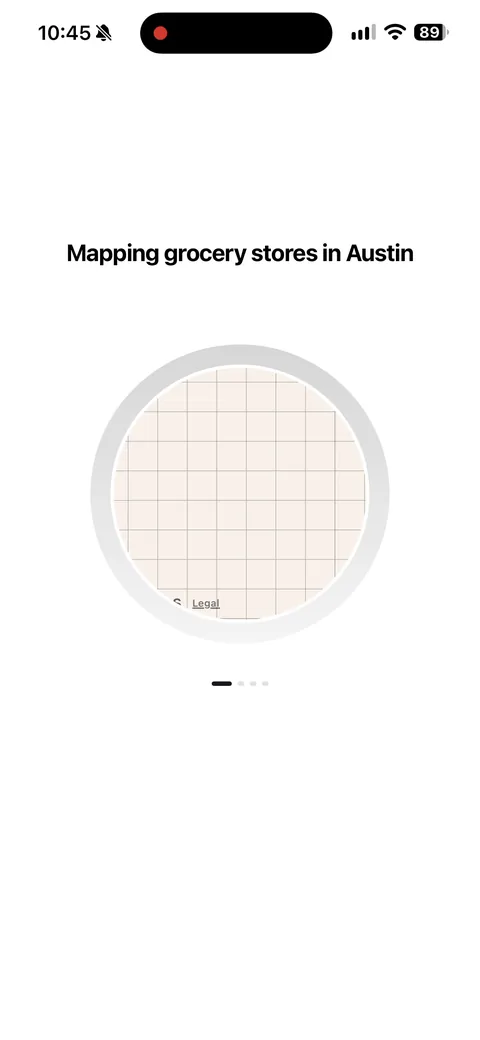
Tapcook Budget Meal Plans onboarding screen 32: 'Mapping grocery stores in Austin.' The loading screen names your actual city32
'Mapping grocery stores in Austin.' The loading screen names your actual city. Small detail, and it's the difference between a progress bar and proof that something real is happening.
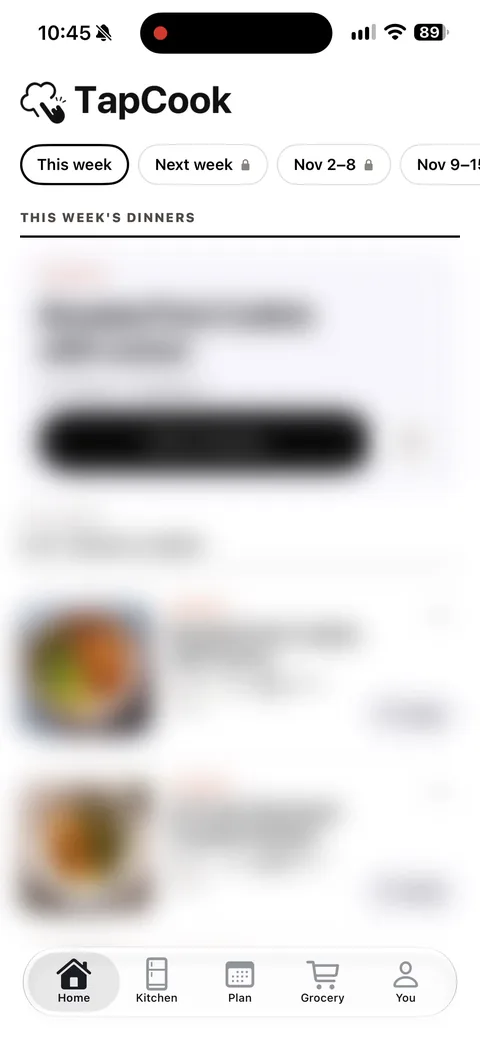
Tapcook Budget Meal Plans onboarding screen 34: 'This week's dinners, $48.68.' The product delivered in full: seven dinners, priced, before any ask34
'This week's dinners, $48.68.' The product delivered in full: seven dinners, priced, before any ask. Value before the wall, same as NeatEat.
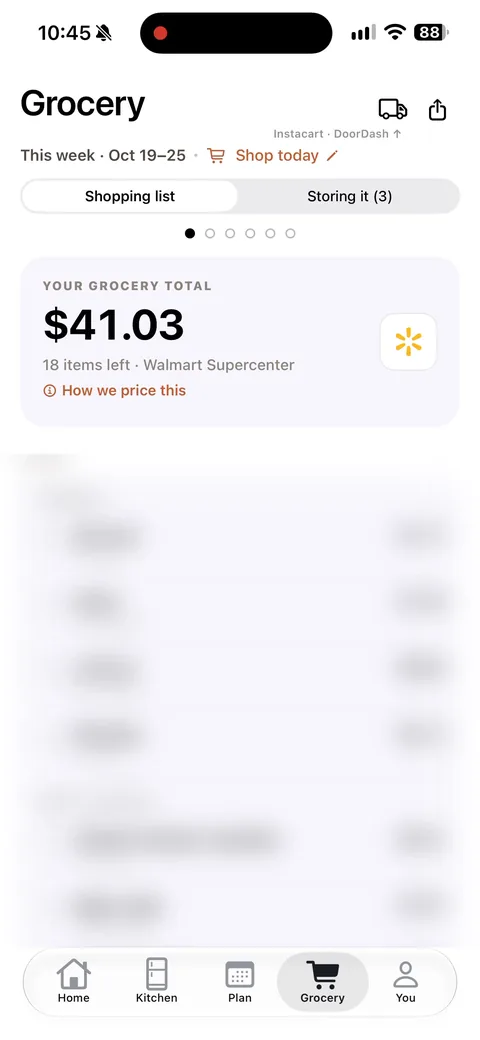
Tapcook Budget Meal Plans onboarding screen 35: 'Your grocery total $41.03, 18 items, Walmart.' An itemised, priced, store-specific list35
'Your grocery total $41.03, 18 items, Walmart.' An itemised, priced, store-specific list. This is the thing that's about to be taken away from you.
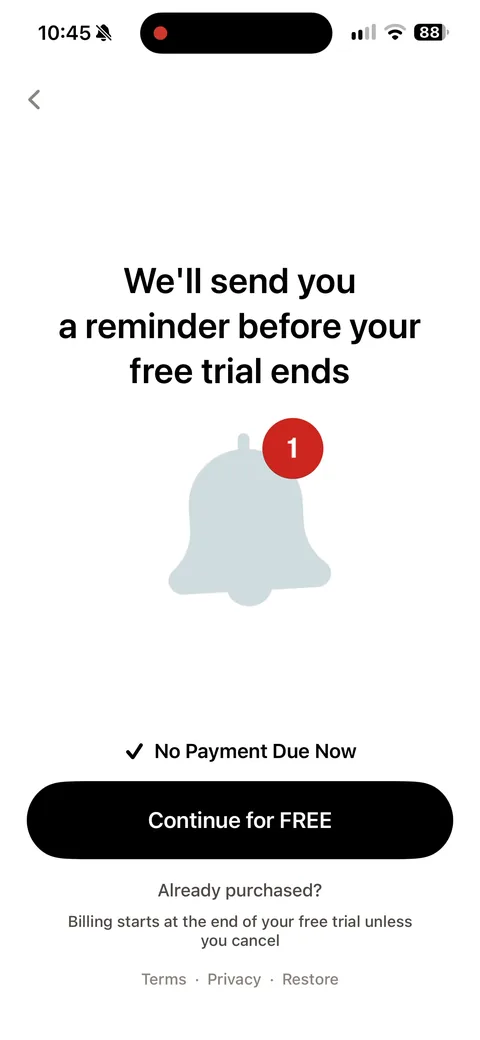
Tapcook Budget Meal Plans onboarding screen 37: 'We'll send you a reminder before your free trial ends37
'We'll send you a reminder before your free trial ends. No payment due now. Continue for free.' Both objections handled, and a free continue offered next to the trial.
Tapcook Budget Meal Plans paywall with pricing, onboarding screen 4040
'Start your 7 day free trial to continue. Today, unlock the week you just built.' The trial laid out by day: today unlock, day 6 reminder, day 7 billing. Yearly USD 29.99 at $2.50/month against monthly at $9.99. 'The week you just built' is the whole argument, and it only works because they let you build it first.
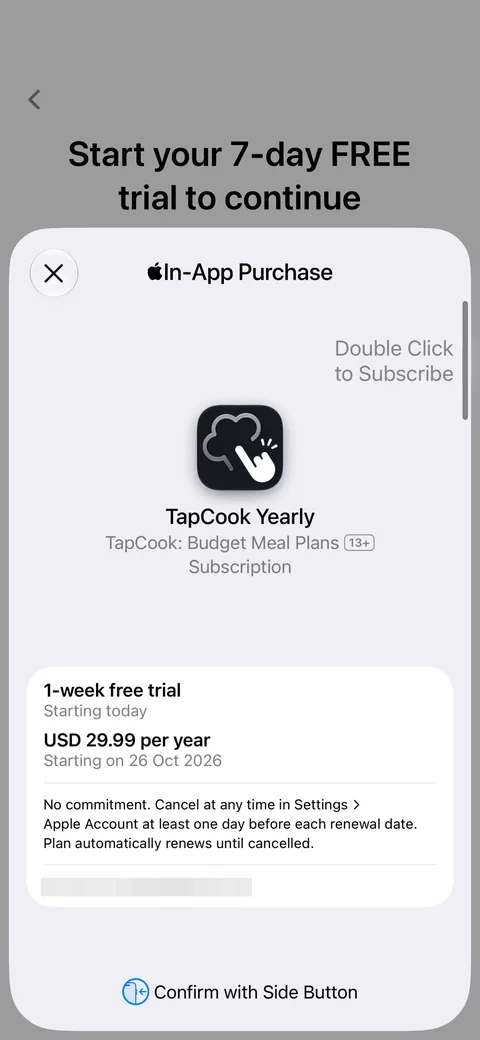
Tapcook Budget Meal Plans onboarding screen 53: The Apple sheet for TapCook Yearly, one week free53
The Apple sheet for TapCook Yearly, one week free. The in-app screen said the same thing but counted it out by date. The dated version is the one that does the reassuring.